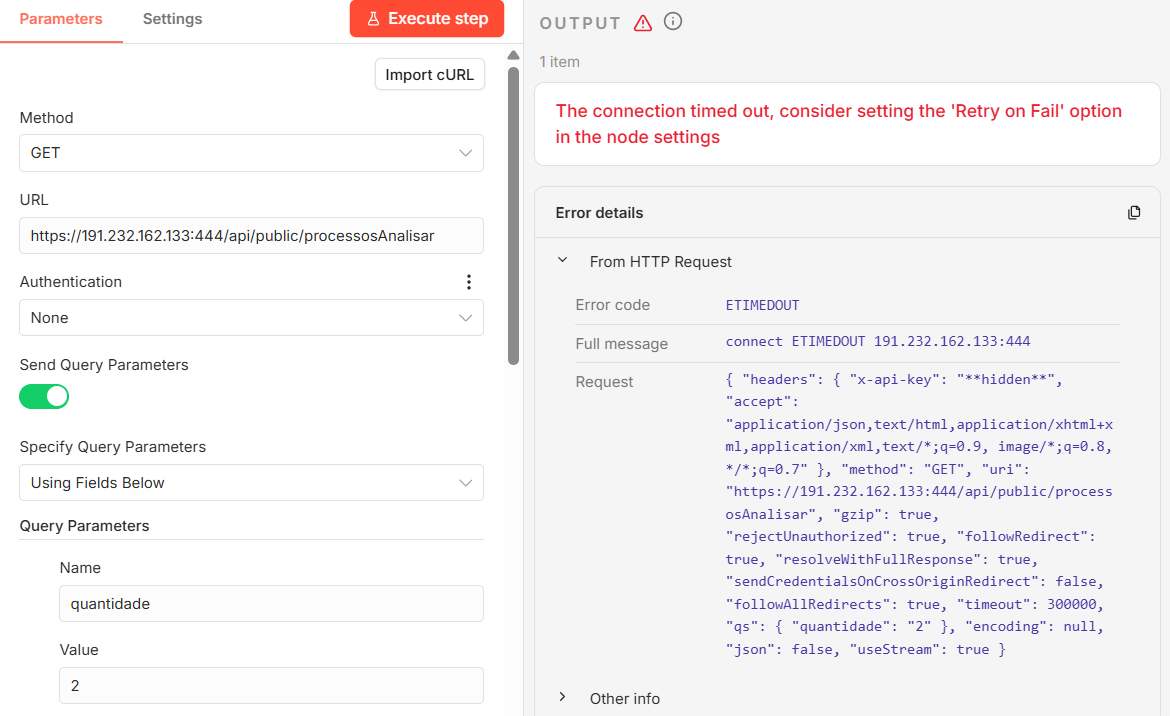
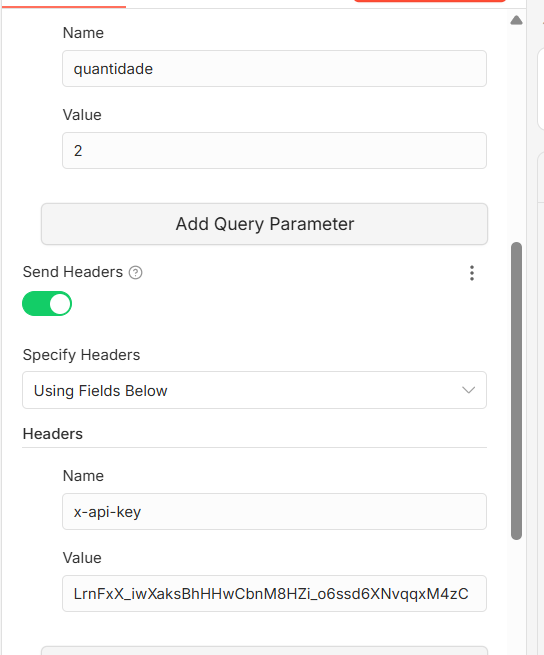
I am currently developing an automation workflow that needs to connect to a client’s API endpoint. This API is protected by a firewall and requires IP whitelisting for inbound requests.
We need to identify the public outbound IP address used by n8n when executing HTTP Request node calls to external APIs.
Could you please clarify:
Does n8n use the host machine’s public IP address as the source IP for outbound requests?
If running on n8n Cloud, is a static outbound IP address (or a defined IP range) used?
If a static IP or IP range is used, where can we find the official list of outbound IP addresses to provide for firewall whitelisting?
This information is required so the client can properly configure their firewall rules.
Hi @Rai Self-hosted n8n Outbound requests use your own server/network’s public egress IP, but for n8n Cloud Outbound requests can come from any IP in n8n’s official Cloud IP, like if you want a list of cloud IPs here it is:
if self-hosted: yeah, it uses your machine’s public ip. just run curl ifconfig.me on the server to grab it.
if cloud: nope. no static ip. it uses a massive pool of rotating addresses that change constantly.
technically there’s a list in the docs but honestly don’t rely on it — it updates without warning and most security teams will refuse to whitelist a huge range anyway.
best bet is to route your http node through a cheap static proxy or just self-host on a vps with a reserved ip. way less headache.
since they white listed your IP, the block is probably tied to that custom port. you’re hitting 444 instead of the standard 443 for https.they probably need to explicitly open 444 for your incoming traffic.
also check your own VPS firewall just in case. if you’ve got ufw running, it might be dropping outbound traffic to non-standard ports before it even leaves your server.
ask the network team to check the drop logs for port 444.
Postman is “Inside” the Firewall, If you’re running Postman from your office or home, you’re coming from a different IP that might already be whitelisted.but Your VPS itself might be blocked from sending traffic out on port 444.
How to fix it:
In the HTTP Request node, go to Options > Ignore SSL Issues and turn it on.
Run this command in your VPS terminal: curl -v https://187.77.57.82:444 If this times out, your VPS provider is blocking the traffic before it even leaves your server. Check this for me : Does the error in n8n change if you toggle “Ignore SSL Issues”?