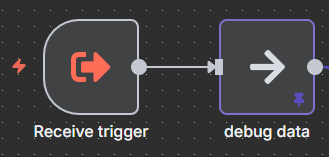
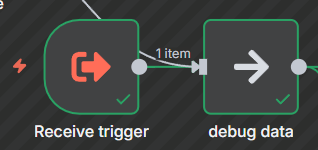
Describe the problem/error/question
I am using a Schedule node to trigger a workflow at an interval. I am currently debugging the workflow, so I have some data pinned in a No Operation node immediately after the Schedule node. This has worked fine when I use a Manual Trigger node connected through the No Op node, it sends the pinned data through. However when using a Schedule node, it ignores the pinned data and the workflow errors out.
What is the error message (if any)?
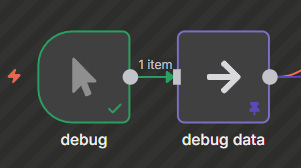
Screenshot of the Execution history when using the Manual Trigger node, you’ll see the pinned data is respected.

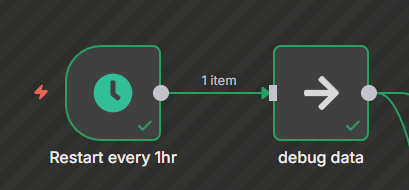
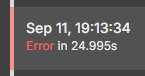
Screenshot of the Execution history when using a Schedule node instead, the pinned data is ignored (as if it is not pinned at all)
Please share your workflow
I dont have much time right now to post example data, but you can reproduce this by creating a Set node, send some data through to a No Operation node, pin it, then connect a Schedule node to the No Operation node. Then let the schedule trigger and watch it error in the Execution history.
Information on your n8n setup
- n8n version: 1.111.0