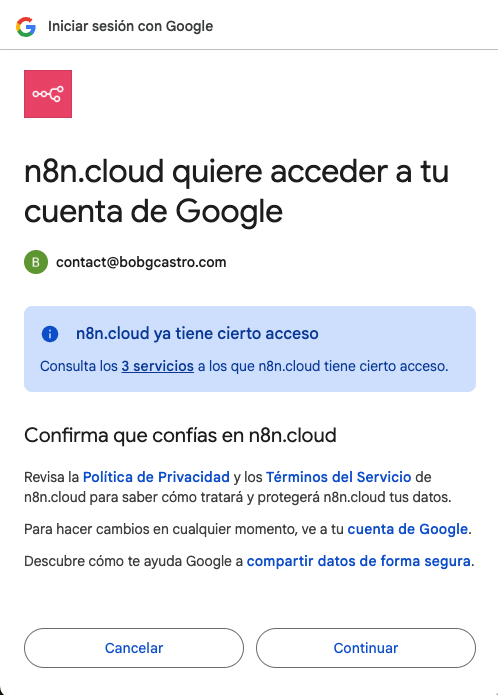
Thank you very much for your reply. I actually tried this several times already. The issue is that even if I delete the credentials from n8n, the Gmail account I was using remains connected. So when I create a new credential, I still get the same error.
Stupid question here but did you follow the instructions to enable the google sheets api in the GCP console?
You can also try using a service account instead of oauth and then make sure you share the document or drive folder with the service account email address which gcp will give you.
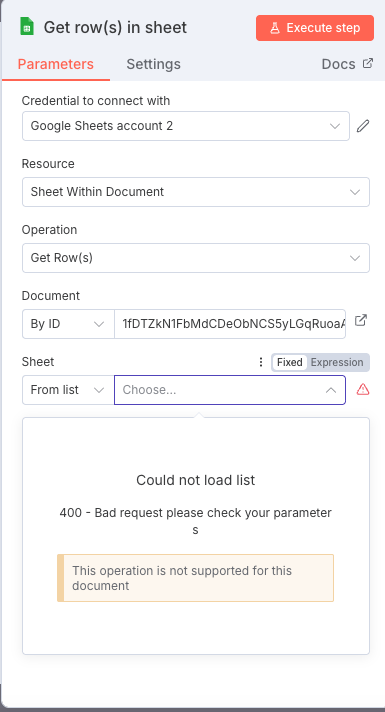
I appreciate your response, I followed the instructions step by step to configure the google Sheet api in the GPC Console, but the problem it’s in n8n in the window that I show you, once I have my Client ID I cannot conect it to my n8n module, because as I show you there is no blank field to fill in.
I will try as a Service account but as far as I know I should have the option to use the oauth
Thanx for your help
The problem here to me seems like it is a permission thing. If you cannot browse the google doc/sheet from the dropdown list, then either you are missing a permission in GCP or your user which you oauth with does not have access. This is why I recommend a service account as it is a more permanent user auth (oauth access might expire and then the workflow stops to work), and you can control what folders/docs the service account email can control.

 .
.