 n8n TorBox Community Node
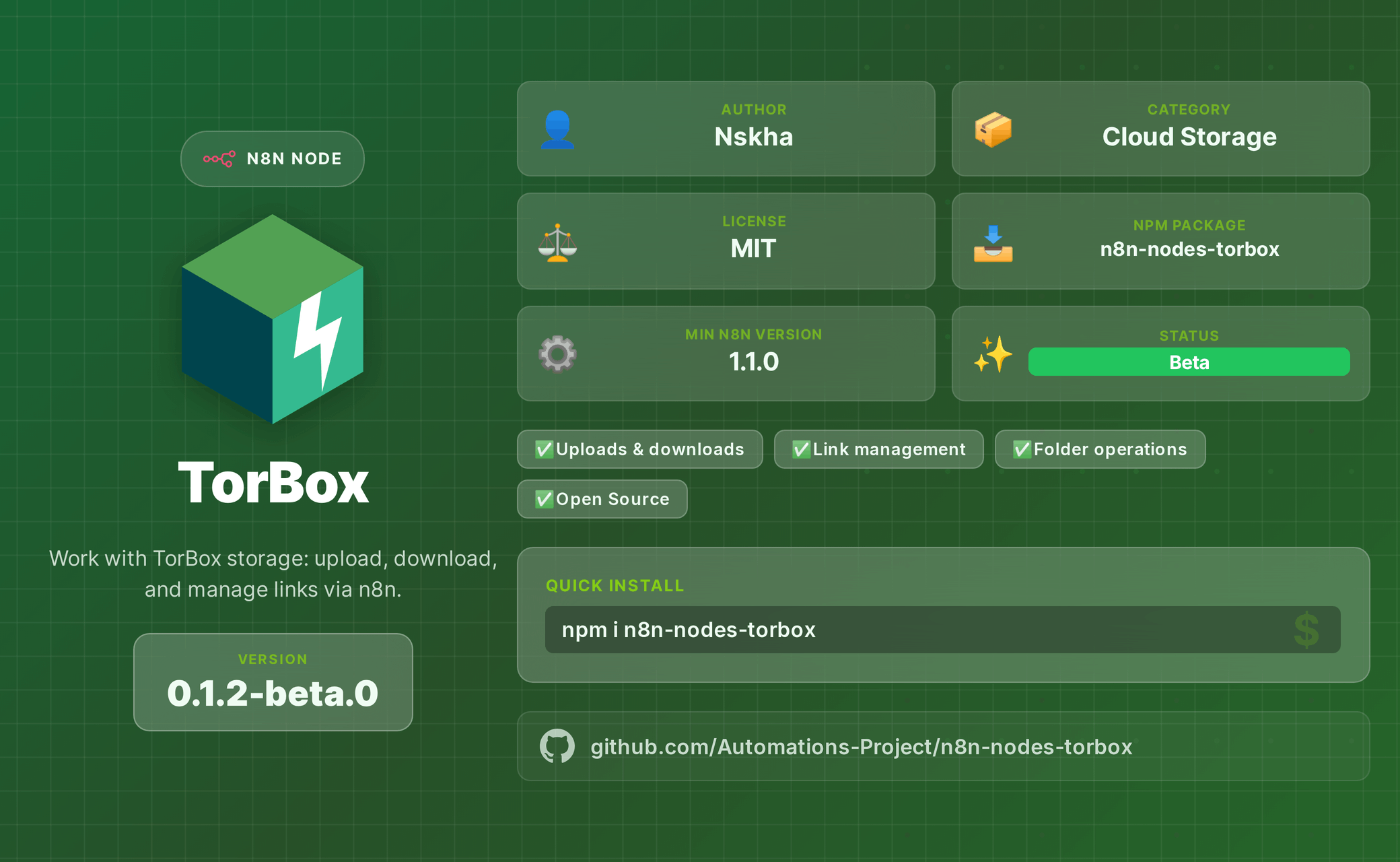
Introducing a new node submitted to the n8n cloud: TorBox for n8n.
This node becomes your secret weapon for downloading/uploading/streaming files from 100+ cloud hosts — including private networks like torrents and Usenet.
Full hoster list: TorBox: Premium Hosting
This node unlocks terabytes of download/upload capability inside your workflows. It’s not a single-use tool; it’s a multi-purpose powerhouse.
If you’re dealing with strict hosters like IMGUR blocking automation, TorBox bypasses that limitation and lets your workflows continue at full scale.
We use it heavily in real business automations spanning multiple services — and the flexibility is unmatched.
 Key Features
 Torrents – Create, control, download, verify cache
 Usenet – Full NZB workflow support
 Web Downloads – Direct link downloads from 100+ hosters
 Cloud Integrations – Google Drive, OneDrive, Pixeldrain, GoFile, 1Fichier
 RSS Feeds – Automated monitoring + download triggers
 Streaming – Generate streaming links for media content
 Search – Find torrent and Usenet content instantly
 Installation
Via n8n UI (Cloud or Self-Hosted)
- Go to Settings → Community Nodes → Install
- Search for:
n8n-nodes-torbox
Via Terminal
npm install n8n-nodes-torbox
 Credentials Setup
- Log in to TorBox: https://torbox.app
- Go to Settings → API
- Copy your API Token
- In n8n: Credentials → New → TorBox API → Paste Token
Useful Links
- GitHub: https://github.com/Automations-Project/n8n-nodes-torbox
- NPM: https://npmjs.com/package/n8n-nodes-torbox
- Install Guide (n8n): https://docs.n8n.io/integrations/community-nodes/installation/
- TorBox: https://torbox.app
 Support
- Report Issues: https://github.com/Automations-Project/n8n-nodes-torbox/issues
- TorBox Support: https://support.torbox.app