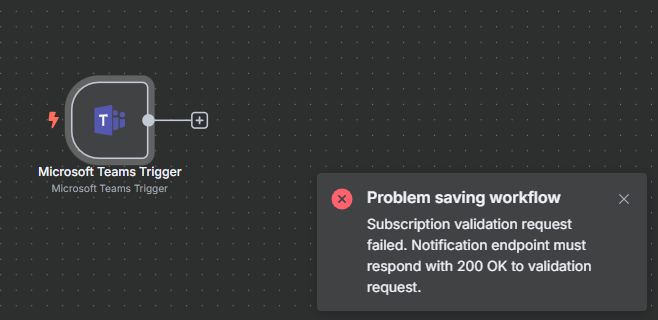
Can you let us know how you solved the problem? I am having a similar issue. If possible, can you explain where in Entra you applied those permissions?
Hello!
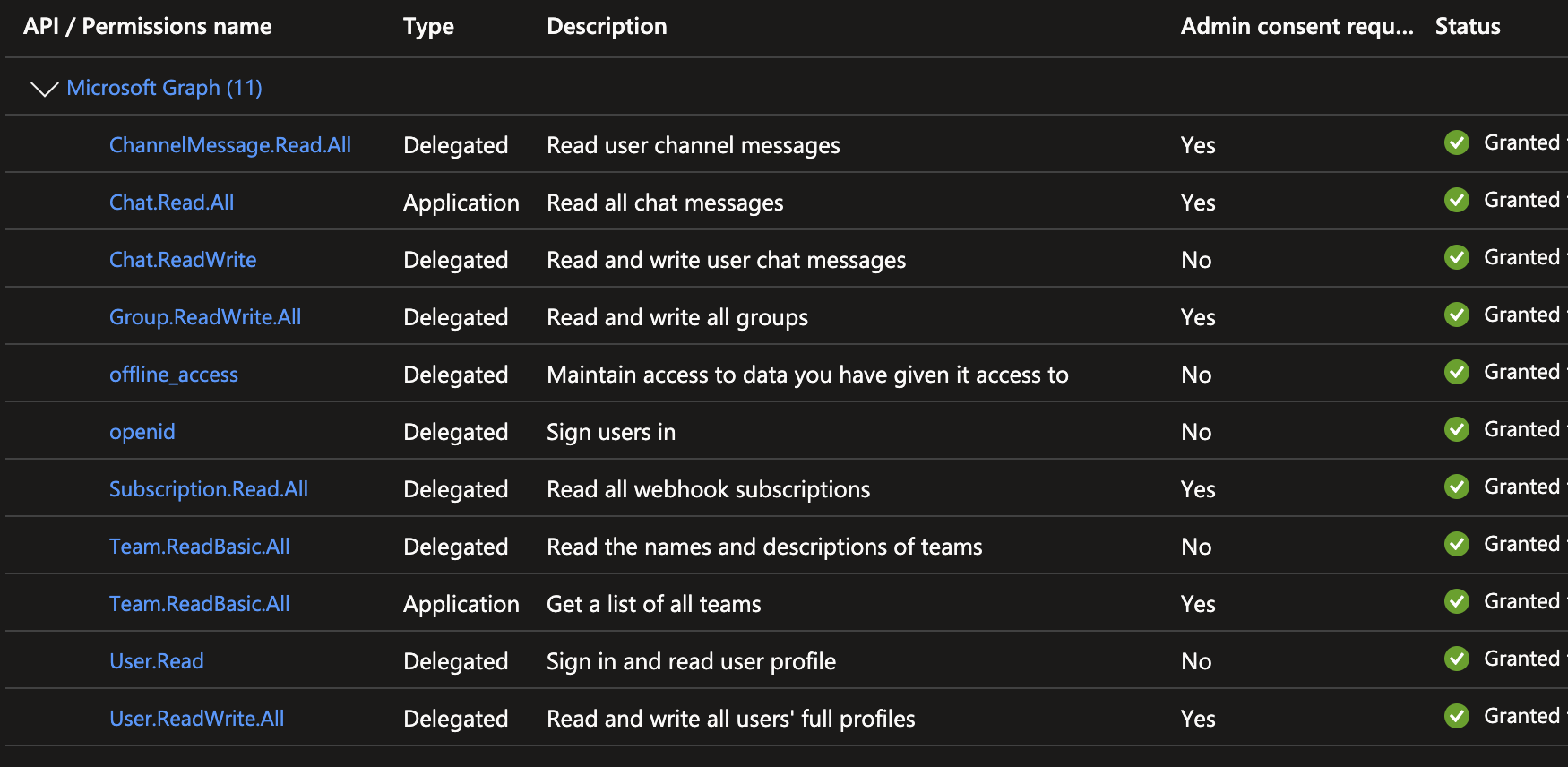
You can solve this problem by giving these permissions on Microsoft Azure plataform. You need to find the " Application Logs" page in the plataform, find your app, find " API Permissions" and give the permissions n8n asks!
I am running into the same issue. Following your advise I have granted all the premissioned asked by n8n but still got the same error. Could you provide more detail on how solved it? Does it take time for the permission to to take effect? Thanks a lot.