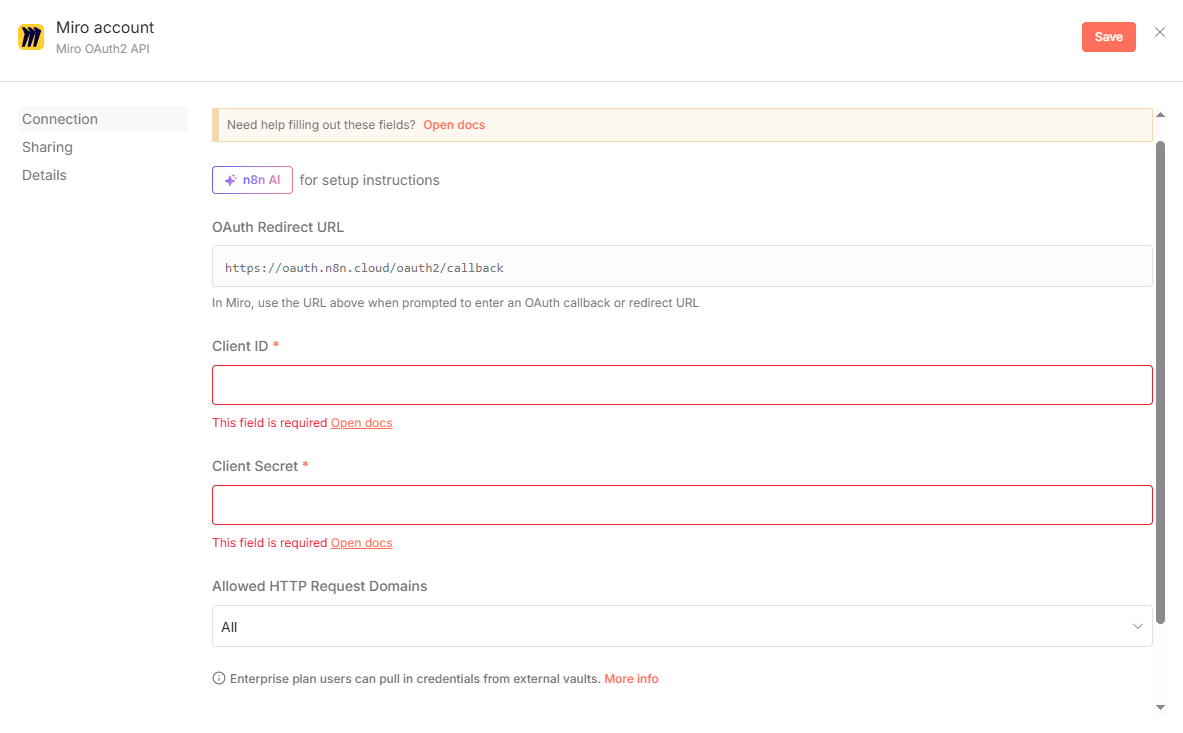
I am running n8n cloud [email protected] from google chrome
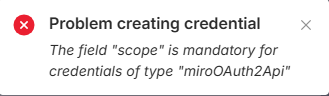
I am attempting to create the Miro 0Auth2 credentials but I get the following error:
However, I don’t see any scope field in the UI:
I am running n8n cloud [email protected] from google chrome
I am attempting to create the Miro 0Auth2 credentials but I get the following error:
However, I don’t see any scope field in the UI:
The issue is that the “scope” field isn’t exposed in the UI for Miro OAuth2 credentials in n8n. As a workaround, you can manually add the scopes to the OAuth2 API URL in the “Client Credentials” field. For example, append `&scope=boards:read` to your authorization URL. This should resolve the missing scope error. If you’re unsure which scopes to include, check Miro’s API documentation for the required permissions.