Hello everyone,
I’m building a workflow that reads an Excel file, performs some calculations, and creates a new, summarized Excel report. The final report should have two separate sheets with clean, readable tables.
The Problem
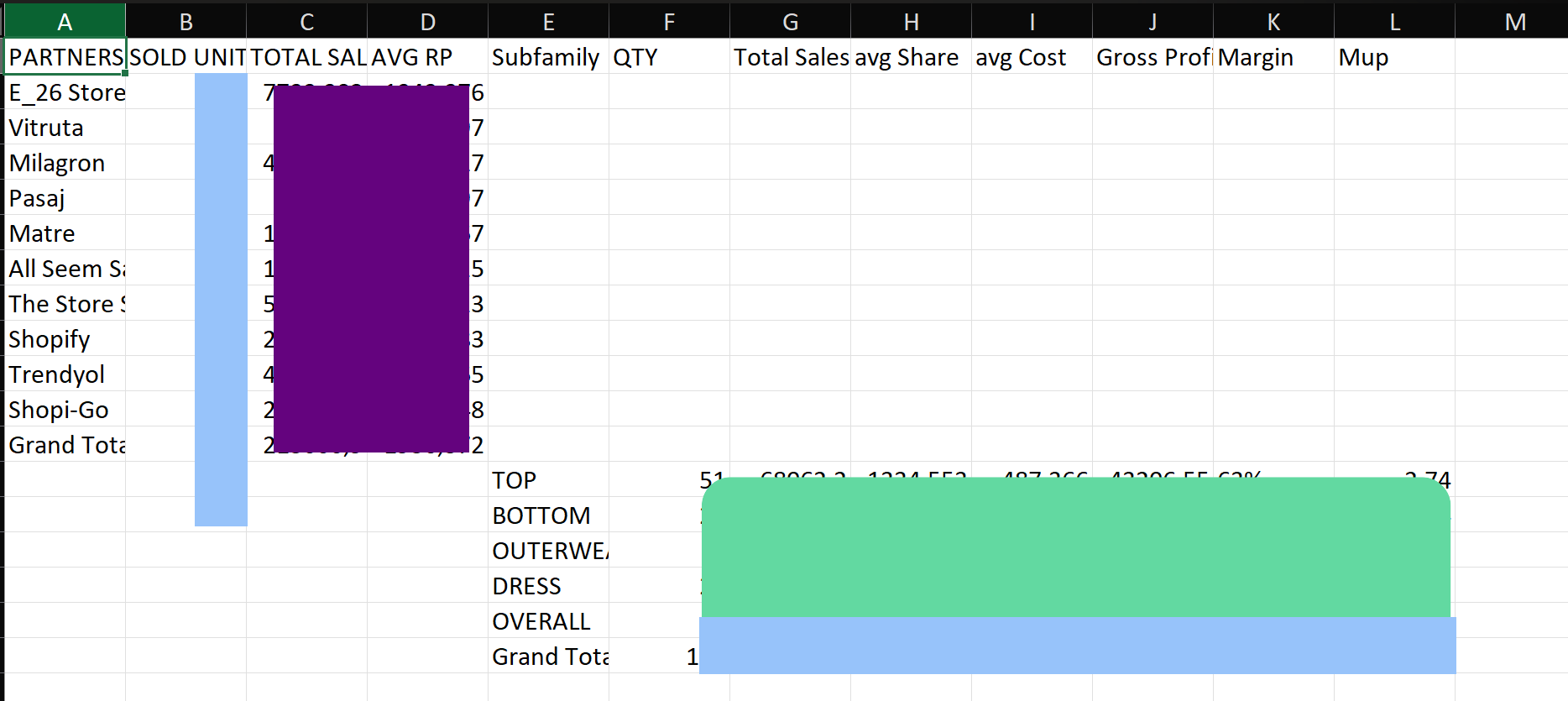
My workflow runs without errors, but the final Excel file is not formatted correctly. Instead of proper tables on two different sheets, all of my calculated data is compressed into just 3 columns on a single sheet. The output is unreadable and doesn’t look like a normal spreadsheet.
My Workflow Steps
- Extract from File: I read the data from my source XLSX file.
- Code: I use a Code node to perform mathematical calculations and create two summary tables.
- Convert to File: I try to convert these summary tables back into an XLSX format.
- Merge: I use this node to combine the results into a single file with two sheets.
My Question
It seems the Convert to File node is not understanding how to create a proper table from my calculated data. How should I configure my workflow, especially the Convert to File and Merge nodes, to produce a clean Excel file with two properly formatted sheets?
I feel like I’m missing a key setting for formatting the output correctly. Any help would be fantastic.
Thank you! right.
If your question hasn’t been asked before, please follow the template below. Skip the questions that are not relevant to you. →
Describe the problem/error/question
What is the error message (if any)?

One merge input is missing i know but it is not the problem. Main problem is in convert to file node.
Please share your workflow
Share the output returned by the last node

Information on your n8n setup
- n8n version:
- Database (default: SQLite):
- n8n EXECUTIONS_PROCESS setting (default: own, main):
- Running n8n via (Docker, npm, n8n cloud, desktop app):
- Operating system: