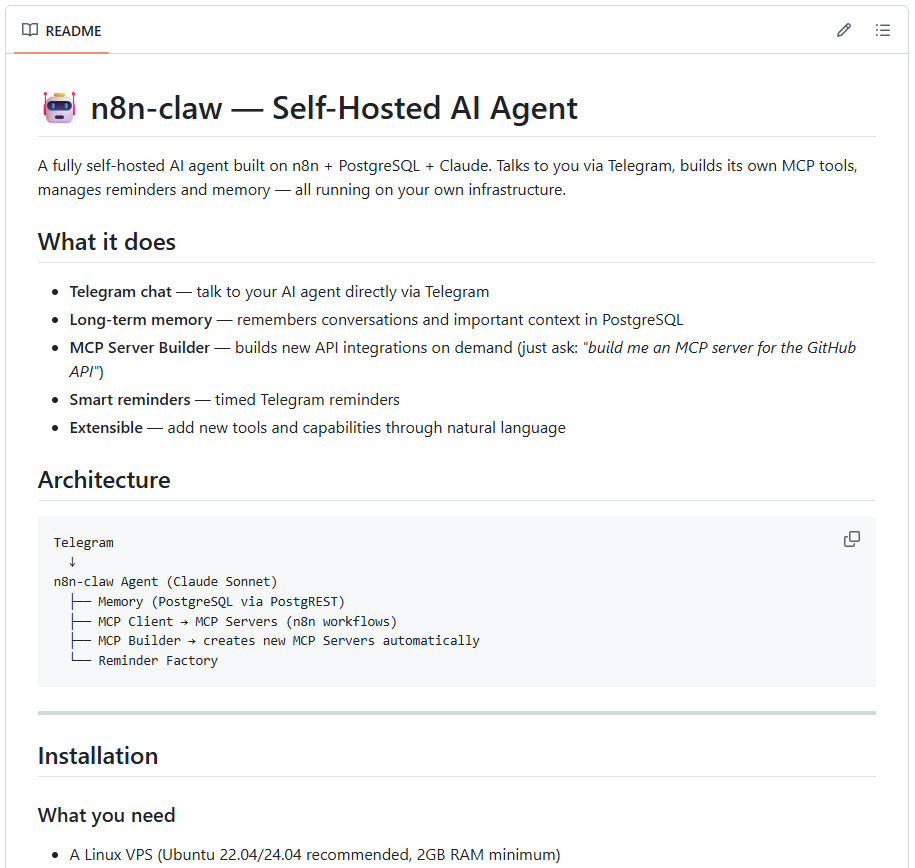
I have recreated OpenClaw in n8n. And I am making it available as a community project! Maybe it will turn into a real community project
n8n-claw contains the following:
• n8n & Supabase
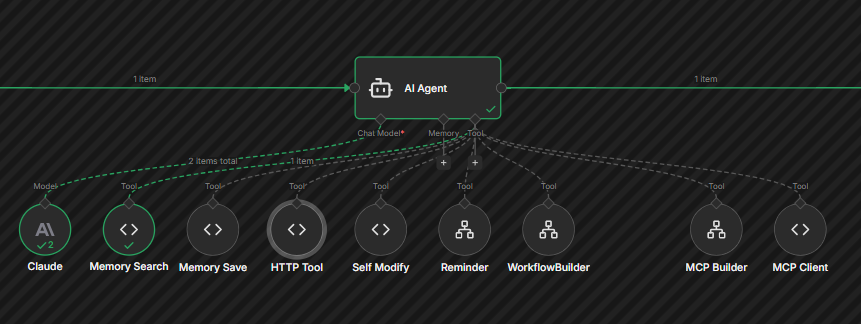
• the “OpenClaw” workflows (MCP Builder, Workflow Builder, etc.)
• Setup script that installs everything on a fresh VPS, sets up Supabase tables, pulls SSL certificates, and prepares everything
I tried to make the installation as simple as possible:
Clone the Github repository & run the setup script
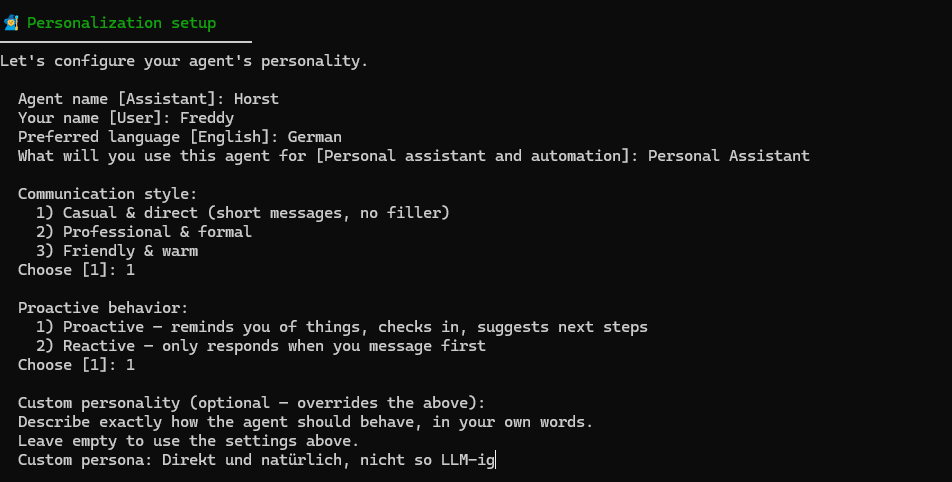
Query the setup for n8n API key, Telegram token, Telegram user ID, and desired n8n-claw personality (Image 4)
Set up the database and n8n
Output the credentials for the Supabase database connection to n8n (not possible automatically).
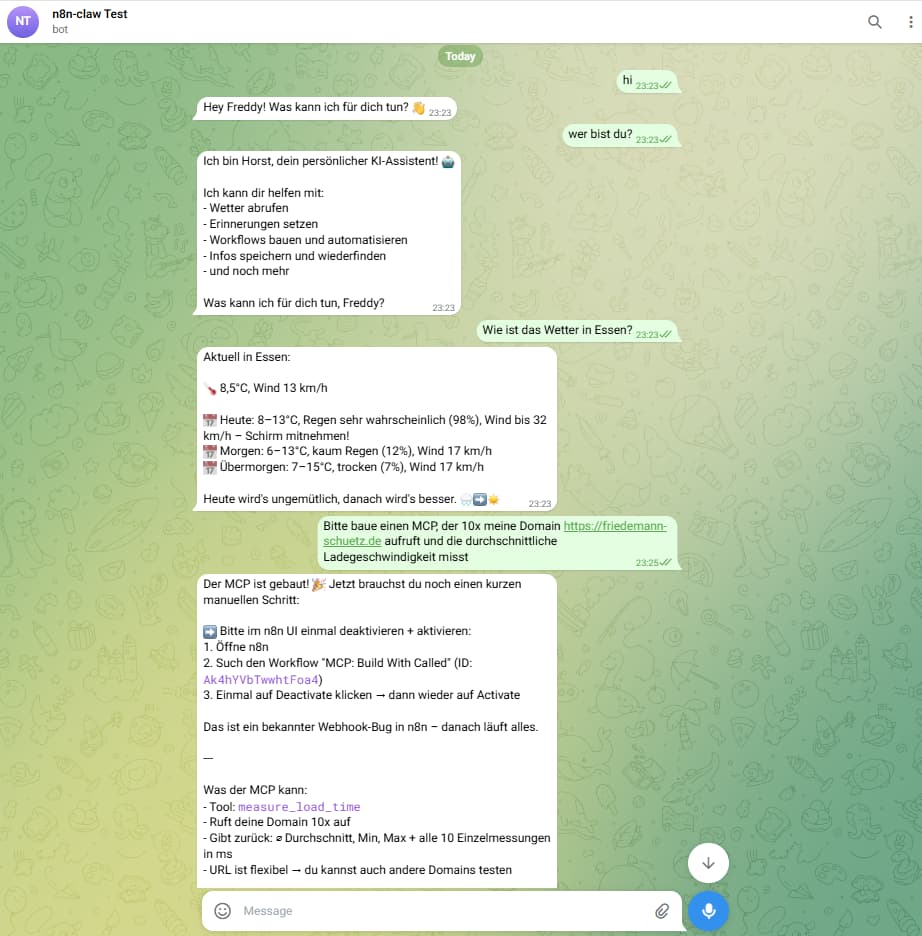
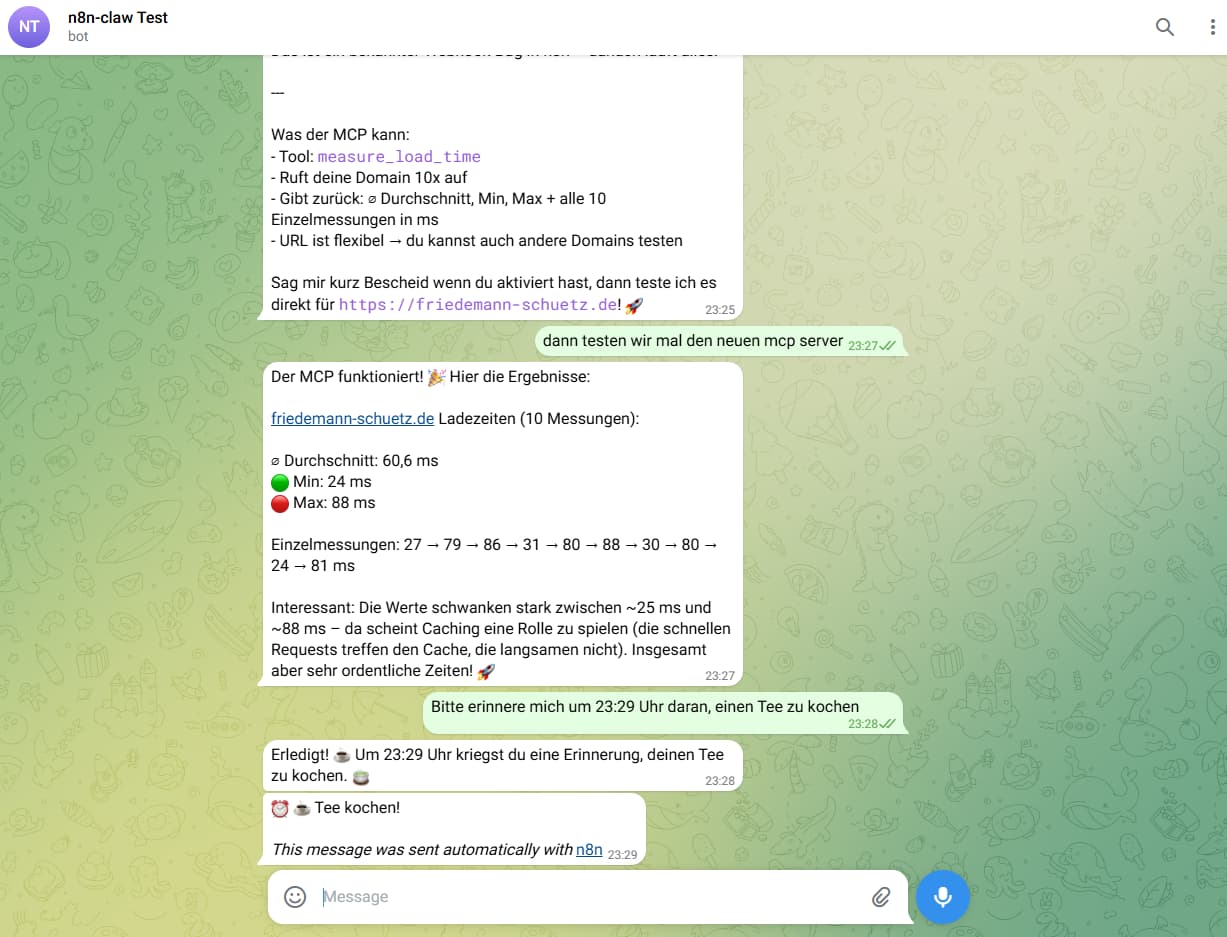
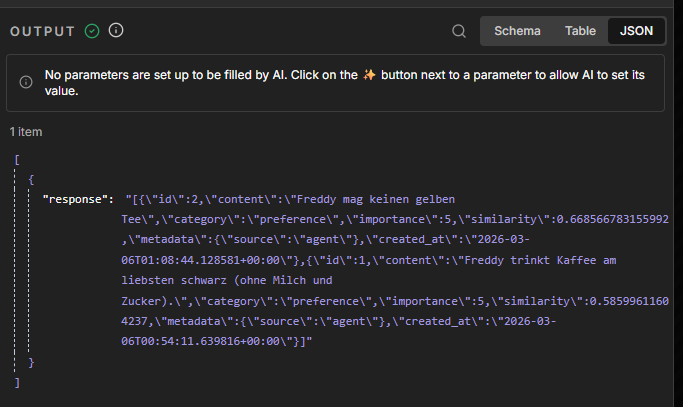
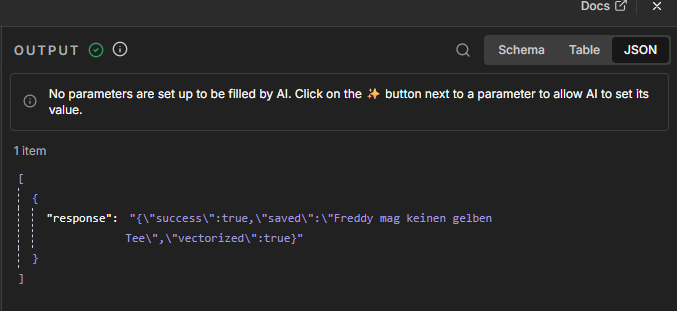
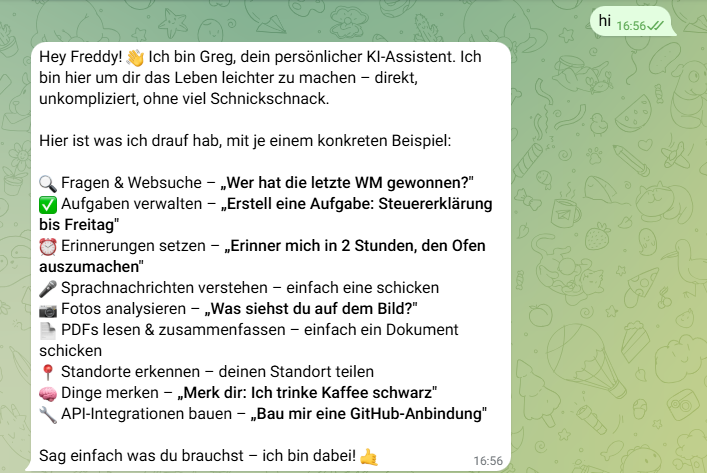
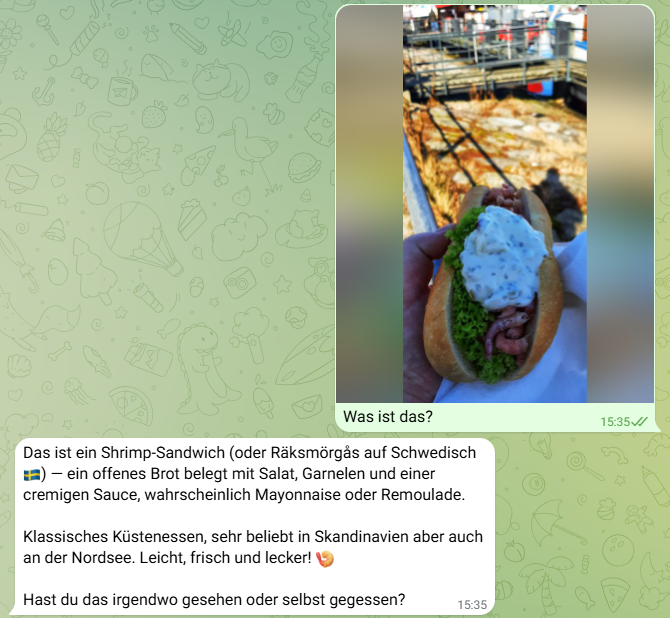
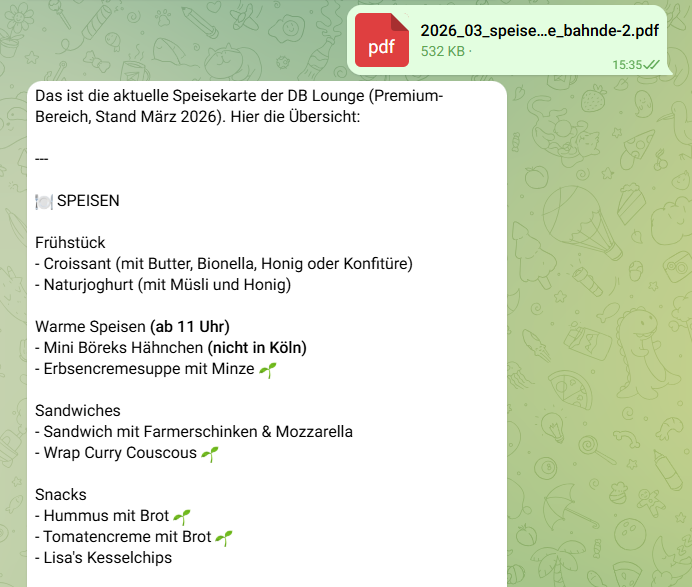
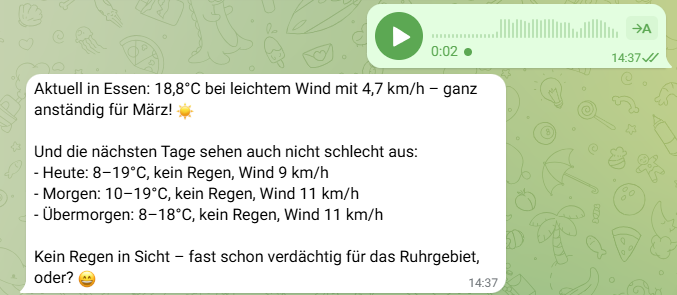
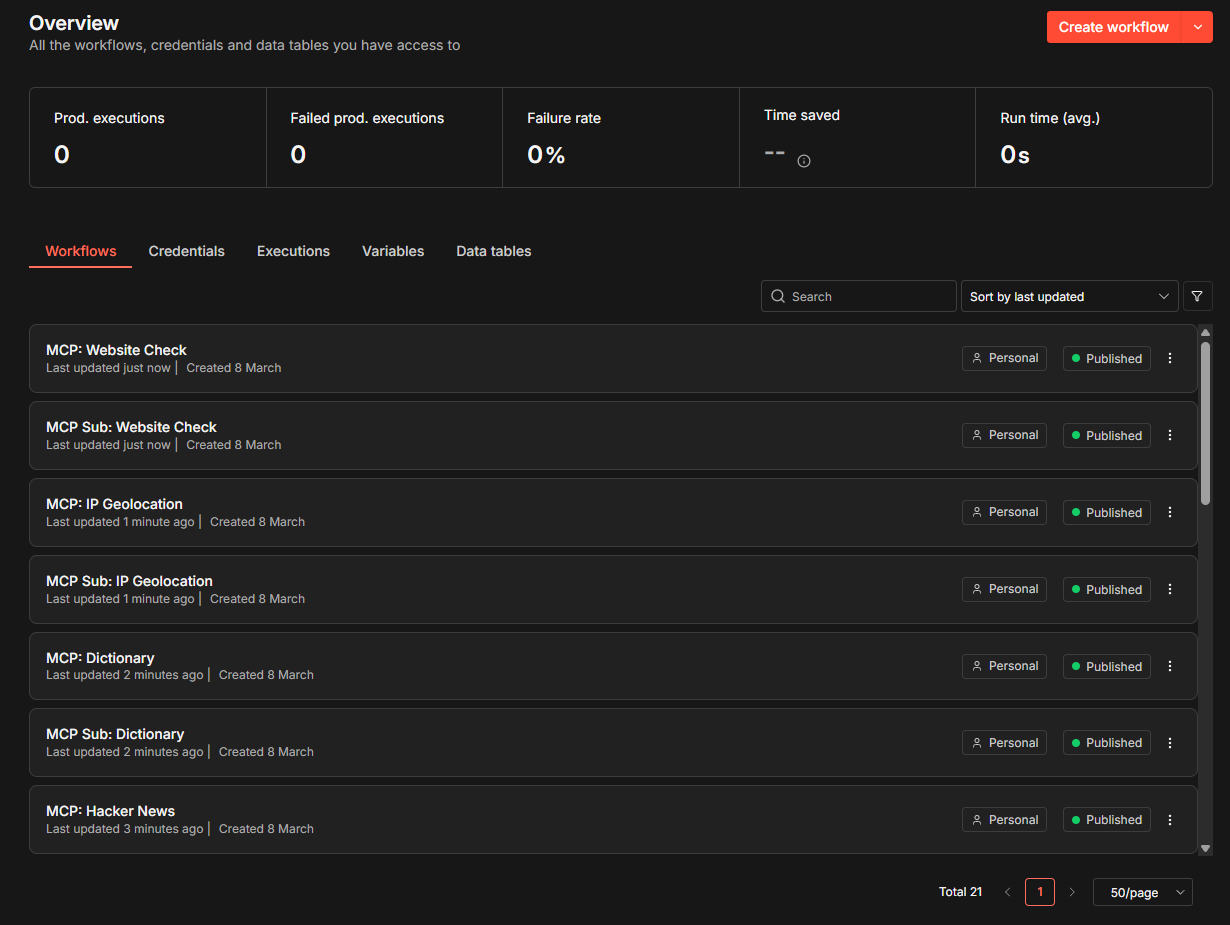
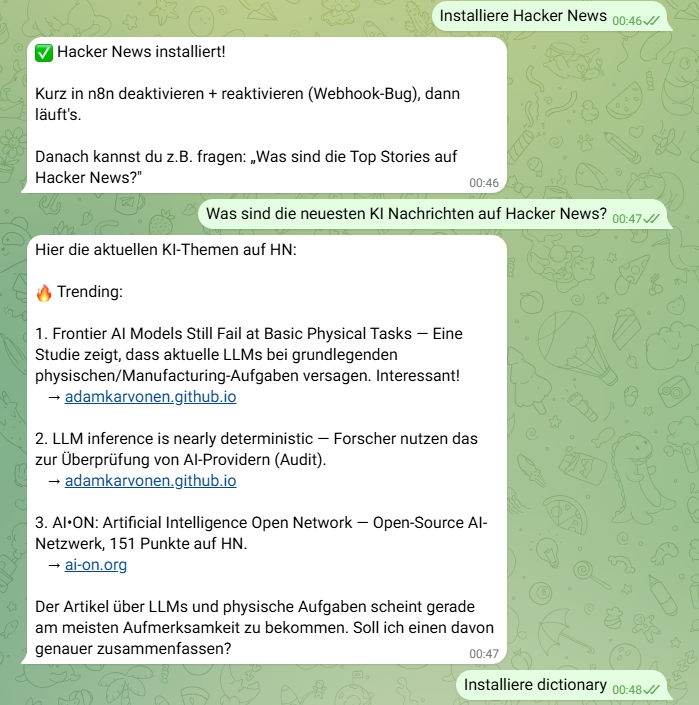
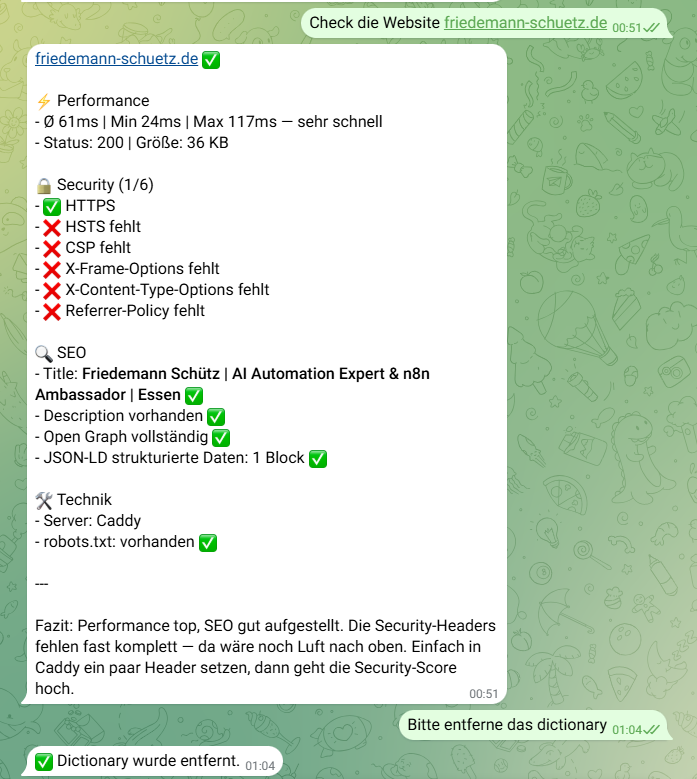
Only the LLM API key & Supabase data need to be entered as credentials and all workflows published. Then you can start chatting right away (images 2+3).
I would be very excited to see this project developed further. So far, only a framework has been created, so there is certainly still a lot of potential to be tapped. I invite you to test, expand, optimize, improve, etc. n8n-claw, and I would be very happy if you would collaborate on this and we could succeed in building an AI agent in n8n that is as autonomous as possible.
Not because OpenClaw and Co. aren’t cool, but because here, even for non-programmers, we can create a basis for a system that is also comprehensible to them.
The repo already contains a Claude.md so you can work with Claude Code, etc.
n8n-claw Update: Memory Behavior and Consolidation (RAG Pipeline) for long-term memory and embeddings
Memory Behavior:
The agent actively stores preferences, habits, corrections, and important facts about the user
Before making recommendations or responding, it searches its long-term memory for relevant information
It references past conversations when appropriate (“You said last week…”)
If you correct it, it permanently remembers the correction
It does not ask for information it has already stored
RAG Pipeline (Memory Consolidation):
Runs automatically every day at 3:00 a.m.
Reads all new entries from memory_daily (daily log of all conversations)
Summarizes them into compact summaries using the LLM
Generates an embedding vector for each summary (OpenAI, Voyage AI, or Ollama)
Stores summary + vector in memory_long — the long-term memory
Enables semantic search: the agent finds memories by meaning, not just by exact keywords
This enables Hashtag#n8n-claw to get to know the user and retain their preferences, projects, ideas, etc. in the long term (similar to what OpenClaw does, only via a (vector) database, not via Markdown files)!
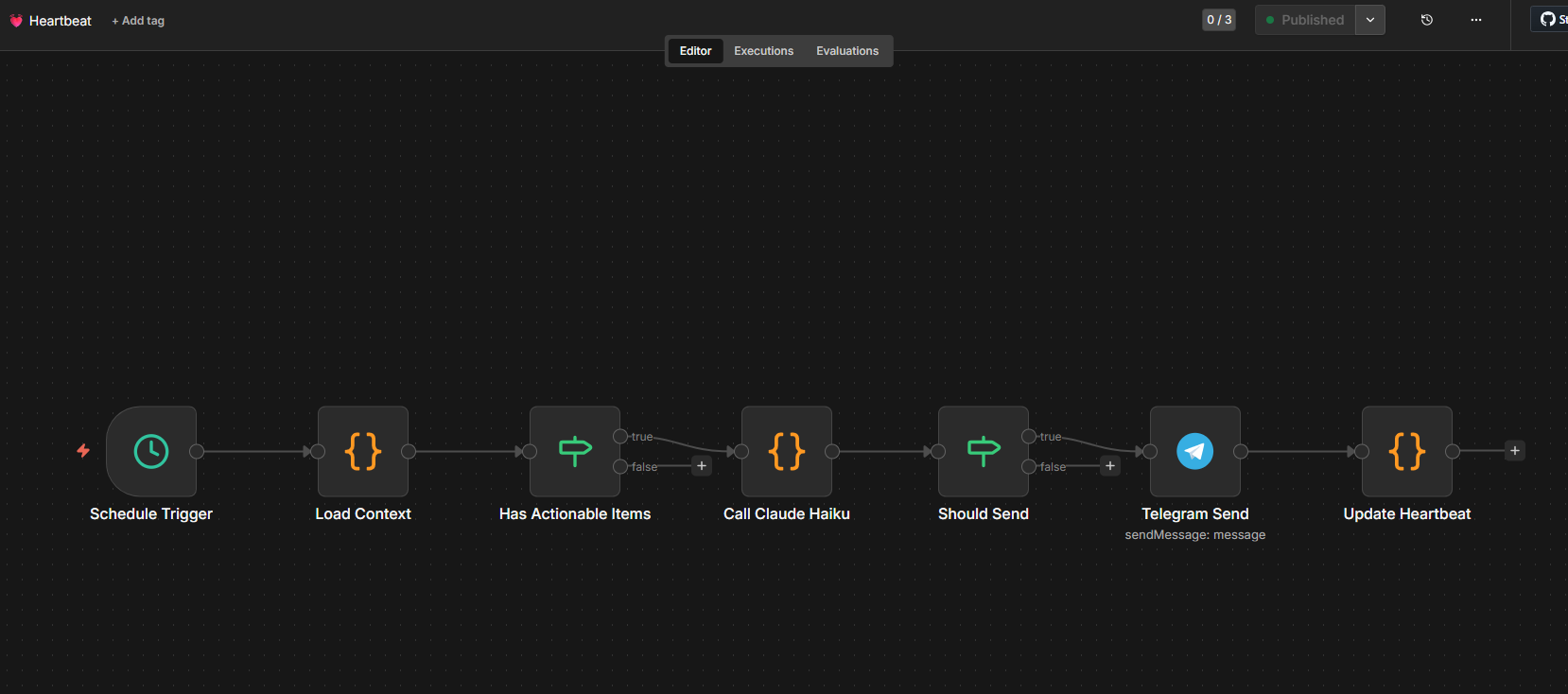
And now for the next n8n-claw update: Heartbeat (proactive tasks) and task management.
There are a few new features:
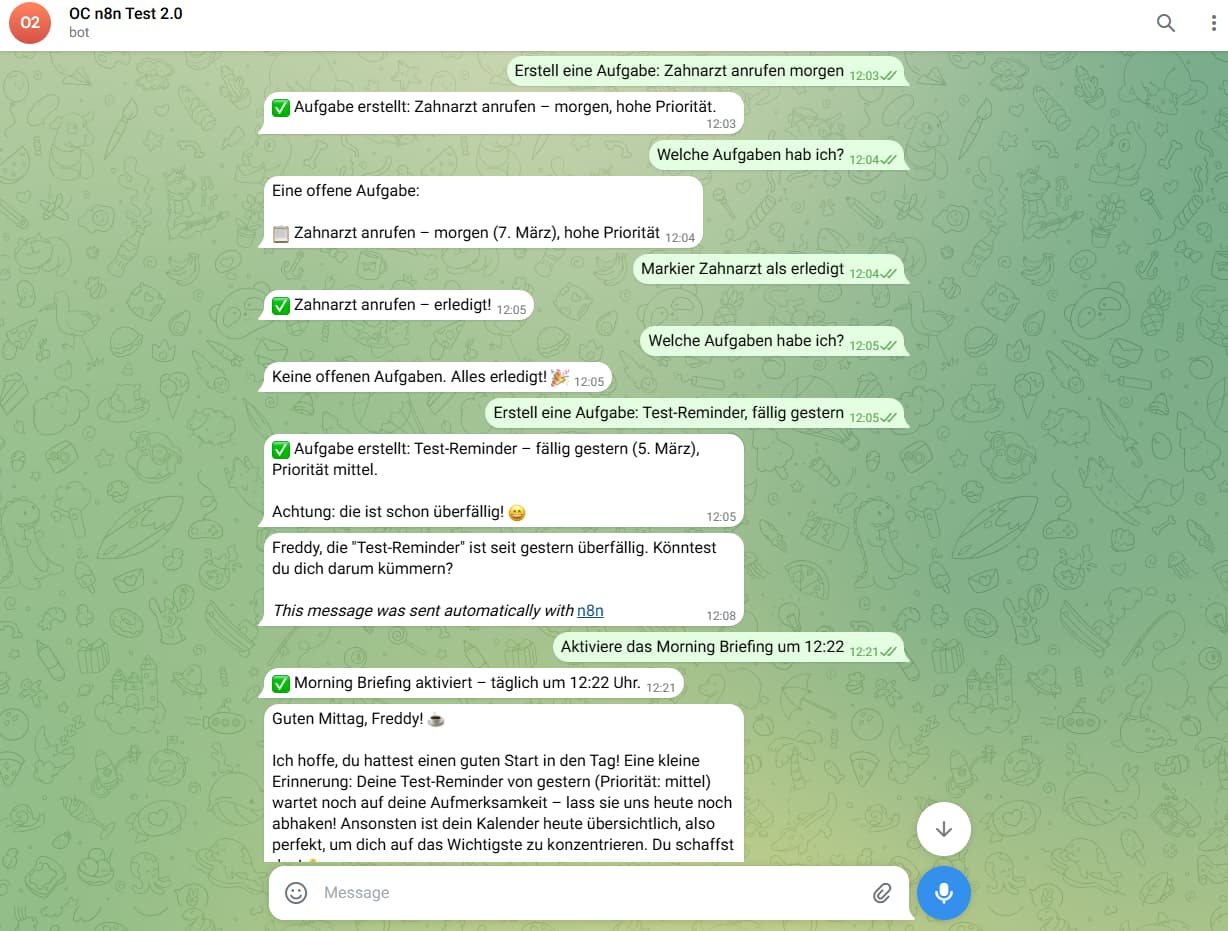
- Task Management: Create, list, and complete tasks via Telegram. With priorities (urgent/high/medium/low), due dates, and subtasks. “Remind me of X” now creates both: a reminder and a task.
- Heartbeat: The agent checks every 15 minutes to see if there are any open tasks and proactively notifies you via Telegram if something is pending. It is automatically activated if you select “proactive” during installation.
Morning Briefing: Daily summary via Telegram at a configurable time. Can be activated via chat, e.g., “Activate Morning Briefing at 9 a.m.”
And once again, a few new features for n8n-claw: media handling, self-hosted web search, and onboarding
#n8n-claw now has media handling and can:
- Process/recognize images (e.g., what is in the picture, where is it, etc.)
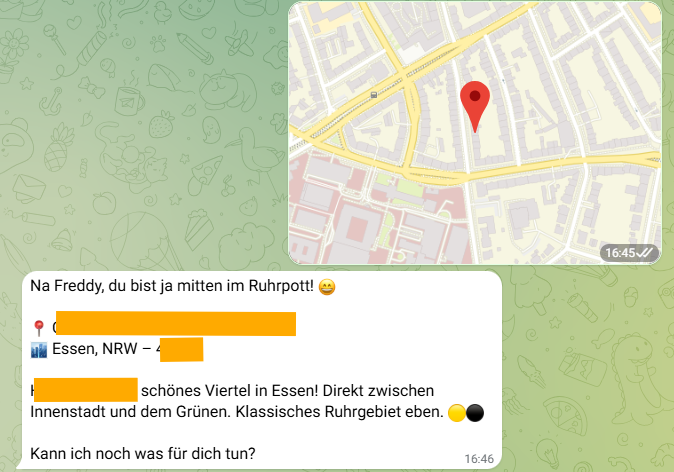
- Process location (knows where I am and can provide context/information)
- Process voice messages (out-of-the-box)
- Process PDFs (conversation about the content)
In addition, the first message includes a short onboarding session with the most important features.
I have also integrated #SearXNG as a local search engine, which also works out-of-the-box! I have adapted the MCP Builder so that it uses SearXNG and no longer requires an API key (previously: Brave)!
Thank you Freddy this looks brilliant(I fit into: “non-programmers, we can create a basis for a system that is also comprehensible to them.”) Question for you and others here: In terms of ease of setup, user friendliness, maintenance and cost how would you compare N8n-claw to something like this https://youtu.be/C4fTWiOGXpM?si=JZGI107X7smGX2-8 (Jack Roberts demonstrates how to build a personalized 24/7 AI employee by integrating OpenClaw and Google’s AntiGravity, highlighting seven key use cases including a custom dashboard, automated invoicing, and a sophisticated three-tier memory system.) ?
n8n-claw is my self-hosted OpenClaw in n8n experiment: n8n + Supabase/Postgres for memory, SearXNG for web search, and MCP Builder / workflow builder / reminder / heartbeat workflows. Through Telegram the agent can even build new MCP servers and whole workflows (via the Claude Code integration), so you rarely need to open the n8n UI — the goal is a self-expanding system.
Jack Roberts’ video (OpenClaw + Google AntiGravity) presents a 24/7 “AI employee” with seven use cases (custom dashboard, automated invoicing, three-tier memory, etc.). I don’t know whether Jack ties n8n into his setup, so I can only judge what the video explicitly shows.
Comparison (setup / UX / maintenance / cost):
• Setup: n8n-claw = Docker + wizard, then mostly using telegram. AntiGravity needs OpenClaw, Google’s AntiGravity access, and his template.
• Usability: n8n gives you low-code nodes, Supabase UI, plus Telegram commands to extend the system. Jack’s build relies more on his dashboard and prompt flows.
• Maintenance: n8n-claw is open source (updates via ./setup.sh –force). AntiGravity depends on two SaaS vendors.
• Cost: n8n-claw = your own server + API credits you already pay for. AntiGravity stack = OpenClaw plus Google Workspace/AntiGravity.
n8n-claw has received a major update, which I think is very cool: Skills (including a skills library/marketplace! )
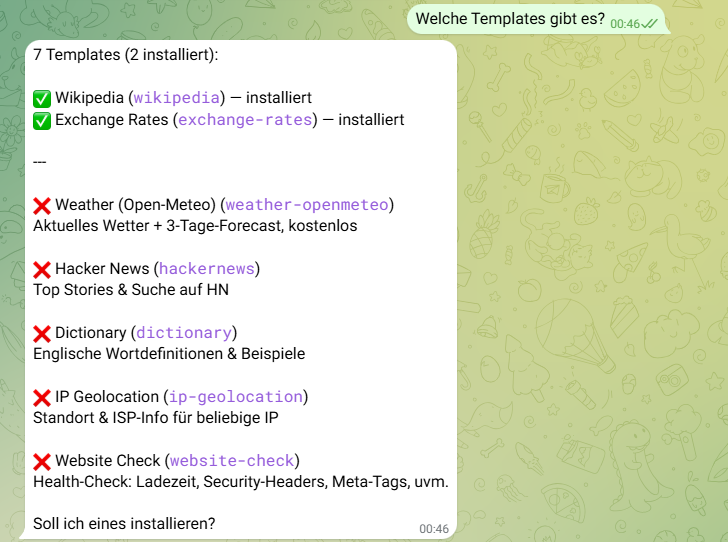
#n8n-claw can already create its own MCP servers via MCP Builder and use them directly. But I wanted to create a way to bundle (tested/verified) MCPs as skills, make them easy to install/uninstall, and make them available in a library so that not every MCP skill has to be recreated by every user.
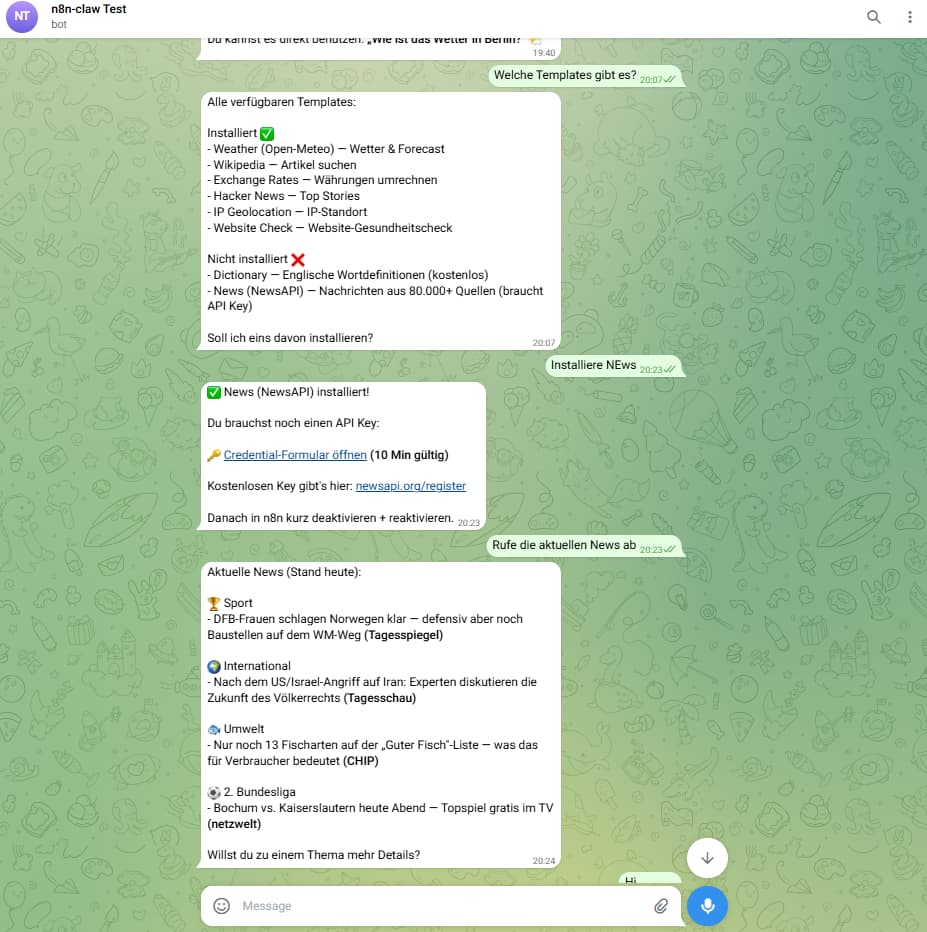
Installation via chat: simply write “Install Wikipedia” in Telegram, and the agent will take care of the rest (workflow import, MCP registration, configuration). Each “skill” consists of an MCP server trigger workflow with a sub-workflow as an MPC tool, which performs the actual task.
Only the activation has to be done manually once, as there is still a webhook bug on the n8n side (it is not activated correctly when created via API). The workflow is registered in the Supabase database (MCP_Registry) so that the agent can dynamically access all registered MCPs, regardless of whether they were created by the user or are from the library.
Clean removal: “Remove Wikipedia” deletes both workflows and the registry entry
The skills library approach is a really elegant solution to the “everyone rebuilds the same MCP servers from scratch” problem. Creating a separate GitHub repo as the canonical template source means users get version-controlled, tested MCPs without having to maintain their own forks.
A few thoughts on the architecture from building similar systems:
On skill discovery and installation:
The hardest part of a skills marketplace is the installation UX — specifically handling dependency conflicts when two skills need different versions of the same underlying service, or when an MCP server requires credentials that are not yet configured. If you have not already, it is worth building an explicit pre-flight check before installing a skill that validates: (1) required credentials exist, (2) required n8n nodes/community nodes are available, and (3) there are no port conflicts if the skill spins up a sidecar service.
On the self-expanding angle:
The combination of MCP Builder + skills marketplace is genuinely interesting because it creates a feedback loop: the agent can discover it needs a capability, install the skill via Telegram, and immediately use it — all without the user touching the n8n UI. That is a meaningful step toward a truly autonomous agent loop.
On Supabase as the memory backend:
One thing to watch for as the memory grows: the vector search performance on longer conversation histories can degrade if you are embedding entire conversation turns. Chunking at the semantic unit level (individual facts or decisions rather than full messages) and using a smaller embedding model for the daily consolidation pipeline tends to keep things fast. You may already be doing this with the RAG consolidation workflow.
Really impressive velocity on the updates. The SearXNG integration is a smart call — avoids the API key dependency and keeps everything self-hosted.
And the next n8n-claw update to complete the skill feature: Skill setup for APIs with required API key
In addition to skills that do not require an API key, there are also numerous services that do require such a key. These can now also be integrated.
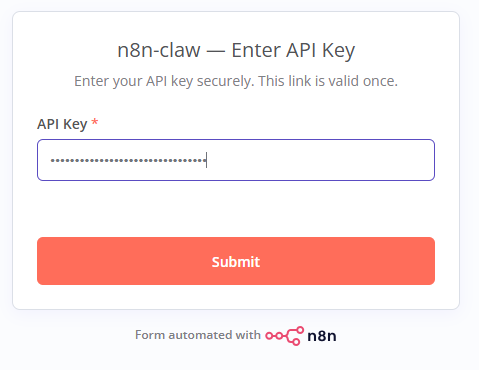
To store the API key securely rather than in the Telegram chat, a #n8n form with a 10-minute token is now created during installation (Figures 1+2). The API key can then be entered securely (HTTPS) and is stored in the Supabase database. The skill MCP workflow then retrieves it when used and sends the request directly to the skill.
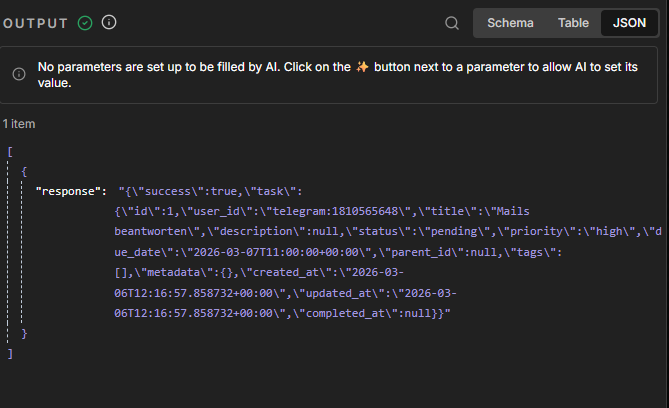
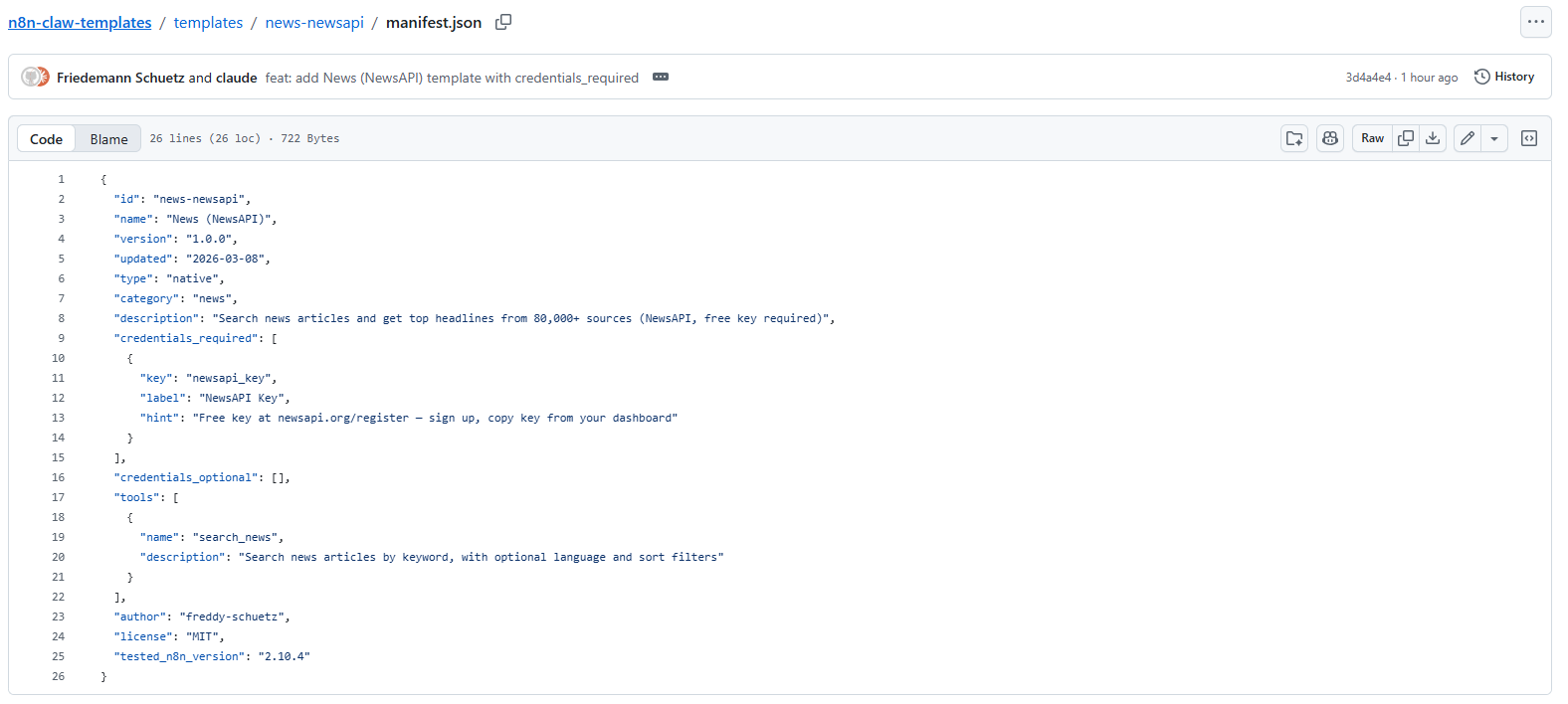
As an example skill, I created NewsAPI (image 1).
The schema for creating skills (image 3) is also designed from the outset for creating skills with and without credentials. The schema then takes into account the label and hint (so that n8n-claw can give the user a direct link and hint during installation on where to create the API key).
There is also the first user contribution (thanks to Cristian Livadaru for the “Skip Nginx” setting if a reverse proxy is already available)
Pre-flight checks: Good point. Right now we only check if a template is already installed. Credential handling is covered post-install (the agent sends a secure form link automatically), but we don’t validate node dependencies or port conflicts yet. For native templates (pure Code nodes + HTTP) this hasn’t been an issue, but it’ll matter once we add bridge templates that proxy to external MCP servers. Noted for the roadmap.
Self-expanding loop: That’s exactly how it works today — the agent recognizes a need, installs the skill via Library Manager, and uses it immediately. The one remaining friction point is n8n’s webhook registration bug: after API-based workflow creation, you still need to toggle the workflow in the UI once. Until that’s fixed upstream, the loop isn’t fully autonomous.
Vector search / chunking: We’re already doing this. Memory Consolidation runs nightly, summarizes the day’s conversations via Claude Haiku into semantic units, then embeds those summaries — not raw messages. So the vector store stays lean and search stays fast even as conversation history grows.
SearXNG: Agreed, keeping everything self-hosted and API-key-free was a deliberate choice. One less external dependency to break.
New n8n-claw update: Scheduled Actions & Single Workflow Reminder
There are a few new features that make #n8n-claw even more “agent-like.” Here are the latest options:
- Single Workflow Reminder: Reminders are stored in the database and checked every minute by a single workflow (Reminder Runner). This replaces the Reminder Workflow Creator (formerly: Scheduled Trigger with Auto-Deactivate after execution) and is much leaner and more secure. Thanks to Cristian Livadaru for the idea and input The Memory Consolidation Workflow, which previously summarized and vectorized daily communication (for long-term memory), now automatically deletes old, completed reminders (< 30 days) to prevent the database from becoming too large.
Scheduled Actions: the agent performs tasks at a specific time (“Search for the news at 9 a.m. and summarize it”). It can now perform real, time-controlled tasks and not just set reminders. This is implemented using the same logic as the reminder, except that for tasks at the selected time, the n8n-Claw agent is triggered via subflow (Figures 2+3).
Tasks can also include, for example, retrieving the added skills (MCP) (Figure 1).
Dynamic MCP Server: Ensures that installed skills remain stored in the registry when updated. The existing MCP skills are now retrieved dynamically each time they are called (Figure 1).