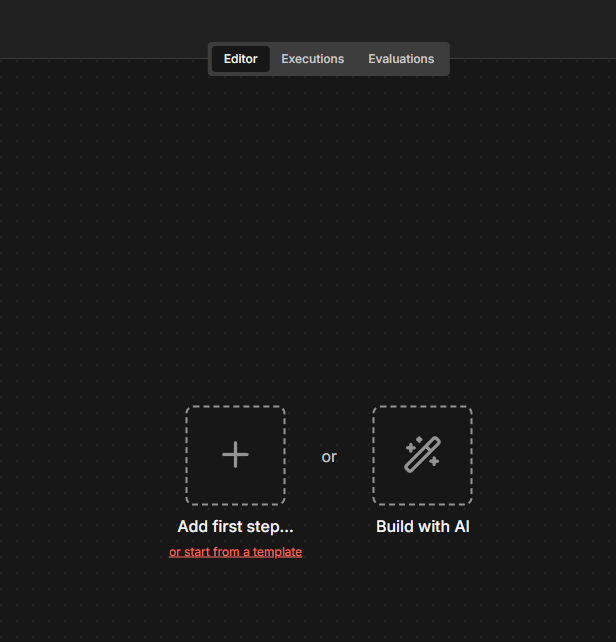
N8N has deleted my workflow twice now and it immediately saves it. After the first time it happened, I spent a while rebuilding it and now it appears I can’t get it back again (again.) When I go to execution history I can see the full workflow, I try to copy to the editor, but nothing copy & pastes in and it leaves me with errors instead.
From the available information, there isn’t a documented, guaranteed fix for this specific “deleted twice + copy to editor fails” scenario, but there are a few recovery steps that have helped in similar cases:
1- Instead of the “Copy to editor” button, open a successful execution and: Click into the execution so you see the full workflow graph > Press Ctrl+A / Cmd+A to select all nodes > Press Ctrl+C / Cmd+C to copy > Create a new empty workflow > Click on the canvas and press Ctrl+V / Cmd+V to paste.
2- If pasting into the original workflow gives errors like “some nodes have been deleted or renamed”, try: * Create a completely new workflow > * Then paste the nodes from the execution into that new workflow.
This avoids conflicts with existing node names or structure in the broken workflow. [Partially deleted workflow]
Let me know if it worked for you; if not, tell me whether you’re using the cloud or a self-hosted setup.