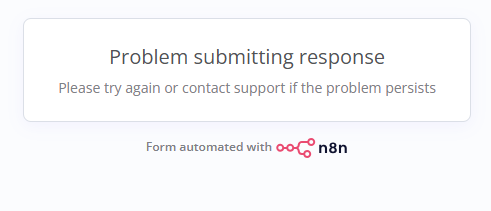
My form collects files and then uploads them to Microsoft OneDrive. The issue is that quite often it doesn’t work as expected and I get an error.
When I start the workflow manually, everything works perfectly.
What could be the cause of this inconsistency?
krisn0x
2
Hey, could you share your workflow? Also, can you provide one such example file that fails? It will also be great, if you can:
- try to upload the file in the form (make it fullscreen)
- if it fails, open web tools inside the form window (F12)
- screenshot any errors you see in the Console tab
So I cannot share files unfortunately, but every time I use the same set of 5 files. That is my workflow:
And here is the console log when it fails:
krisn0x
4
Thank you, also could you let me know:
- if the form fails with any file? like an image?
- if you make a new workflow with just the form trigger does it fail too?
jabbson
5
Another interesting facts to know would be
- whether the same happens if you upload only one file (if that works - does it work consistently)
- what is the total average size in MB of the files that are being uploaded
- what is the error in n8n for when you upload your files. We see what happens in the console, but what happens in n8n?
- you mentioned it happens quite often, how often? did you happen to see a pattern in that behaviour? Larger documents or certain file types.
I think you could be hitting the resource limits for the cloud instance.
system
Closed
6
This topic was automatically closed 90 days after the last reply. New replies are no longer allowed.