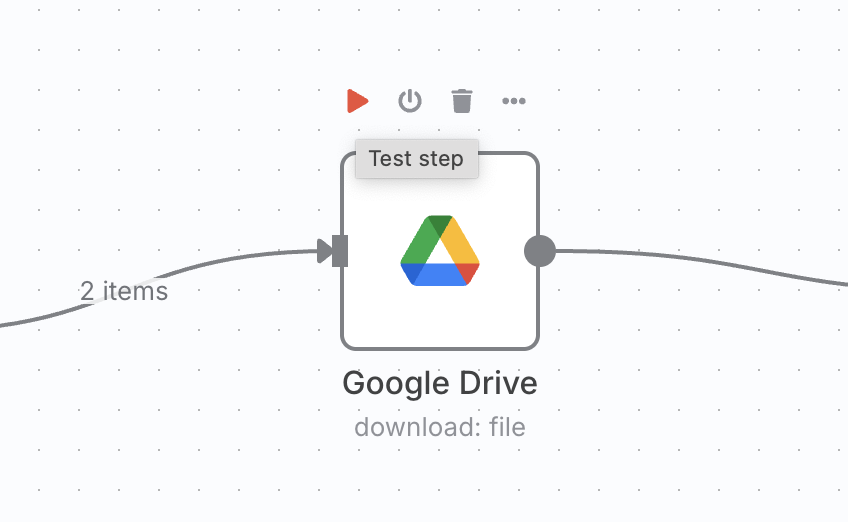
Each ‘test step’ click reruns all nodes before it, each step of the way.
I have noticed that, while stepping through each node in a workflow and clicking the 'test step" button that it doesn’t just use the data that was output from the step before it. Instead, it is rerunning the entire workflow. In other words, if I step through node 2, node 1 runs again. When I move to Step 3, Nodes 1 and 2 run again. Step 4, nodes 1,2, and 3 run again, and so forth.
Since I am using some SERP scrapers and AI APIs, this is also causing usage/spend every time it re-runs. This feels like new behavior. I’ve been using N8N pretty intensively for about four months and this just started doing this.
Anyone else experiencing this? I don’t think its the workflow…
Please share your workflow
(Select the nodes on your canvas and use the keyboard shortcuts CMD+C/CTRL+C and CMD+V/CTRL+V to copy and paste the workflow.)
I failed to mention the actual problem here which is that I did, in fact, have data pinned every time. And it STILL re-ran the execution.
This was happening on one particular workflow. I’m thinking now that perhaps something else in the workflow needed some data not provided by the pinned data, but I’ll have to look some more.
I’ll see if I can spin up a video to post here once I jump back into it.
this is extremly annoying when there are node for LLMs or API tools in previous worklow steps that always costs tokens/money. there must be a way to create a bigger/more complex workflows and debugging individual nodes without paying money for irrelevant previous workflow nodes.
tried this also by pinning and testing it node by node. But in very big/complex workflows this can’t be the best solution n8n offers. Takes ages if you want to debug a node at the end of the workflow. Do you do the same approach in your workflows if they are really big/complext?
@DomBe This also happened to me and I was very concerned how fast my api credits were going to run out, I just pinned the data for the ai agents and that made the workflow quicker. Although a execute single node without running everything before is something n8n should work on.