Hi everyone! 
I’m excited to share my new community node — n8n-nodes-image-aspect-ratio-cropper — a tool for cropping images to exact aspect ratios using center-cover mode.
npm: Image Aspect Ratio Cropper
 The Problem
Have you noticed that AI image generators (like  Nano Banana) don’t always return true aspect ratios?
For example, when you request 16:9, you might get 2752×1536 — that’s actually 1.79:1, not 1.78:1 (true 16:9). This ~0.8% drift causes visible issues in:
-
Video thumbnails (black bars or cropping)
-
Social media posts (unexpected cuts)
-
Print materials (alignment problems)
 The Solution
I built this node to solve this problem with mathematically precise cropping:
 : Smart Detection — Automatically skips processing if image already matches target ratio
: Pixel-Perfect Output — Integer-based algorithm guarantees exact ratios
: Center-Cover Mode — Maximizes retained image area
: Format Flexibility — JPEG, PNG, WebP, GIF, TIFF, SVG support
 Installation
-
Go to Settings → Community Nodes
-
Select Install
-
Enter
n8n-nodes-image-aspect-ratio-cropper -
Agree to the risks and select Install
 Links
Links
-
GitHub: https://github.com/LinkAIBrain/n8n-nodes-image-aspect-ratio-cropper
-
NPM: https://www.npmjs.com/package/n8n-nodes-image-aspect-ratio-cropper
-
License: MIT
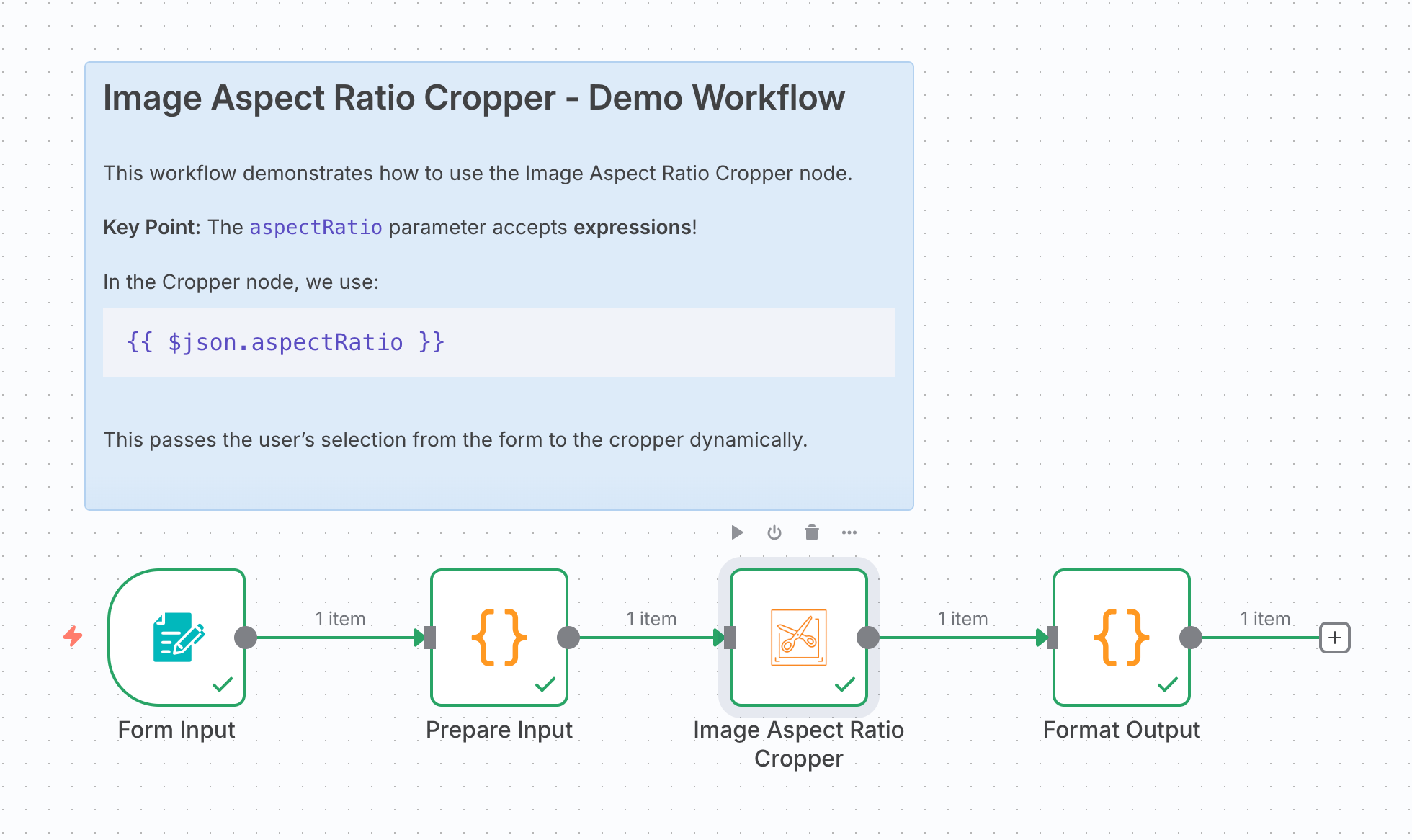
 Quick Example
 Feedback Welcome!
This is my first n8n community node, and I’d love to hear your thoughts! Bug reports, feature requests, and suggestions are all welcome.
Has anyone else run into aspect ratio issues with AI-generated images? I’m curious about your use cases!
Thanks for being such an awesome community! 