Hi everyone!
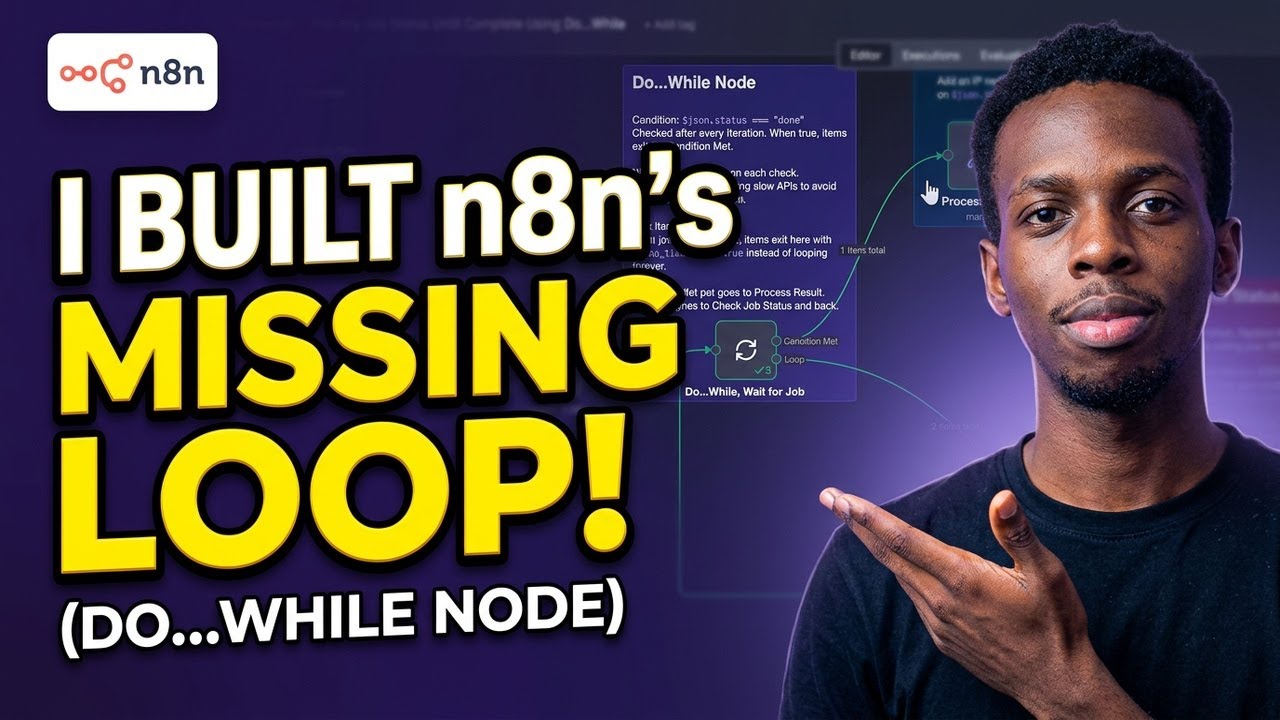
I want to share my first community node: n8n-nodes-do-while — a do…while loop for n8n workflows.
What does it do?
n8n’s Loop Over Items node is great when you have a known list of items to iterate over. But sometimes you do not have a list. You just need to keep running until something becomes true:
- A background job finishes processing
- An API call eventually returns success
- A database record finally appears
- An async task reaches a ready state
That is the do…while pattern. It is one of the most fundamental control flow constructs in programming, and this node brings it natively to n8n.
How it works
The node has two output pins:
- Condition Met — items exit here when your condition evaluates to true, or when max iterations is reached
- Loop — items exit here when your condition is false. Connect this to your action nodes and route them back into the Do…While input
[Do…While] Condition Met → continue your workflow Loop → your action nodes → back to Do…While
Each item gets a _loop metadata object injected automatically:
| Field | Description |
|---|---|
$json._loop.iteration |
How many times this item has looped |
$json._loop.first |
True on the first iteration |
$json._loop.timedOut |
True if max iterations was reached |
Key features
- Condition expression using standard n8n expression syntax evaluated against live workflow data
- Configurable wait between iterations — set to 5 seconds when polling an API, 0 for immediate retry
- Max iterations safety cap so you never get an infinite loop
- Graceful timeout handling — items exit via Condition Met with
_loop.timedOut = trueso you can branch with an IF node - Zero runtime dependencies
- Works with any node inside the loop — HTTP Request, Postgres, Code, anything
Real use cases
Poll a video processing API until encoding is complete
Do…While (condition: $json.status === ‘complete’, wait: 5s) Loop → HTTP Request: check encoding status → back to Do…While Condition Met → fetch and deliver the result
Retry a webhook call until the third-party responds
Do…While (condition: $json.success === true, max: 5, wait: 3s) Loop → HTTP Request: retry the call → back to Do…While Condition Met → continue workflow
Wait for a Postgres record before sending a confirmation
Do…While (condition: $json.data !== null, wait: 10s, max: 12) Loop → Postgres: SELECT * FROM orders WHERE id = ‘123’ → back to Do…While Condition Met → send confirmation email
Demo
Try it yourself
Here is a working example workflow you can import directly. It simulates a job that takes 3 checks to complete, then exits cleanly with the result and iteration count.
Replace the “Check Job Status” Code node with an HTTP Request to your own API status endpoint and update the condition to match your response shape.
Installation
npm install n8n-nodes-do-while
Or via Settings > Community Nodes > Install and search for n8n-nodes-do-while. Restart n8n after installing.
Requirements
- n8n version 0.198.0 and above
- Self-hosted n8n
- No external accounts or credentials needed
Why I built this
I kept running into the same problem building automation workflows. I needed to poll an external service and wait for a response before continuing. The workarounds I found involved recursive Code nodes or Wait loops that were fragile and hard to read.
The do…while pattern solves this cleanly. Getting the condition expression evaluation and state management right across iterations took some work, but the result is a node that feels native and wires up like anything else in n8n.
Links
- Demo: https://youtu.be/OqRvcMm2aSc
- GitHub: GitHub - victor-folorunso/n8n-nodes-do-while · GitHub
- npm: https://www.npmjs.com/package/n8n-nodes-do-while
- License: MIT
This is v0.1.0 so there will be rough edges. I would love feedback from anyone who tries it — what breaks, what the condition expression does not handle well, what use cases I have not covered. Happy to iterate quickly.
Thanks for being a great community!


