Hello n8n Community,
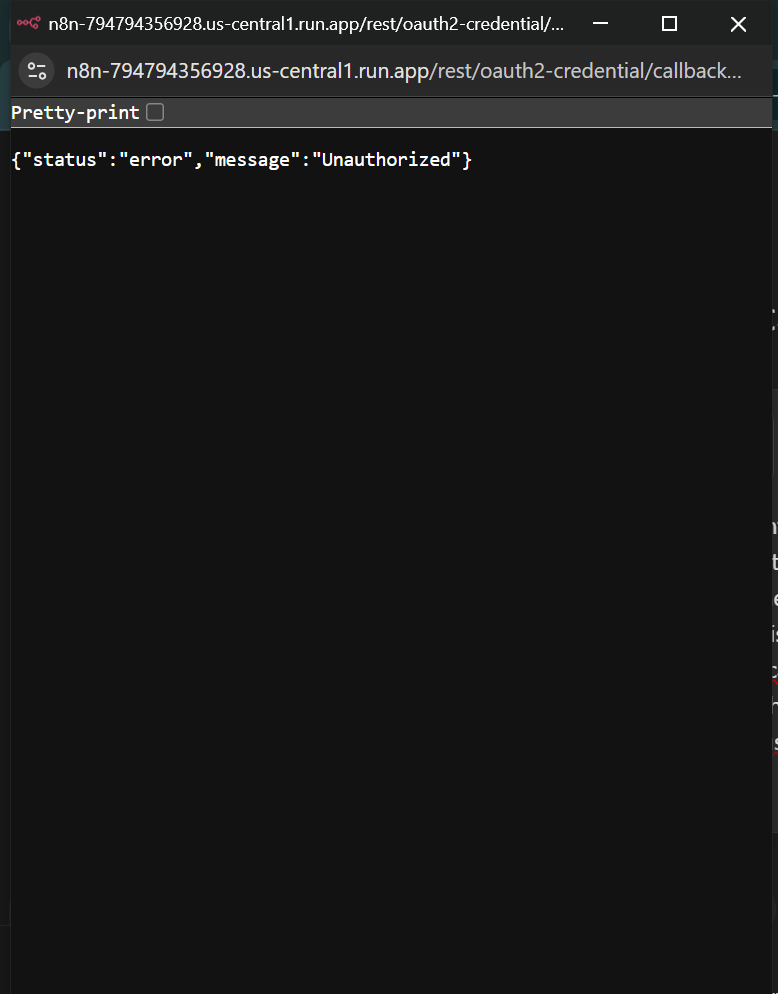
I’m running self-hosted n8n on Google Cloud Run and trying to integrate it with Google OAuth to authenticate and access various Google APIs (e.g., Google Drive, Google Sheets) and trying to create n8n credentials and potentially using those credentials in n8n google nodes like google docs, spreadsheet, drive, etc. I have set up OAuth credentials and the OAuth consent screen in the Google Cloud Console. However, when I try to authenticate with Google via n8n, I am prompted to choose my Google account, where I choose the same account using which I created the credentials and after doing so, I encounter the following error message:
{ “status”: “error”, “message”: “Unauthorized”}
What I’ve Done So Far:
-
OAuth Credentials in Google Cloud Console:
-
I’ve created OAuth credentials for a generic Google OAuth client in the Google Cloud Console.
-
I’ve added the required scopes and enabled the necessary APIs.
-
I correctly set the authorized redirect URI for n8n which is: https://n8n-794794356928.us-central1.run.app/rest/oauth2-credential/callback
-
-
Google Cloud Console Configuration:
-
OAuth consent screen is set up, in status published and verified. Although, haven’t verified the data access status yet.
-
My Google account ([email protected]) has the highest-level privileges in the GCP project and is used for OAuth authentication and creating credentials.
-
-
n8n Configuration:
-
I’ve configured the Google OAuth credentials in n8n and added the correct client ID and client secret.
-
Tried the “Sign in with Google” flow but keep facing the Unauthorized error.
-
-
What Happens During OAuth:
-
I select my Google account ([email protected]).
-
I encounter the message “This app is not verified” and click Advanced > Go to ScanX (unsafe).
-
After that, I grant the necessary permissions, but the “Unauthorized” error appears each time.
-
Things I’ve Tried:
-
Double-checked the OAuth client ID and secret.
-
Verified the redirect URI in both Google Cloud Console and n8n.
-
Ensured that all necessary scopes are added in the OAuth consent screen.
-
Waited for more than 12 hours for the OAuth credentials to propagate in Google Cloud.
-
Ensured that the service account used by Cloud Run has the necessary IAM roles (Editor, Viewer, etc.).
Error Message:
- After entering the Client ID and Client Secret from the created Oauth credentials, when I click “Sign in with google” in n8n credential, and follow the steps, I get the error message:
Information on my n8n setup
- n8n version: 1.50.1, self hosted on Google Cloud Run
- Database: Google Cloud SQL Postgres