Hello,
I am having a strange issue with the Google Sheets “Get Rows” node. It always returns “No output data” even when the data is present and the connection seems to be working.
What I have tried:
I confirmed the Credential, Document, and Sheet are all selected correctly.
I tested with no filter at all, and it successfully returned data once, but now it returns no data even with no filter.
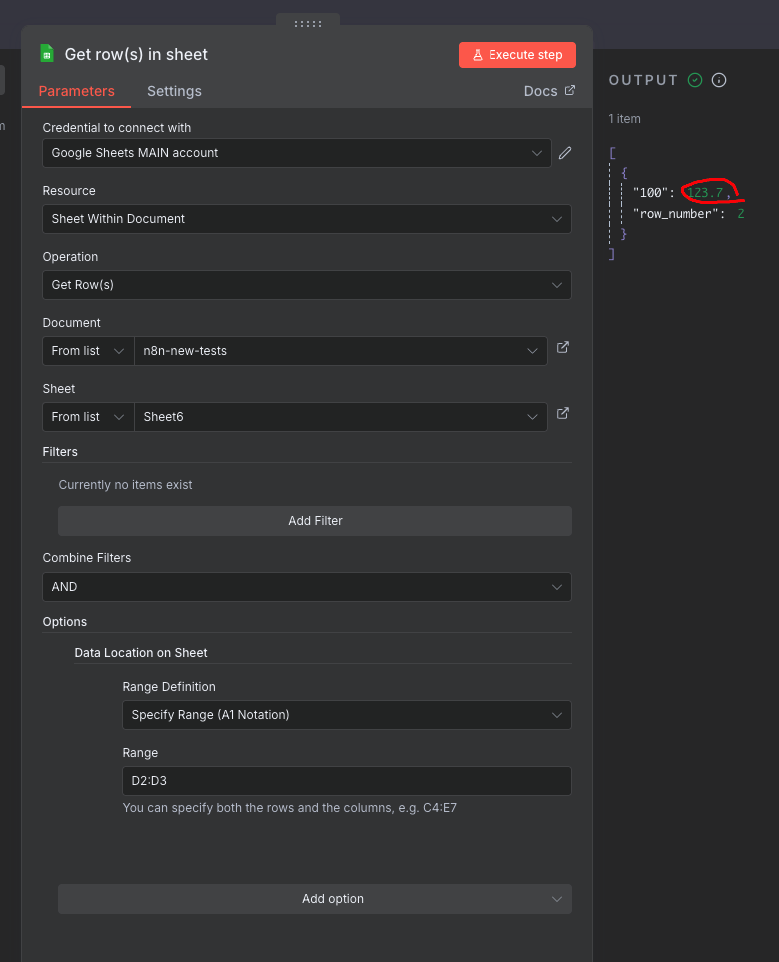
I have tried setting the Range in Options to A2 (where my header row is).
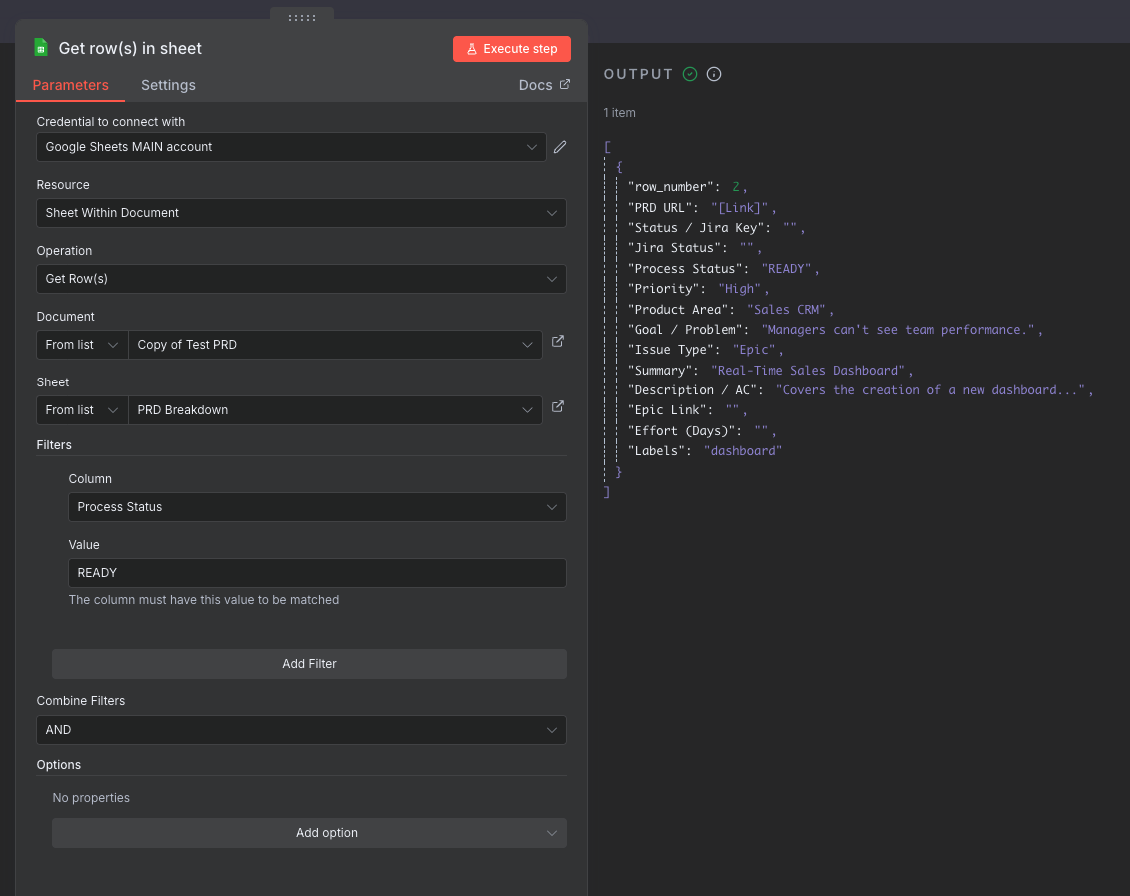
I have tried filtering for a simple text value (READY) and a number (1), and both return “No output data”.
The most important test:
I ran the following Google Apps Script from within the exact same sheet, using the same Google account. This script works perfectly and successfully reads the data from the cell.
JavaScript

function testSheetReading() {
  try {
    const sheet = SpreadsheetApp.getActiveSpreadsheet().getSheetByName("PRD Breakdown");
    const data = sheet.getRange(3, 4).getValue(); // Reads cell D3
    Logger.log(`SUCCESS! The script read the data: "${data}"`);
  } catch (e) {
    Logger.log(`FAILURE! Error: ${e.message}`);
  }
}
This test proves that my Google account has the correct permissions and the sheet is readable. The problem seems to be specifically with the n8n node.

Can anyone help me understand why this might be happening?
To clarify, I am trying to use the standard n8n Google Sheets node. The problem is that the node is returning “No output data”, even with the simplest possible configuration.
I only wrote and shared the Google Apps Script (JS) code as a debugging step. The script works perfectly and reads the data from my sheet, which proves that my Google account permissions are correct and the sheet is accessible.
Since the Apps Script can read the data but the n8-n node cannot, it shows that the problem is with the n8n node itself, not my script.
Do you have any ideas why the n8n node would be failing when a direct script works?
Here is a link to a new public sheet with mock data. It has the exact same structure as my real sheet:
The goal is to get the row where the Process Status column (Column D) equals READY. In my n8n workflow, the node is returning ‘No output data’ even with this simple test.
I have already confirmed with a Google Apps Script test that my account has permission to read the sheet, so the problem seems to be with the n8n node.