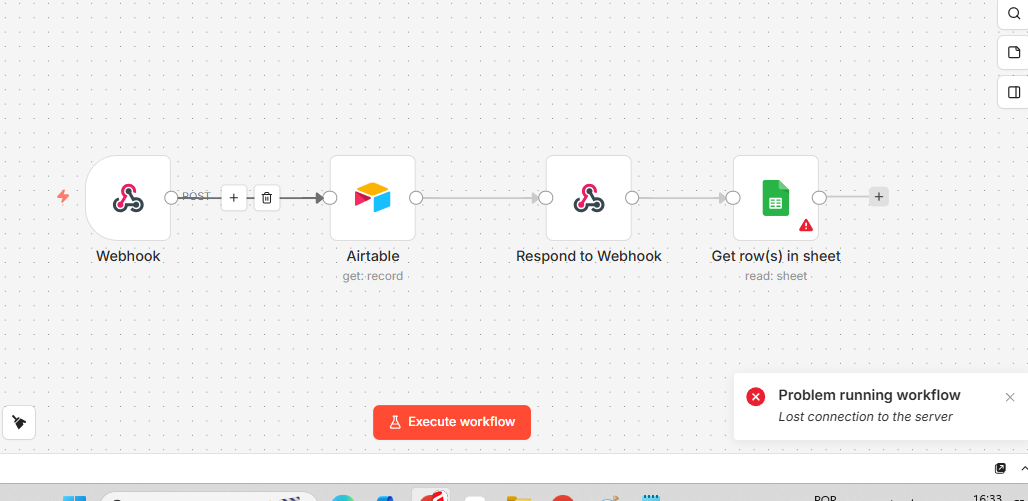
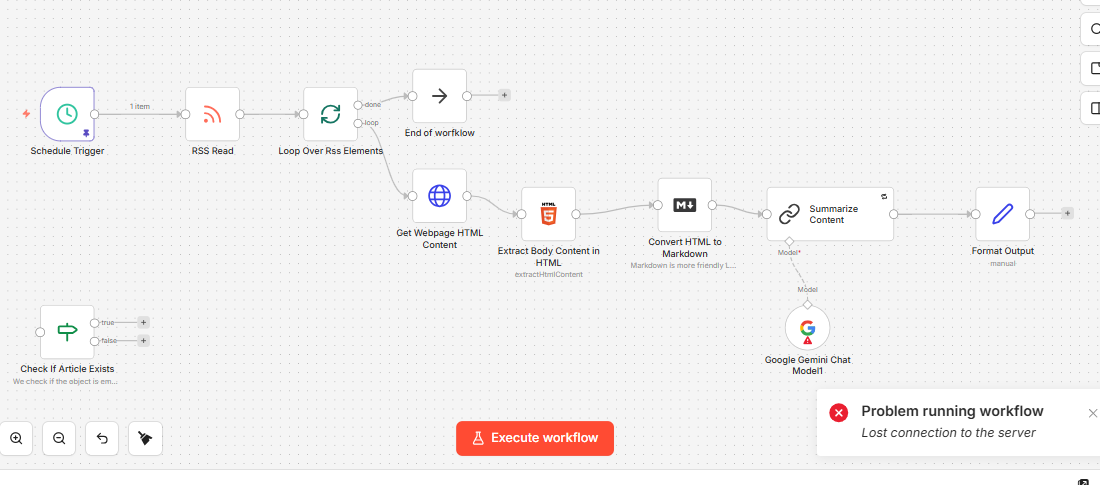
Persistent Error - “Lost connection to the server”
Dear Support Team,
We are experiencing critical stability issues with our n8n instance for several days, specifically with the error “Lost connection to the server”.
Technical Details:
-
Behavior: The error occurs repeatedly during workflow execution, causing the n8n editor to disconnect automatically and failing to complete the automation.
-
Context: The issue was initially identified in operations involving the Airtable node.
-
Severity: Currently, the error persists even in different workflows, such as when attempting RSS feed execution and HTML manipulation (Get Webpage HTML Content).
-
Actions Taken: We have already performed a complete reconfiguration of the involved nodes and verified input/output parameters, but the connection error persists.
Preliminary Diagnosis: This appears to be a server overload issue, connection timeout, or infrastructure failure hosting the n8n instance, as the workflow logic has been reviewed and validated.
We request an urgent analysis of the server logs to identify the root cause of this instability.
Sincerely