Context / What I’m trying to build
Hi n8n community! I’m building an automation workflow in n8n to generate and publish Pinterest Pins for a small ecommerce brand.
Goal (end-to-end):
-
Take product info (SKU / product URL / key features / style tags)
-
Use LLM to generate: image prompt + Title + Description + keywords/tags + board mapping
-
Generate image (AI image or provided product image)
-
Publish a Pin via Pinterest API (image + title/description + link + board)
-
Save everything into a “ready-to-publish” database (Notion/Sheet) + mark status
Progress (current blockers):
-
n8n has no native Pinterest credential, so I’m using HTTP Request + Generic OAuth2.
-
My Pinterest app is approved for Trial access (I have Client ID), but I’m blocked from getting the App Secret until I upgrade to Standard access.
-
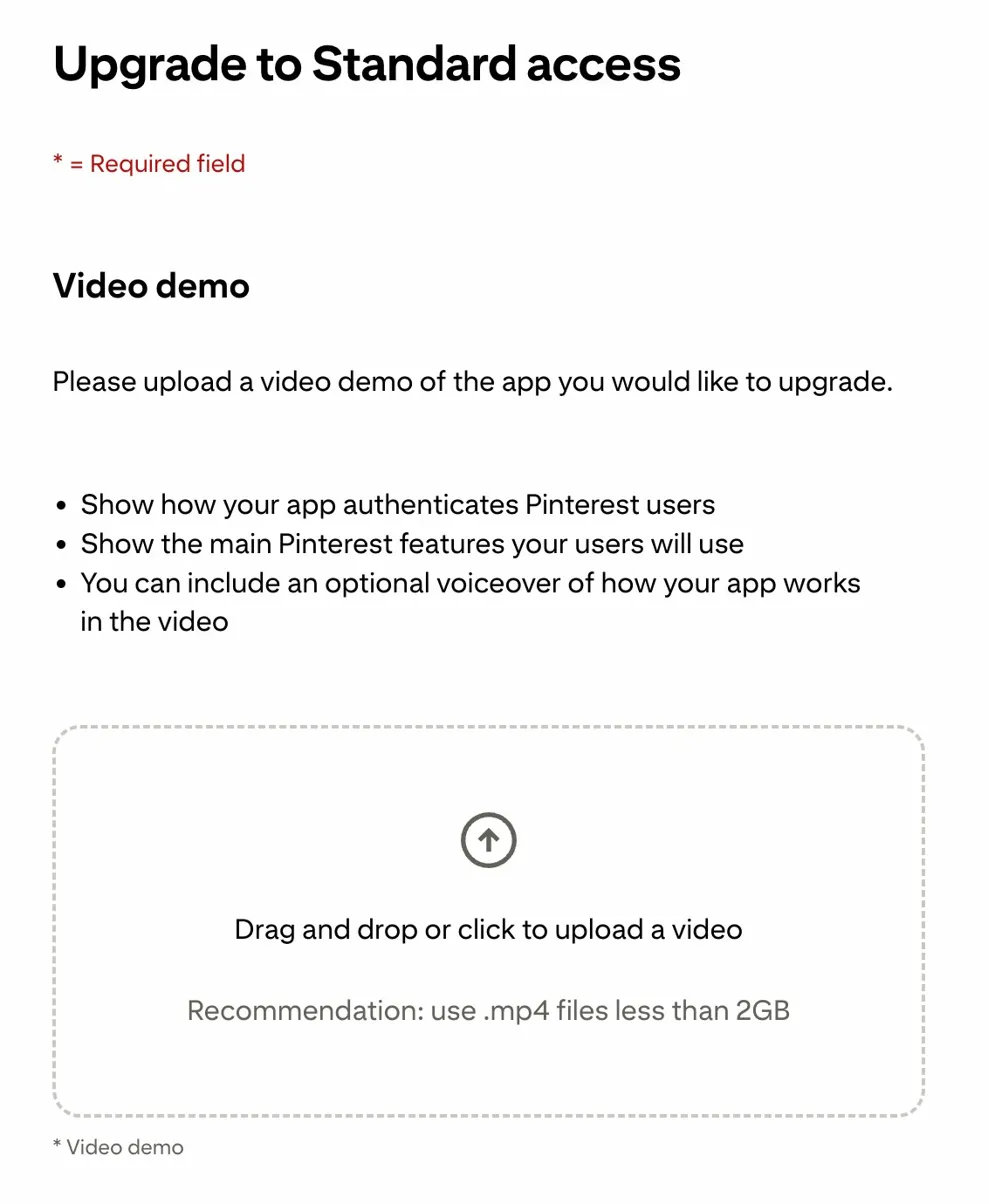
Pinterest requires a video demo (OAuth flow + main Pinterest actions) to upgrade from Trial → Standard.
Question:
Has anyone successfully built a similar “generate + publish Pin” workflow in n8n and gotten Standard access approved? Any tips on:
-
What the minimum acceptable demo video looks like (OAuth + create pin / boards)?
-
Common gotchas where GET works but POST /v5/pins fails (e.g. “Authorization failed”), even in sandbox?