Describe the problem/error/question
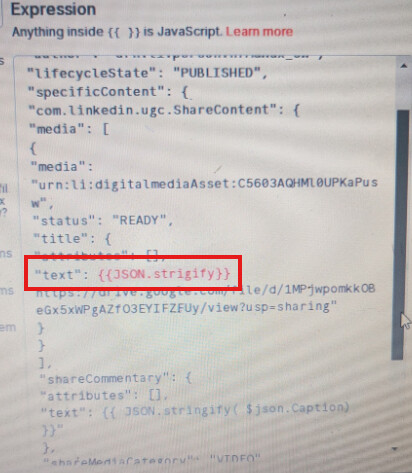
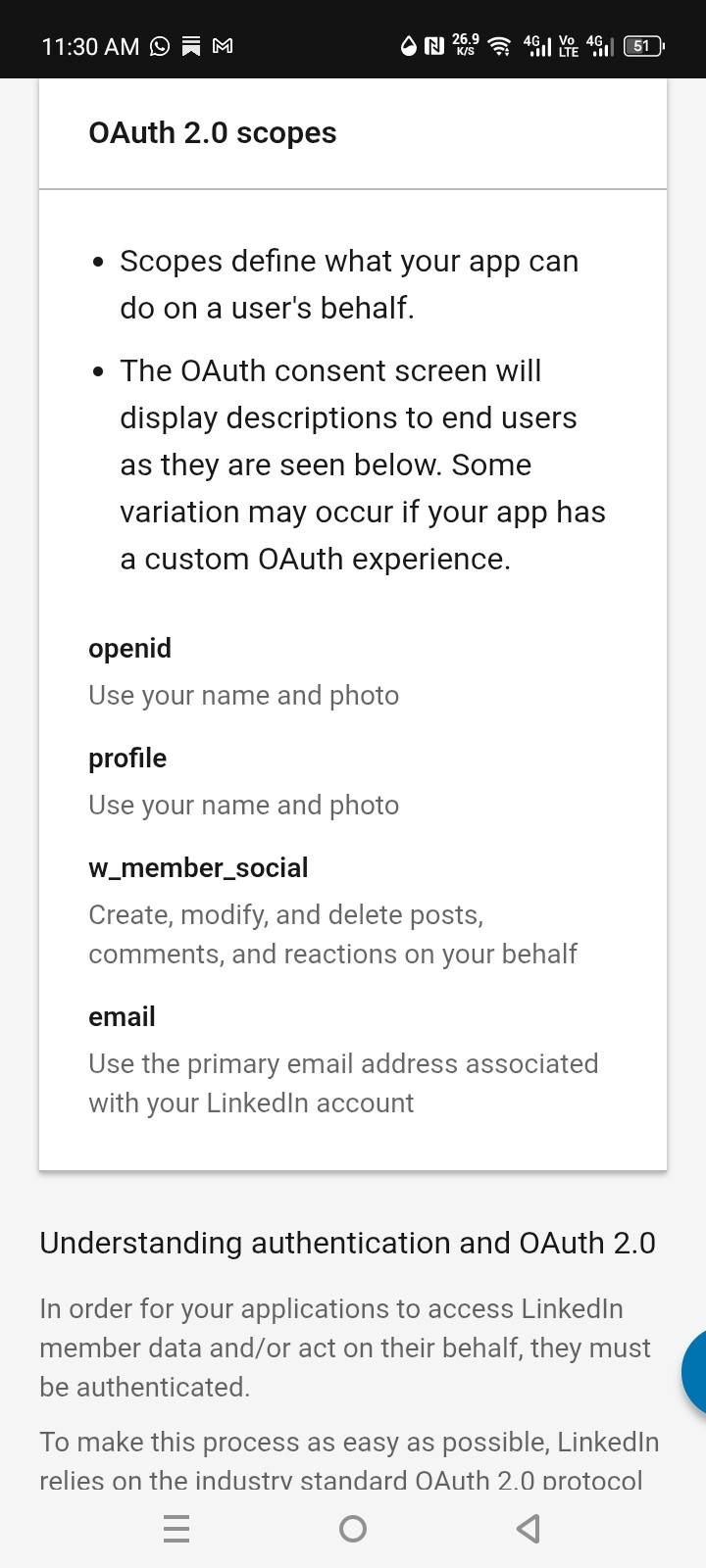
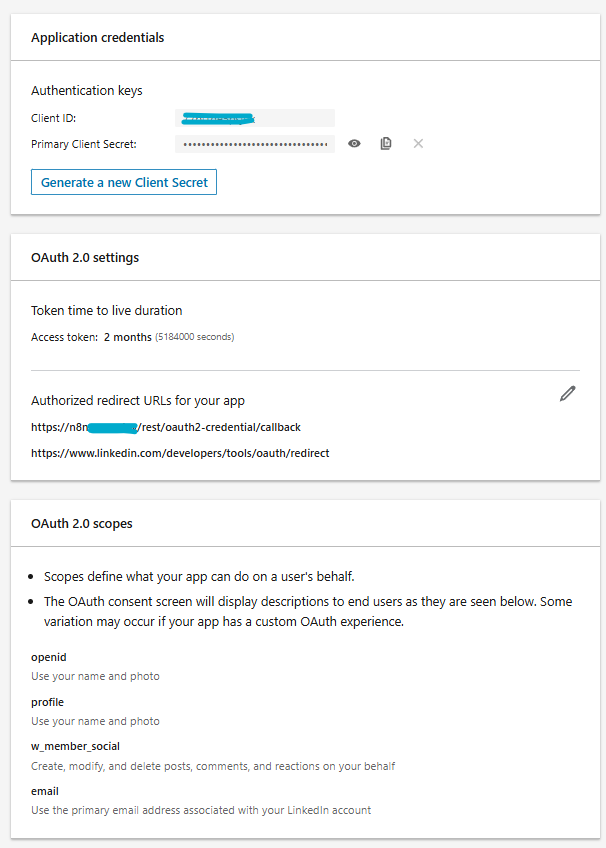
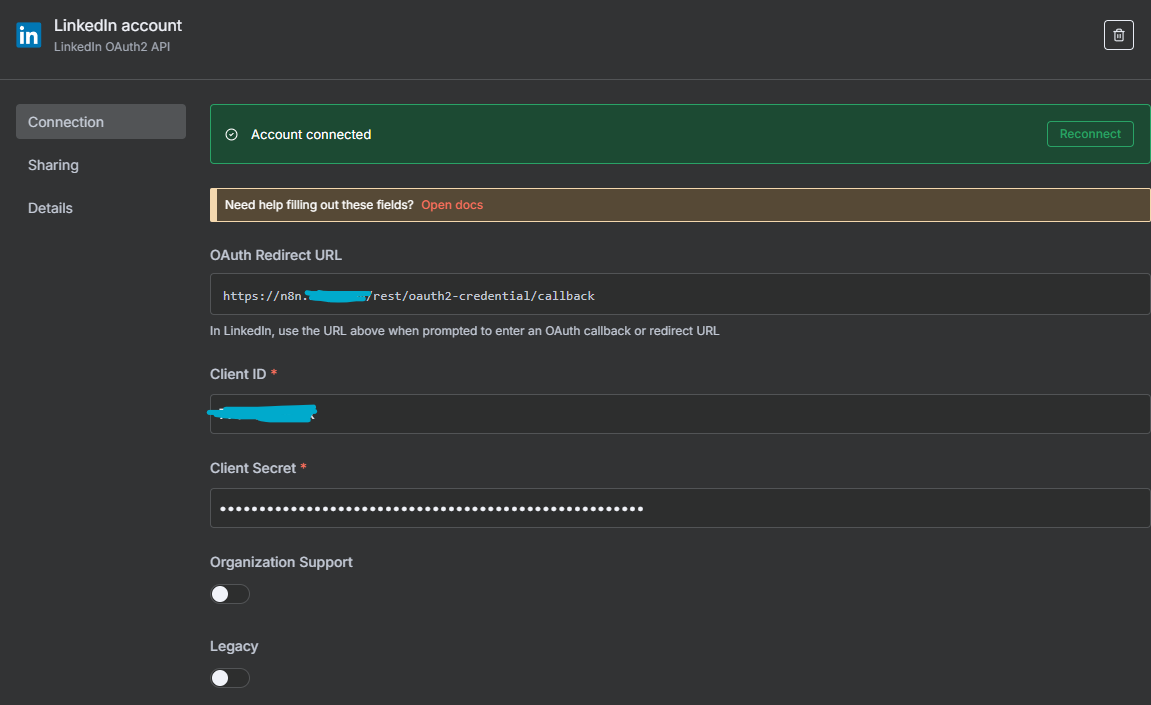
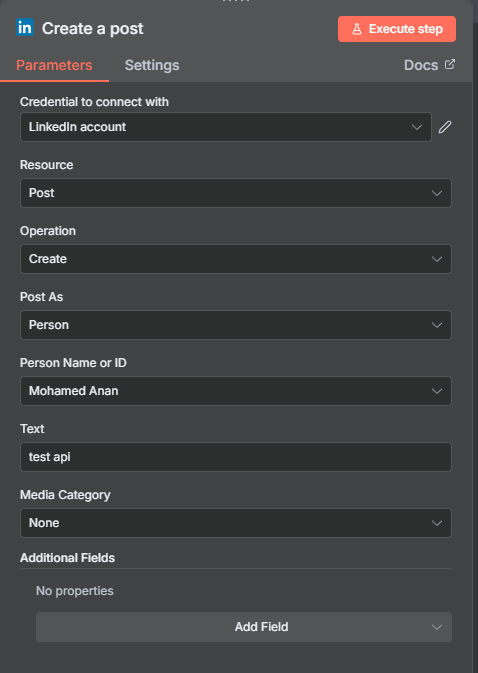
Hey chat so i’m having issues executing a http request to linkedin because of the JSON error
What is the error message (if any)?
It keeps sayong JSON parameter needs to be valid JSON. ive checked the reples on here and nothing has worked so far
Please share your workflow
(Select the nodes on your canvas and use the keyboard shortcuts CMD+C/CTRL+C and CMD+V/CTRL+V to copy and paste the workflow.){
  "nodes": [
    {
      "parameters": {
        "method": "POST",
        "url": "https://api.linkedin.com/v2/ugcPosts",
        "authentication": "predefinedCredentialType",
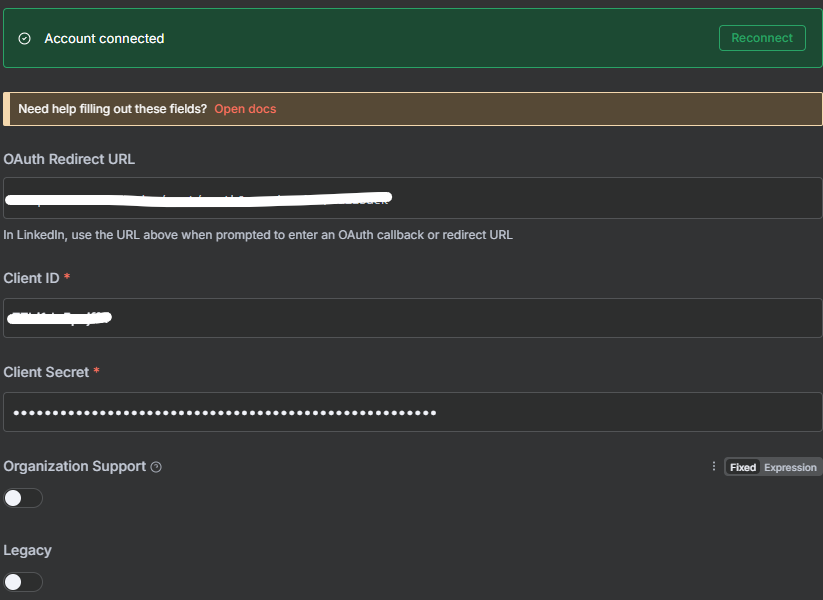
        "nodeCredentialType": "linkedInOAuth2Api",
        "sendHeaders": true,
        "headerParameters": {
          "parameters": [
            {
              "name": "Authorization",
              "value": "Bearer {AQW0a2Z0NS0FHEgvc7aqB5bHlsvn2j5IRqMRTk38rVJp7vEC3jPlHQA2A9w5ZyBpGl9quooIWqH7kLnAVVpoo3FhWBEQoeghsGMSEfp0nfTpnk1TbdpUfgl4mBzcj6ik1bvaYw9Ab-3Vl9vlH3DqAUbbngt4k-M8BC_lMdH0dTlcjopiVvWy63pNdI9rBKnFb3_FxphRu7RfO6JNMk_kCbmaKpivrrR9tnfCGw5hbfRc5Y5ydLaieeNcg24_XhV6oD5x-upVyqYg3ZzL0q5kER4iDe3KYRwCr09OAjHJdeQHo_nEMerP2qiX8LN79en4CJNGcOO5hwhGStH_nFoSnmNWAMXEfA}"
            },
            {
              "name": "X-Restli-Protocol-Version",
              "value": "2.0.0"
            }
          ]
        },
        "sendBody": true,
        "specifyBody": "json",
        "jsonBody": "=\n{\n\"author\": \"urn:li:person:hfMGWGx_ow\",\n\"lifecycleState\": \"PUBLISHED\",\n\"specificContent\": {\n\"com.linkedin.ugc.ShareContent\": {\n\"media\": [\n{\n\"media\": \"urn:li:digitalmediaAsset:C5603AQHMl0UPKaPusw\",\n\"status\": \"READY\",\n\"title\": {\n\"attributes\": [],\n\"text\": \"Sample Video Create https://drive.google.com/file/d/1MPjwpomkkOBeGx5xWPgAZfO3EYIFZFUy/view?usp=sharing\"\n}\n}\n],\n\"shareCommentary\": {\n\"attributes\": [],\n\"text\": \"{{ $json.Caption }}\"\n},\n\"shareMediaCategory\": \"VIDEO\"\n}\n},\n\"visibility\": {\n\"com.linkedin.ugc.MemberNetworkVisibility\": \"PUBLIC\"\n}\n} }}}",
        "options": {}
      },
      "type": "n8n-nodes-base.httpRequest",
      "typeVersion": 4.2,
      "position": [
        64,
        176
      ],
      "id": "9a5afe71-6a90-49a5-8aab-fbc34b172c1b",
      "name": "HTTP Request1",
      "credentials": {
        "linkedInOAuth2Api": {
          "id": "Cwvr4xK4pCJjlAv4",
          "name": "LinkedIn account 2"
        },
        "linkedInCommunityManagementOAuth2Api": {
          "id": "abvivQvfwdjQCAP1",
          "name": "LinkedIn Community Management account"
        }
      }
    }
  ],
  "connections": {
    "HTTP Request1": {
      "main": [
        []
      ]
    }
  },
  "pinData": {},
  "meta": {
    "templateCredsSetupCompleted": true,
    "instanceId": "35ae3fe36b48e014c41aaf1c49b2748f208955a93f8c3f63d04a12883462b1b1"
  }
}
Share the output returned by the last node
Information on your n8n setup
- n8n version: 1.108.1
- Database (default: SQLite):
- n8n EXECUTIONS_PROCESS setting (default: own, main): own
- Running n8n via (Docker, npm, n8n cloud, desktop app): n8n cloud
- Operating system: windows 10
 community!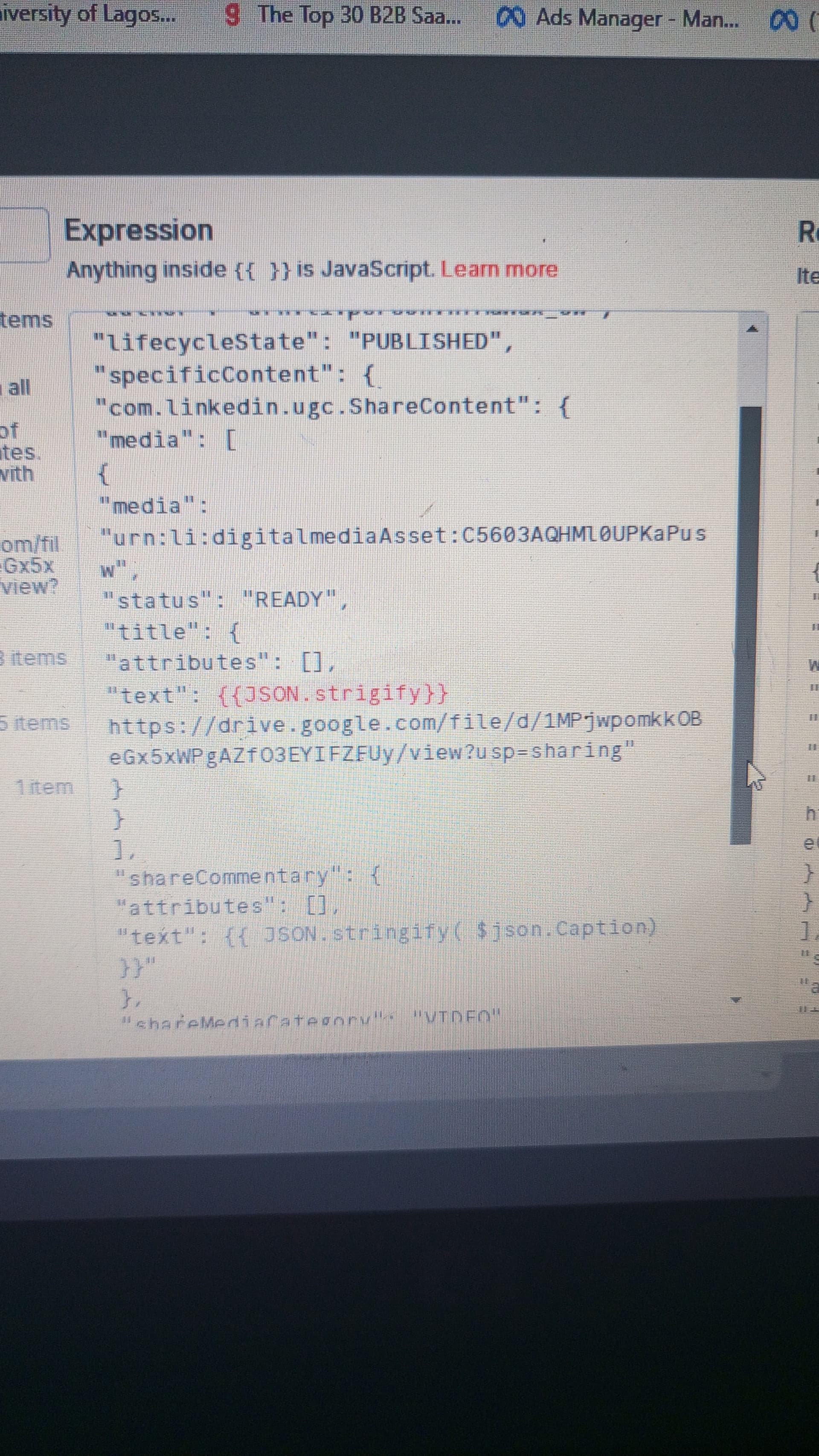


 ? Thanks!