Hello,
In my n8n Docker workflow, I have a “Form” node that causes an error 9 times out of 10: “Problem running workflow. Please resolve outstanding issues before you activate it.”
Could someone help me?
Hi there, when there are errors, usually during testing, you can’t activate the workflow.
You have to save the workflow, reload then activate it.
If this issue still occurs, could you give some more details? a screenshot or posting your workflow here would help/
1 Like
Here’s my n8n Docker workflow :
Here is my workflow
Hi Nathalie, did you try disconnecting the problematic node and adding it back? I’m also experiencing the same problem.
I am having the same issue and not seeing any icons or error tryangles beside the workflow … i am new to this n8n and dont have a great understanding but would like further help in this as i am trying to utilize the Auto Social Media Posts AI Agent and i have everything connected…
Please help
these are the steps I have followed -https://www.youtube.com/watch?v=r2bxV2CHu5U
now i have tried to exacute workflow and it shows this error “ Problem running workflow
Please resolve outstanding issues before you activate it”
Thanks
HERE IS MY WORKFLOW :
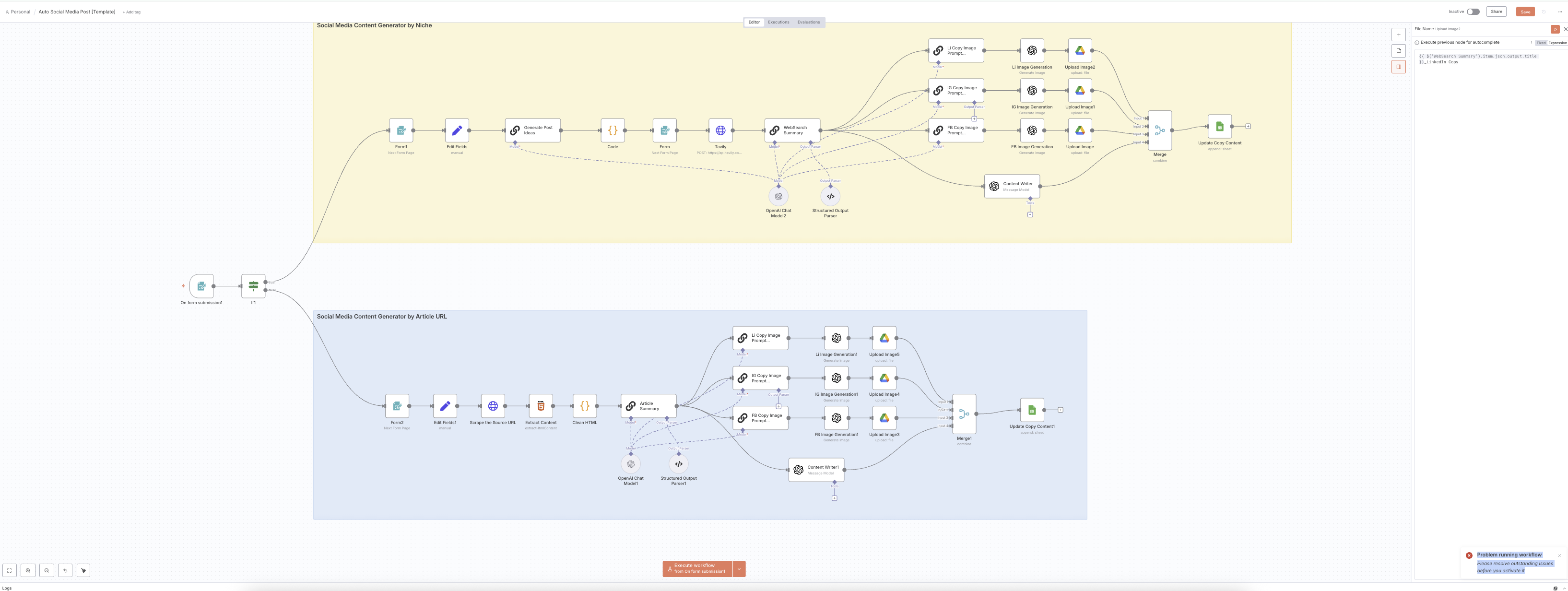
Hi, did you manage to resolve the issue? I have the same error and don’t know what to do.
First you have to activate the workflow by toggling Active .
Then get the Url from the form and open your browser , paste that Url and fill the form.
Then in the Execution tab you can see if there are error or not.