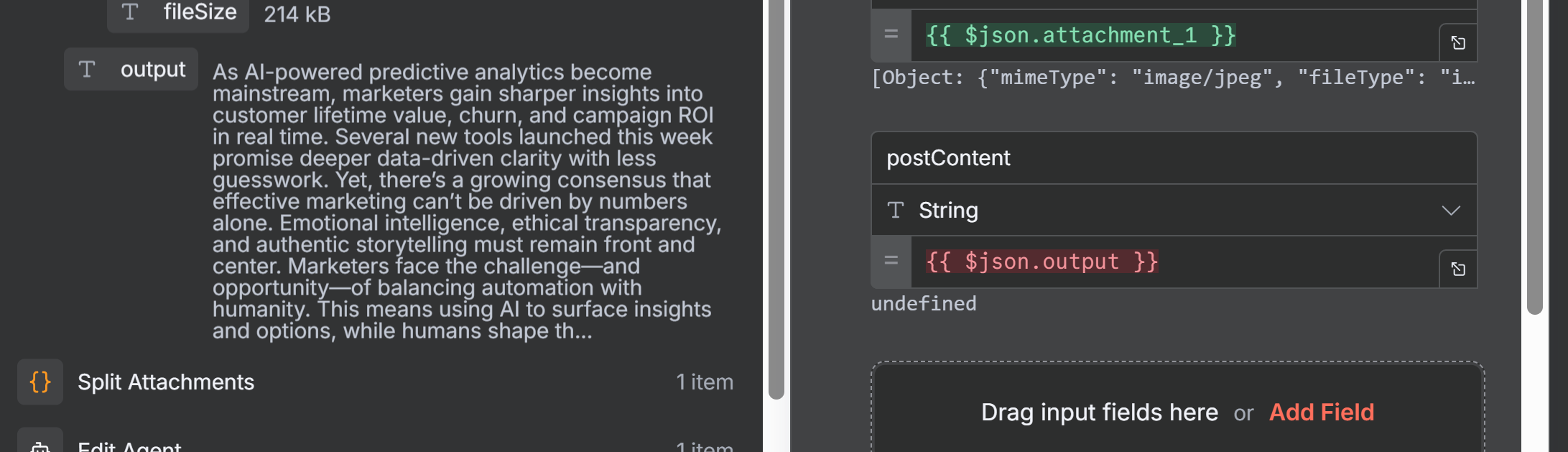
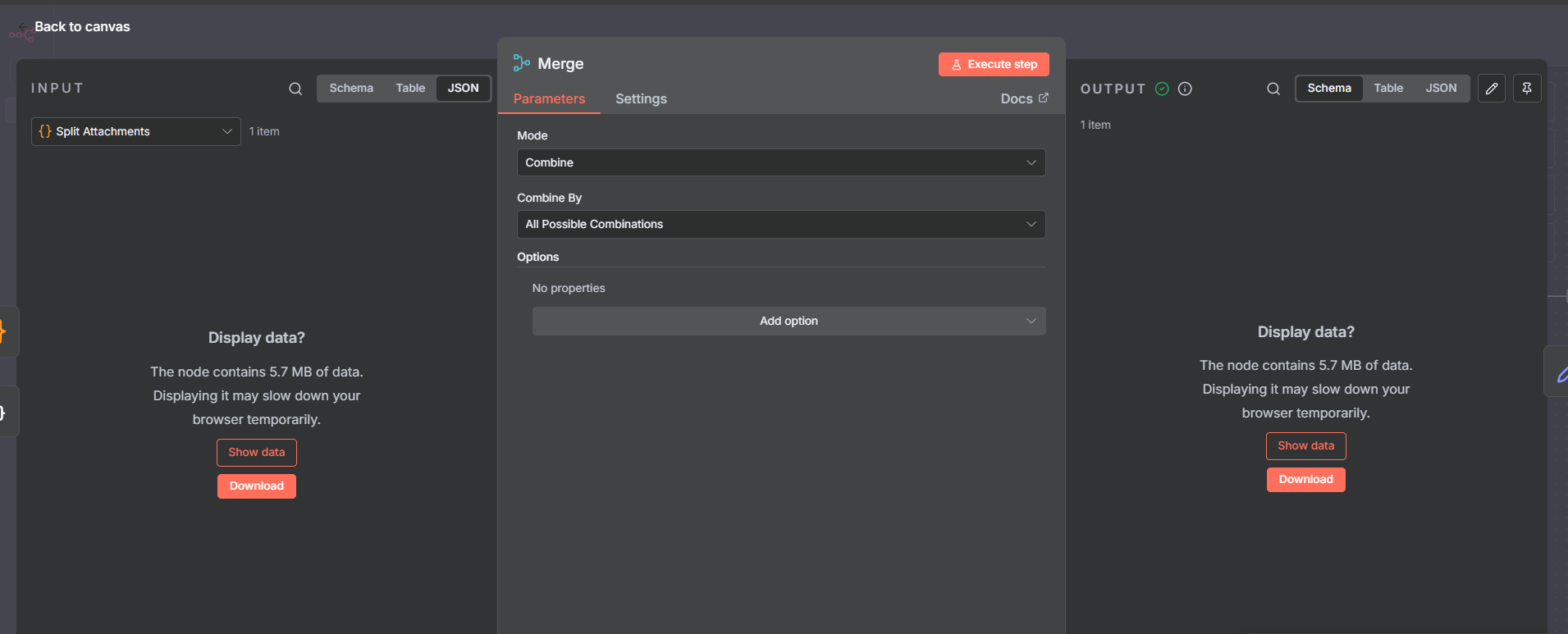
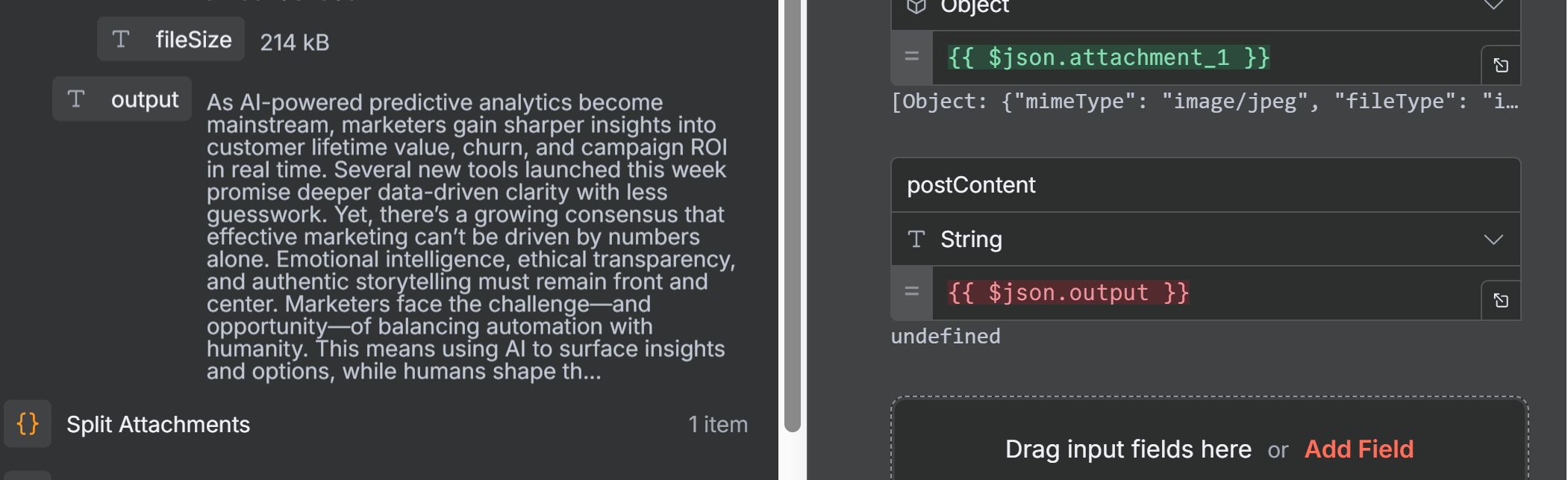
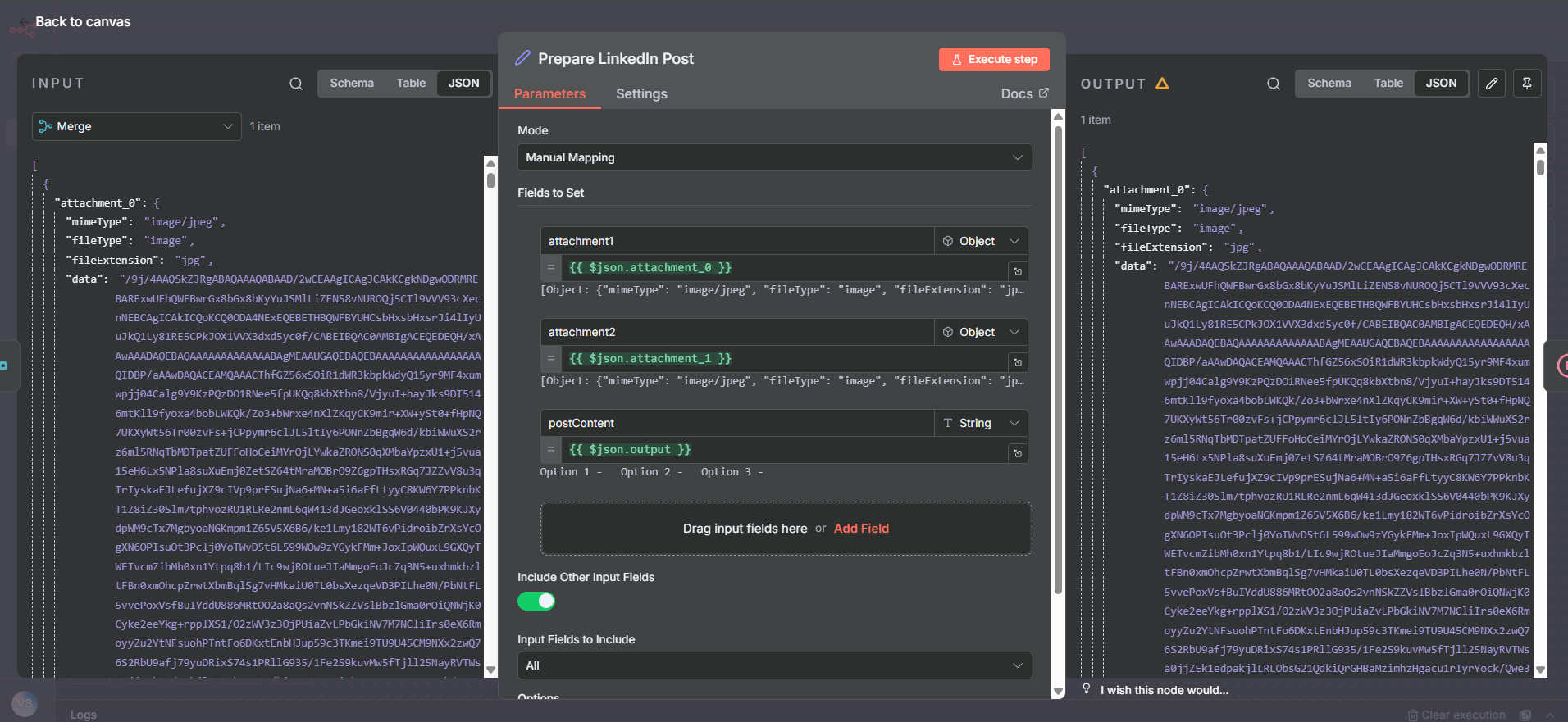
I am trying to extract the attachments, which may be as many as 5 images, and merge them with content from the gmail trigger that has been revised.
the merge node wont take the “content” variable. and i’m not sure i am doing this correct honestly. i have been working for ten hours on this so far. i want to end up with content and images ready to post into LinkedIn on monday mornings.
i will change that in the workflow. do you know why the “Prepare LinkedIn Post” node is saying that the postContent field is undefined when there is clearly data there?
Try to remove the expression {{$json.output}} , and either drag&drop directly into that field, or start typing yourself the expression (sometimes copy/paste expression do NOT work).
an update to my n8n version fixed the issue! thank you both so much for your help.
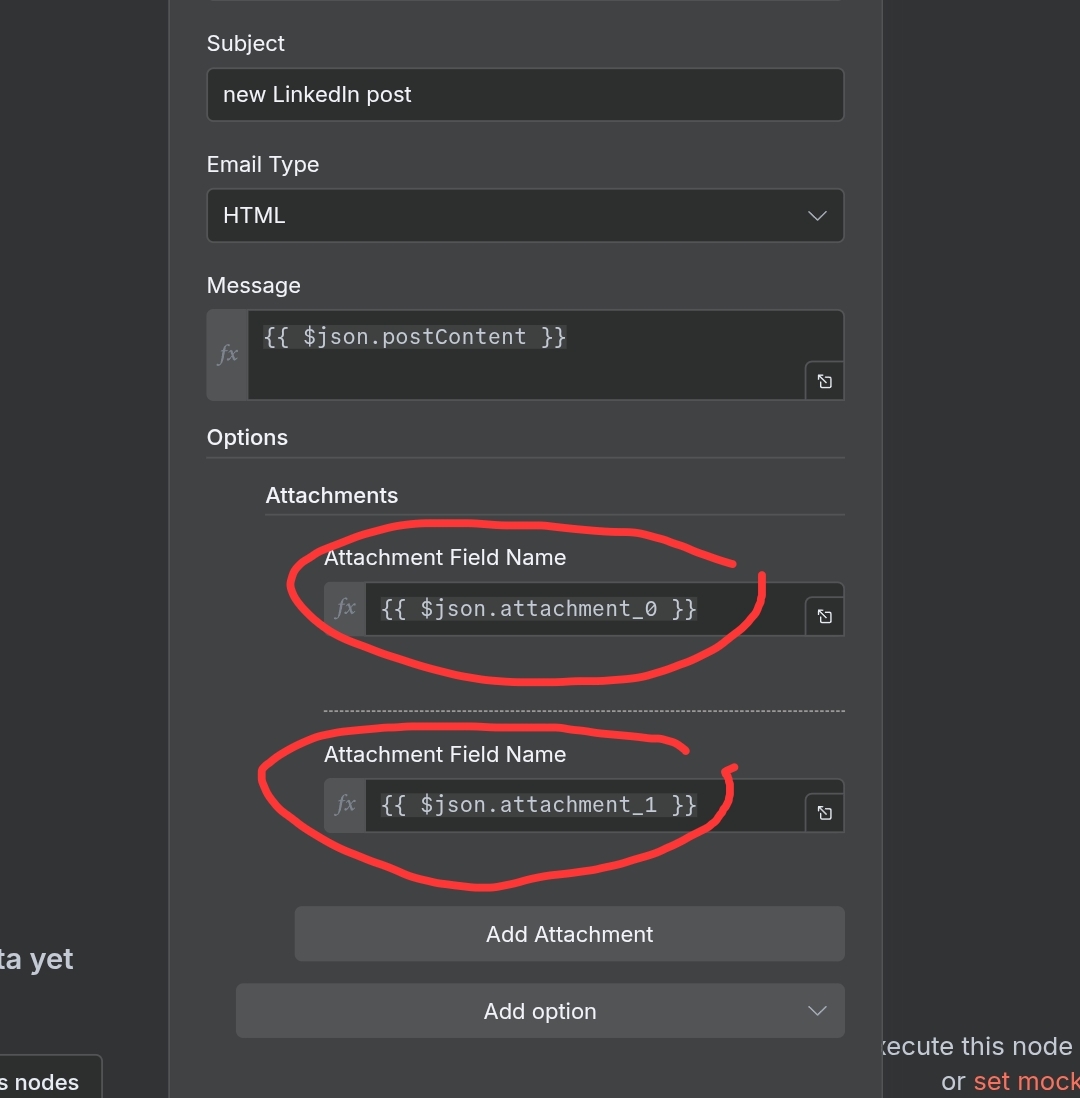
i hope you dont mind helping me with the last piece? now when i send an email to myself to check the content i get an error: The item has no binary field ‘nc_25-02-06_love-sale_digAd_125x125.jpg’ [item 0] (item 0)
In the Gmail node’s attachments configuration, use the binary property name (e.g., attachment_0, data, etc.), not the actual file name. You used {{ $json.attachment2.fileName }} but in the previous node you used attachment_0 etc…
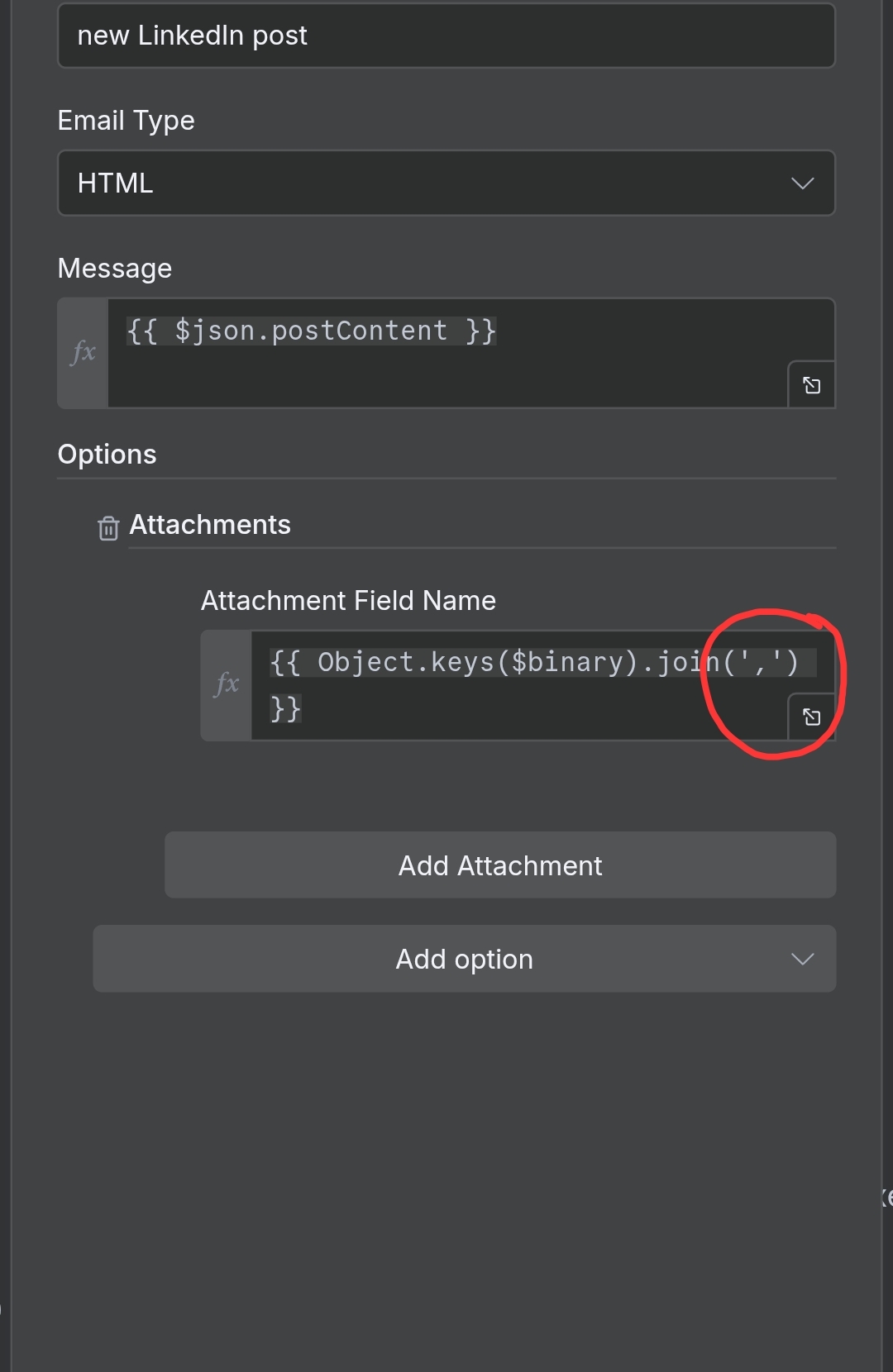
Beside that, you can use a single expression to join the files :
{{ Object.keys($binary).join(‘,’) }}
like in this post here
P.S Visually in UI, if you want to put each attachment as you did, be sure to use in the field the orange text.
Hey @baldguydesign !
If you copy the an expression that contains ’ character it may be turned into curly braces, that’s where your send message3 gmail has in your last workflow shared and said invalid syntax, and this is correct syntax:
Your binary should ALWAYS be available in your pipeline in the node right before the one you want to attach it to as @Parintele_Damaskin pointed out, the field is looking for the Name and not the content. So just make sure the binary is flowing through all nodes.
PS, not all nodes pass through previous variables and binary data, so you need to make sure it is available at the point you want to reference it.