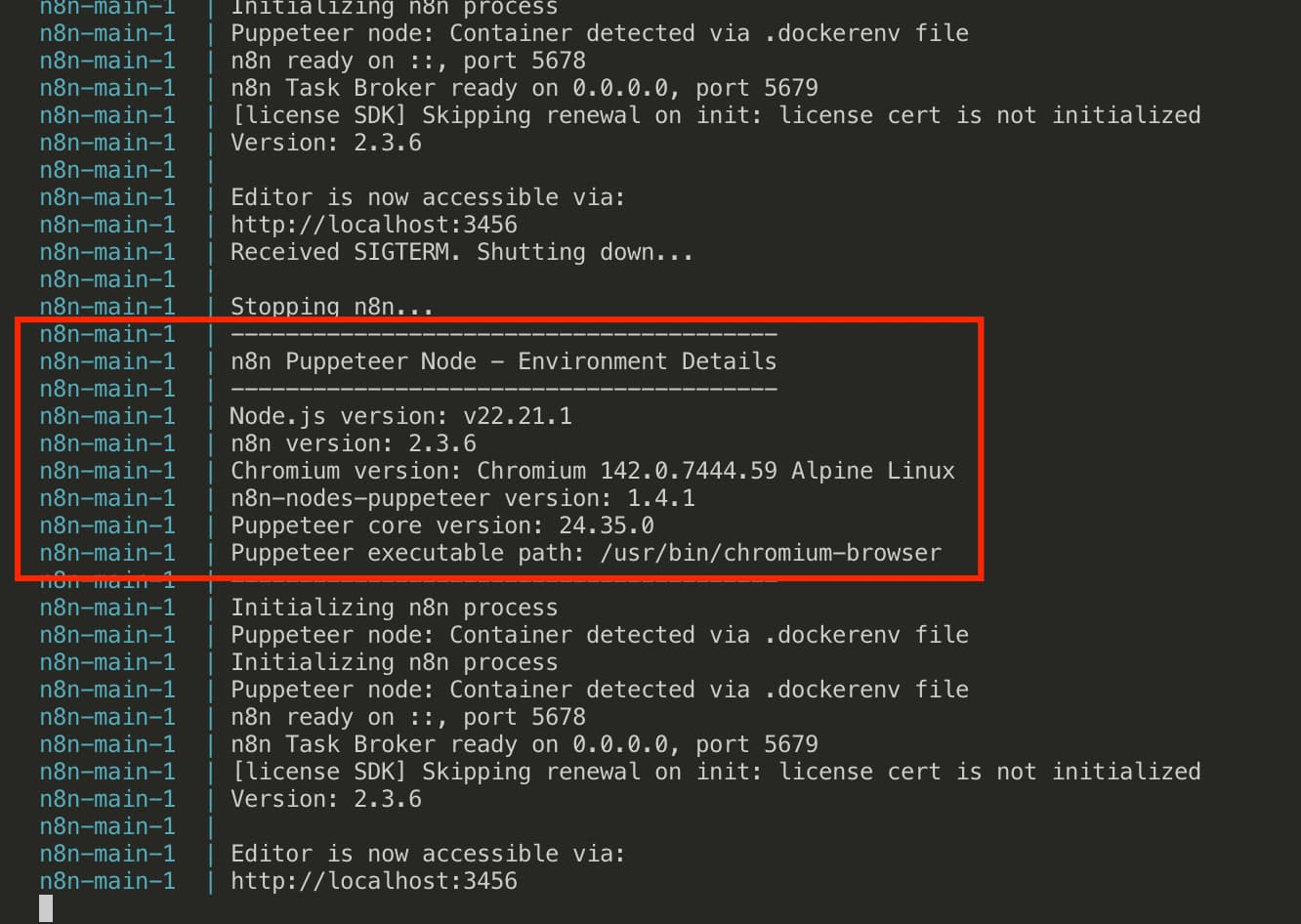
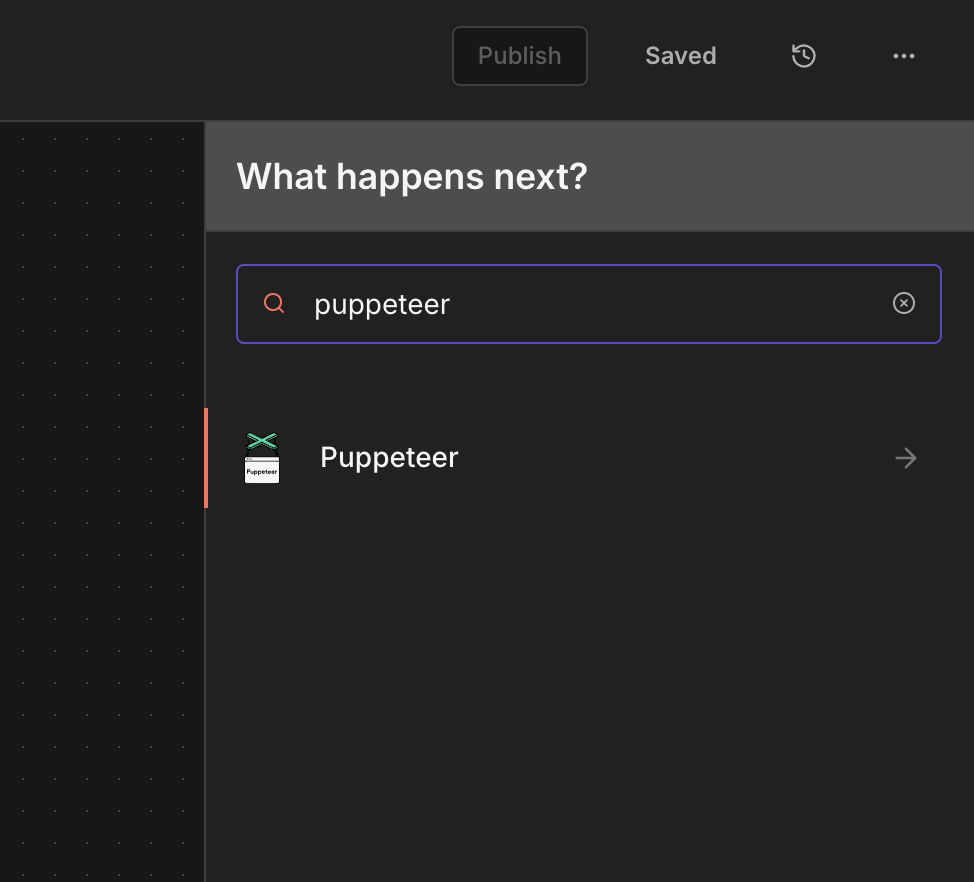
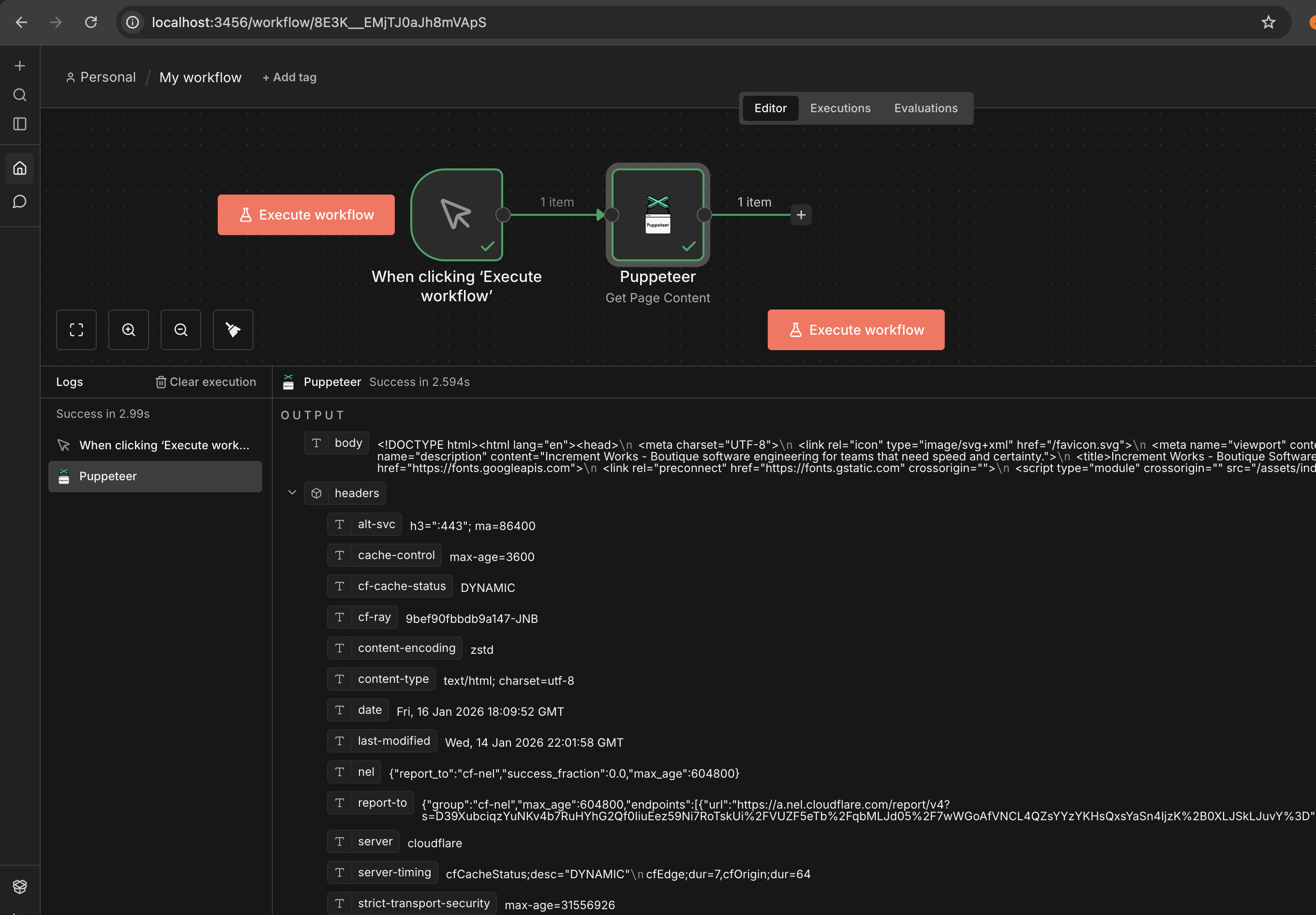
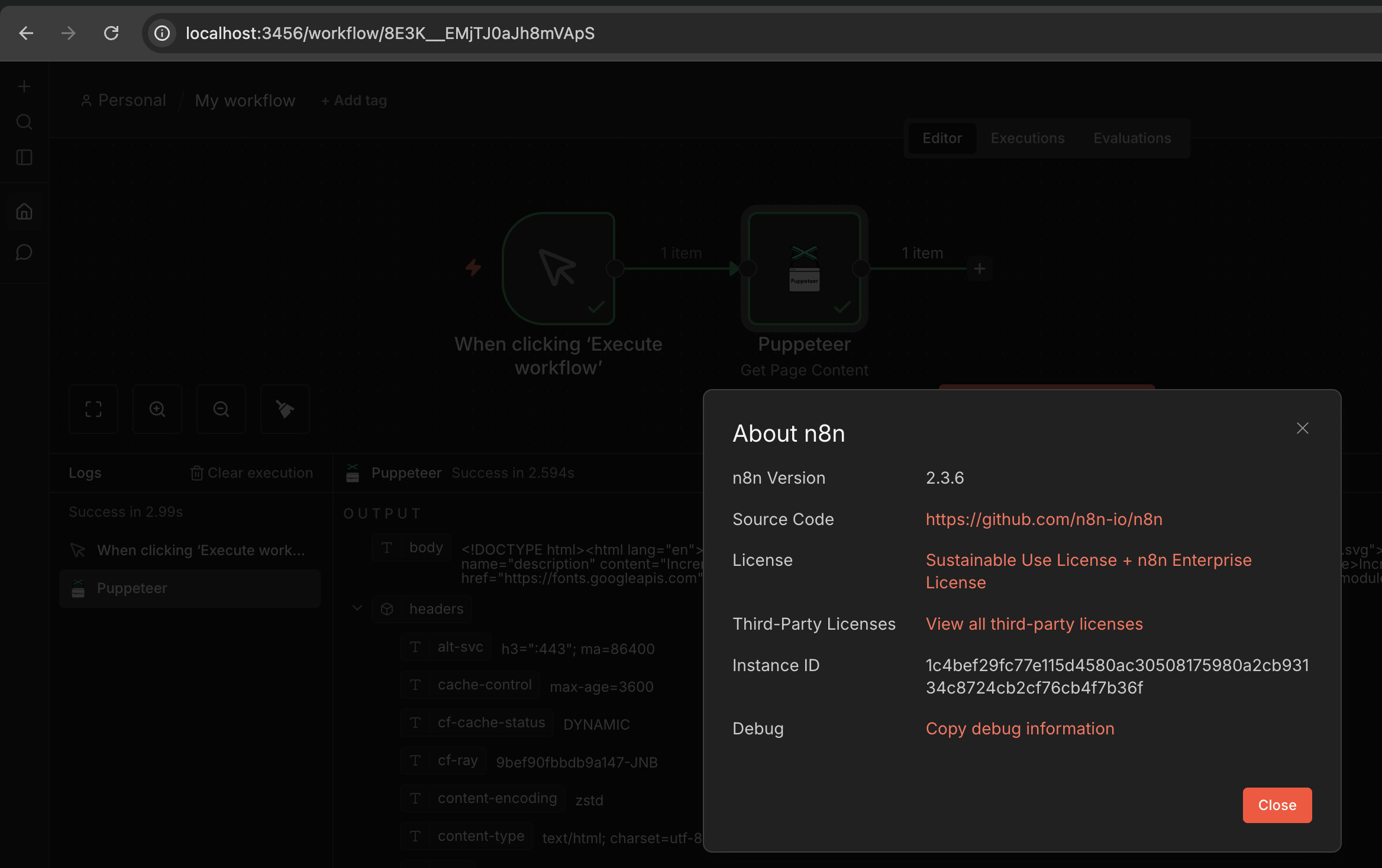
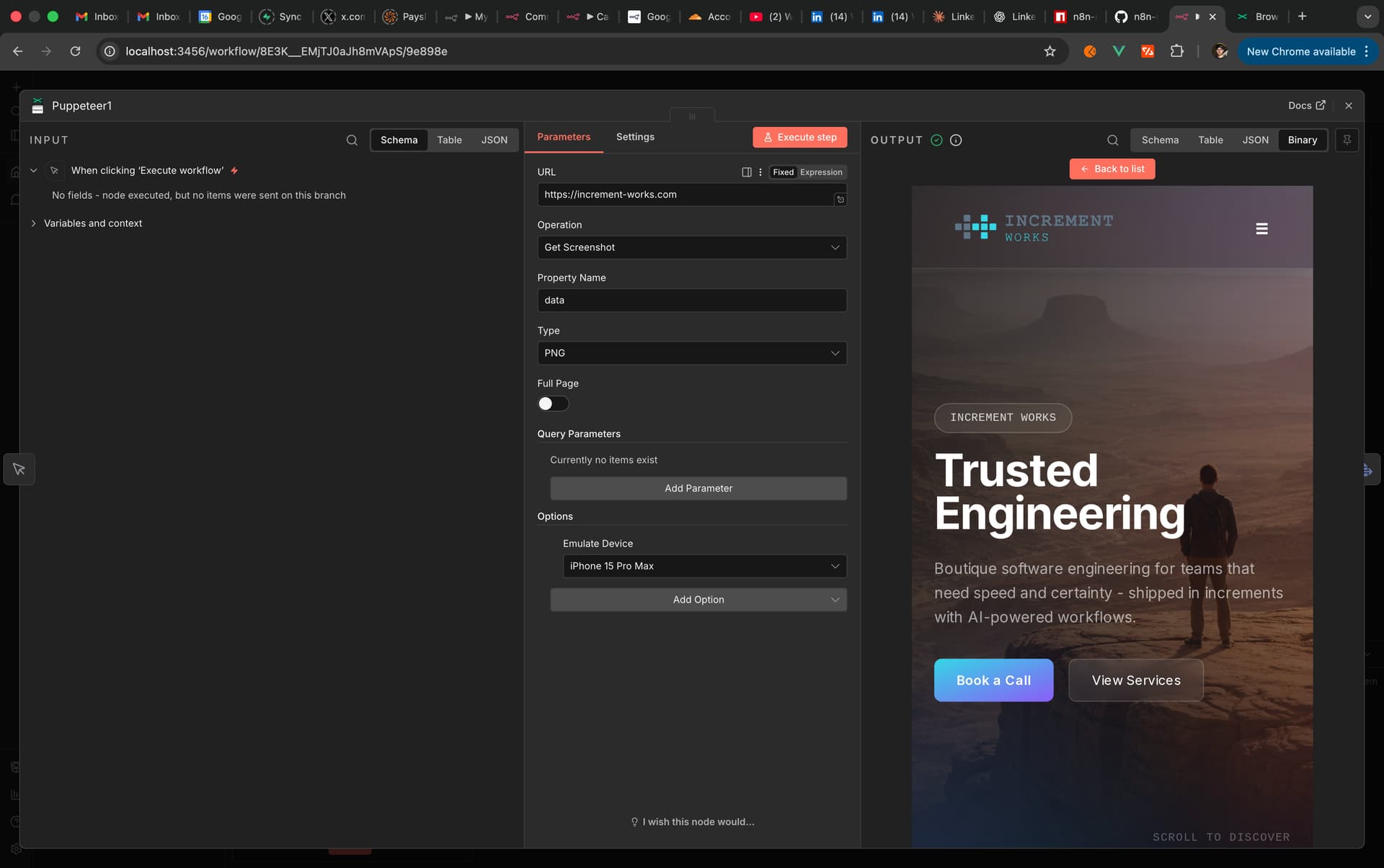
Ok here’s how to make it work:
You’ll need to create a folder somewhere and then create the following files. Once done you can run the following commands to build the new image locally and then start up n8n in queue mode with workers and runners. This was based on the n8n community node found below. I simply followed the docker route and made the necessary fixes to the Dockerfile etc to make it work. Feel free to modify the docker compose to your needs. The only reason I used a different port (3456) is because I already have other n8n instances on my local machine.
Commands:
Rebuilds the image and starts containers
docker-compose up --build -d
Starts containers (uses cached image if available)
docker-compose up -d
Just builds the image without starting
docker-compose build
Files to create:
.puppeteerrc.cjs
// Puppeteer configuration for Docker
// This file will be copied to /home/node/.puppeteerrc.cjs in the container
const { join } = require('path');

/**
 * @type {import("puppeteer").Configuration}
 */
module.exports = {
  executablePath: process.env.PUPPETEER_EXECUTABLE_PATH || '/usr/bin/chromium-browser',
  args: [
    '--no-sandbox',
    '--disable-setuid-sandbox',
    '--disable-dev-shm-usage',
    '--disable-gpu',
    '--disable-software-rasterizer',
    '--disable-extensions',
    '--no-first-run',
    '--no-zygote',
    '--single-process'
  ]
};
chromium-wrapper.sh
#!/bin/sh
# Wrapper script to launch Chromium with Docker-friendly flags
exec /usr/lib/chromium/chromium \
  --no-sandbox \
  --disable-setuid-sandbox \
  --disable-dev-shm-usage \
  --disable-gpu \
  --disable-software-rasterizer \
  --no-first-run \
  --no-zygote \
  --single-process \
  "$@"
docker-compose.yml
services:
  n8n-db:
    image: postgres:16.1
    restart: always
    environment:
      - POSTGRES_DB=n8n
      - POSTGRES_PASSWORD=n8n
      - POSTGRES_USER=n8n
    volumes:
      - postgres-data-puppet:/var/lib/postgresql/data

  n8n-redis:
    image: redis:7-alpine
    restart: always
    volumes:
      - redis-data-puppet:/data

  n8n-main:
    build: .
    image: n8n-puppeteer
    restart: always
    depends_on:
      - n8n-db
      - n8n-redis
    volumes:
      - n8n-data-puppet:/home/node/.n8n
    ports:
      - 3456:5678
      # - 5680:5680
    # Add shared memory size for Chromium
    shm_size: "2gb"
    environment:
      # Puppeteer/Chromium configuration for Docker
      - PUPPETEER_ARGS=--no-sandbox --disable-setuid-sandbox --disable-dev-shm-usage --disable-gpu
      - WEBHOOK_URL=http://localhost:3456
      - NODE_ENV=production
      - N8N_HOST=localhost
      - N8N_PORT=5678
      - N8N_PROTOCOL=https
      - N8N_SECURE_COOKIE=true
      - EXECUTIONS_MODE=queue
      # Task runner configuration for v2 (external mode)
      - N8N_RUNNERS_ENABLED=true
      - N8N_RUNNERS_MODE=external
      - N8N_RUNNERS_BROKER_LISTEN_ADDRESS=0.0.0.0
      - N8N_RUNNERS_AUTH_TOKEN=your-secure-auth-token-change-this
      # Security settings
      - N8N_ENFORCE_SETTINGS_FILE_PERMISSIONS=false
      - N8N_BLOCK_ENV_ACCESS_IN_NODE=true
      - N8N_SKIP_AUTH_ON_OAUTH_CALLBACK=false
      # File access restriction
      - N8N_RESTRICT_FILE_ACCESS_TO=/home/node/.n8n-files
      # Binary data configuration (filesystem mode for regular mode)
      - N8N_DEFAULT_BINARY_DATA_MODE=filesystem
      - NODE_FUNCTION_ALLOW_BUILTIN=crypto
      - OFFLOAD_MANUAL_EXECUTIONS_TO_WORKERS=true
      - DB_TYPE=postgresdb
      - DB_POSTGRESDB_DATABASE=n8n
      - DB_POSTGRESDB_HOST=n8n-db
      - DB_POSTGRESDB_PORT=5432
      - DB_POSTGRESDB_USER=n8n
      - DB_POSTGRESDB_SCHEMA=n8n
      - DB_POSTGRESDB_PASSWORD=n8n
      - DB_POSTGRESDB_POOL_SIZE=40
      - DB_POSTGRESDB_CONNECTION_TIMEOUT=30000
      # Queue mode configuration
      - QUEUE_BULL_REDIS_HOST=n8n-redis
      - QUEUE_BULL_REDIS_PORT=6379
      - QUEUE_BULL_REDIS_DB=0
      #  - N8N_LOG_LEVEL=debug
      - NODES_EXCLUDE="[n8n-nodes-base.localFileTrigger]"
      - N8N_ENCRYPTION_KEY=your-encryption-key-change-this

  n8n-worker:
    build: .
    image: n8n-puppeteer
    restart: always
    command: worker --concurrency=6
    depends_on:
      - n8n-db
      - n8n-redis
      - n8n-worker-task-runner
    # volumes:
    #   - n8n-data-puppet:/home/node/.n8n
    # Add shared memory size for Chromium
    shm_size: "2gb"
    environment:
      # Puppeteer/Chromium configuration for Docker
      - PUPPETEER_ARGS=--no-sandbox --disable-setuid-sandbox --disable-dev-shm-usage --disable-gpu
      - EXECUTIONS_MODE=queue
      - WEBHOOK_URL=http://localhost:3456
      - N8N_HOST=localhost
      - N8N_SKIP_DB_INIT=true
      # Task runner configuration for v2 (external mode)
      - N8N_RUNNERS_ENABLED=true
      - N8N_RUNNERS_MODE=external
      - N8N_RUNNERS_BROKER_LISTEN_ADDRESS=0.0.0.0
      - N8N_RUNNERS_AUTH_TOKEN=your-secure-auth-token-change-this
      - N8N_PROCESS=worker
      # Security settings
      - N8N_ENFORCE_SETTINGS_FILE_PERMISSIONS=false
      - N8N_BLOCK_ENV_ACCESS_IN_NODE=true
      # File access restriction
      - N8N_RESTRICT_FILE_ACCESS_TO=/home/node/.n8n-files
      - NODE_FUNCTION_ALLOW_BUILTIN=crypto
      - DB_TYPE=postgresdb
      - DB_POSTGRESDB_DATABASE=n8n
      - DB_POSTGRESDB_HOST=n8n-db
      - DB_POSTGRESDB_PORT=5432
      - DB_POSTGRESDB_USER=n8n
      - DB_POSTGRESDB_SCHEMA=n8n
      - DB_POSTGRESDB_PASSWORD=n8n
      - DB_POSTGRESDB_POOL_SIZE=40
      - DB_POSTGRESDB_CONNECTION_TIMEOUT=30000
      # Queue mode configuration
      - QUEUE_BULL_REDIS_HOST=n8n-redis
      - QUEUE_BULL_REDIS_PORT=6379
      - QUEUE_BULL_REDIS_DB=0
      # - N8N_LOG_LEVEL=debug
      - NODES_EXCLUDE="[n8n-nodes-base.localFileTrigger]"
      - N8N_ENCRYPTION_KEY=your-encryption-key-change-this

  # Task runner for n8n-worker with Python support for v2
  n8n-worker-task-runner:
    image: n8nio/runners
    restart: always
    depends_on:
      - n8n-db
      - n8n-redis
    environment:
      # Task runner configuration
      - N8N_RUNNERS_MODE=external
      - N8N_RUNNERS_TASK_BROKER_URI=http://n8n-worker:5679
      - N8N_RUNNERS_AUTH_TOKEN=your-secure-auth-token-change-this
      # Enable Python and JavaScript support
      - N8N_RUNNERS_ENABLED_TASK_TYPES=javascript,python
      # Auto shutdown after 15 seconds of inactivity
      - N8N_RUNNERS_AUTO_SHUTDOWN_TIMEOUT=15
    # volumes:
    #   # Shared volume for file access if needed
    #   - n8n-data-puppet:/home/node/.n8n

volumes:
  postgres-data-puppet:
  redis-data-puppet:
  n8n-data-puppet:
docker-custom-entrypoint.sh
#!/bin/sh

print_banner() {
    echo "----------------------------------------"
    echo "n8n Puppeteer Node - Environment Details"
    echo "----------------------------------------"
    echo "Node.js version: $(node -v)"
    echo "n8n version: $(n8n --version)"

    # Get Chromium version specifically from the path we're using for Puppeteer
    CHROME_VERSION=$("$PUPPETEER_EXECUTABLE_PATH" --version 2>/dev/null || echo "Chromium not found")
    echo "Chromium version: $CHROME_VERSION"

    # Get Puppeteer version if installed
    PUPPETEER_PATH="/opt/n8n-custom-nodes/node_modules/n8n-nodes-puppeteer"
    if [ -f "$PUPPETEER_PATH/package.json" ]; then
        PUPPETEER_VERSION=$(node -p "require('$PUPPETEER_PATH/package.json').version")
        echo "n8n-nodes-puppeteer version: $PUPPETEER_VERSION"

        # Try to resolve puppeteer package from the n8n-nodes-puppeteer directory
        CORE_PUPPETEER_VERSION=$(cd "$PUPPETEER_PATH" && node -e "try { const version = require('puppeteer/package.json').version; console.log(version); } catch(e) { console.log('not found'); }")
        echo "Puppeteer core version: $CORE_PUPPETEER_VERSION"
    else
        echo "n8n-nodes-puppeteer: not installed"
    fi

    echo "Puppeteer executable path: $PUPPETEER_EXECUTABLE_PATH"
    echo "----------------------------------------"
}

# Add custom nodes to the NODE_PATH
if [ -n "$N8N_CUSTOM_EXTENSIONS" ]; then
    export N8N_CUSTOM_EXTENSIONS="/opt/n8n-custom-nodes:${N8N_CUSTOM_EXTENSIONS}"
else
    export N8N_CUSTOM_EXTENSIONS="/opt/n8n-custom-nodes"
fi

# Set default Puppeteer args for Docker if not already set
if [ -z "$PUPPETEER_ARGS" ]; then
    export PUPPETEER_ARGS="--no-sandbox --disable-setuid-sandbox --disable-dev-shm-usage --disable-gpu"
fi

print_banner

echo "Initializing n8n process"

# Detect if running in a container
if [ -f "/.dockerenv" ]; then
    echo "Puppeteer node: Container detected via .dockerenv file"
fi

# Execute the original n8n entrypoint script
exec /docker-entrypoint.sh "$@"
Dockerfile
# Stage 1: Install Chromium and dependencies on a standard Alpine image
FROM alpine:3.22 AS chromium-installer

RUN apk add --no-cache \
    chromium \
    nss \
    glib \
    freetype \
    freetype-dev \
    harfbuzz \
    ca-certificates \
    ttf-freefont \
    udev \
    ttf-liberation \
    font-noto-emoji

# Stage 2: Copy Chromium to n8n image
FROM docker.n8n.io/n8nio/n8n

USER root

# Copy Chromium and all its dependencies from the Alpine image
COPY --from=chromium-installer /usr/lib/chromium/ /usr/lib/chromium/
COPY --from=chromium-installer /usr/bin/chromium-browser /usr/bin/chromium-browser

# Copy ALL libraries from Alpine (including subdirectories) to ensure all dependencies are available
COPY --from=chromium-installer /usr/lib/ /usr/lib/
COPY --from=chromium-installer /lib/ /lib/

# Copy fonts
COPY --from=chromium-installer /usr/share/fonts/ /usr/share/fonts/

# Copy Chromium wrapper script that adds Docker-friendly flags
COPY chromium-wrapper.sh /usr/bin/chromium-wrapper
RUN chmod +x /usr/bin/chromium-wrapper

# Create symlink for chromium (required by chromium-browser wrapper) - point to wrapper
RUN ln -s /usr/bin/chromium-wrapper /usr/bin/chromium

# Tell Puppeteer to use installed Chrome wrapper instead of downloading it
ENV PUPPETEER_SKIP_CHROMIUM_DOWNLOAD=true \
    PUPPETEER_EXECUTABLE_PATH=/usr/bin/chromium-browser

# Install n8n-nodes-puppeteer in a permanent location
RUN mkdir -p /opt/n8n-custom-nodes && \
    cd /opt/n8n-custom-nodes && \
    npm install n8n-nodes-puppeteer && \
    chown -R node:node /opt/n8n-custom-nodes

# Copy our custom entrypoint
COPY docker-custom-entrypoint.sh /docker-custom-entrypoint.sh
RUN chmod +x /docker-custom-entrypoint.sh && \
    chown node:node /docker-custom-entrypoint.sh

# Copy Puppeteer config for Docker-specific launch args
COPY .puppeteerrc.cjs /home/node/.puppeteerrc.cjs
COPY .puppeteerrc.cjs /opt/n8n-custom-nodes/.puppeteerrc.cjs
RUN chown node:node /home/node/.puppeteerrc.cjs /opt/n8n-custom-nodes/.puppeteerrc.cjs

USER node

ENTRYPOINT ["/docker-custom-entrypoint.sh"]
Link to community node:
https://www.npmjs.com/package/n8n-nodes-puppeteer
 I edited the
  Duplicating JS config as Python to satisfy the launcher (your workaround)