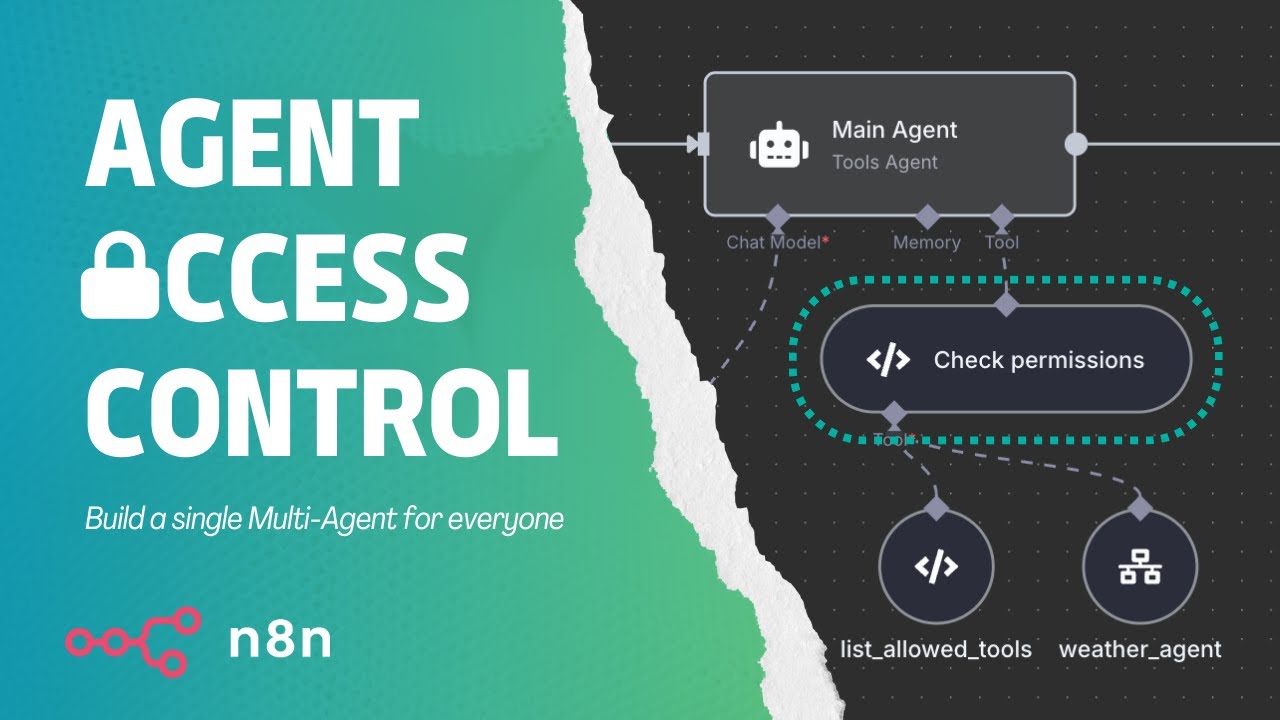
Do you wish you had a single General AI Agent for your entire organization, but not everyone should have access to all its functionalities?
n8n makes it fairly easy to build complex multi-agent systems, but it’s not designed to restrict tool access per user. Luckily, there’s a simple trick to fix that.
Using the LangChain Code node it is possible to restrict the execution from certain tools. The access control (RBAC) can be managed comfortably through a web interface like Airtable or NocoDB.
I love this flow @octionic, what a fantastic idea!
However, it seems to only work when using and older “AI Agent node version 1.8 (Latest version: 3)” node. When I try to use the latest AI node “AI Agent node version 3 (Latest)” it doesn’t work. I’ve tried to add logging in the “check_permission” block, but everything seems to be indentical so I guess something changed in the AI node which breaks this idea.
Is there anyone who has been able to figure this out? I love the idea to be able to do permission checking centralized in n8n instead of having to implement this in each MCP/tool.
The simplest way to reproduce this is just to copy the workflow, create a new AI node and move over all settings from the existing one in this flow. Delete the old one and rerun the flow and you’ll see that it loops between the AI chat model and the simple memory until the max iteration of 10 has been reached.