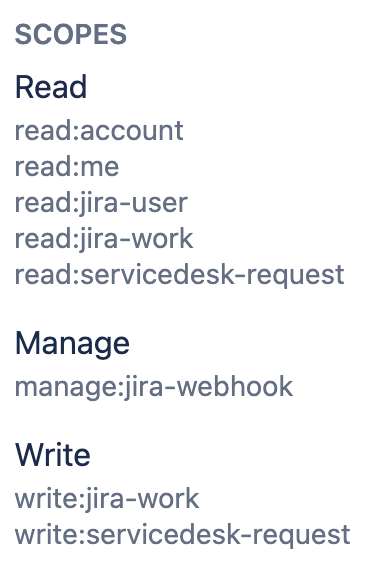
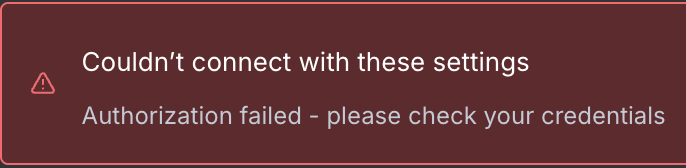
I’m currently working on workflows that involve Jira. During testing, I followed the instructions to use an API token from my account with a full scope. I noticed that Atlassian now offers service accounts along with API access, so I figured I’d swap to that. Unlike the user accounts, you can’t create an API token with a full scope, so you have to be granular in what you choose. I’ve tried a few combinations with no success. This is the most permissive that I gave it so far but still no luck.
That being said, I managed to set up HTTP node with service account authentication - both API token and oAuth.
Note: I gave token/oAuth all CLASSIC permissions in order not to faff with granularity, and that is pretty much the full scope. What threw me off was you also have to add the service account with required roles to the projects it needs to be able to access/manage