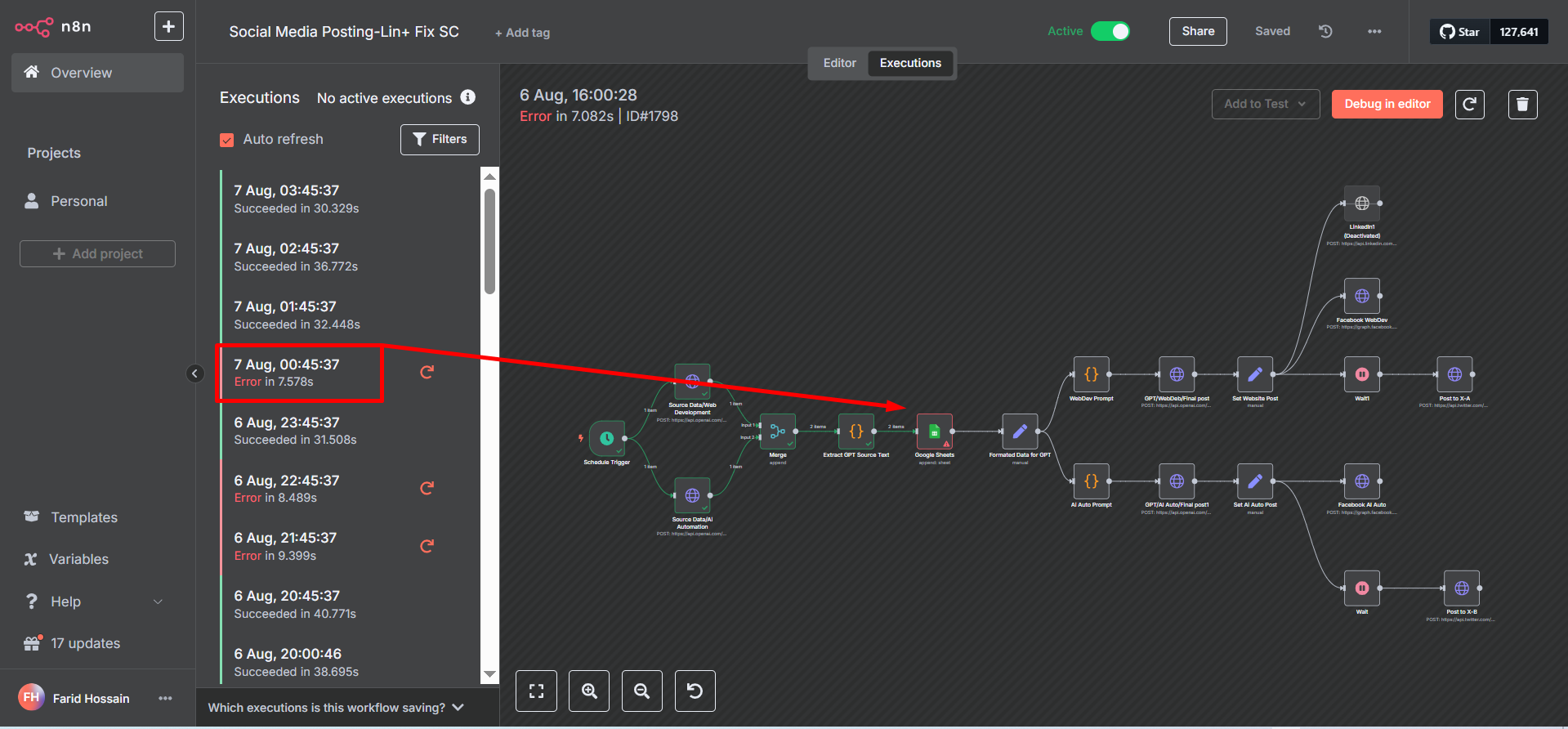
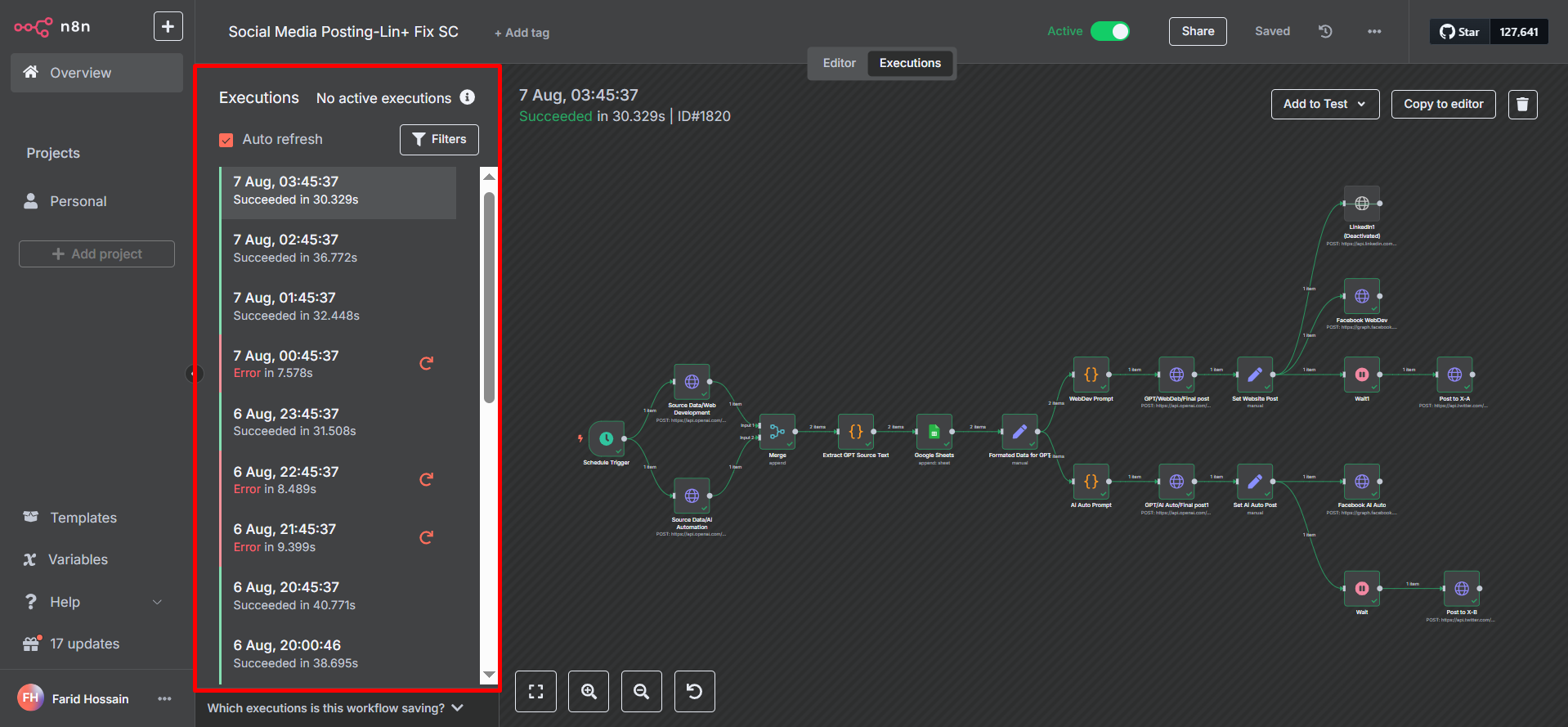
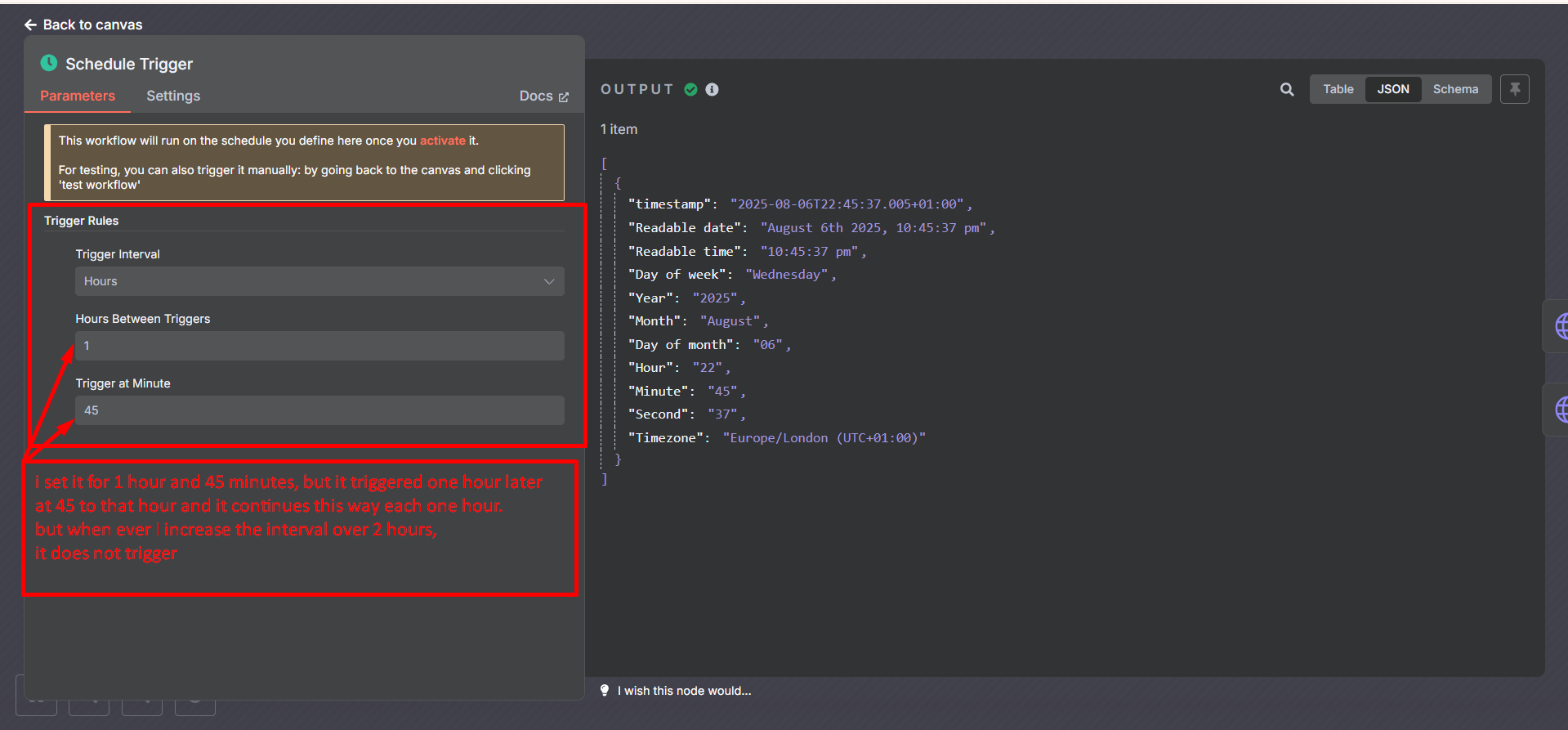
I built a workflow called Social Media Post Automation, and at the beginning the schedule node executed as set, and expected. For test purpose, I set 2,3 4 & 6 hours interval at the beginning and it executed exactly as scheduled.
The workflow was kept deactivated for some weeks, and after reactivation, I have noticed that the schedule trigger is not executing.
I have experimented with various intervals starting from once a day to only 10 minutes. What I have found that the schedule trigger is working only when the interval is set for any period below 01 ( one ) hour, whereas the same workflow ran successfully for the intervals 2, 2, 4 & 6 hours.
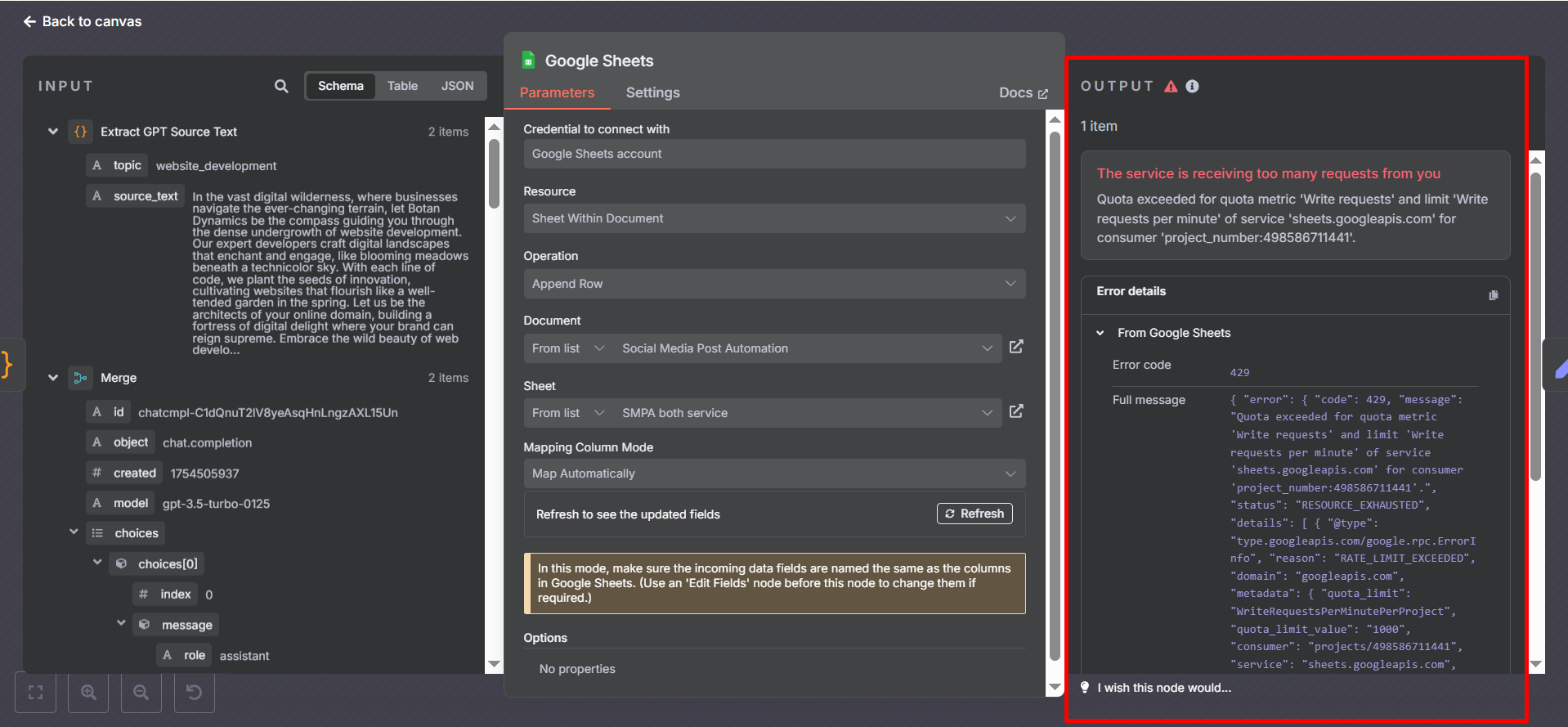
Yes, I also shared the screenshot of the issue with Google Sheet which is not a major one, but I shared if it helps anyway. Rather, the main issue I have been facing is with the schedule node, and What I see that it does not trigger even when the interval is set with any value like 2 hours and above. It only triggers only with any interval less than one hour, and in this case, it sometimes shows the issue with google sheets.
I am having the same issue in n8n cloud. If I set it to trigger every 5 minutes it works, 5 hours nothing happens. It was working previously then all of a sudden stopped. I have deactivated and reactivated the workflow but still nothing. Everything runs fine when triggered manually.
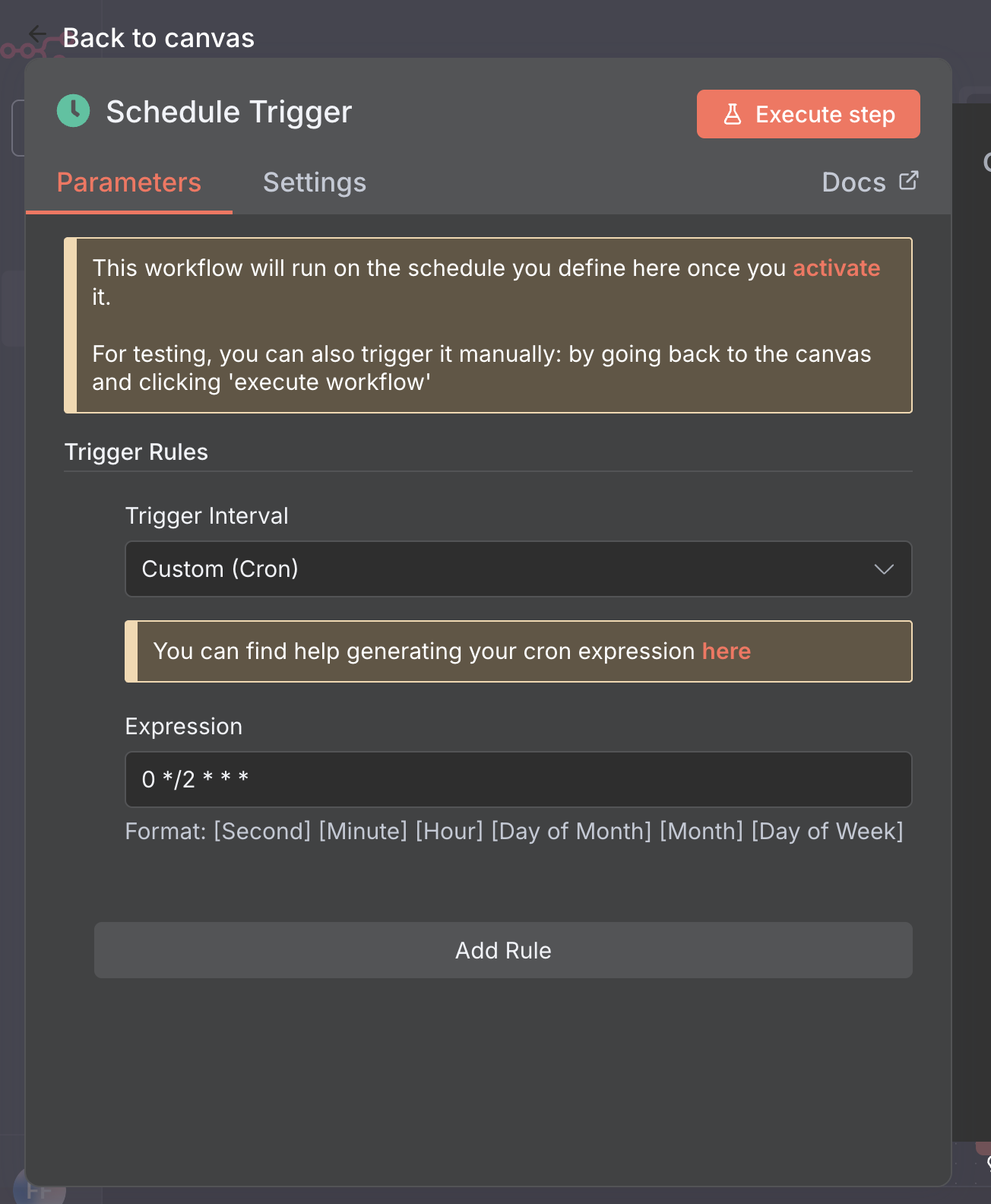
hi @Mohammad_Farid_Hossa , can you instread try using a custom cron, and for the format of what to fill it you can ask any AI and they should know about it
example, this is the cron for triggering for every 2 hour
Sure. why not. though applying custom cron as recommeded by Fahmllreza, It mostly resolved. still I am oberving and yours one could have some precious for me to learn.
I will shortly share the update of my cron set up to till, last time I set an interval of 10 hours after successful execution of the intervals 3 & 6 hour.
Why not,? you suggested to use custom cron, and it worked more to a great extent, and I just need to observe more as I said that last time I set 10 hours of interval and am waiting how it behaves now.
Hey, there is a good news, that the custom cron worked in my case, and at the same time what I see now that after upgrading the version regular scheduling is also working smoothly. So I must show my gratitude to both Fahmi and Tomi.
However, I have another issue faced with the HTTP node for my Twitter account. I will shortly post that too, and would remain grateful if you can help me with the solution for that too.