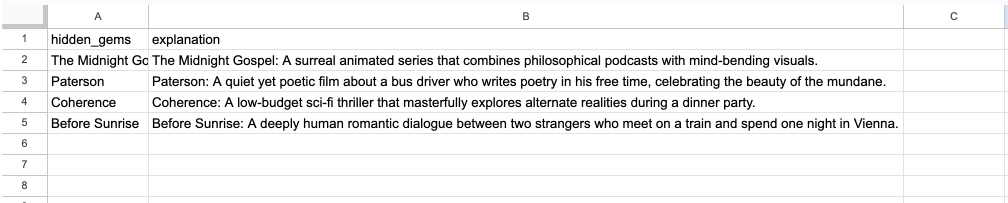
I’m fairly new to n8n so i don’t know how to share my workflow yet but the idea is fairly simple. I want to build a scraper:
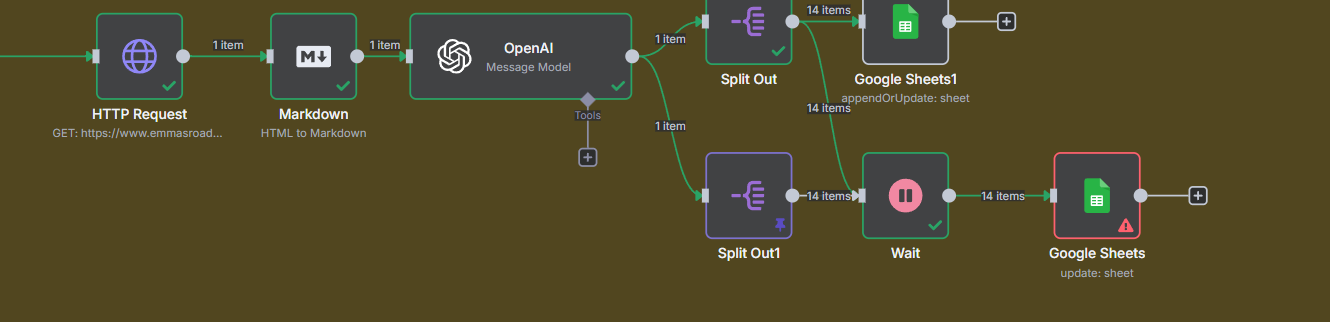
This is what I have now and the idea is the following:
The http request scrapes a website. Then it’s turned into markdown. An openAI gpt40 mini acts as a scraping assistant to format the results from the markdown.
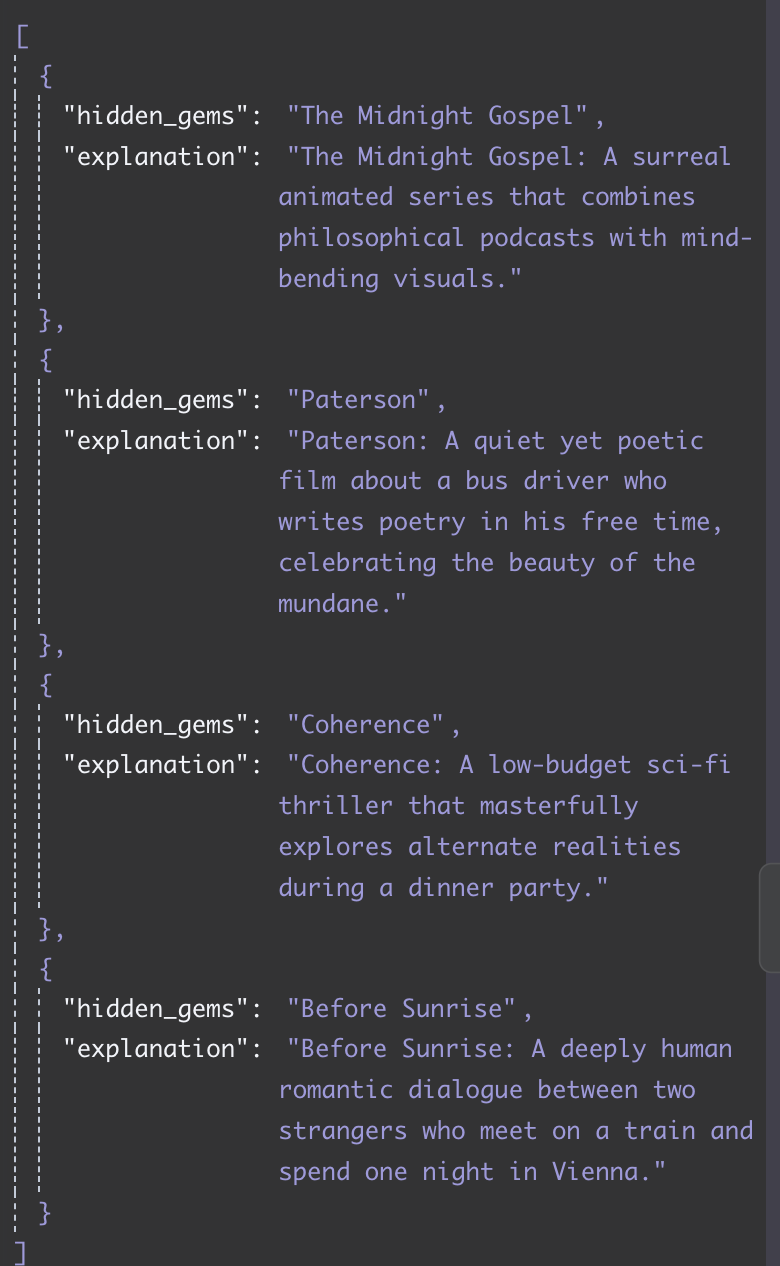
So far so good. My openAI output contains 2 arrays “hidden gems” and “explanation”.
Each time a certain hotspot or hidden gem in a certain country with a brief explanation.
So basicly :
[Hidden gems] [Explanation]
[0] A [0] A-A
[1] B [1] B-B
[2] C [2] C-C
I have those 2 arrays split out in data using the “split out” element. So far so good.
Now the part where it goes wrong. I connect to a google sheet document and I want to push add a row to the google sheet with logically the first element of [Hidden gems] and [Explanation] Accordingly.
But the system appends a row for each array item. In the example above giving me a total of 6 rows added to google sheets.
I tried to find a creative solution by adding the first 3 rows from hidden gems , then forcing a wait timer and then updating those 3 items from hidden gems and adding the explanation.
But that creative solution seems to fail as well 
This is probably an easy one for the experts here, any tips?