Self-hosted initial setup - every time run docker container

Sorry I’m new here.

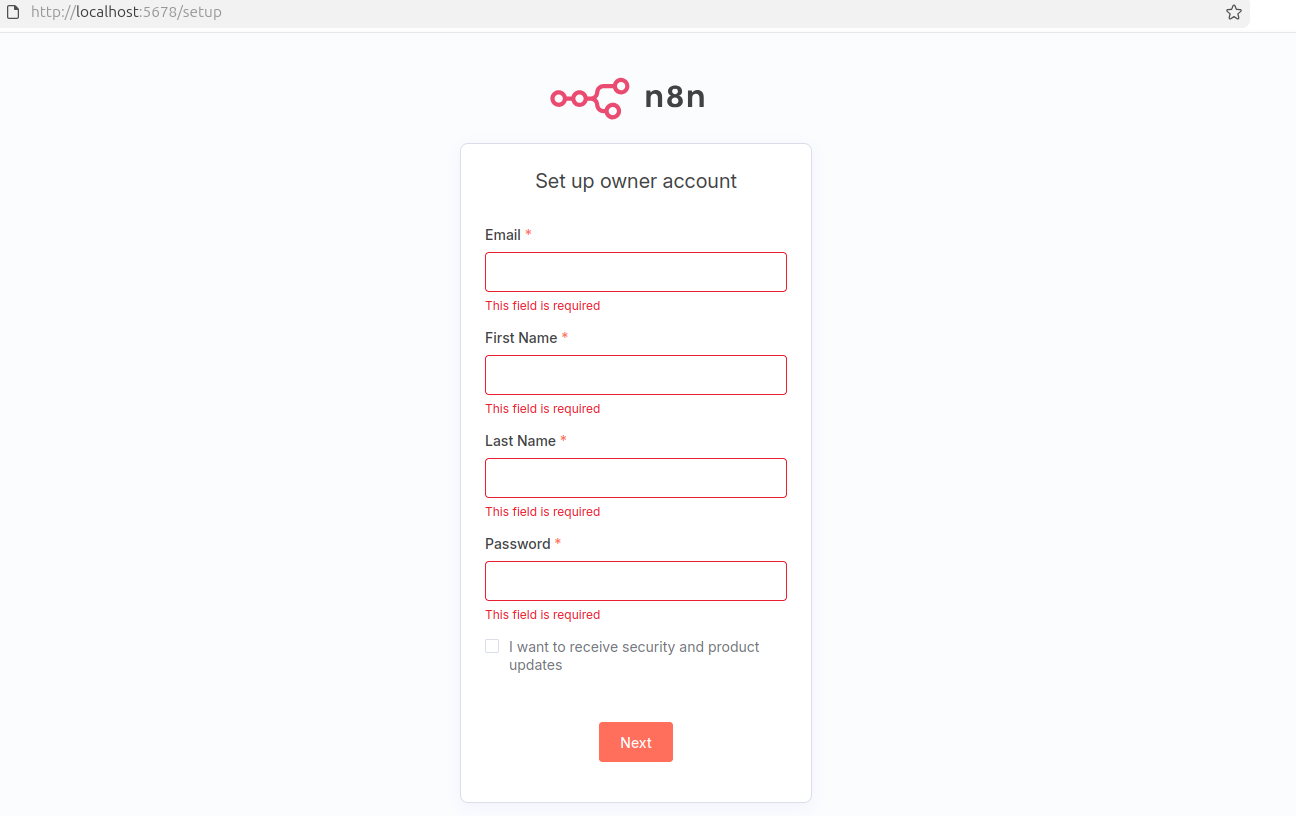
Is it normal every time I ran the Docker command to spin up a n8n self-hosted version in my Linux machine I get the initial setup screen?

The every time I will get a new activation code in my email… Am I missing something? Should I do anything differently?

Thanks in advance for any insights and/or suggestions

“With Docker, every time a service is restarted you will loose your data. However, you can specify which files you want to be persisted by creating mounts”

For n8n these are my mounts:

1 Like

Hi @Mookie_Lian ,

Thanks for your reply and recommendation with the mounts.

So, in resume, unless I leave the docker running “forever”, I will need to go over that initial setup every time I restart my n8n container…

You can either:

  • Use the same run command(same -v options) each time you run the container,
  • Or bake it into docker compose, which will mount automatically each time you run docker compose up.

I suggest going with the second option. Also if you have found my replies helpful you can mark them as the solution.

1 Like

With either of those 2 options above mentioned (really nice and helpful, by the way), would it be possible to - when running the docker container within the n8n - skip the initial setup (email, first_name, last_name and password, as shown in the image of my initial post) and go straight away to the workflows page (even if it comes empty, no problem)?

1 Like

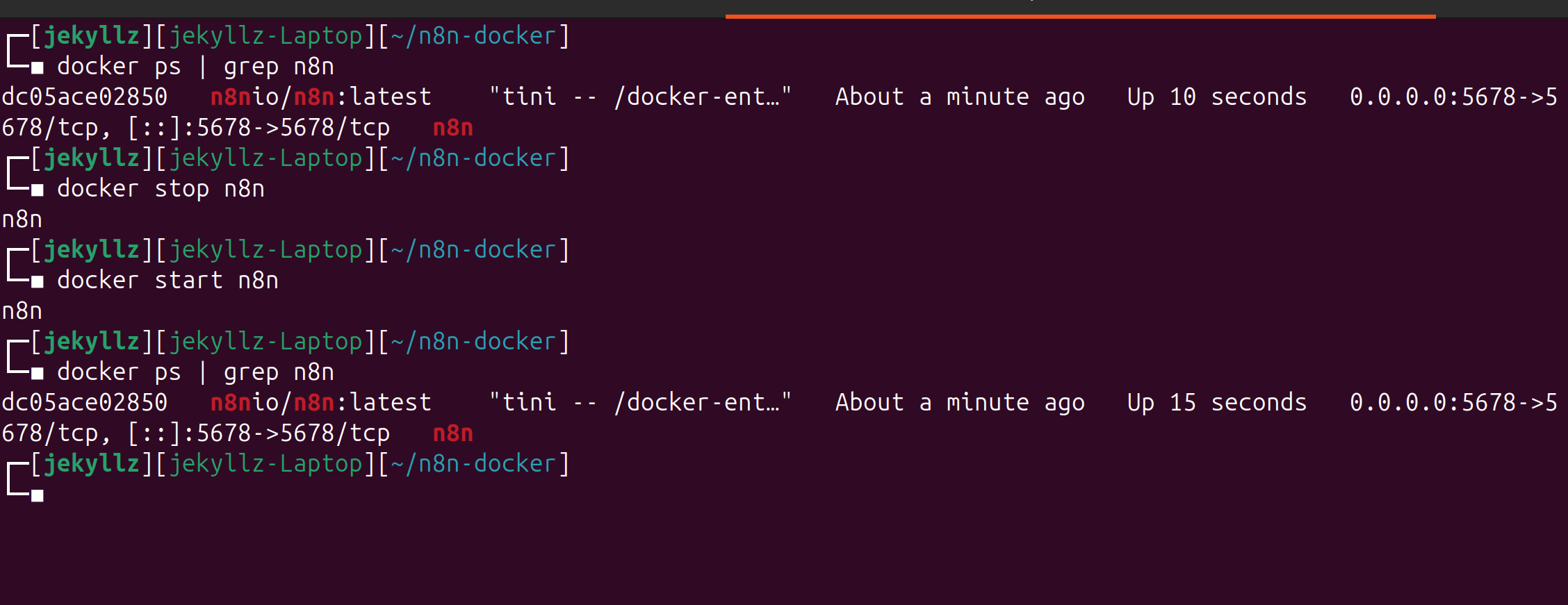
Hello @ddsongs have you considered just stopping/starting your docker container without destroying it. don’t need to spin up a new one every time.

docker stop n8n

docker start n8n

(if your n8n container is named different you can find the name with docker ps)

1 Like

You can add N8N_USER_MANAGEMENT_DISABLED=true to the environment. This allows you to bypass signup/login stage. But it isn’t safe so do this only if you want to test locally.

Also the initial setup is only a one-time thing if you mount n8n, so why not go through it?
1 Like

That’s not how Docker works…

@Mookie_Lian actually, yes it is.


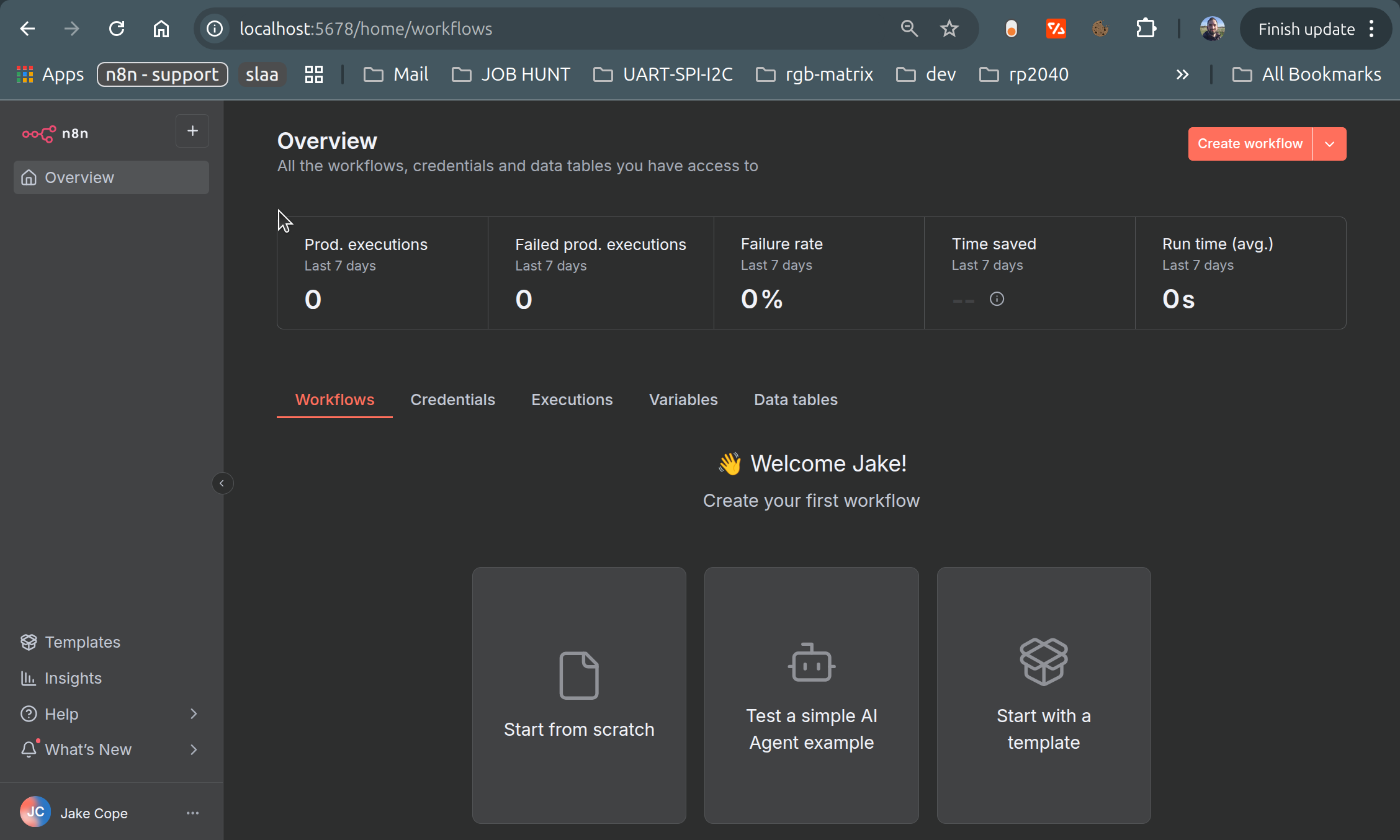
No setup screen because data is persistent when stopped on container side,
docker stop n8n

docker start n8n

it’s the the docker-compose down that removes the container

@ddsongs feel free to mark as solution if this answers your questions :slight_smile:

3 Likes

Hey @ddsongs please mark as solution if this solved it :slight_smile: pretty please!

This topic was automatically closed 7 days after the last reply. New replies are no longer allowed.