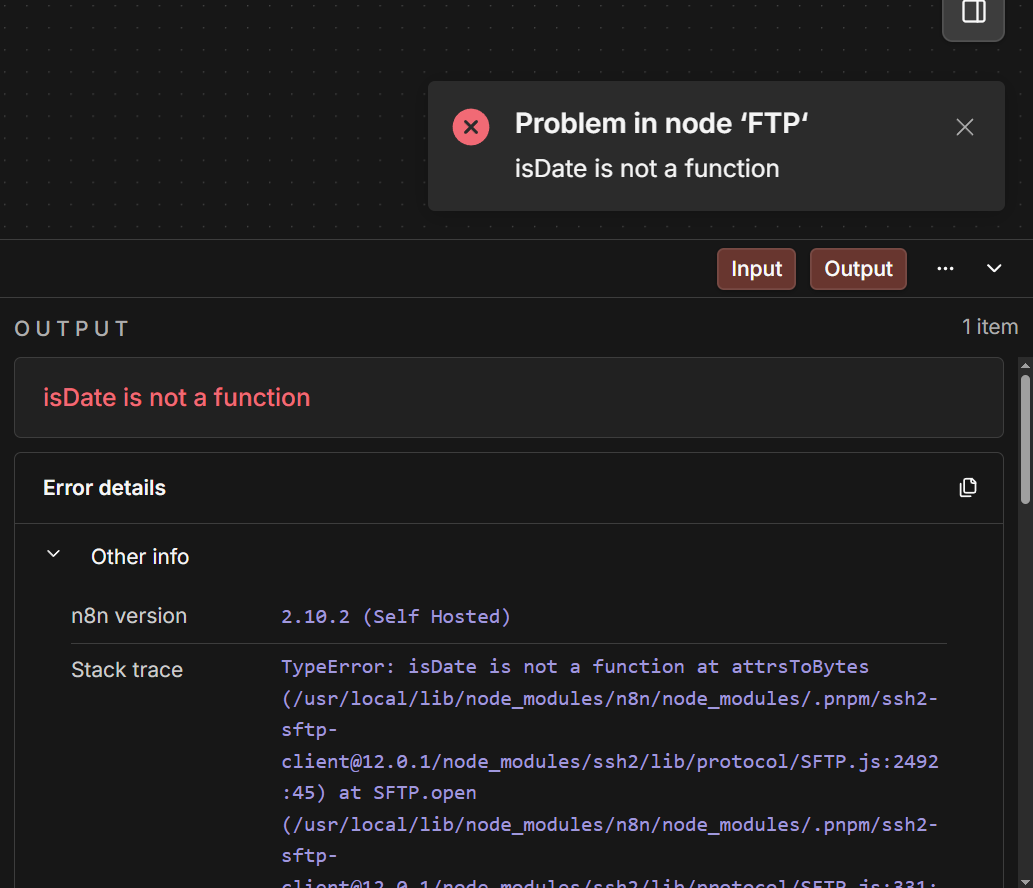
I’m running into an issue with the FTP node in n8n when trying to download files via SFTP.
The workflow was working fine, but this just happened after updating n8n to 2.10.2
Environment
n8n Version: 2.10.2 (Self-Hosted)
Deployment: Docker
Image: n8nio/n8n:latest
Binary Data Mode: filesystem
Database: Postgres
The Problem
The Search/List operation works fine, but when I attempt to download a file, the workflow fails with the following error:
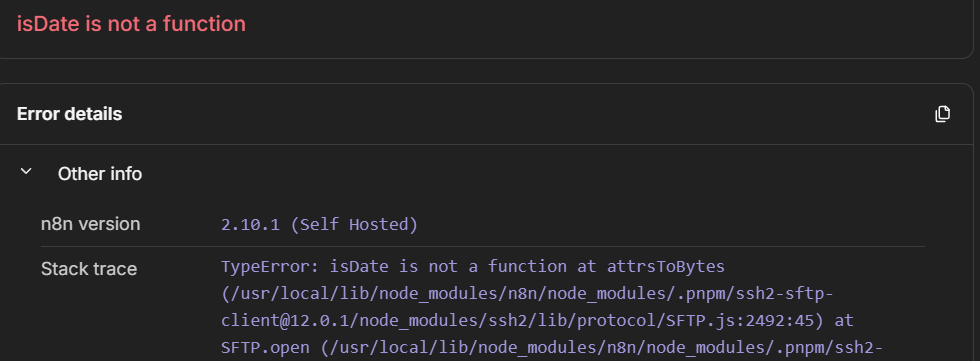
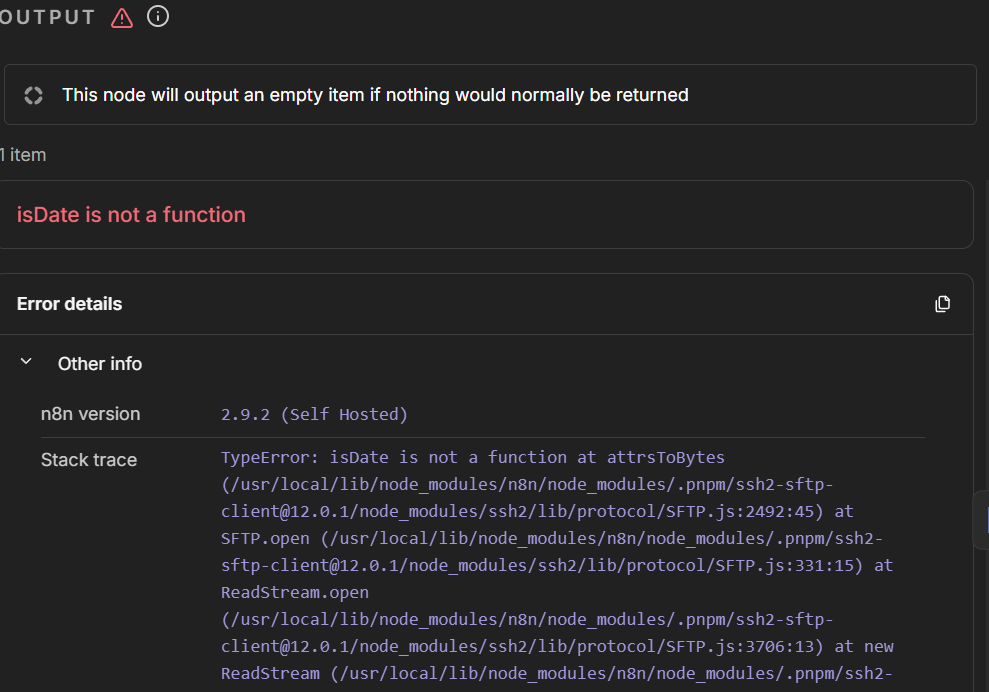
TypeError: isDate is not a function
at attrsToBytes (…/ssh2/lib/protocol/SFTP.js:2492:45)
at SFTP.open (…)
at ReadStream.open (…)
at SftpClient.get (…)
at ExecuteContext.execute (…)
Has anyone experienced this issue before? any idea in how to fix it?
Thank yooou!
This is a dependency bug, the ssh2 library that n8n uses internally is calling util.isDate() which got removed in newer Node.js versions. It broke when 2.10.2 shipped with an updated Node runtime. Not much you can do on your end besides pinning your Docker image to the last version that worked (like n8nio/n8n:2.9.2 or whatever you were on before) until the n8n team updates the ssh2 dependency. I’d file a bug on GitHub · Where software is built so they know about it.
This is a known issue in version 2.10.2 of the n8n workflow tool, which is related to the ssh2 library used in the FTP/SFTP node.
The error message “is not a function” is related to a known incompatibility in version 2.10.2.
Solutions:
Option 1: Downgrade to 2.10.1 (Quickest Fix)
If you use Docker, you can update your docker-compose.yml to use an older version of the tool.
services:
  n8n:
    image: n8nio/n8n:2.10.1  # Changed from :latest
    # ... rest of your config
Then restart:
docker-compose down
docker-compose pull
docker-compose up -d
Option 2: Workaround with HTTP Request Node
If you cannot download files right now, you can use the SSH/Execute Command node to download a file using a command-line tool.
Or you can use the HTTP Request node if your SFTP server supports HTTPS/WebDAV.
Or you can use a Code node with a different SFTP library
Hello thank you for your reponses, I made the downgrade to 2.10.1 as you mentioned, but I still got the error, I even tried version 2.9.2 suggested by @achamm , I’m suspecting the docker volume got corrupted, but not 100% sure
Hey did you also clear the node_modules cache in the container? sometimes the old dependencies stick around even after downgrading. I would try doing a fresh pull with docker compose pull and then docker compose down && docker compose up -d to make sure its a clean image. If the volume is corrupted you could try backing up your data and recreating the postgres volume Make sure you change the compose to the 2.9.2 so it won’t pull the newest n8n version!