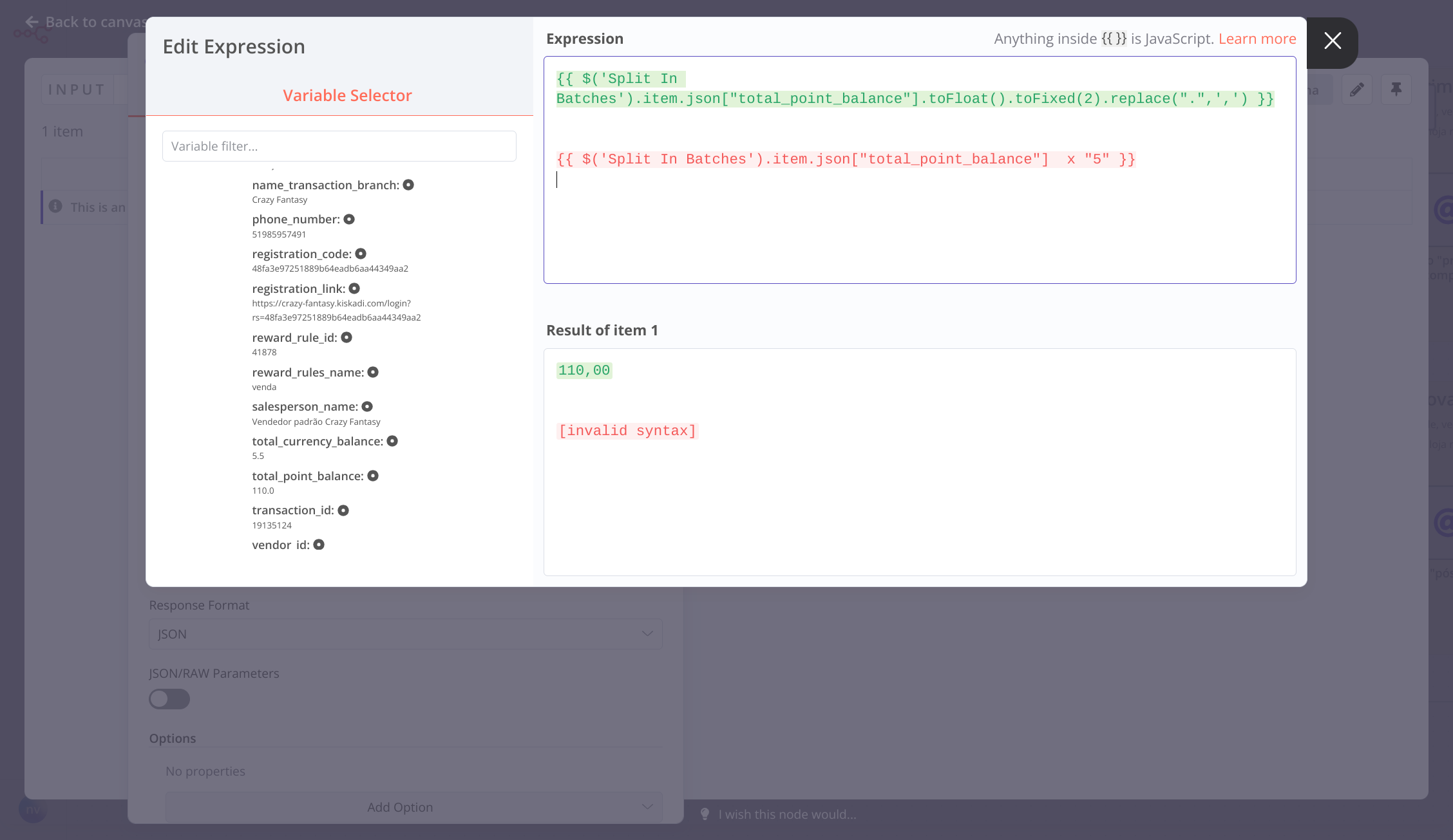
I have a follow-up question about formating the resulting number.
In your example, {{ $json.number * 6 }} is 30 . I need the number to be “30,00”. I normally append .toFloat().toFixed(2).replace(“.”,“,”), but I am unsure where to append this
No problem, @fxholl - you could do this like this: {{ $json.number.toString().toFloat().toFixed(2).replace('.',',') }}. If you try to simply use .toFloat(), it’s only callable on a String
Ah, that would be because you’d need to do the calculation before you convert the integer over to a string You can then use the rest of the methods I mentioned after multiplying to give you “75,00”, if that makes sense?
Yes, it makes sense. I guess my next question is whether there is a way to do that in the same node, ou or whether I need one node to get the min(a,b) and then another node to change the period to a comma.
I tried within the same node with no luck. If I have to use 2 nodes, I can figure out which ones (probably a Set node and then the HTTP node).
Hi @fxholl Sorry for the delay, as I was out yesterday
Could you give an example of what you tried in the same node?
One benefit to using multiple nodes here would be that the longer your chain of methods, the harder it might be to follow what you’re doing in future if you revisit this workflow after some time
You have posted this link on 6 posts now, While we want to encourage community content maybe one post would be better if you are trying to share something you have created so we can easily share it as well
I have deleted some of the other posts and closed those other topics as they were old as well.
 Sure is possible - all you’d need to do is replace the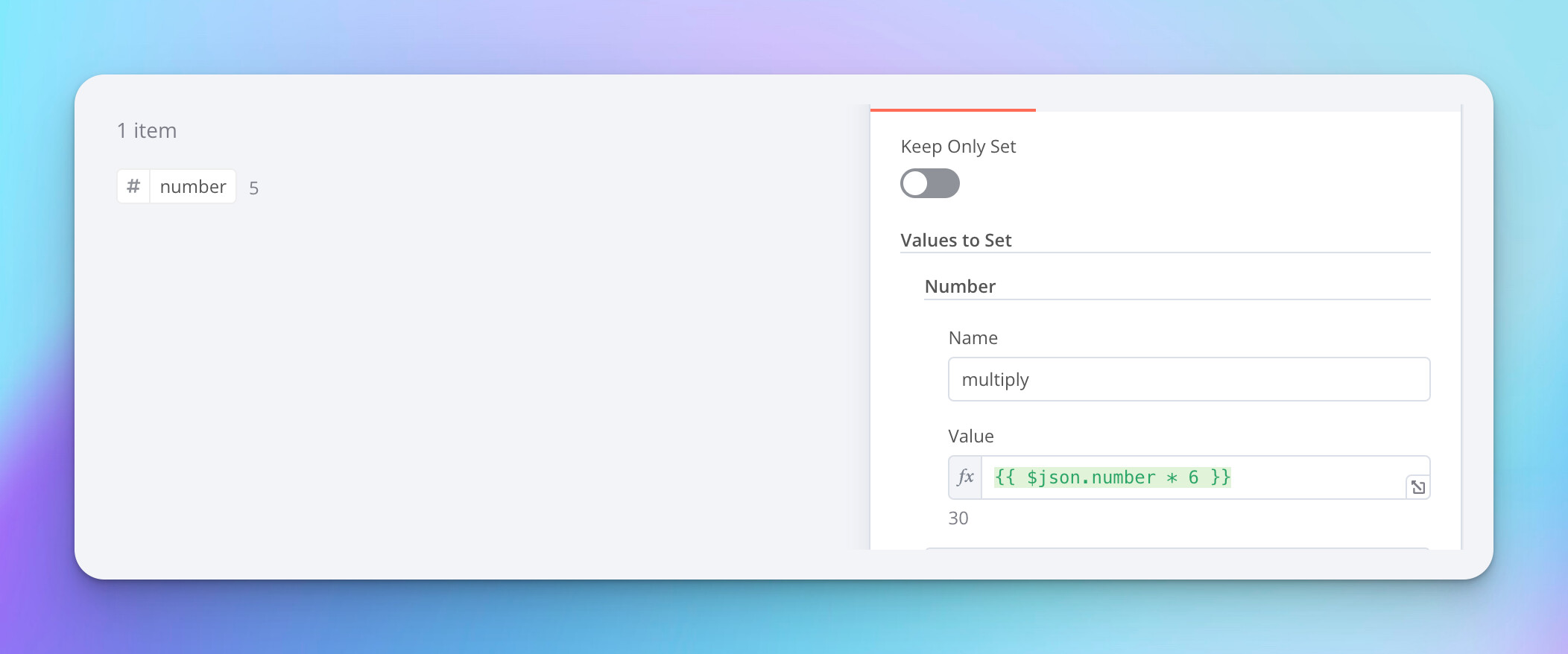

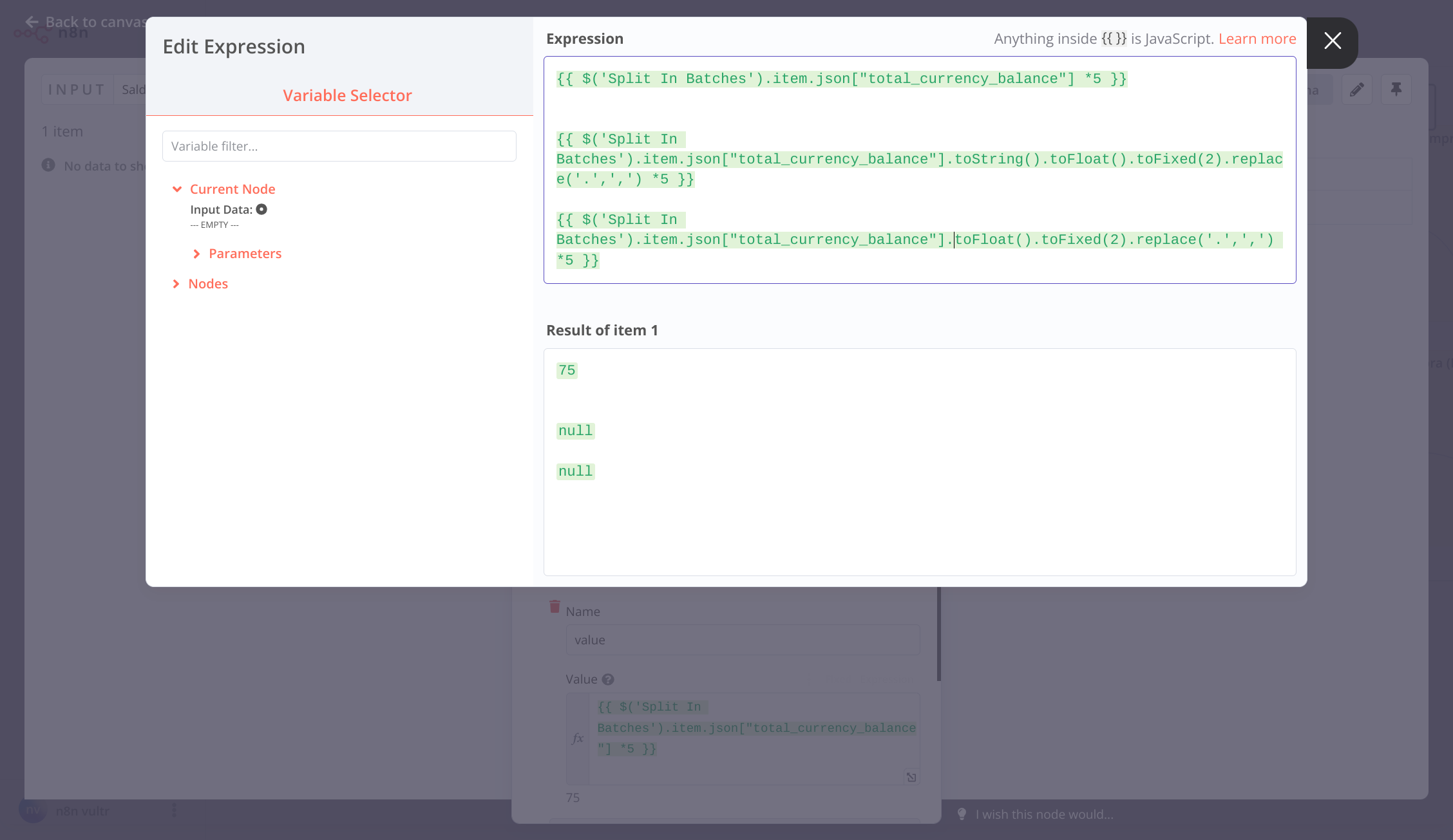
 You can then use the rest of the methods I mentioned after multiplying to give you “75,00”, if that makes sense?
