If your previous node outputs a binary file, you don’t need the Convert to/from binary data node in the middle. So your workflow should be something like this:
Let me know if that helps and it works for you.
All the best
Thanks for the quick response @giulioandreini. Unfortunately this does not resolve my issue. The same error is returned.
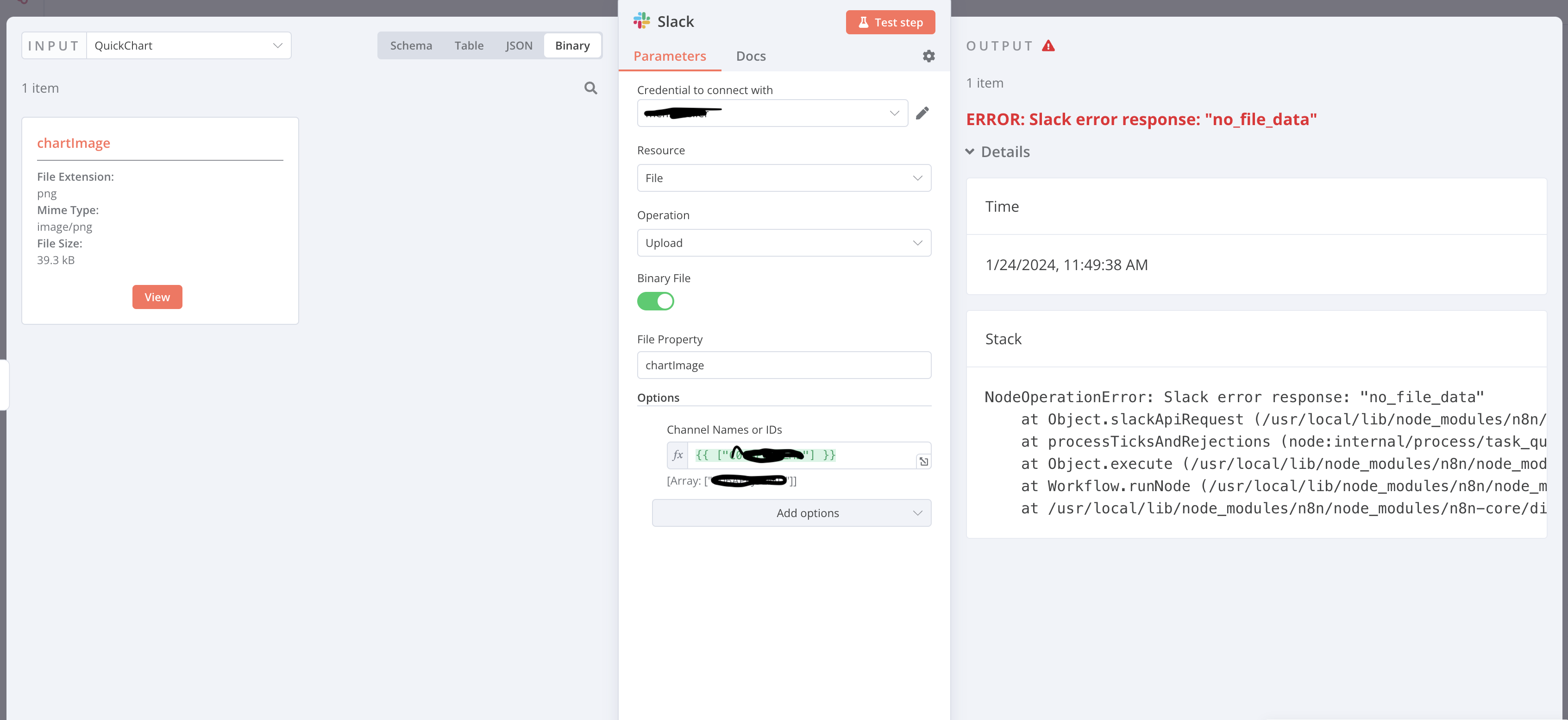
I’ve tried to recreate the functionality provided in the Slack Upload File node with a standard HTTP Request node, and I get the same response returned from the Slack API. Slack is expecting a multipart/form-data request with a file parameter, but it seems like the request isn’t being formed correctly.
Hi @brey31
sorry to hear you still have the problem.
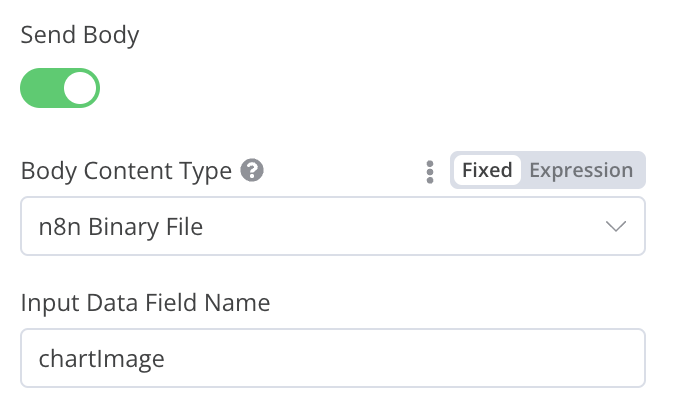
In the HTTP Request node you can try to use the “Body Content Type” → “n8n Binary File” and see if that works, this is often better if you send an image as body parameter.
A couple of questions about the Slack node:
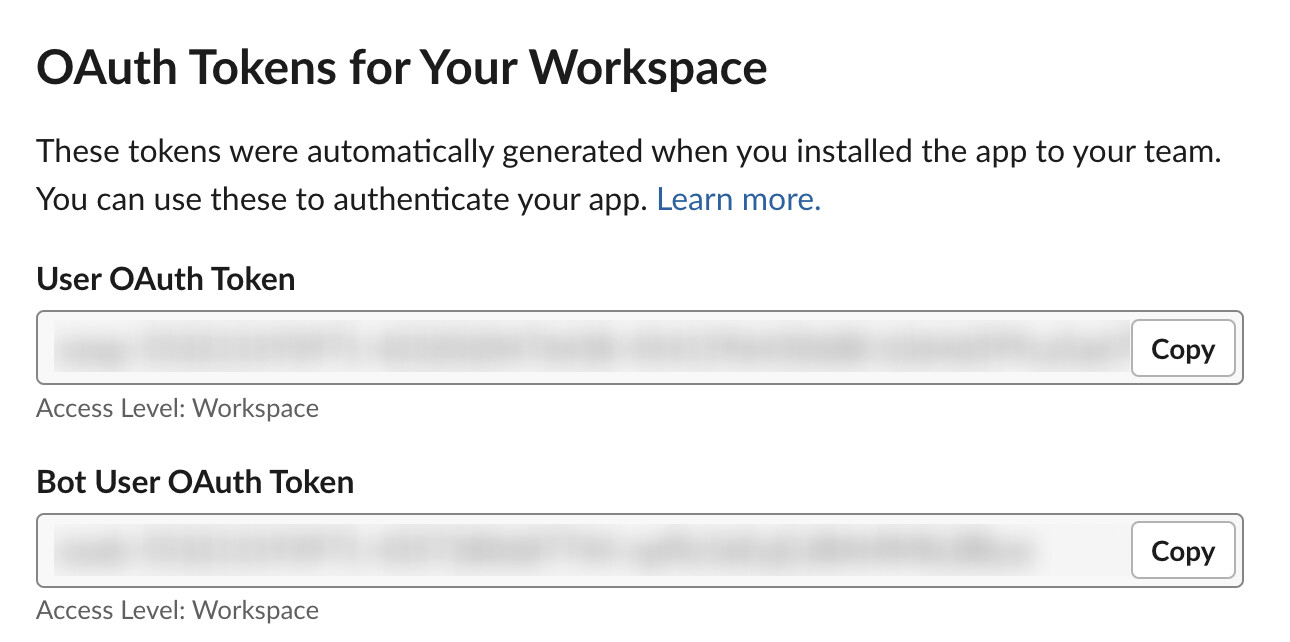
which type of connection are you using? Oauth or access token?
are you sending the image to a private channel, public channel, or to a user as a direct message?
Asking so that I can reproduce a similar scenario.
Best
@brey31
yes, unfortunately if you select the “n8n Binary File” option in the HTTP Request node it is not possible to set other parameters (this is under our radar and something we’ll improve).
I double-checked again using the settings you suggested and it works on my side, I copy my workflow here so that you can double-check:
A few notes here:
I tested it both with the User OAuth and Bot User OAuth tokens, and worked with both.
I’m still not seeing a successful post. My bot does have the read and write scopes and I’ve successfully used PostMan to upload a file using the same token. My Slack Upload node’s configuration looks to be the same. If it helps, I am running 1.24.1.
@Jon could this be related to the type of n8n deployment? (docker in this case)
A very similar workflow seems to work correctly for me (on Cloud) but fails for @brey31
Yeah it could be down to the deployment type, @brey31 can you try setting the N8N_DEFAULT_BINARY_DATA_MODE environment variable to filesystem if it isn’t already and let me know if that helps.
 welcome to the n8n community!