n8n version:2.12.3 (Self Hosted)
Database (default: SQLite):SQLite
n8n EXECUTIONS_PROCESS setting (default: own, main):default
Running n8n via (Docker, npm, n8n cloud, desktop app):npm
Operating system: debian
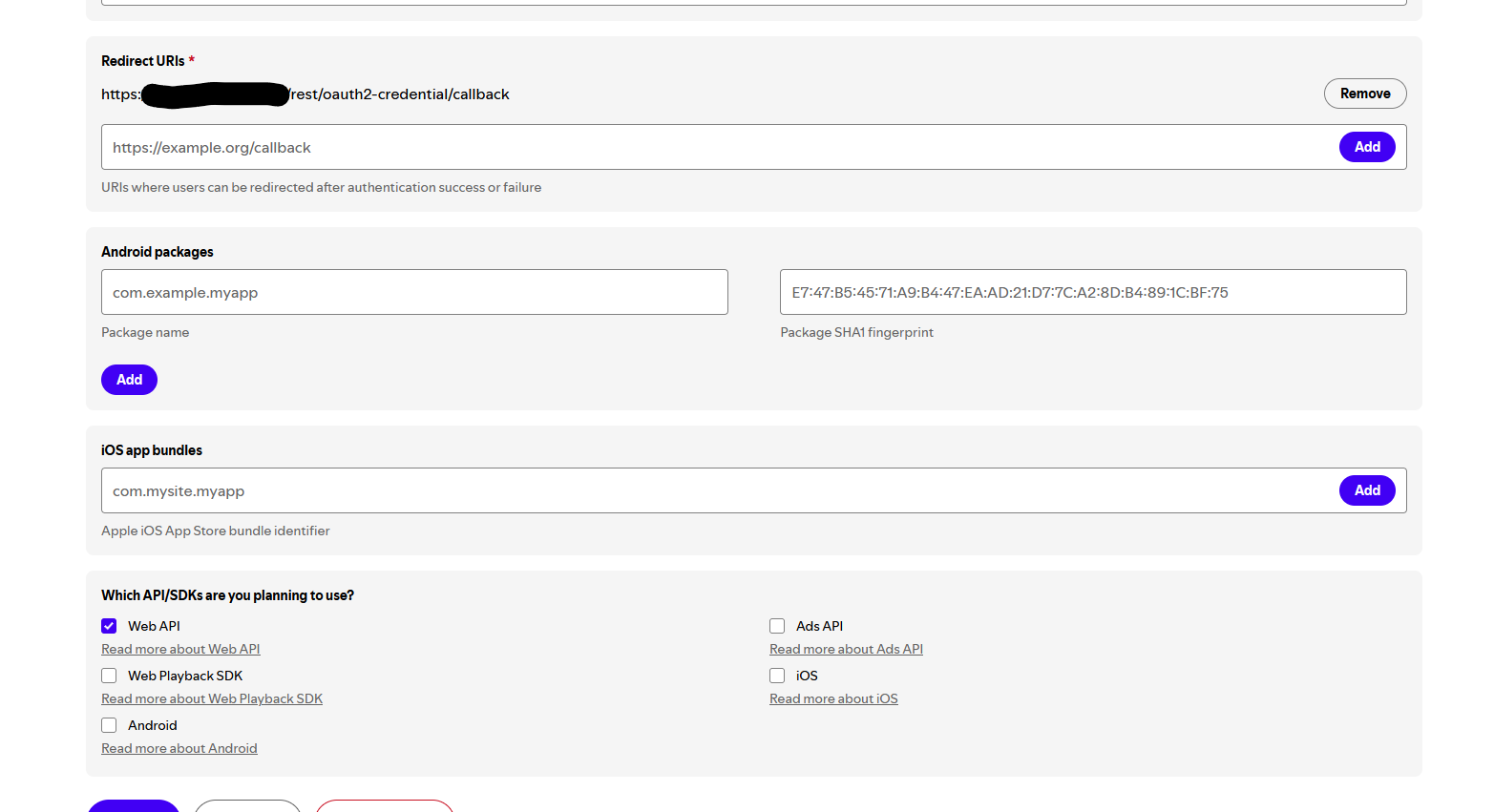
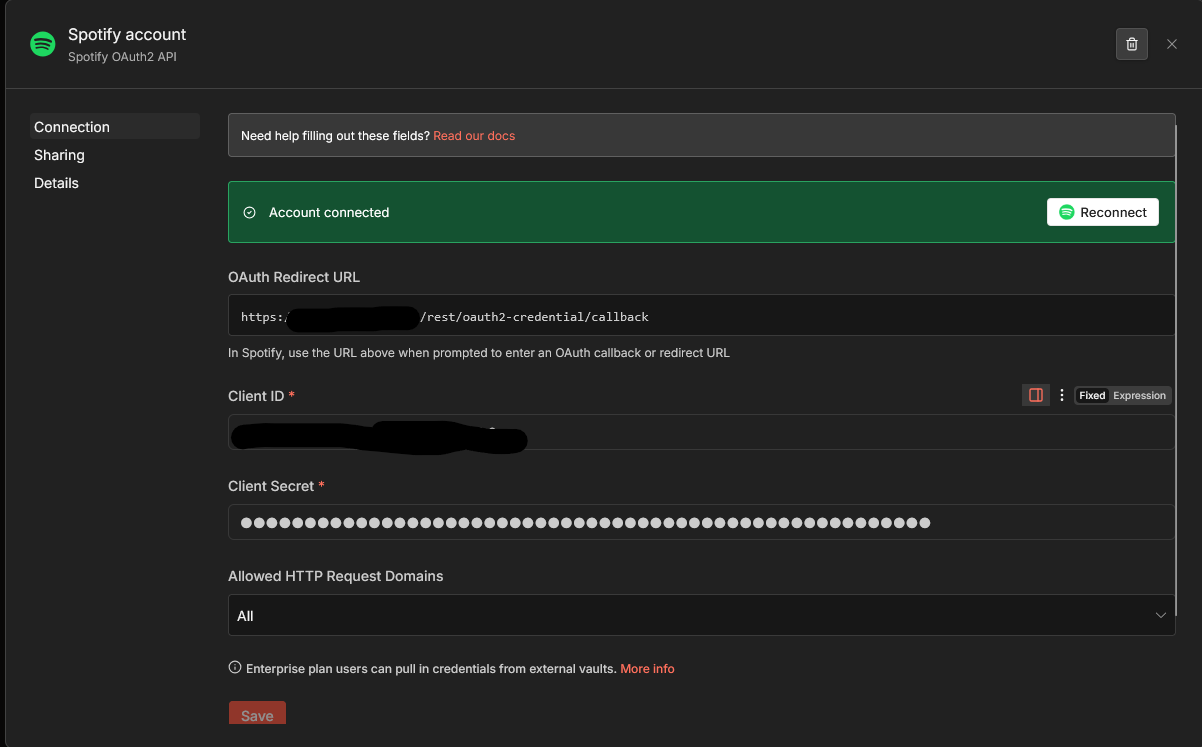
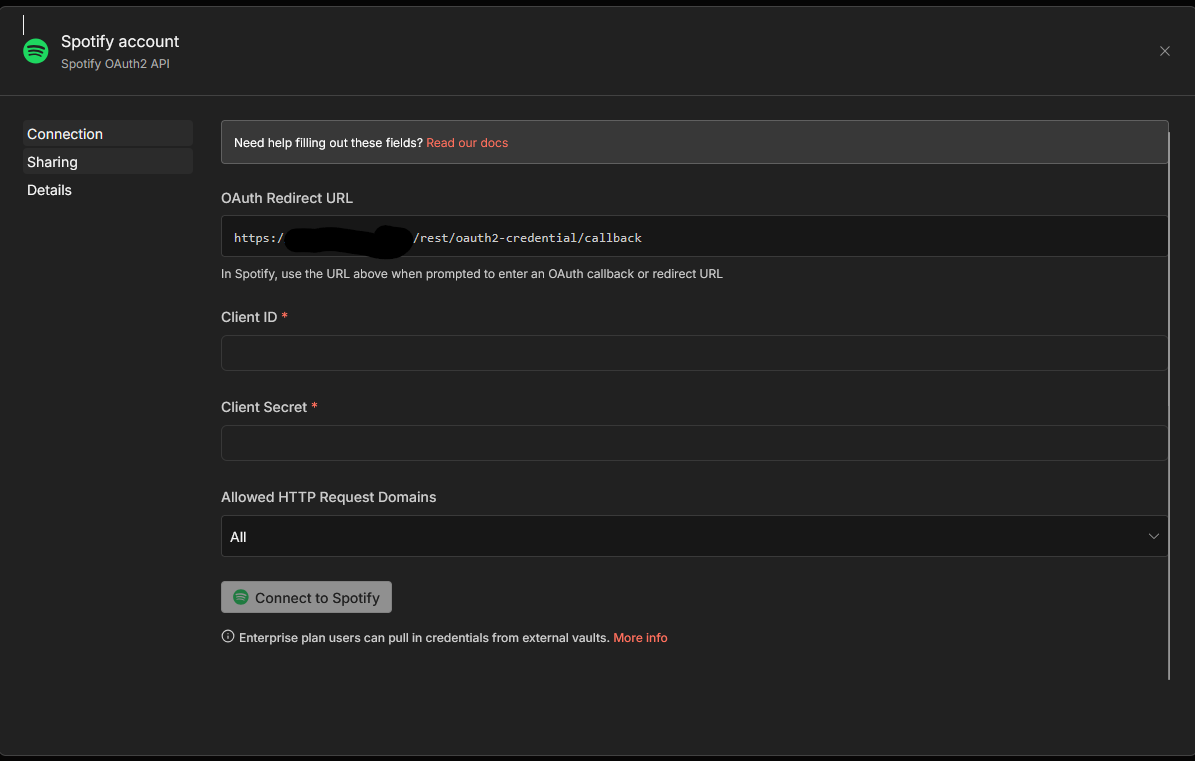
trying to use 🎵 Sync YouTube and Spotify music playlists | n8n workflow template but its not working and im not sure why
Describe the problem/error/question
i just get Error code 403 for the get tracks Operation
From Spotify
Error code
403
Full message
Request failed with status code 403
Error data
{ “error”: { “status”: 403, “message”: “Forbidden” } }
Other info
Node type
n8n-nodes-base.spotify
Node version
1 (Latest)
n8n version
2.12.3 (Self Hosted)
Time
25/03/2026, 8:00:11 pm
Stack trace
NodeApiError: Forbidden - perhaps check your credentials? at ExecuteContext.httpRequestWithAuthentication (/usr/lib/node_modules/n8n/node_modules/n8n-core/src/execution-engine/node-execution-context/utils/request-helper-functions.ts:1433:9) at processTicksAndRejections (node:internal/process/task_queues:104:5) at ExecuteContext.httpRequestWithAuthentication (/usr/lib/node_modules/n8n/node_modules/n8n-core/src/execution-engine/node-execution-context/utils/request-helper-functions.ts:1806:11) at ExecuteContext.spotifyApiRequest (/usr/lib/node_modules/n8n/node_modules/n8n-nodes-base/nodes/Spotify/GenericFunctions.ts:40:10) at ExecuteContext.execute (/usr/lib/node_modules/n8n/node_modules/n8n-nodes-base/nodes/Spotify/Spotify.node.ts:1122:24) at WorkflowExecute.executeNode (/usr/lib/node_modules/n8n/node_modules/n8n-core/src/execution-engine/workflow-execute.ts:1043:8) at WorkflowExecute.runNode (/usr/lib/node_modules/n8n/node_modules/n8n-core/src/execution-engine/workflow-execute.ts:1222:11) at /usr/lib/node_modules/n8n/node_modules/n8n-core/src/execution-engine/workflow-execute.ts:1668:27 at /usr/lib/node_modules/n8n/node_modules/n8n-core/src/execution-engine/workflow-execute.ts:2313:11
What is the error message (if any)?
Please share your workflow
Share the output returned by the last node
cant since the Add tracks not already in playlist dose not work if Get tracks inside the Spotify Playlist fails
Information on your n8n setup
- n8n version:
- Database (default: SQLite):
- n8n EXECUTIONS_PROCESS setting (default: own, main):
- Running n8n via (Docker, npm, n8n cloud, desktop app):
- Operating system: