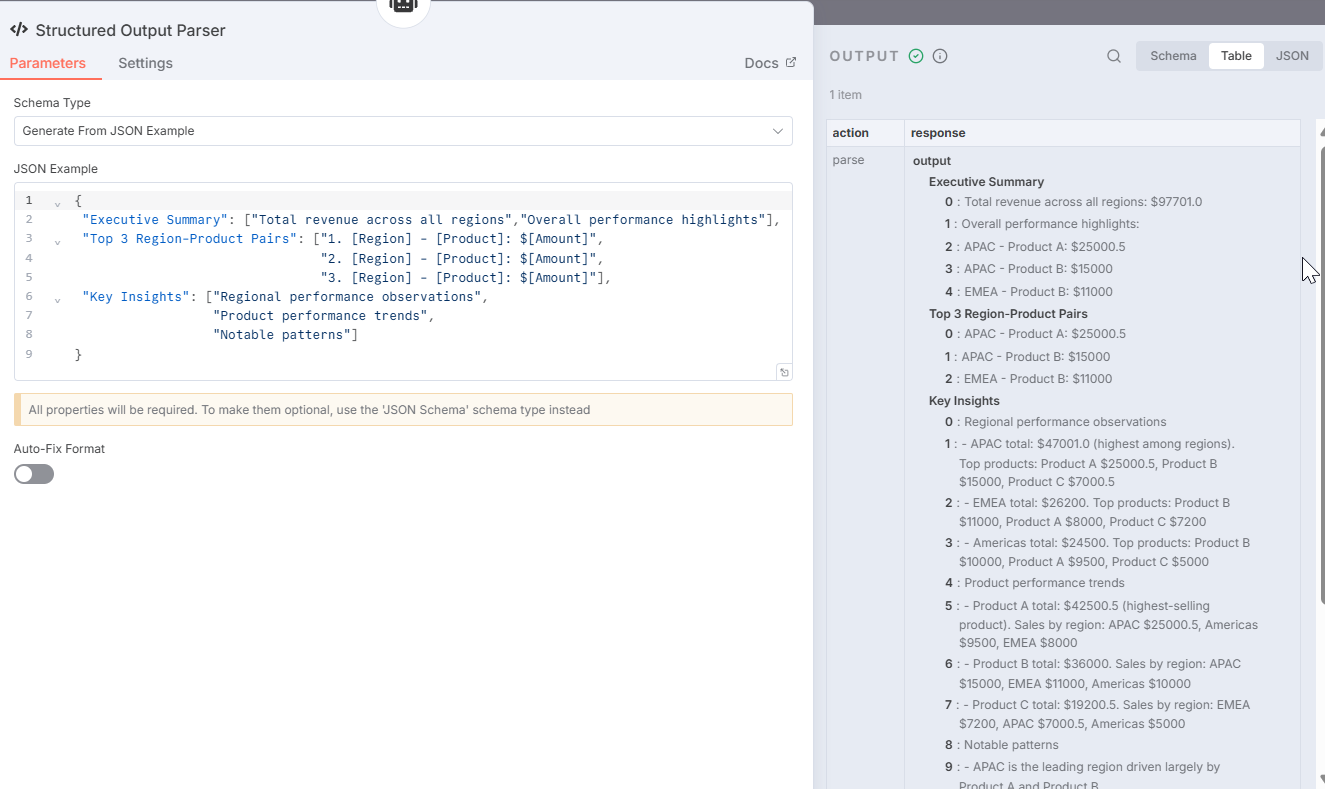
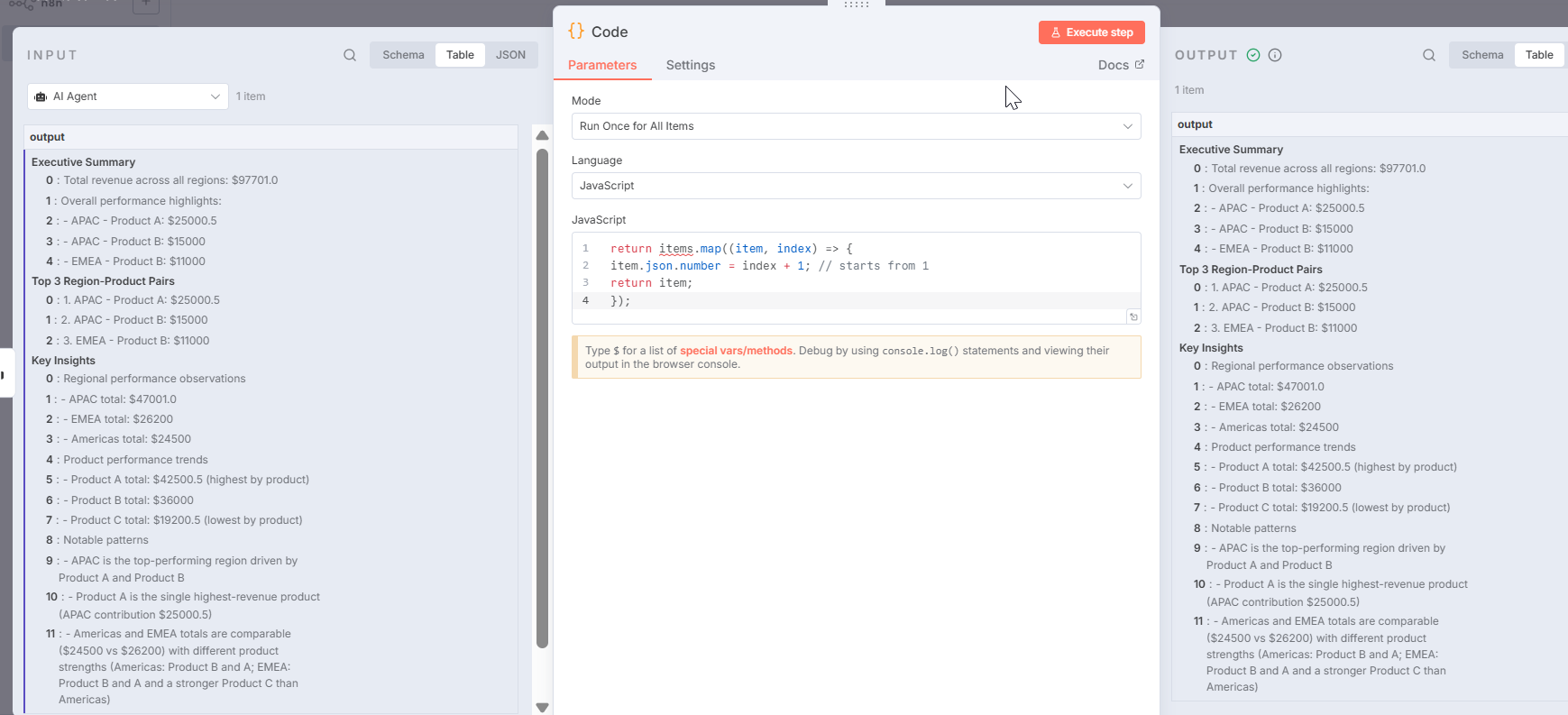
In n8n, arrays are always 0-indexed by default. If you want your numbering to start from 1, you can use a Function node to transform the array before sending it to the next node. Example:
return items.map((item, index) => {
item.json.number = index + 1; // starts from 1
return item;
});
Then you can link this output to Gmail (or any other node) and use {{$json.Executive Summary}} to reference the 1-based numbering in your email or message
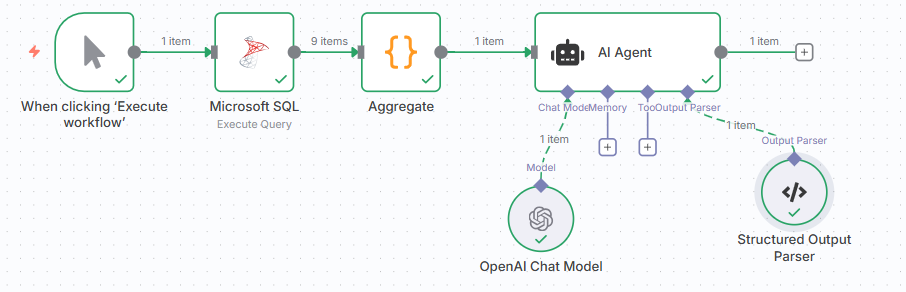
You need to put the node after the AI, if the AI is the one that outputs the data.
also, the Gmail node is having issue: NodeOperationError: this.getNodeParameter(…).trim is not a function (item 0) at ExecuteContext.execute
Hey, here is the flow, you can modify the body of the email as per your needs, based on my template. Add the code node after the AI:
Mark this as Solution if it works for you please 
This topic was automatically closed 90 days after the last reply. New replies are no longer allowed.