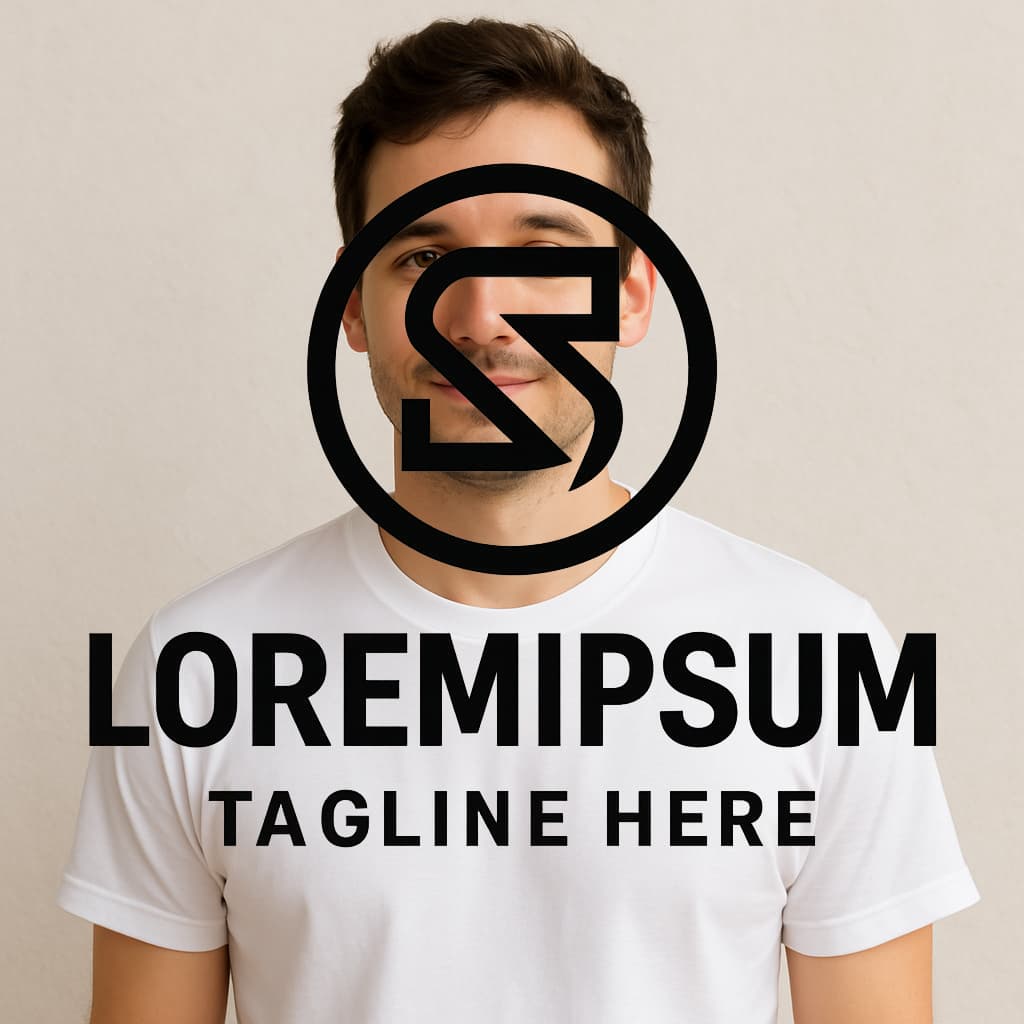
I have 2 images, 1. a logo and 2. Photo of person. I’d like to superimpose the logo onto the persons shirt. I’ve done this directly in chatgpt and it works. I just need to translate this into a workflow as I have multiple pictures of people that need a logo on their shirts.
Your workflow can’t work as the images/edits works differently.
The mask parameter is used to tell the LLM where to make the modifications, but it is not an image to overlap onto the original.
So the mask image will be “an additional image whose fully transparent areas (e.g. where alpha is zero) indicate where image should be edited.”link
The editing then should be done by prompting (e.g. describinbg how the logo should look like, which is not the best solution).
An alternative solution would be to use the Edit Image node with the Composite operation, which allows for overlapping images directly in n8n. This works if you know the placement of the logo in advance.