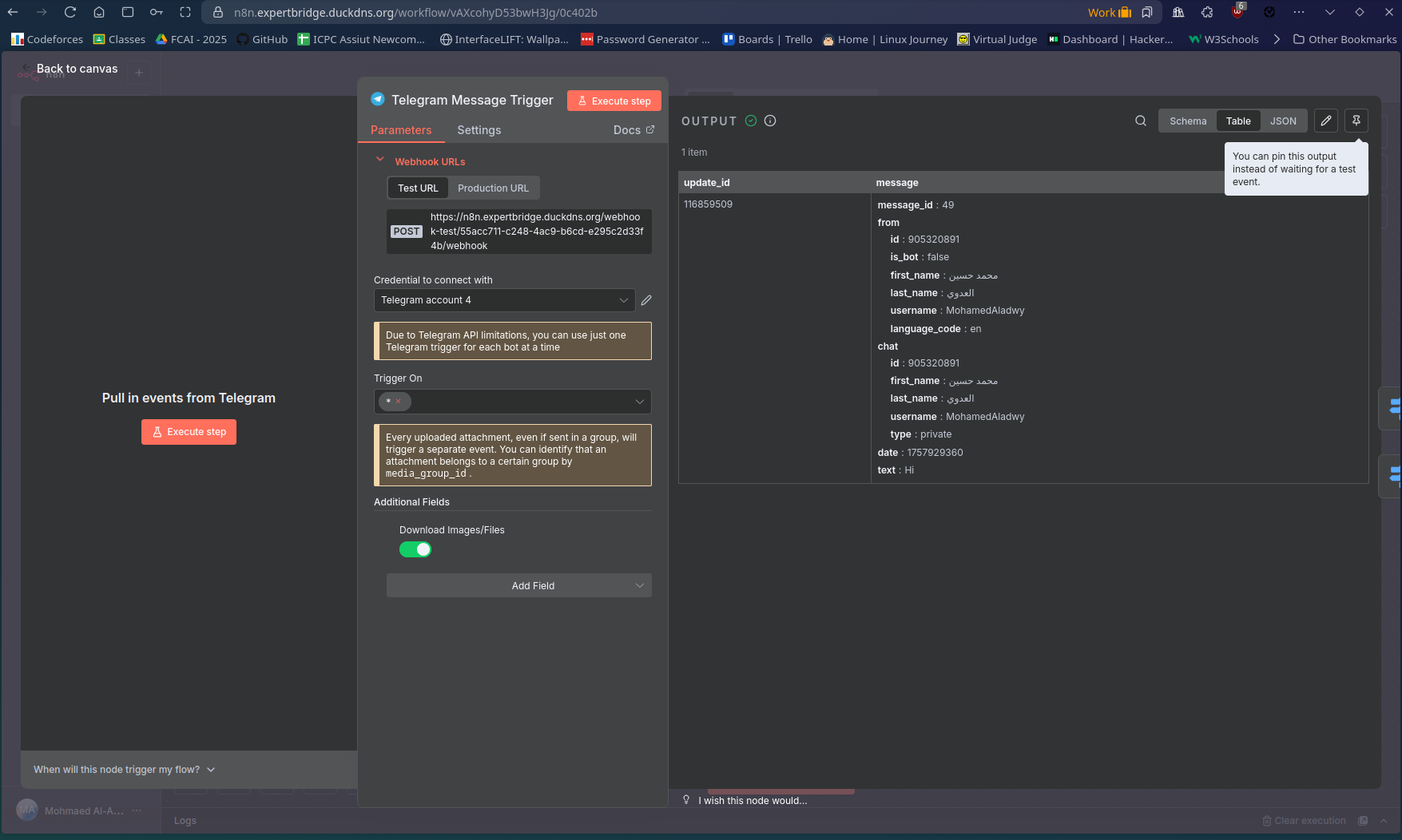
The telegram trigger is listening but when I send a message, the trigger doesn't detect anything at all!

Hi, I have an n8n self hosted on hostinger and docker-compose (self setup not the pre-configured one).
I am trying to create a telegram chatbot, and the trigger is listening correctly but when I try to send any message from the bot, the trigger doesn’t detect anything at all!

Describe the problem/error/question

Hi, I have an n8n self hosted on hostinger and docker-compose (self setup not the pre-configured one).
I am trying to create a telegram chatbot, and the trigger is listening correctly but when I try to send any message from the bot, the trigger doesn't detect anything at all!

What is the error message (if any)?

Please share your workflow

Share the output returned by the last node

No output returned at all. No message detected at all

Information on your n8n setup

  • n8n version: docker image latest
  • Database (default: SQLite): postgresql 17.4-alpine docker image
  • n8n EXECUTIONS_PROCESS setting (default: own, main):
  • Running n8n via (Docker, npm, n8n cloud, desktop app): docker compose on Linux VPS
  • Operating system: ubuntu 24
  • Reverse Proxy: Nginx Proxy Manager
  • DNS: DuckDNS

from your setup it looks like you have localhost set:

but you need https connection for telegram trigger to work.
here is guide for accessing vis https:

Hello @Mohamed_Al-Adawy

I think the issue is that the Chat Memory Session Key is not defined.

You can define it in a previous Set node, or simply use something like:

{{ $('Telegram Message Trigger').item.json.message.from.id }}
1 Like

nope, I set my dns in the environment variables to : https://n8n.expertbridge.duckdns.org

and this is my current test webhook: https://n8n.expertbridge.duckdns.org/webhook-test/{my_token}/webhook

N8N_EDITOR_BASE_URL=https://n8n.expertbridge.duckdns.org
N8N_HOST=n8n.expertbridge.duckdns.org

my problem right now is that the first node which is the trigger one is not detecting any messages at all, not with the postgresql chat memory

it worked after adding the following env var: WEBHOOK_URL to the same dns name as the edit dns and the host url

this was also a problem and your solution solved it, thank you so much!

This topic was automatically closed 7 days after the last reply. New replies are no longer allowed.