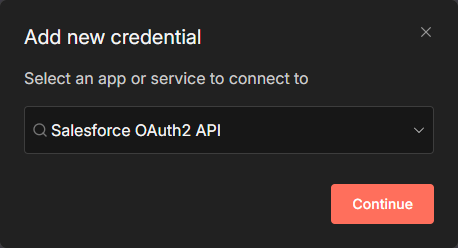
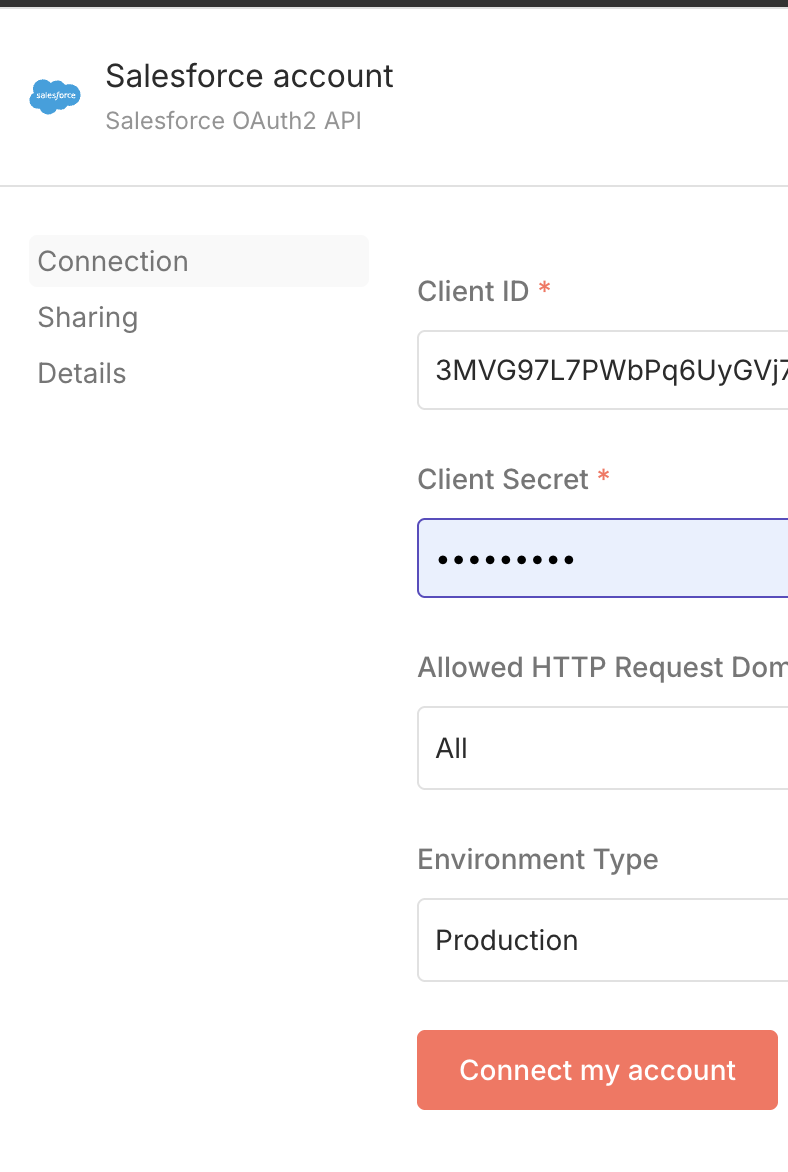
There's no option to connect to salesforce the normal way

Hello I’m new to n8n,
I try to connect to salesforce but the options look very different from what I see on youtube tutorials.
It doesn’t have the CONNECT button to launch the login window, n8n only shows me two options like this.

Describe the problem/error/question

What is the error message (if any)?

Please share your workflow

(Select the nodes on your canvas and use the keyboard shortcuts CMD+C/CTRL+C and CMD+V/CTRL+V to copy and paste the workflow.)

Share the output returned by the last node

Information on your n8n setup

  • n8n version:
  • Database (default: SQLite):
  • n8n EXECUTIONS_PROCESS setting (default: own, main):
  • Running n8n via (Docker, npm, n8n cloud, desktop app):
  • Operating system:

does anyone know this?

Hello,

Are you using the latest version of n8n ?

In n8n you need to create Salesforce credential using OAuth :

On Salesforce, you need to go to the Setup and look for External Client App Manager menu. Create a new External Client App and fill your form on n8n with the Client ID and Client Secret.

@enchantedcarrot ,

I think I see your issue. When you fill out “Salesforce OAuth2 API”, at the very bottom you should see “connect my account” if your client id and client secret are valid first. If not, you won’t see it. That also means that you must have an external app setup, just like what @Jonathan0 said.

Khem