Hi everyone,
I’ve been building some heavy workflows lately and found the default grey theme a bit hard on my eyes during long sessions. I decided to hack together a small Chrome extension to force a higher-contrast “Black & White” mode.
It basically just injects custom CSS to sharpen the UI borders and darken the background. It does not touch the workflow logic, node execution, or API at all (it’s purely a visual overlay).
I just packaged it up as a “Lite” version for myself, but I figured I’d share the link here in case anyone else struggles with the low contrast.
*You can grab it here for free: [https://sharmaji04.gumroad.com/l/lite-free*\]
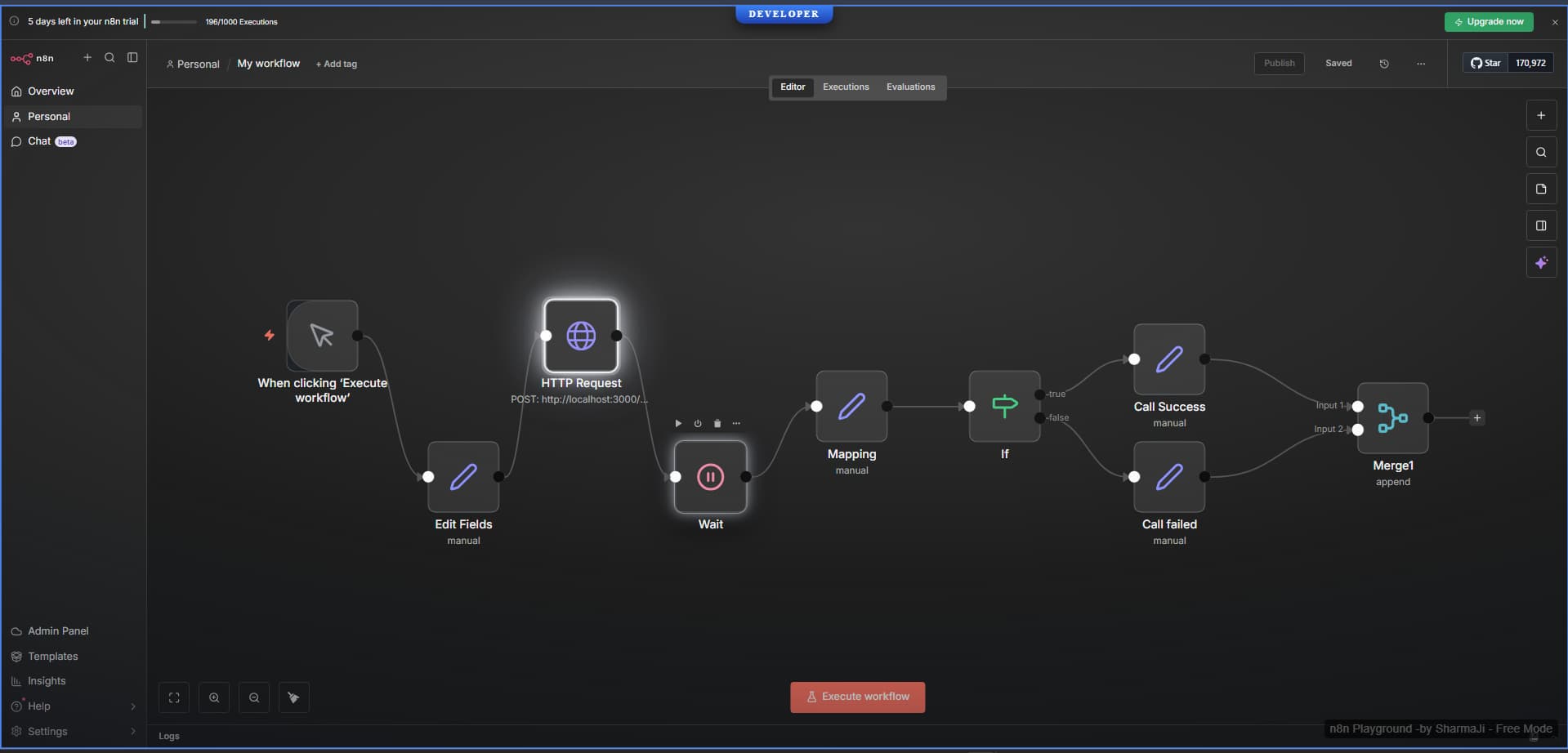
Let me know if the borders look okay on your screens! I’m still tweaking the CSS so any feedback is welcome.
(Note: This is an unofficial community project, not affiliated with n8n).