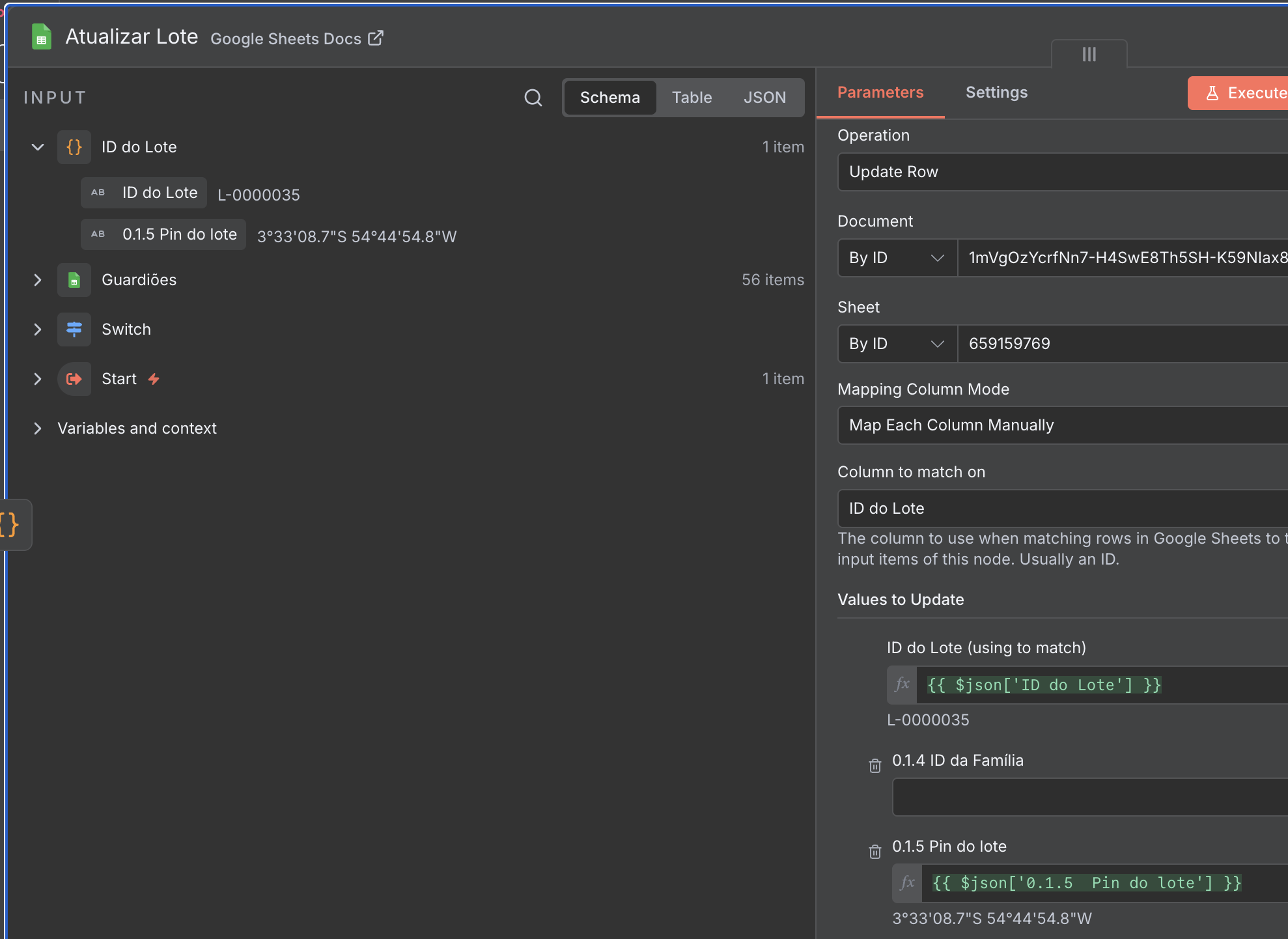
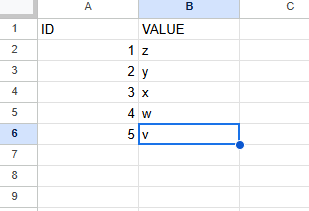
I have a code node that always provides me (1) an ID and (2) a Field to be updated (containing the new value in it). I want to be able to Update Row on a Google Sheets table, but in different columns each time (named exactly as my 2nd input field).
Thus, I cannot just paste the value on columns (as screenshot below), because next time it will be a different column that needs to be updated… I’ve tried automatic mapping, but it crashed my Sheets (and removed all my Array Formulas in it, replacing them by values).
I was thinking of making a sub-workflow that only contains the JSON of the Google Sheet “Update Row” node, and then using expressions to match the predefined dynamic columns.
But the solution from @jabbson is simpler and better. I just learned that it’s possible to do it that way using that hint.