I’ve been trying for 10 hours to get the attached workflow going. It’s supposed to gather images, unite them in regular intervals, add narration, subtitles, background music. But all I’ve been getting are errors.If someone can’t get it to work, please suggest me a good video creation template with minimal costs (like the one attached) to create youtube videos that will use AI voice and images and do all that fancy stuff.
n8n version: 1.88.0System: I use windows and use n8n through hostinger vps. n8n itself seems to use linux internally.That’s all the info I know. Sorry and thanks
Thanks a lot. I decided to take some steps back and I bought a very cheap udemy n8n course that LOOKS like it will take me by the hand and walk me through a lot of stuff in a much easier way than it would be to start by youtube videos (even though I’m EAGER to learn how to use suppabase + lovable + n8n, since I work as a Power BI developer).
I saved you the video you suggested, but it’s missing subtitles for what is said by the narrator (it makes the videos more dynamic and easier to focus on).
What I would like to do with that template is create a video with background music (multiple selections from a google drive folder or AI generated ones) that has subtitles and proper images according that is beeing said (imagine telling a story with background music and subtitles).
All in all, thanks for for the feedback, and I would really appreciate if I could actually manage to do that thing I’d like to haha (the video you suggested is very close and I can think of ready-to-go uses), and sorry for not bringing the error screenshots. I got way too traumatized to open that workflow again haha (and I need dopamine to keep learning n8n xD)
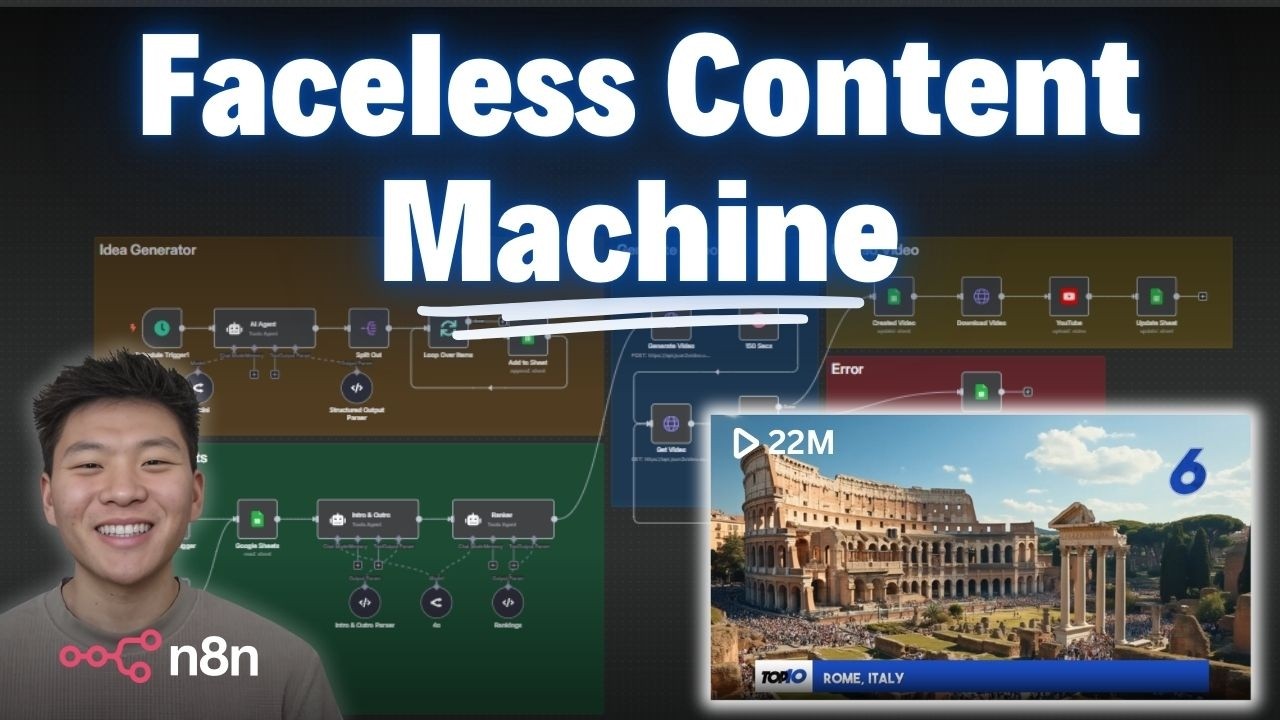
aah, gotchu, if you want to do that, there’s this youtuber called RoboNugget where he explains a lot about this faceless youtube automation thing, i can give you a link to one of his automation which i think definitely suits ur need, but if im not mistaken he doesnt really give the templates unless you joined his paid skool community so if you want it you need to watch his video n replicate it step by step, here’s the link