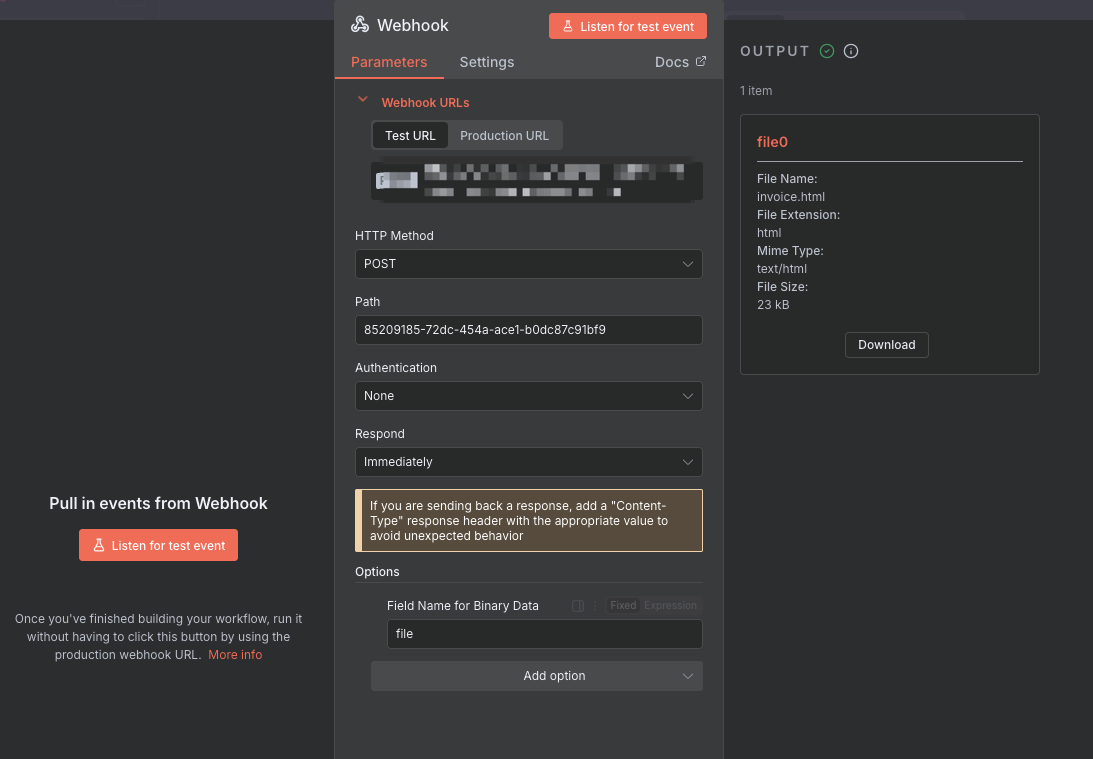
Hello, new to n8n here,
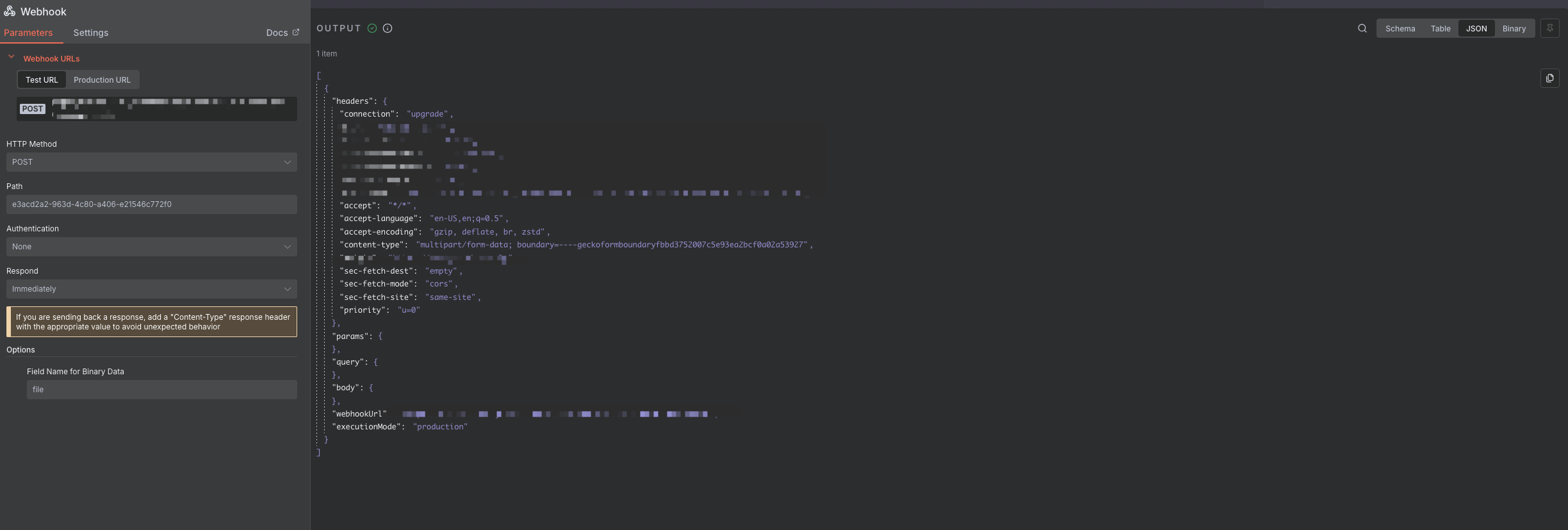
im sending a file to my webhook over multipart/form-data
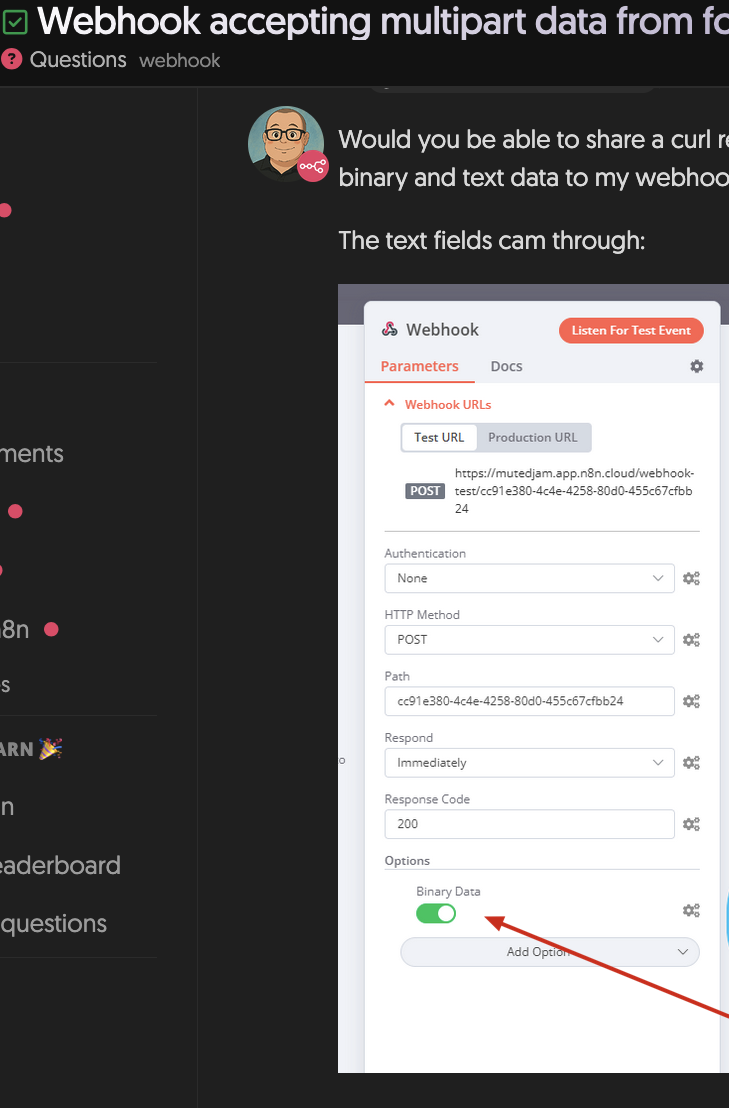
i read some articles and there is a toggle button with “Binary Data” to enable receiving but it’s not showing
this is my docker-compose.yml file:
services:
“5678:5678”
N8N_HOST=xxxxxx
N8N_PORT=5678
N8N_PROTOCOL=https
WEBHOOK_URL=xxxxxxx
N8N_PUSH_BACKEND=websocket # or sse if needed
N8N_DEFAULT_BINARY_DATA_MODE=filesystem
N8N_AVAILABLE_BINARY_DATA_MODES=filesystem
N8N_BINARY_DATA_STORAGE_PATH=/home/node/binaryData
PUID=1001
PGID=1001
./n8n_data:/home/node/.n8n
./binaryData:/home/node/binaryData
so Whats wrong?
n8n version:
Version 1.111.1
jabbson
September 24, 2025, 3:44pm
4
Hey @mohammed_breky , welcome to the community.
Here is an example with webhook and telegram for you
Make sure to set the correct chat_id in the telegram node.
Thanks for the reply, but what i meant by the toggle is this button like in the screenshot below “i don’t see the button”
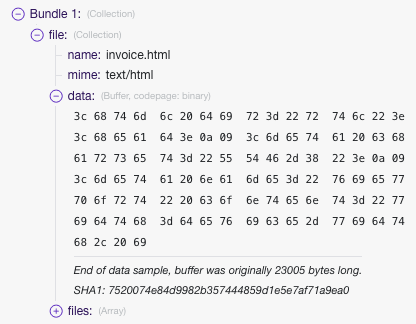
also im coming from make.com background, while receiving the files in webhook i can get the data like this
some nodes require the “data” input but i can’t find it anywhere
this is the JSON bundle i receive
i need to extract that HTML into a plain HTML like in the file exactly to modify it more, but there is no possible way i can think of.
jabbson
September 25, 2025, 1:10pm
6
mohammed_breky:
“i don’t see the button”
You are referencing a post which is more than 3 years old
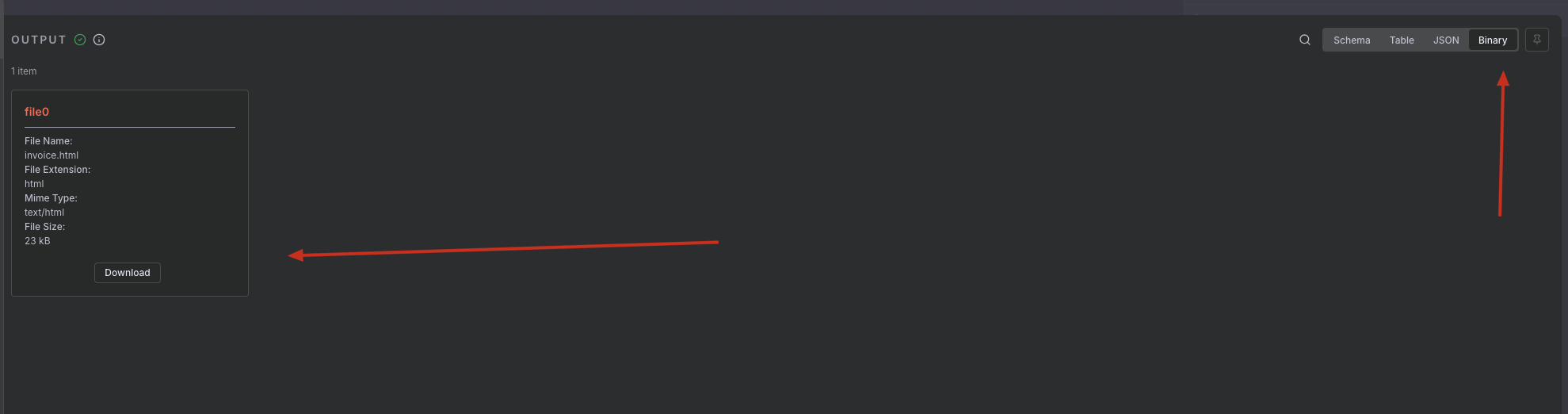
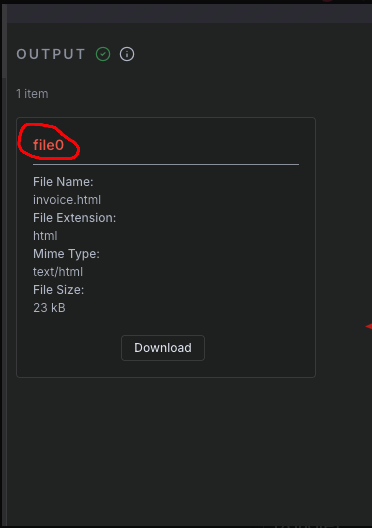
the way it works in n8n is you reference the binary by the binary property name, which is here:
Whenever the field asks for an Input binary field, you need that text in yellow, just like I showed in my example above.
system
December 24, 2025, 1:11pm
7
This topic was automatically closed 90 days after the last reply. New replies are no longer allowed.