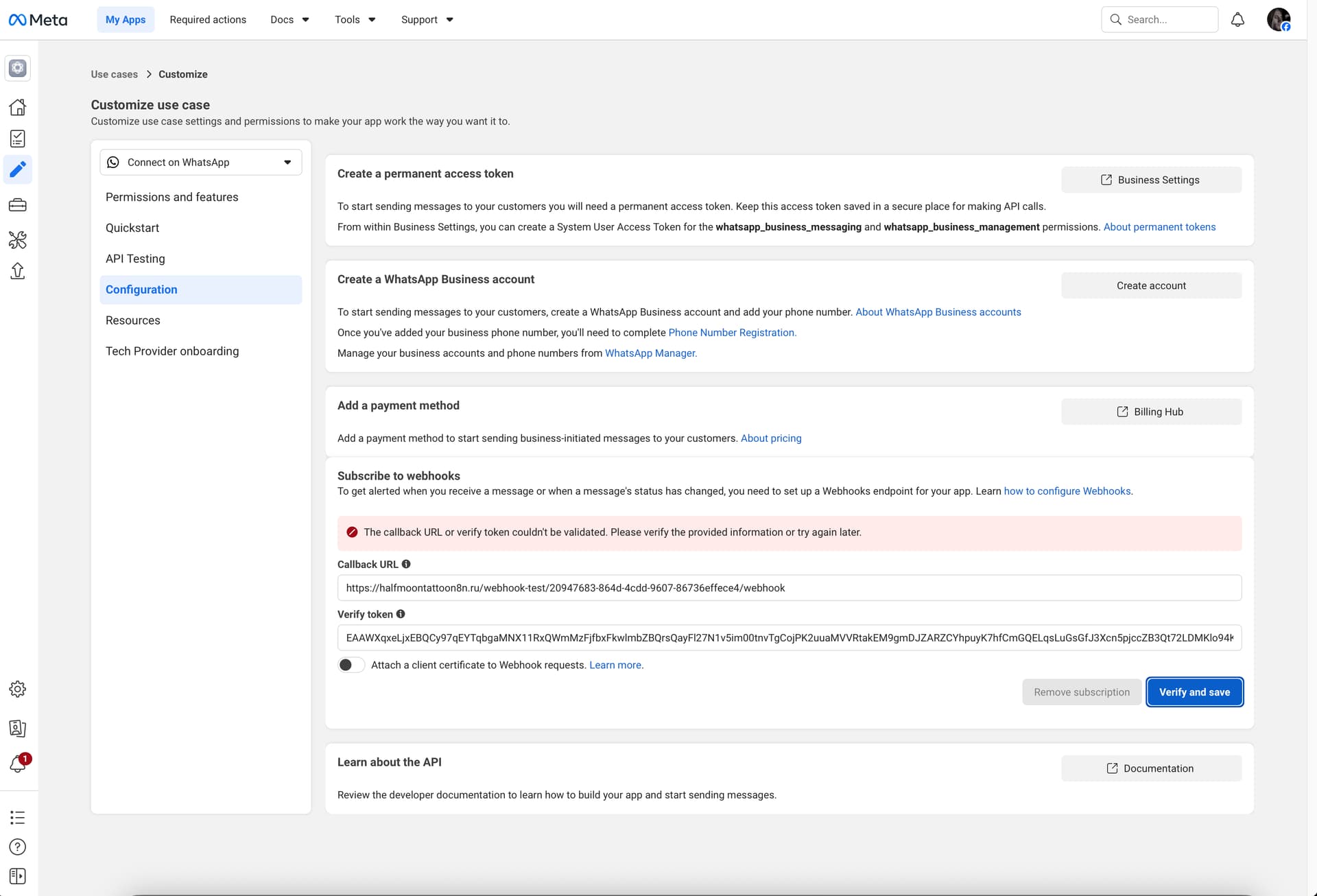
Hi everyone. When I try to connect a webhook, I can’t verify it. Has anyone encountered this and knows how to fix it?
1 Like
This is a very common WhatsApp Cloud API + n8n webhook issue, and the error message is a bit misleading. It would be great to see a screen capture of your workflow to understand your configuration or what nodes you are using.
The reason for the error “The callback URL or verify token couldn’t be validated”, is because Meta cannot successfully complete the webhook verification handshake with your n8n endpoint.
During Verify and Save, Meta does NOT just store the URL. It immediately Sends a GET request to your callback URL and includes query parameters.
Also, you do NOT need to configure a Callback URL when using n8n’s WhatsApp nodes.
If you are using n8n’s built-in WhatsApp nodes (WhatsApp Trigger + WhatsApp Response), then, you should NOT manually configure a webhook callback URL in Meta at all, n8n already handles this internally.
In your WhatsApp Trigger node you needs to provide Client ID and Client Secret.
In your WhatsApp Response Trigger node, you need Access Token and WhatsApp Business Account ID.
These come from the Meta App.
1 Like
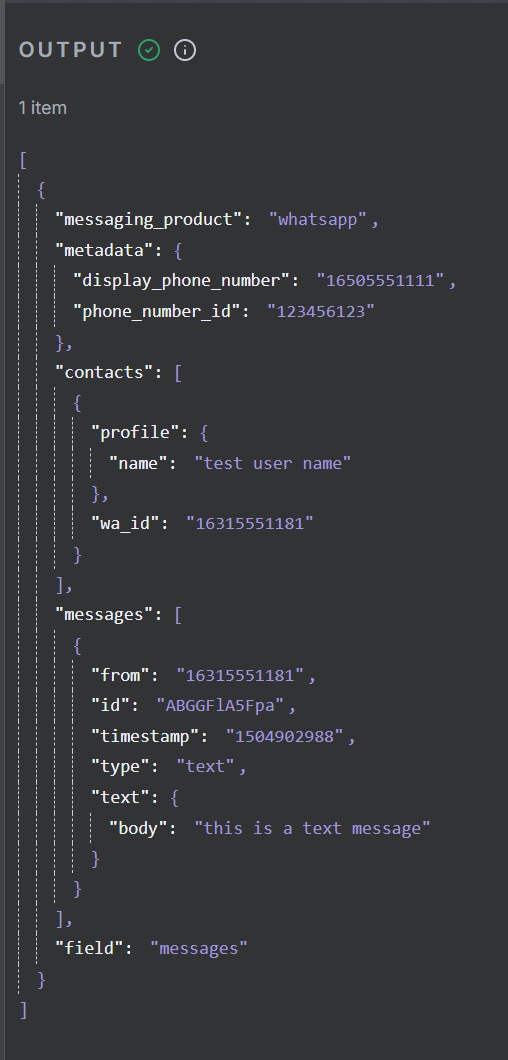
Hello. I connected WhatsApp Business to my n8n. I received a test message. But after that, I haven’t received any incoming or outgoing messages. How can I set it up to receive messages in WhatsApp Trigger?
Hey @Kirill_Polishchuk !
As already mentioned by @bridgewaretech , I think you are confusing thus 2 “separate” types for authentication.
For Trigger(events):
WhatsApp OAuth2 credentials (Client ID + Secret).
And Sending messages:
WhatsApp API key credentials (Access Token + Business Account ID).
Cheers!