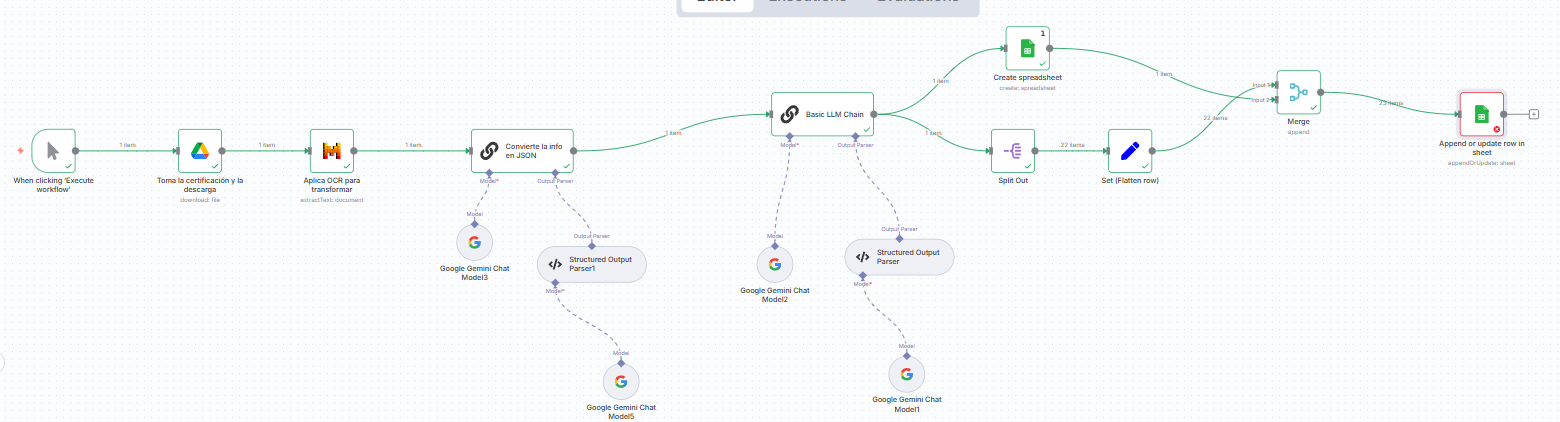
Hi. I am trying to connect my workflow, that generates a specific extraction of information in json to create google sheet and then append the information on the same google sheet that was created before. But the google sheet append node doesn´t take the ID of the google sheet create node, only works if I write the ID, and it doesn´t work for m beacuse I want that it creates sheets as many extractions.
1 Like
Hey @Humberto_Perera_Fons hope all is good. Welcome to the community.
Let’s work on one problem at a time. You said that
“…google sheet append node doesn´t take the ID of the google sheet create node, only works if I write the ID, and it doesn´t work for m beacuse I want that it creates sheets as many extractions…”
Let’s break it down:
- “Google Sheets node doesn’t take the ID of the Google Sheet create node”
- what does that mean when you say “it doesn’t take it”? could you show an example? Screenshot maybe?
- “only works if I write the ID”
- does this mean that if you manually take the ID created during the Create action and use it in the Append node it works?
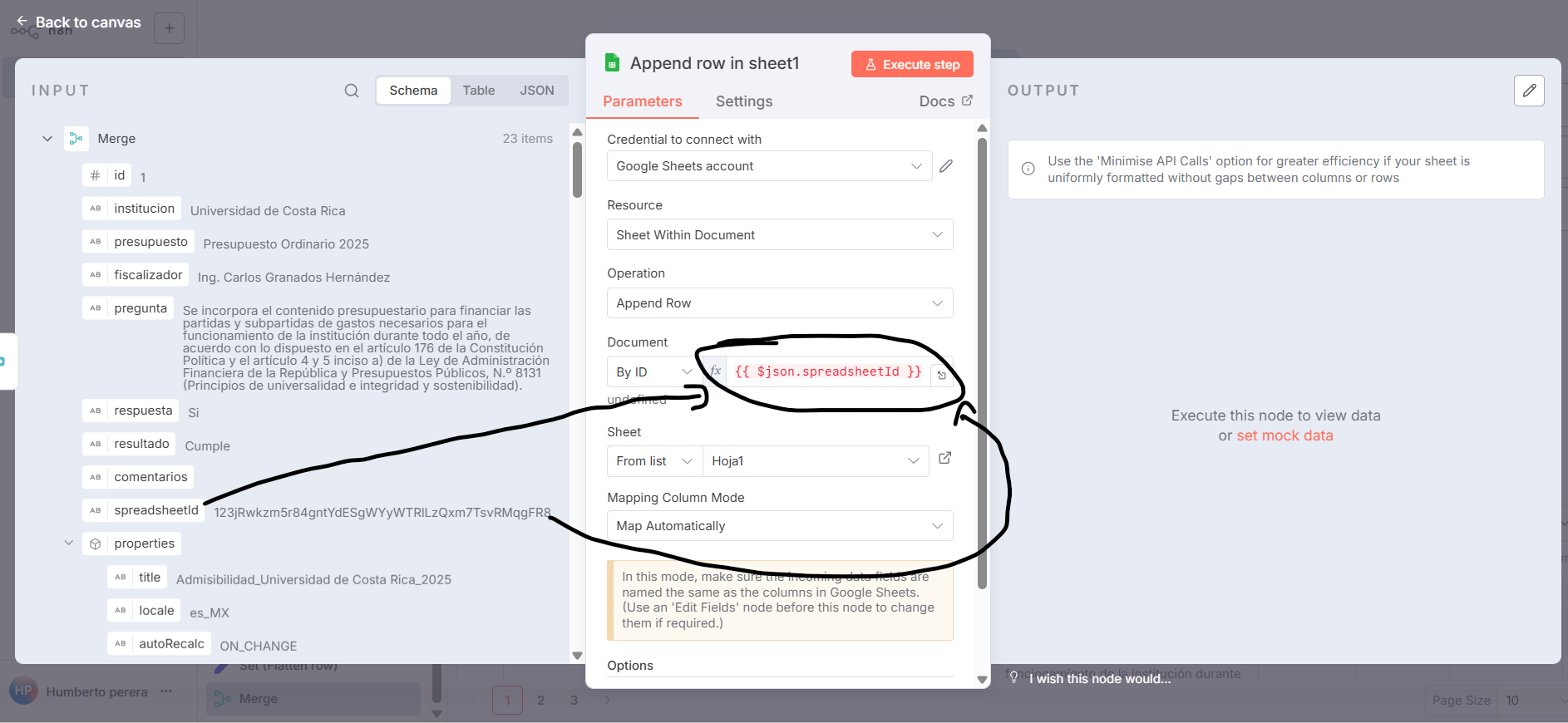
How do you reference the sheet id in the append node?
hi. That´s right. 1. I attached a screenshot with the example. 2. Correctly, if I manually take the ID created during the Create action and use it in the Append node it works.
Interesting, if you can share your workflow, I am more than happy to take a look.
The issue is now with the spreadsheetId, the problem is with Sheet field.
In your case it is using “From list” option, try changing it to “By Name” and type in Hoja1.
yeah, it works but I am looking for a dinamic solution beacuse then I want to create a iteractive process for each doc in drive carpet,

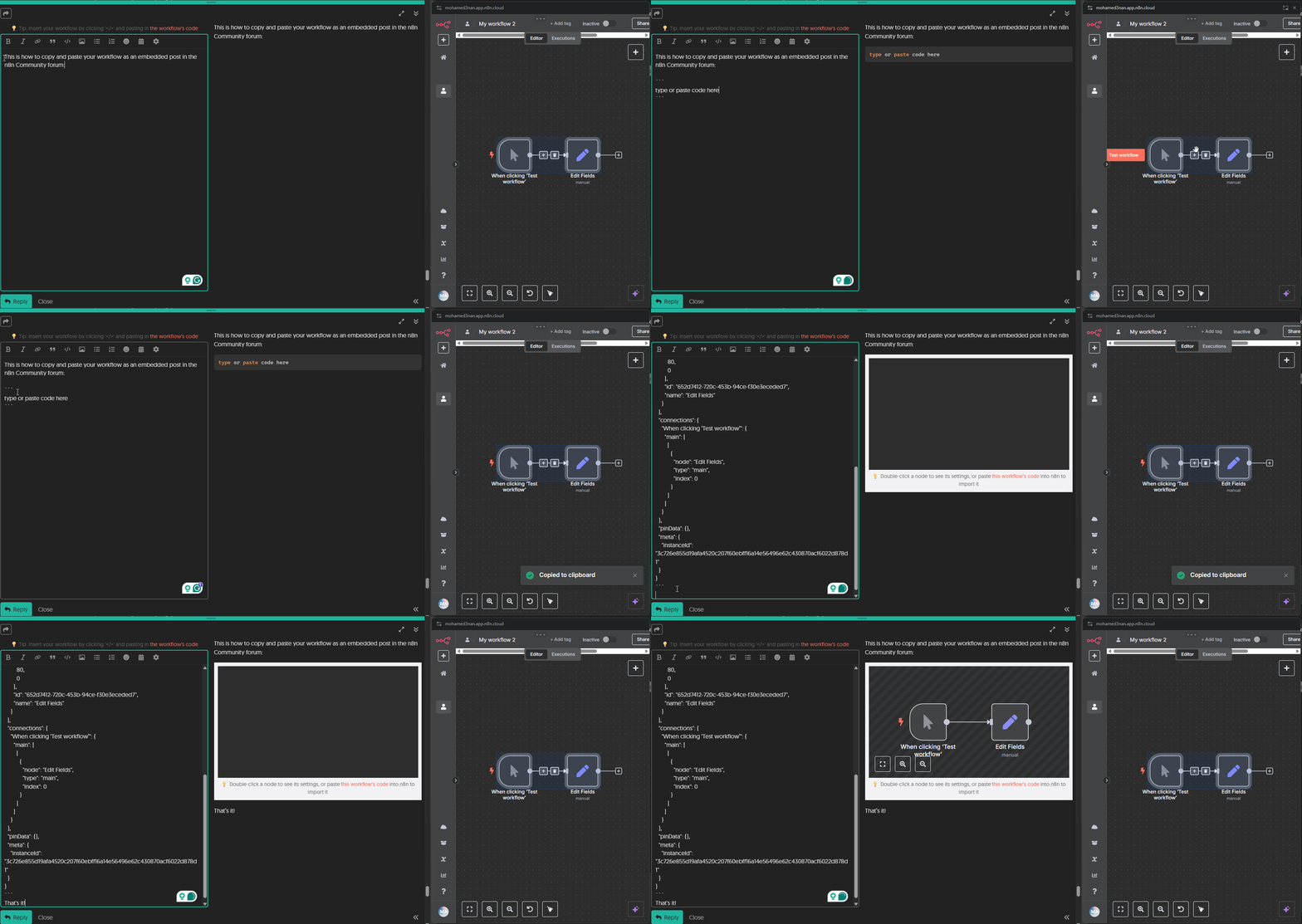
You can still make it dynamic, even if you use name:
take a look at this simplified example:
Thank you very much, however, the proposal still has the same problem. In your example, when directly connecting the spreadsheet creator to the append node, the information being passed is not from the JSON node but from the metadata of the previous node. Although I include the dynamic adjustment in the sheet name when creating the spreadsheet, since the append node is not connected directly to the spreadsheet creation node, it does not take the dynamic adjustment as I show. I think this is a bug in the append node not allowing this.
the only difference is - it works, right? 
what is the JSON node?
I am sorry, I didn’t understand this sentence. Could you try to re-phrase it, please?
I really doubt that
The file does get created, but it only gets filled with metadata from the previous node. In your example, you built a fake JSON to simulate my data, but if you look closely at the append node, it doesn’t actually use those values — it completely ignores them.
Here’s the issue: when the spreadsheet creation node is connected directly to the append node, the data written to the file comes from the creation node’s metadata. In that setup, dynamic fields can be used without a problem. However, when the data has already been processed into a JSON (like the example you manually created) and I try to pass that into the append node, for some strange reason dynamic fields are no longer available in the configuration.
In short, I can either use the append node with metadata and dynamic fields, or use it with processed JSON data — but not both at the same time. That’s the odd behavior I’m running into.
The way fields in the append node work is - if you have an input json, which has fields named the same way as columns in the table. In case where you just created the sheet - there are no headers yet, so columns have no name. When there are no headers the append node will use whatever the input is and create headers for that. You can put an additional set node, where you can set header names and values statically or dynamically.
1 Like
This topic was automatically closed 7 days after the last reply. New replies are no longer allowed.