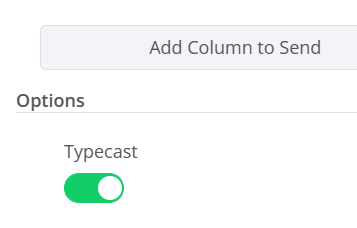
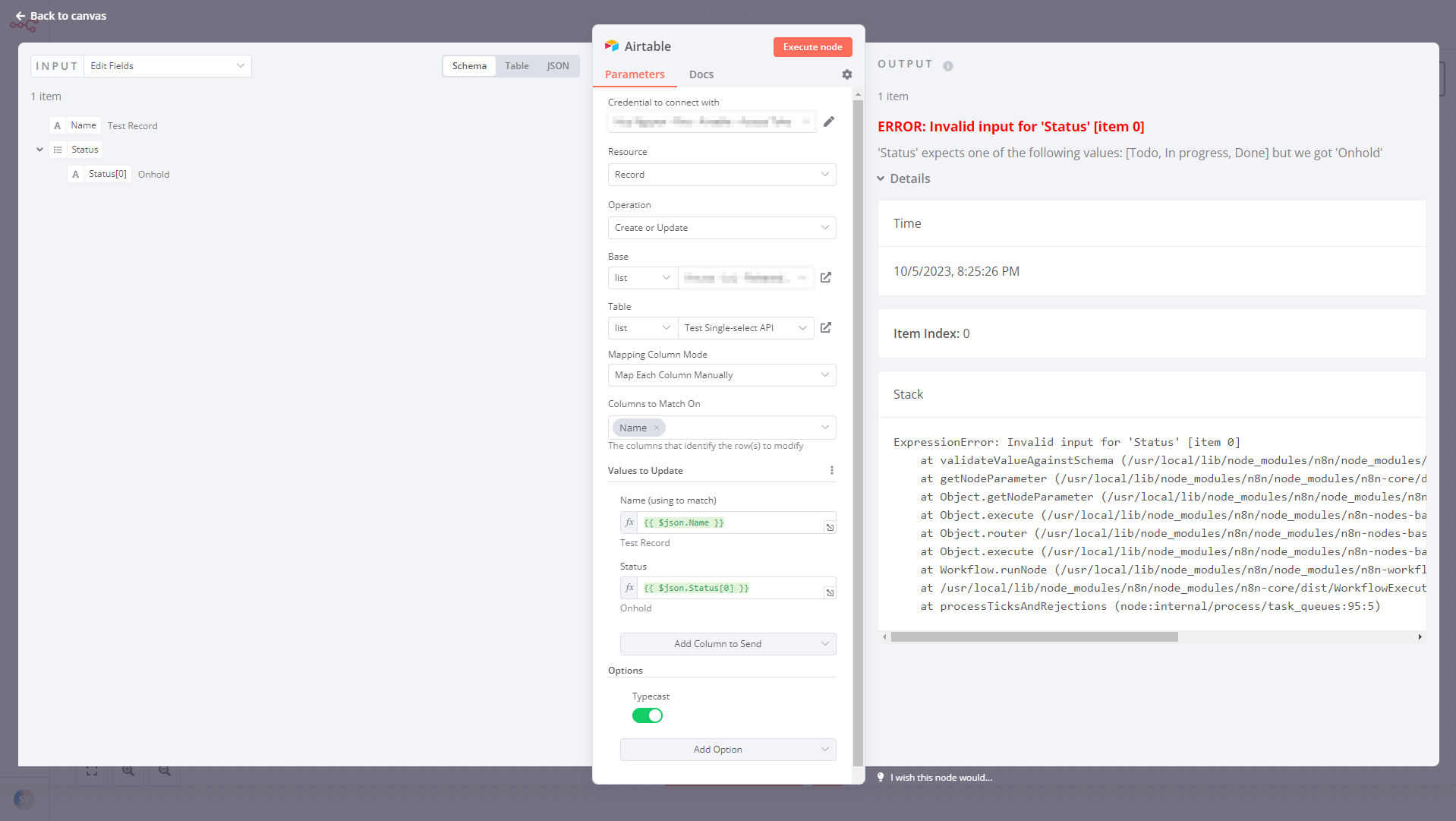
I have a problem that although i enabled the TYPECAST in the airtable update node and also i enabled the permissions on the single selection colum on airtable… the system is not able to update records with new entry types for the single selection.
Hi @mibrahim547 I was out yesterday, so only seeing this now.
I appreciate you sending over your workflow as that’s helpful, but could you also provide some sample data in JSON format for what isn’t working? Your workflow unfortunately requires outside credentials, so it wouldn’t be something I can run
I have the same issue. Seems like the Typecast option is doing nothing. The node still validates the input data against existing values that it has from reading the table schema when the table was first selected. My Airtable account has sufficient permission to add new single-select values, to be clear.
Hi @peterng1618 I just tried on 1.9.0 following a similar approach to you and couldn’t reproduce this - can you let me know what version of n8n you’re on, and can you provide an example of how your Airtable data structure looks like? That way I can try to follow your exact steps for reproducing
Update 2: I found a workaround by copying the Airtable node to a text editor, changing the Single-select field’s type from option to string, and pasting it back to n8n. New values can be added successfully as expected.