Hello to everyone, I’m trying to write data to file using “Write Binary File” operation, but each time I receive the following error:
ERROR: ENOENT: no such file or directory, open '~/Documents/data/some.json'
P.S. Standalone macOS App is used.
Hello to everyone, I’m trying to write data to file using “Write Binary File” operation, but each time I receive the following error:
ERROR: ENOENT: no such file or directory, open '~/Documents/data/some.json'
P.S. Standalone macOS App is used.
Welcome to the community @ShiiRochi
Thanks, but it did not help. I changed File Name to something like /home/.../data/some_data.json, but still got the same error.
It works just fine for me. Are you sure you have the correct path?
If you do cd ~ && pwd in the command line you are going to find out.
Oh, my bad, I misunderstood how it works, I thought that ~ has to be correctly processed, but instead I should write /Users/<username>/.
Hi guys,
I’ve got the same issue. @RicardoE105 I’ve tried your solution but it doesn’t work for me.
I’ve got that path : /Users//Downloads/test.json
And I’ve got this error : ERROR: ENOENT: no such file or directory, open ‘/Users//Downloads/data.json’
I’d like to save the json file in my Downloads file. If I well understand, the “Write Binary File” node should work like this?
Please not that I’m using the Cloud environment n8n is providing.
Could you please help me?
Thanks lot 
That is not possible. n8n is not able to write directly to your computer. You can only download it manually via the “Download” button.
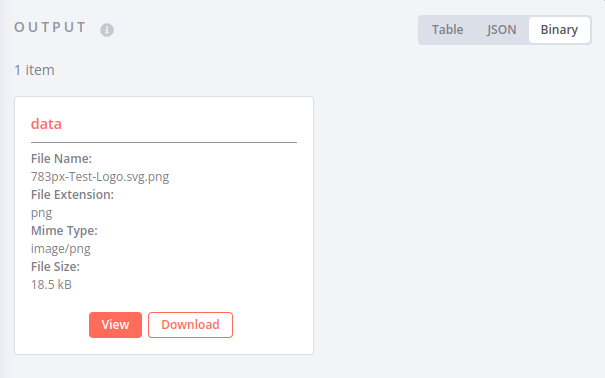
n8n Desktop is an exception as in this case your computer and the computer n8n is running on are identical.
All right! Thanks a lot for your quick answer Jan.
This topic was automatically closed 90 days after the last reply. New replies are no longer allowed.
