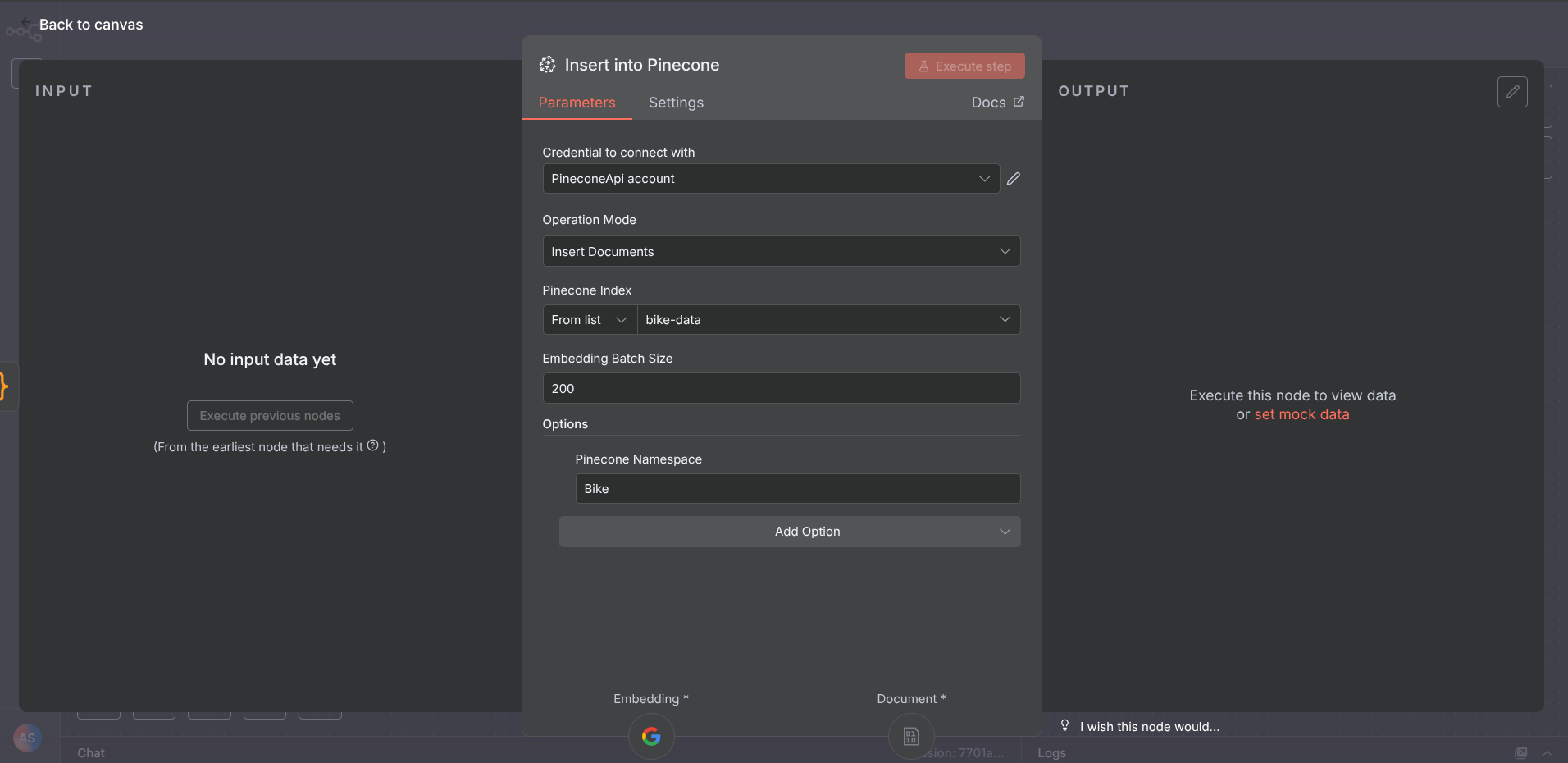
The Pinecone vector store should have a “set custom ID” as an option to be presented while inserting data to Pinecone. Currently it doesn’t have one. It sets ID automatically but I want my own Custom IDs to get inserted.
I think it would be beneficial to add this because:
It would be extremely helpful when it comes to updating a particular vector data, in a situation when you have a second data store like a “google sheet trigger”.
For example, if you have an inventory in Google sheets and want to sync it live with Vector Database then you must match the Google Sheet ID with Vector Database ID, only then you can update/delete rows from both places at the same time.
Currently we do have upsert with ID but the problem is, while inserting we should be able to add our own IDs from a second source (like Google sheets). Otherwise how could we know what ID belongs to who?
Yes! I need this as well! If your data needs updating at all this node is pointless. Do you know if there are any current work arounds other than just doing a code node?
Grab the data from Google Sheets (each row mapped to a custom ID you define).
Clean up and format the product data, then split it into batches (batch size is flexible).
Create the request payload and send it off to Gemini for vector embeddings.
Combine the original data with the embeddings, zip them into batches, and send those batches to Pinecone with UPSERT. That way Pinecone either inserts or updates records by your custom ID.
End result: Pinecone stays perfectly synced with your Google Sheets catalog. Anytime you tweak something in Sheets, the workflow re-runs and updates the corresponding vectors in Pinecone automatically.

 )
)