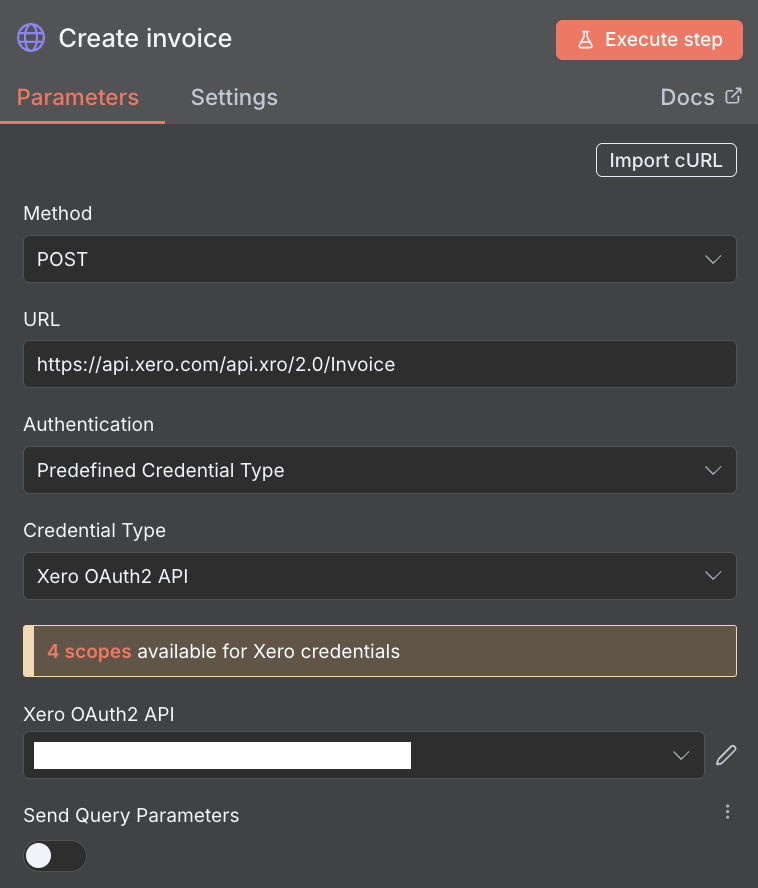
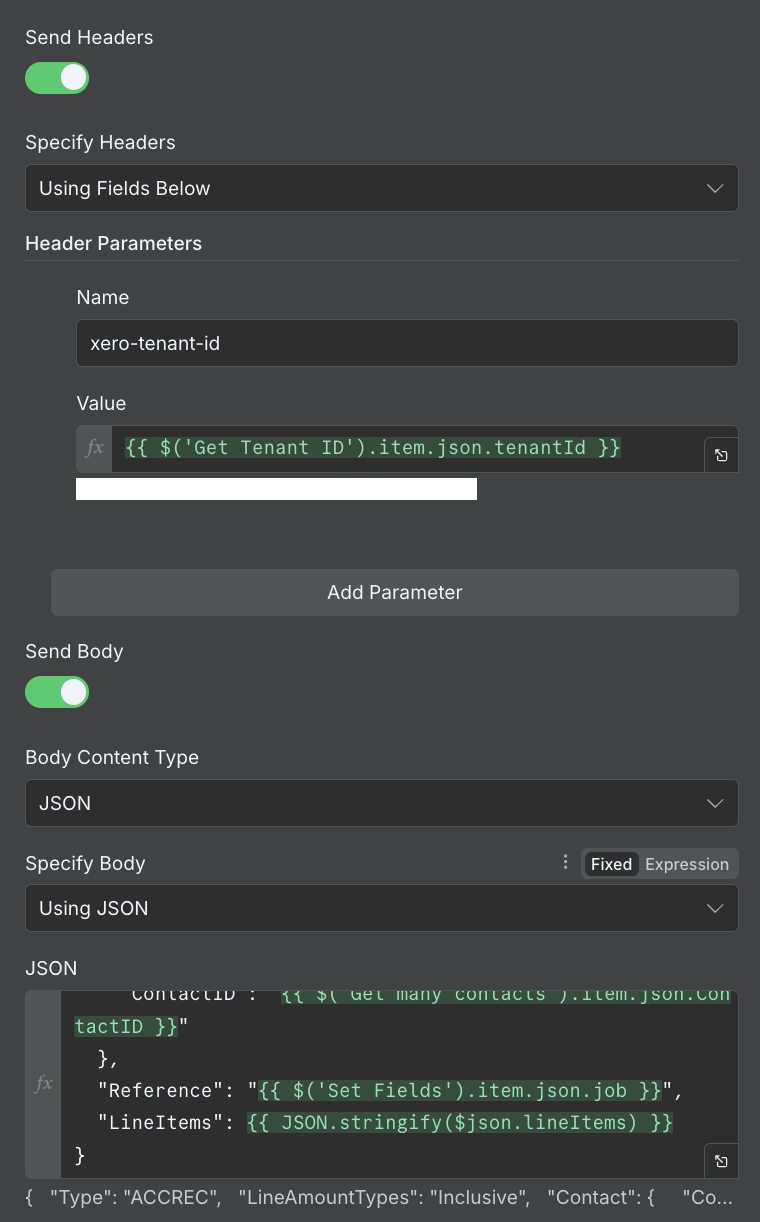
I’m performing an HTTP request to create a Xero invoice using their API. If I attempt to create the invoice with item codes that don’t exist, I get an error - which is expected.
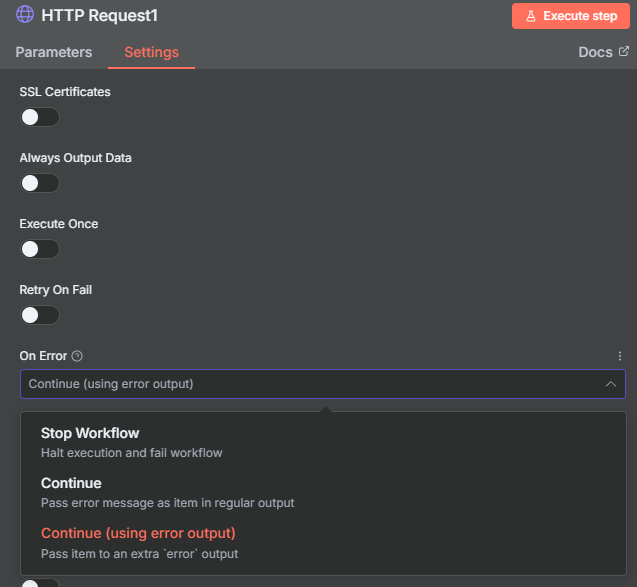
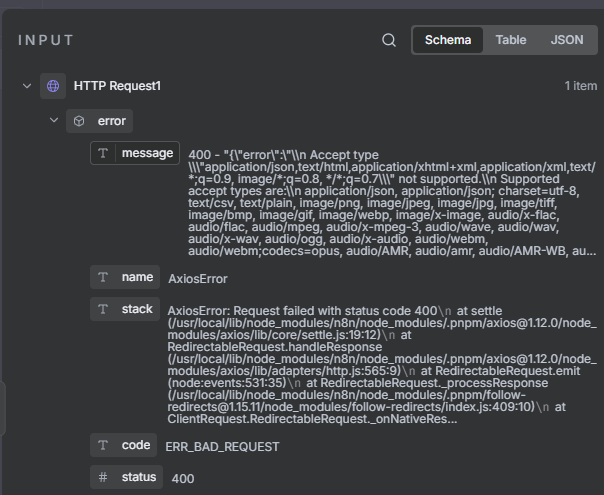
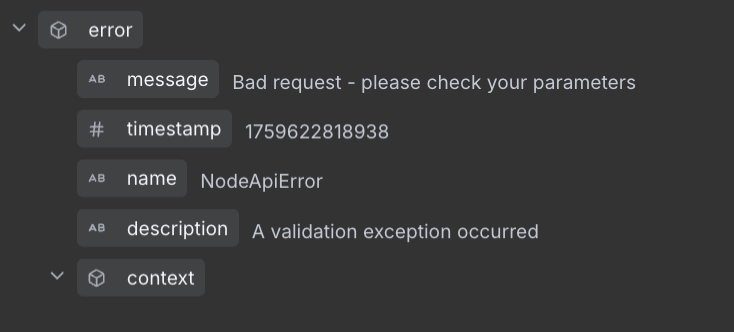
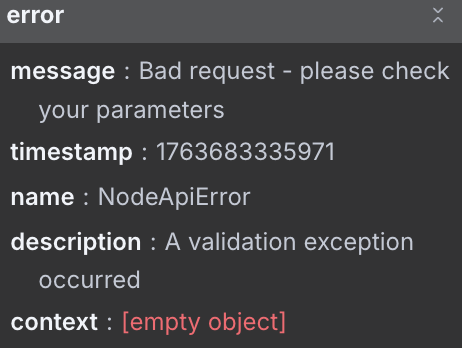
I’d like to parse the error to extract the list of missing item codes, so I can provide useful feedback to the user. However, when I set the HTTP request node to continue on error, it doesn’t include the full response, only:
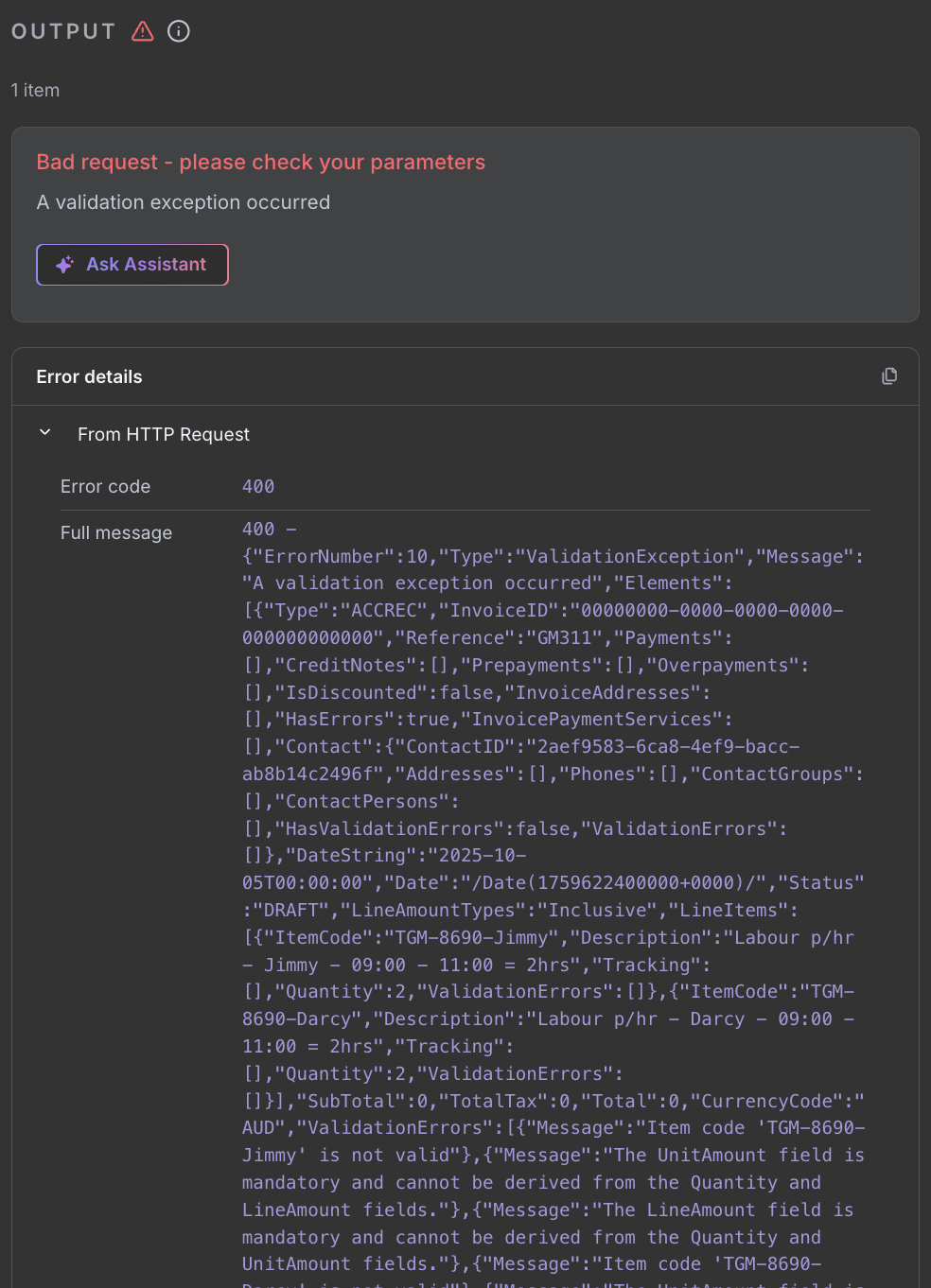
Whereas the full response from the HTTP request includes useful information like:
“ValidationErrors”: [ { “Message”: “Item code ‘LAB_JIMMY’ is not valid” }, { “Message”: “The UnitAmount field is mandatory and cannot be derived from the Quantity and LineAmount fields.” }, { “Message”: “The LineAmount field is mandatory and cannot be derived from the Quantity and UnitAmount fields.” }, { “Message”: “Item code ‘LAB_DARCY’ is not valid” }, { “Message”: “The UnitAmount field is mandatory and cannot be derived from the Quantity and LineAmount fields.” }, { “Message”: “The LineAmount field is mandatory and cannot be derived from the Quantity and UnitAmount fields.” } ]
How can I pass this response to a Code node in the event of an error?
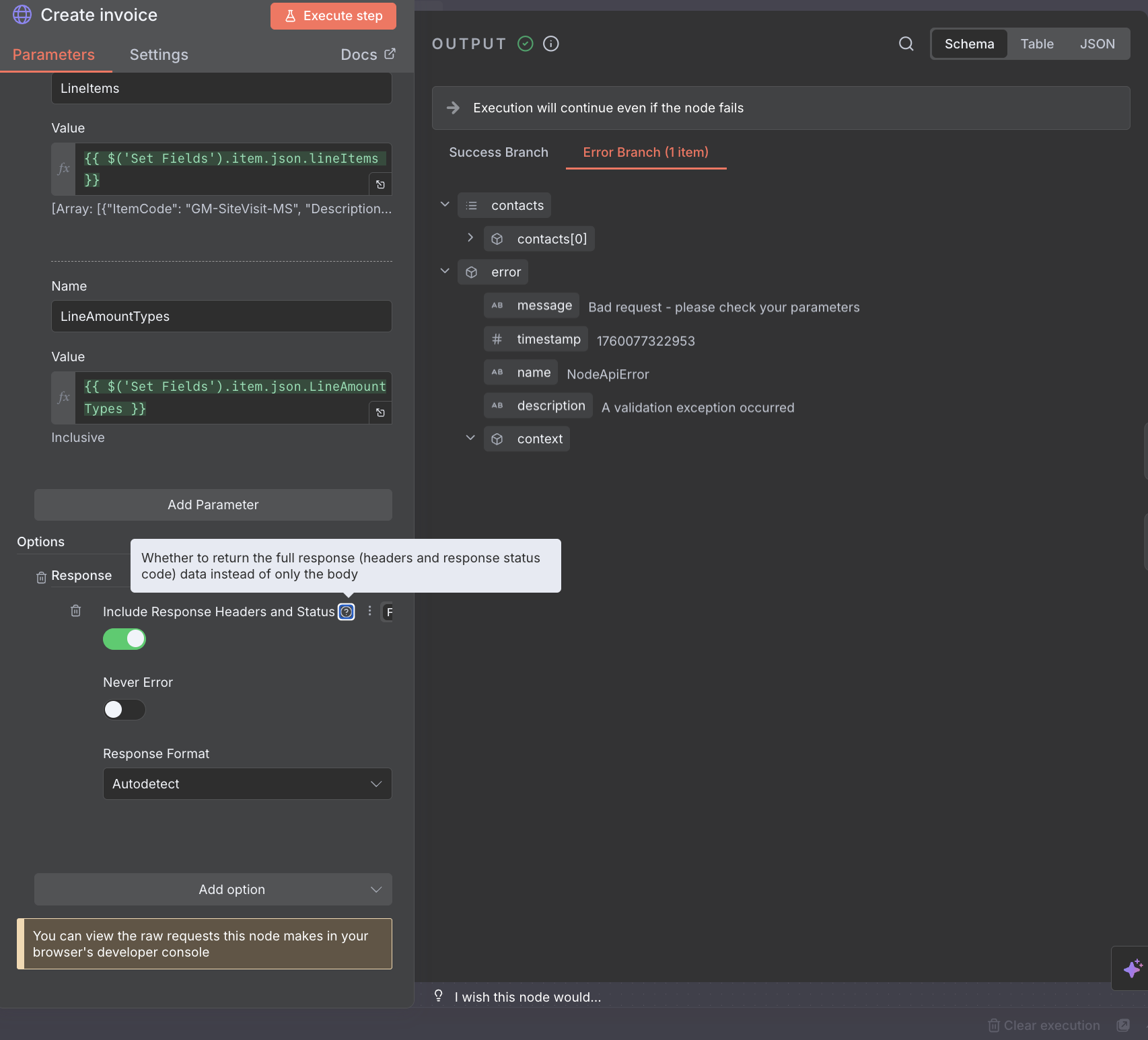
I have enabled “Include response header and status” but that didn’t change the output at all.
Note that it doesn’t include the full error, so I can’t parse the error message for the list of missing line items returned by the Xero create invoice API.
If I set the node to On Error > Stop workflow, then the error details show more info:
As far as I know, the full error message should appear in all cases,
Honestly, it’s strange that it doesn’t show up for you, and I’m not sure if this is a limitation, for example, due to the cloud version, or what exactly.
Unfortunately, I won’t be able to try it or replicate it on my side since I don’t have the API data.
Hopefully, someone will see this and help us out..
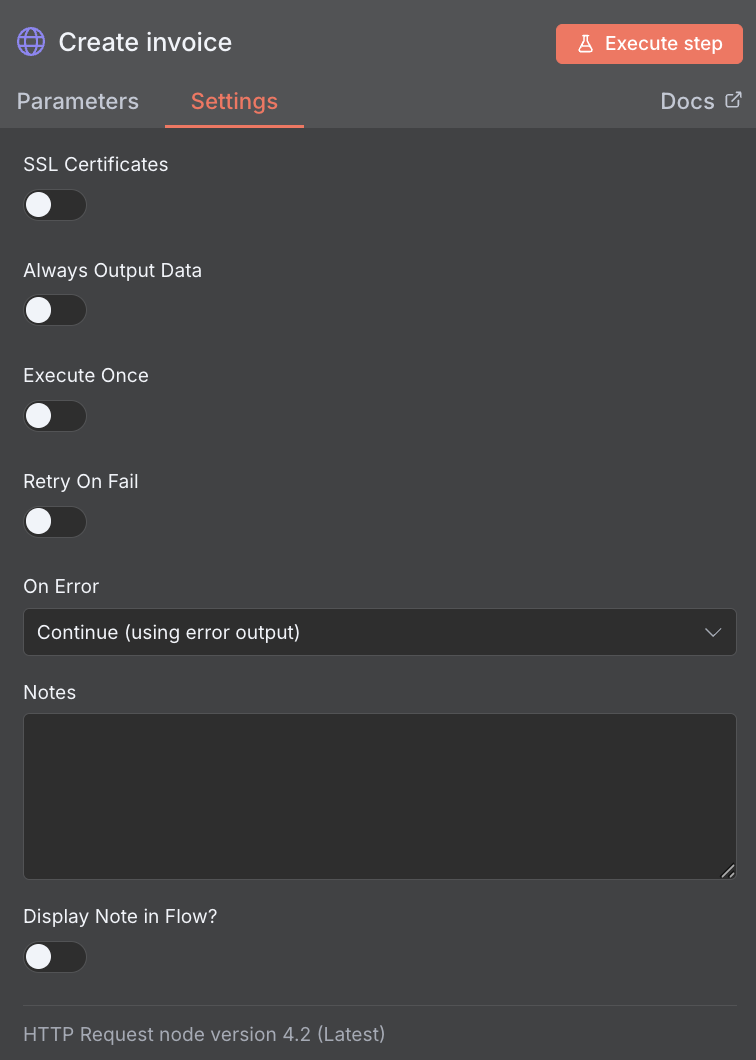
It’s weird because I can see the full error message in the “Error details” section of the node output when I have the node set to Stop workflow on error, but it’s not passed along in the output when the node is set to Continue on error.
This makes me think it’s a bug on the n8n side.
I’d be interest if anyone else doing a Xero integration can replicate the missing error message in node output.
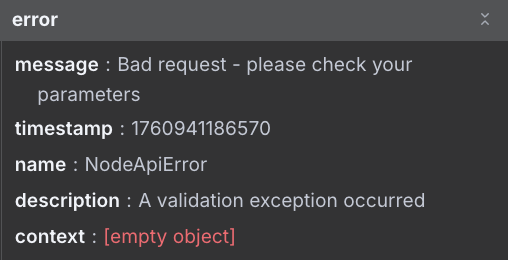
If I set the HTTP Request node to continue on error (with or without the error output), not only does the full error message not get passed to downstream nodes, but it’s also not available in the execution history - making it impossible to debug issues.
This essentially makes the “Continue on error” option useless for the HTTP Request node, as the full error context is only available if the workflow stops.
If you need full error details I think you have to use :
-”The Error Output Node(introduced in n8n 1.15.1): Instead of “Continue On Fail,” enable the error output for the node. This creates a separate error branch where you can access more detailed error information and handle it as needed. This approach is recommended for more robust error handling and debugging”.
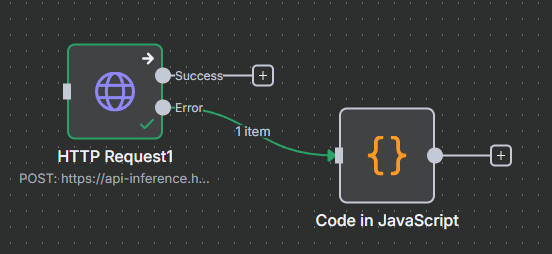
That’s exactly what I’m doing. The issue is the error context isn’t being passed into the error branch.
Not only does this mean we can’t change downstream behaviour based on the error, but we’re also not getting the error context saved in the execution history, so it makes debugging issues with the HTTP Request node impossible.
I had the exact same issue but with various other nodes.
It seems that it is not specifically linked to the Xero API, but a limitation of how the nodes based on HTTP requests are handling the error messages when the error is caused by a HTTP response code (4xx, 5xx,…). Somehow, it does not return the full response but perform some sort of parsing and only provide some parts of the HTTP response body. This typically occur when the JSON returned by the query contain more than one message key or when the body uses multiple keys to provide more context.
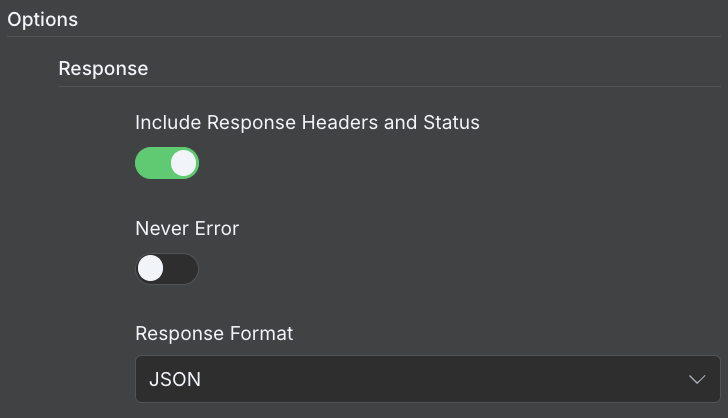
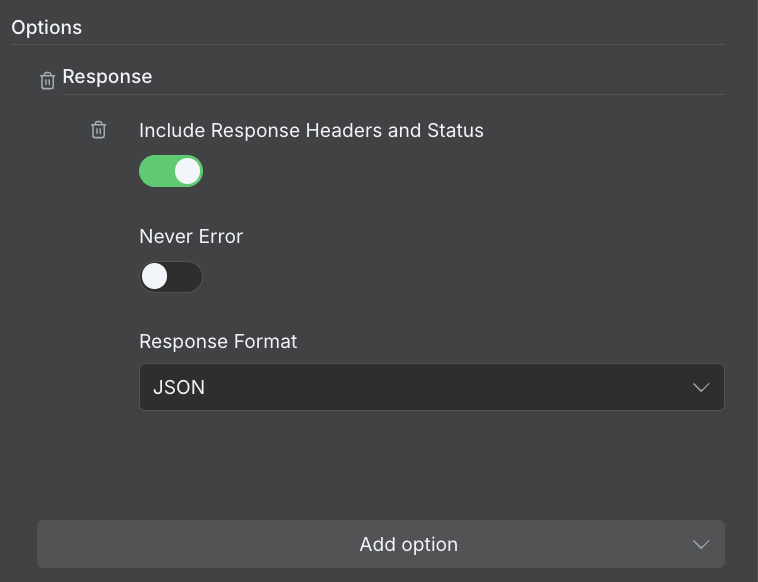
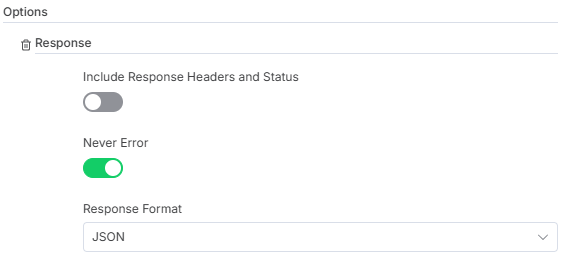
In my case I was able to get around the issue by adding the Response option and enabling Never Errorin order to always get the full response body then extracting the necessary values from the output.
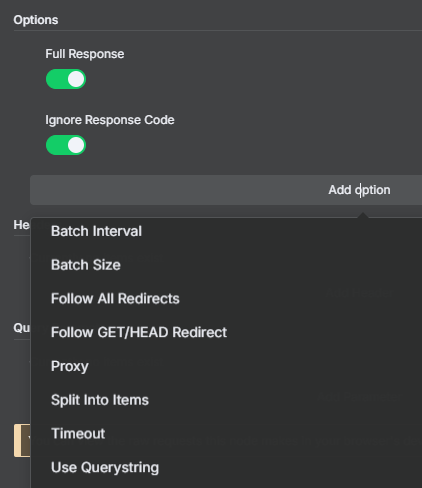
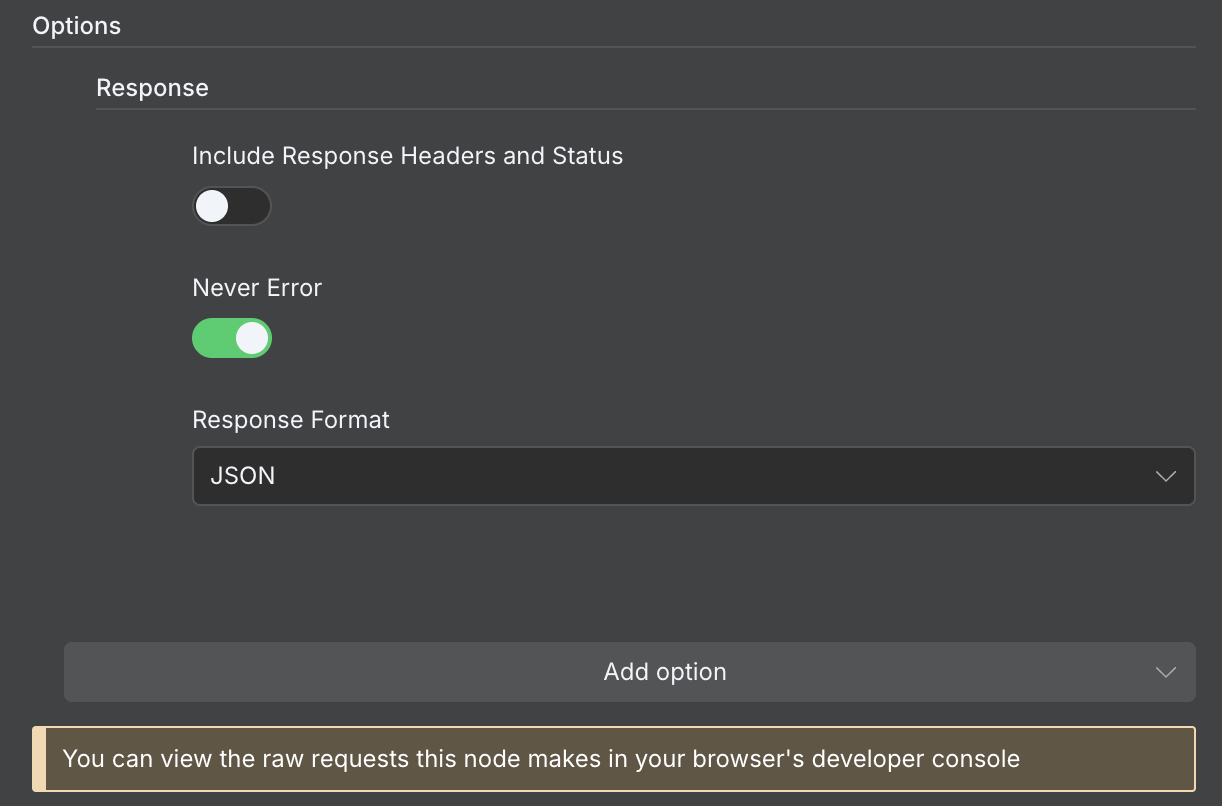
For anyone else looking, you need to click “Add option” at the bottom of the “Parameters” tab, and select “Response”, then tick “Never Error” and select “JSON” as the “Response Format”.
I should be able to parse this JSON and conditionally branch based on the status code and error message from this response.
It would still be nice if n8n fixed the HTTP Node behaviour so it worked as expected for others in future, but until then this workaround should hopefully work.