
 Hey n8n Community,
I met up with my friend Mike yesterday and noticed he was taking notes on a piece of paper. I do that too – writing things down by hand actually helps me remember them. But it also means I end up with a stack of papers on my desk that slowly turns into chaos. Apparently Mike’s whole team has the same habit. They’ve got Jira, Notion, and other tools set up, but the offline notes keep getting lost on people’s desks.
So I made him a deal: set up a dedicated email address inside the company – something like notes@mikescompany.com – and I’d build the rest.
This is what I shipped.
 What it does
Snap a photo of your whiteboard, notebook page, or napkin. Email it to the dedicated inbox. Within seconds you get a Google Doc back containing the meeting title, date, attendees, summary, action items, and a full reference transcription. No app to install, no UI to learn. If you can email a photo, you can use it.
 Full walkthrough
Recorded a video that walks through the workflow and does a live test run with a handwritten note I scribbled down – easier to see it work than to describe it:
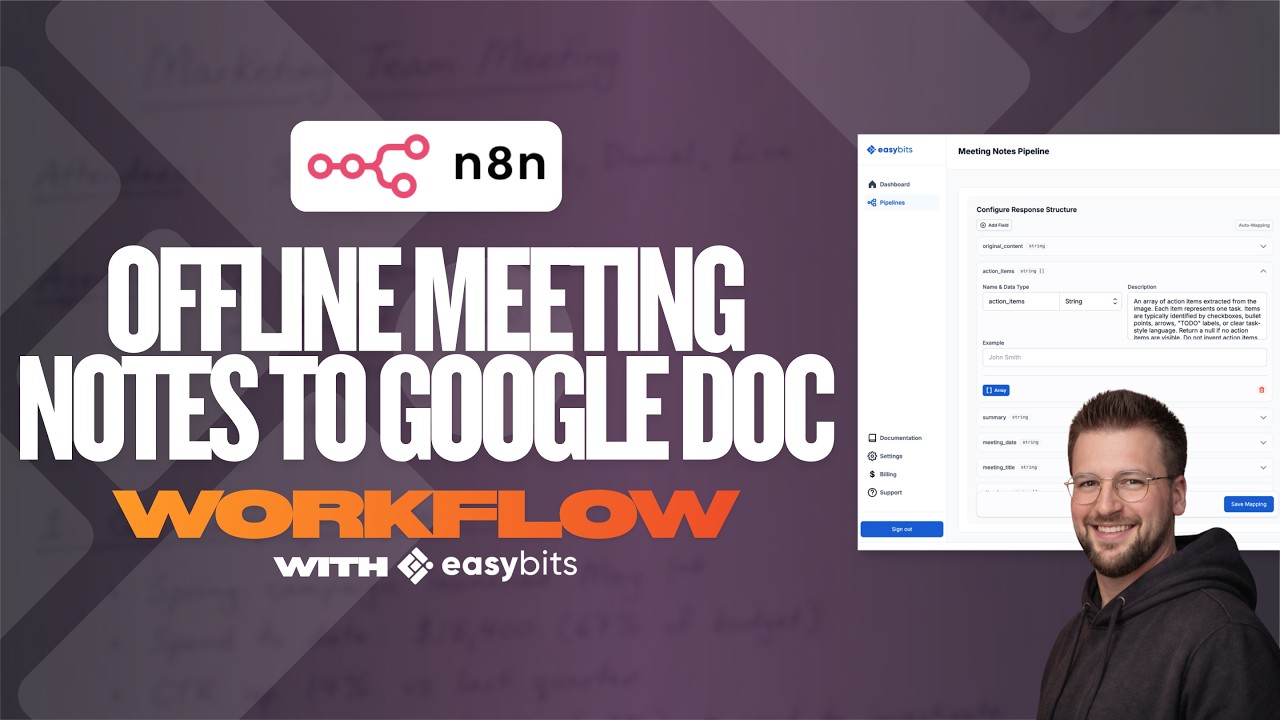
 The workflow
Full JSON, sticky notes, and setup guide on GitHub: https://github.com/felix-sattler-easybits/data-extraction-workflows/blob/main/easybits-meeting-notes-to-google-doc-workflow/Whiteboard_to_Meeting_Doc.json
The link is also in the video description if you want to pull it up while watching.
This is v1, and a few people asked under the last post how it handles really bad handwriting. I’ve run it on a handful of examples already and the results have been solid so far, but I’d love to push the limits more. So if you’ve got a photo of meeting notes that you think would break it – doctor handwriting, half-erased whiteboard, napkin scribbles, multiple languages, whatever – drop it in the comments or DM it to me. I’ll run it through the workflow and post the result. Genuinely curious where the breaking point is.
Also still keen on broader feedback: what else would make this genuinely useful for your team?
Best,
Felix