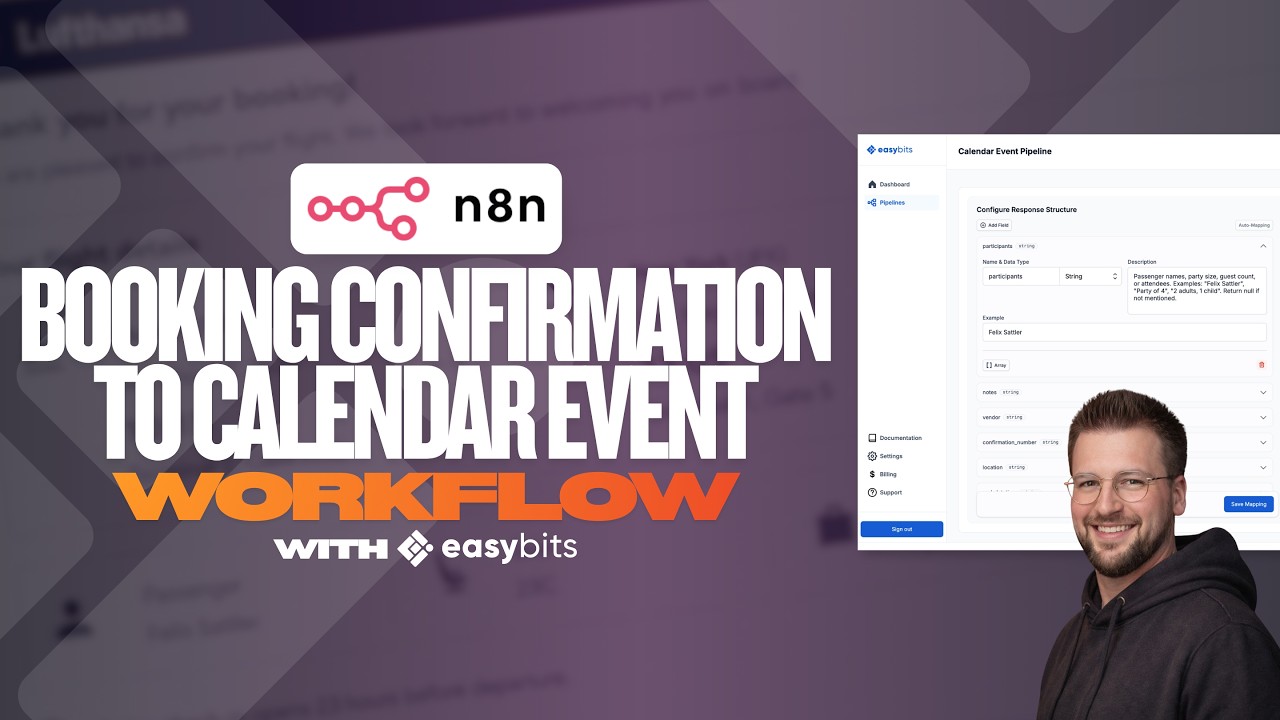
I built an Email-to-Calendar workflow for my CEO – auto-creates events from any booking confirmation (full video walkthrough)

:waving_hand: Hey n8n Community,

Two weeks ago I shared an n8n workflow I built for my CEO that auto-creates calendar events from any booking confirmation email – flights, hotels, restaurants, taxis, event tickets, you name it. The original post is here if you missed it.

Quick recap of the backstory: he came back from a conference with a flooded inbox and asked for a way to get all those bookings into a dedicated calendar automatically, without polluting his main schedule.

Since then he’s been using it daily and told me it’s saving him a real chunk of time on every trip. A few people in the comments asked for a walkthrough, so I recorded one.

:movie_camera: Full walkthrough

The video covers the workflow setup in n8n and a live test run with a flight booking confirmation.

Workflow JSON and sticky-note setup guide:

For anyone who’s tried something similar – curious whether you’ve hit edge cases I haven’t thought about. So far the trickiest ones have been multi-leg flights and emails where the confirmation is buried in a forwarded thread.

Best,
Felix

1 Like

Hey @easybits, this is a really well thought-out workflow! The Merge node approach for combining the AI-extracted fields with the original email context is a smart design choice.

For the forwarded thread edge case you mentioned, one thing that helps is adding a step to extract only the latest/bottom-most email block before passing to the AI. You can use a Code node to split on common forwarding markers ("---------- Forwarded message ---------" or "From:" at line start) and grab only the first segment. That way the model focuses on the actual booking confirmation rather than the noise from the thread history.

Really useful workflow for anyone managing a busy exec calendar.

1 Like

Hey @nguyenthieutoan, that’s actually a really cool approach! I hadn’t thought of that yet, but I’ll definitely give it a try in v2 of the workflow. Thanks for the tip, and thanks as well for the kind words about the use case, I really appreciate it!