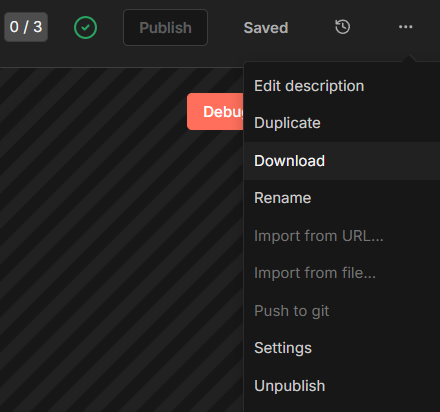
On my workflows, the active toggle is missing, so I don’t know whether the workflow is active or not. This was after an upgrade last night to the latest version of n8n cloud.
What is the error message (if any)?
No error message.
Please share your workflow
(Select the nodes on your canvas and use the keyboard shortcuts CMD+C/CTRL+C and CMD+V/CTRL+V to copy and paste the workflow.) - No need for workflow - the toggle is missing
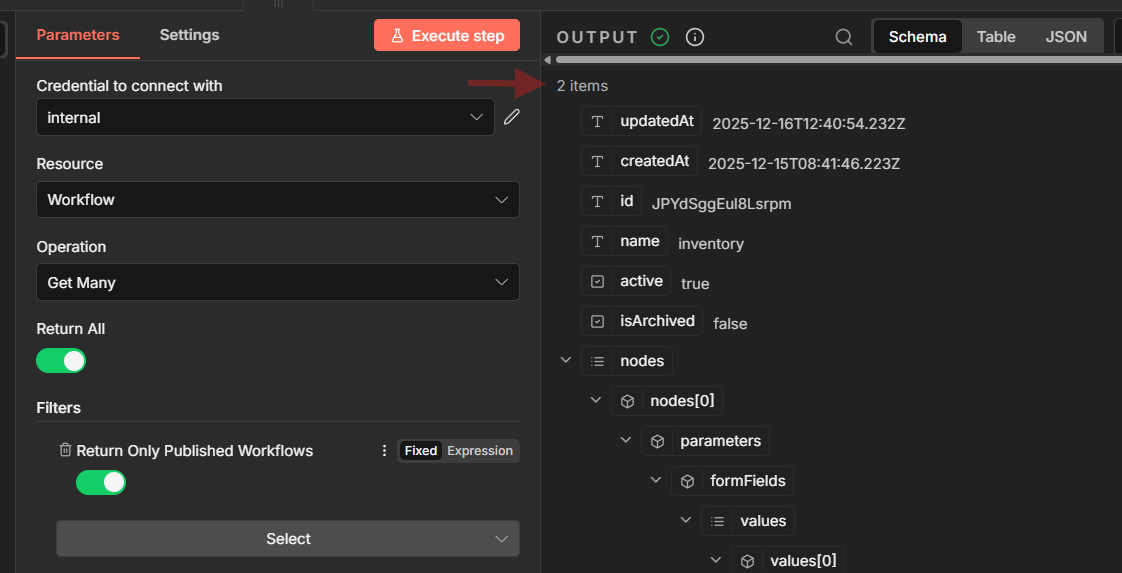
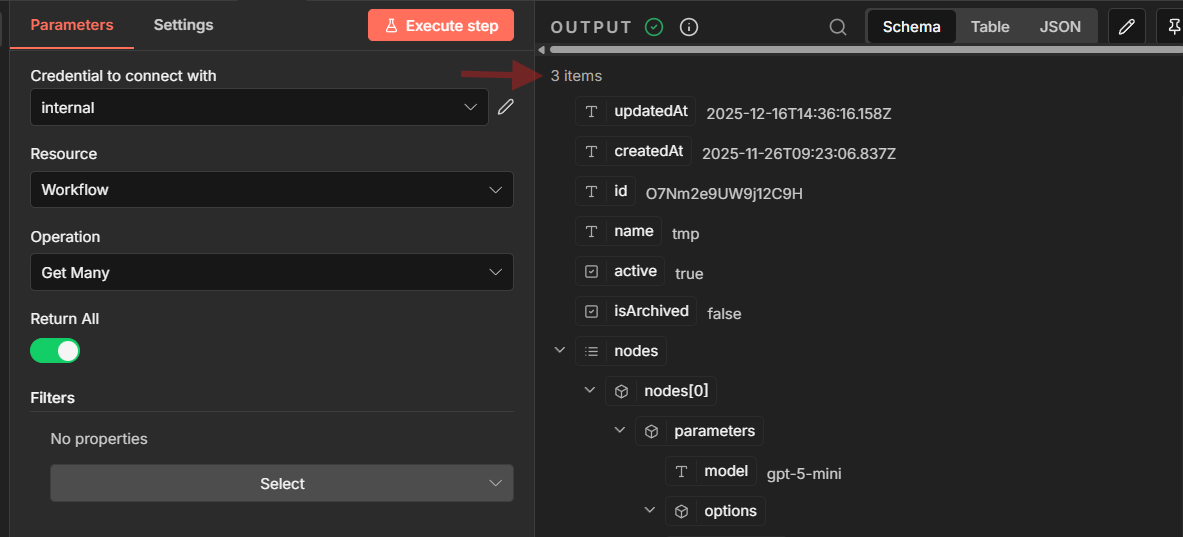
So are we saying that if its published - its now active ? The API does not align with this - when I pull for workflows with state value - all the published ones are not active
Thanks for your help here I agree with what you are saying - but I am seeing published workflows in the UI which are not active in the api - are you saying there are the same state ? because I see a discrepancies here
“Activate” toggle is now missing in my self-hosted n8n. I understand that it was replaced with “publish” functionality, but even though my workflow is not published, it keeps running by itself – I have “schedule” trigger that fires no matter the fact that the workflow is unpublished.
Another bothering fact is that in the documentation, for example this v2 release post, you can clearly see that “activate” toggle is still present on screenshots of the interface. Same in other posts.
I immediately regret allowing an upgrade through last night. I now have a broken “Activate” toggle from v1 that does nothing but give a false “Success” message but then shows as untoggled. And I have no publish button.
This was the worst update ever, I’m not able to use my worflow anymore, I created a new one, but I’m only able to use it with the Test URL, so I have to click “Listen for Test Event” everytime… which makes impossible to move forward. The fact I have the project “published” does not make it “active” to work with webhook triggers.