I am trying to connect with ClickUp.
When I create an OAuth2 connection, the OAuth Callback URL is
http://localhost:5678/rest/oauth2-credential/callback, rather than the subdomain where n8n is installed.
Do I need to change the permalink in a configuration setting?
Thanks,
Josh
Yes, your setup is not complete. You can find instructions for a production setup here:
What is specifically missing here is the environment variable WEBHOOK_TUNNEL_URL. You can find the documentation here:
Hello Jan, how are you? The documentation mentioned above for setting up WEBHOOK_TUNNEL is no longer available - do you have the updated link? We are trying to setup the callback url. Thanks!
You might be looking for:
Hey @Sergio_Spieler!
Were you able to configure the WEBHOOK_TUNNEL variable? Let us know if you need more help 
Hi,
I’m curently running a self hosted instance of n8n on an debian VM
I couldn’t find a solution to configure the WEBHOOK_TUNNEL variable to be able to create a credential for Microsoft via OAuth.
Regards
Arnaud
Hello, it seems to be WEBHOOK_URL now ? I will check…
1 Like
I confirm the solution, that’s the right command to “adjust” the webhook URL on “auth settings” for the http request, thank you.
2 Likes
I have the same problem.
I am trying to connect with Google Sheets.
When I create an OAuth2 connection, the OAuth Callback URL is
http://localhost:5678/rest/oauth2-credential/callback , rather than the subdomain where n8n is installed.
I did it - export WEBHOOK_URL=https://mysite.com , but it does not work
Do I need to change the permalink in a configuration setting?
Thanks,
1 Like
Hey @aigor9534,
Just the webhook url option with do the job but depending on your setup getting the option to apply can be different.
With docker I like to recreate the container to be safe.
Hello Jon,
I installed it with npm.
Do I understand correctly that when installing with docker this problem is solved by specifying export WEBHOOK_URL ?
If so, is it correct to remove with npm uninstall n8n and reinstall with docker?
Hey @aigor9534,
You can use it with npm as well if you set the environment variable then start n8n.
Hey @Jon,
I do not understand what I need to do else.
Please, look at image.
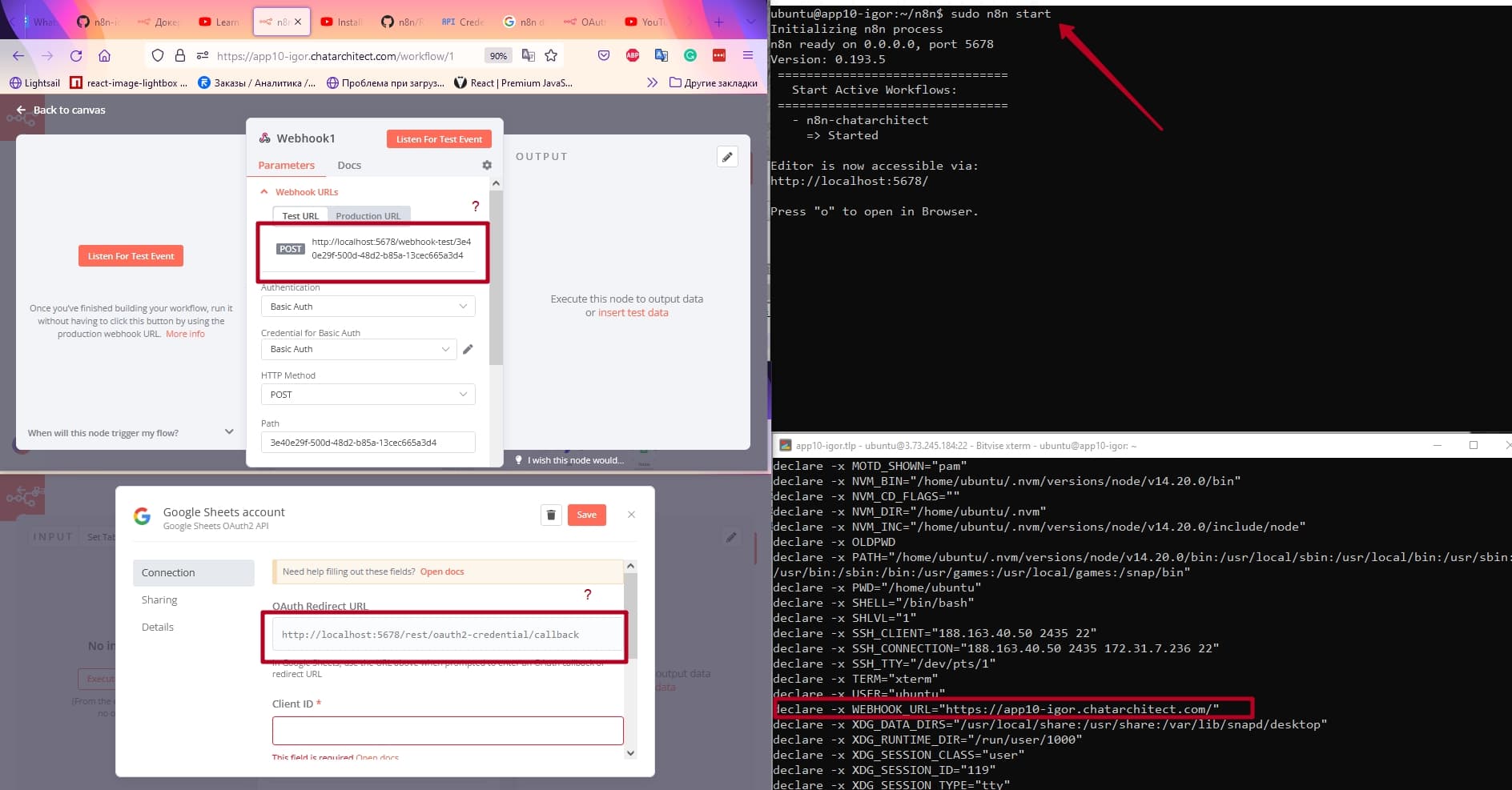
Hey @aigor9534,
Can you try…
export WEBHOOK_URL=“https://app10-igor.chatarchitect.com/” | sudo n8n start
Hi @Jon,
Unfortunately, that didn’t work either.
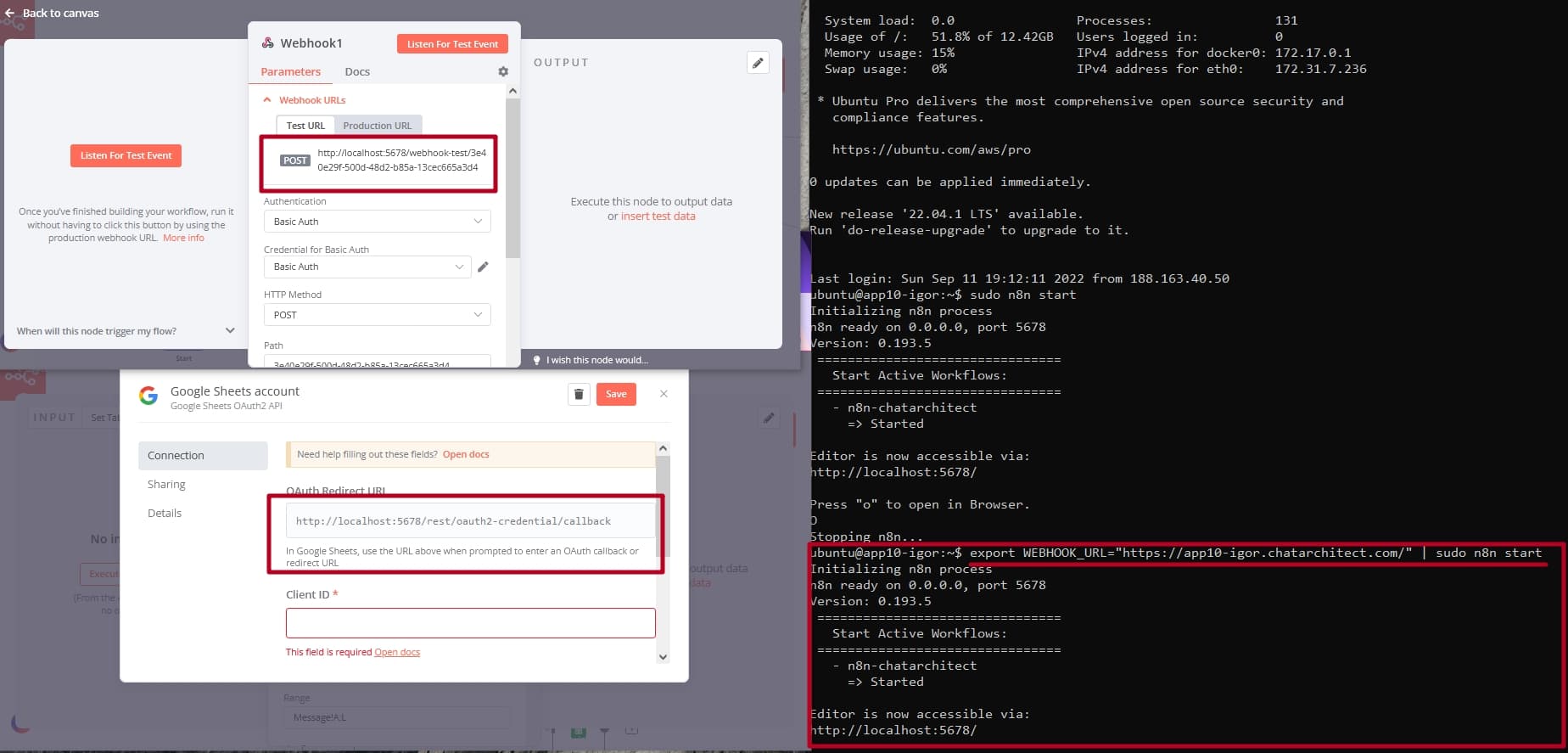
What about…
export WEBHOOK_URL=https://app10-igor.chatarchitect.com
n8n start
Does that work? Just have it a bash here and it does the trick for me.
2 Likes
Oh, it’s working! 
Thank you very much @Jon
1 Like
@Jon, why does it not works with sudo n8n start ?
Only n8n start
Thanks,
Aigor
Hey @aigor9534,
With sudo something like sudo WEBHOOK_URL=https://app10-igor.chatarchitect.com n8n start would probably do it or use the -E option with sudo.
1 Like
Hey @Jon @RicardoE105 , someone please teach me how to get WEBHOOK URL from Development Server? Any link video or something, I’m stuck…
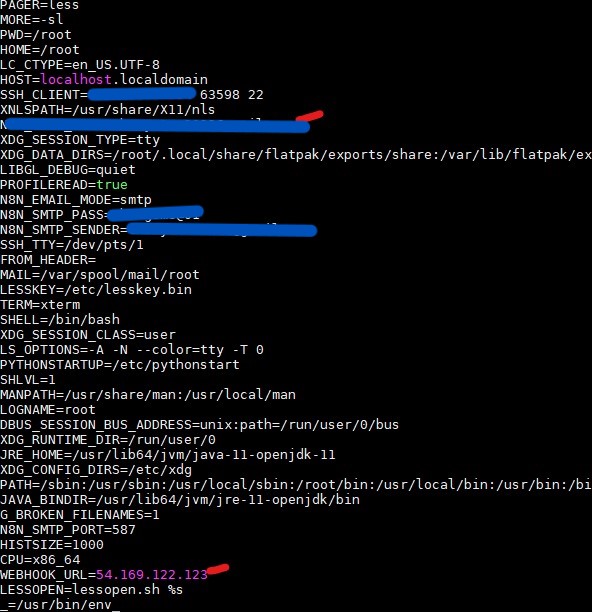
So my WEBHOOK is ip server, not any unique name, please show me how to create one.
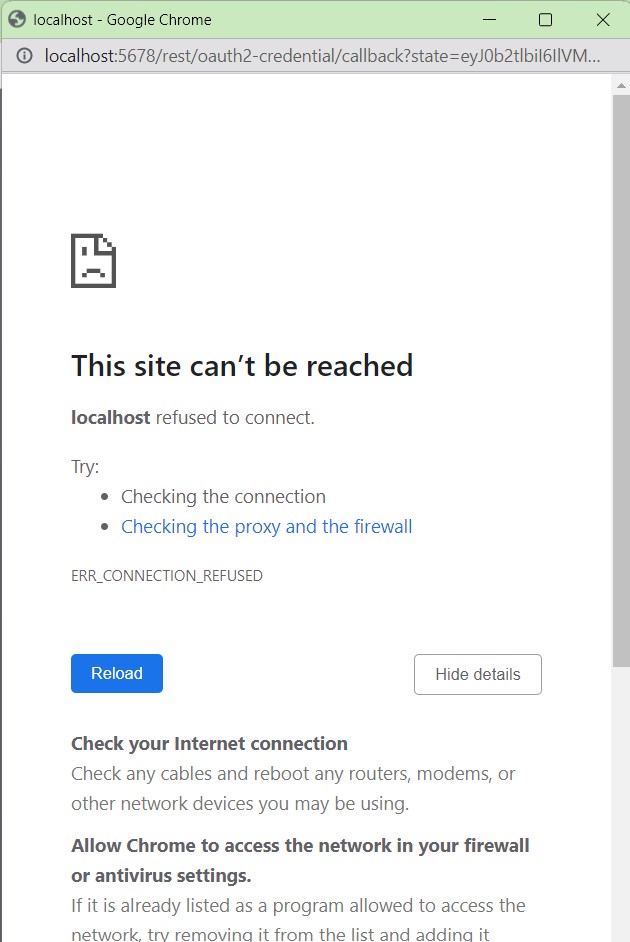
I am using npm to install this n8n to server