i have process which suppose to run daily at 06:00 AM UTC (or 8:00 AM Israel time) and it doesn’t work after defining it and activating it.
in this example it is set to run at 10:35 AM Israel time

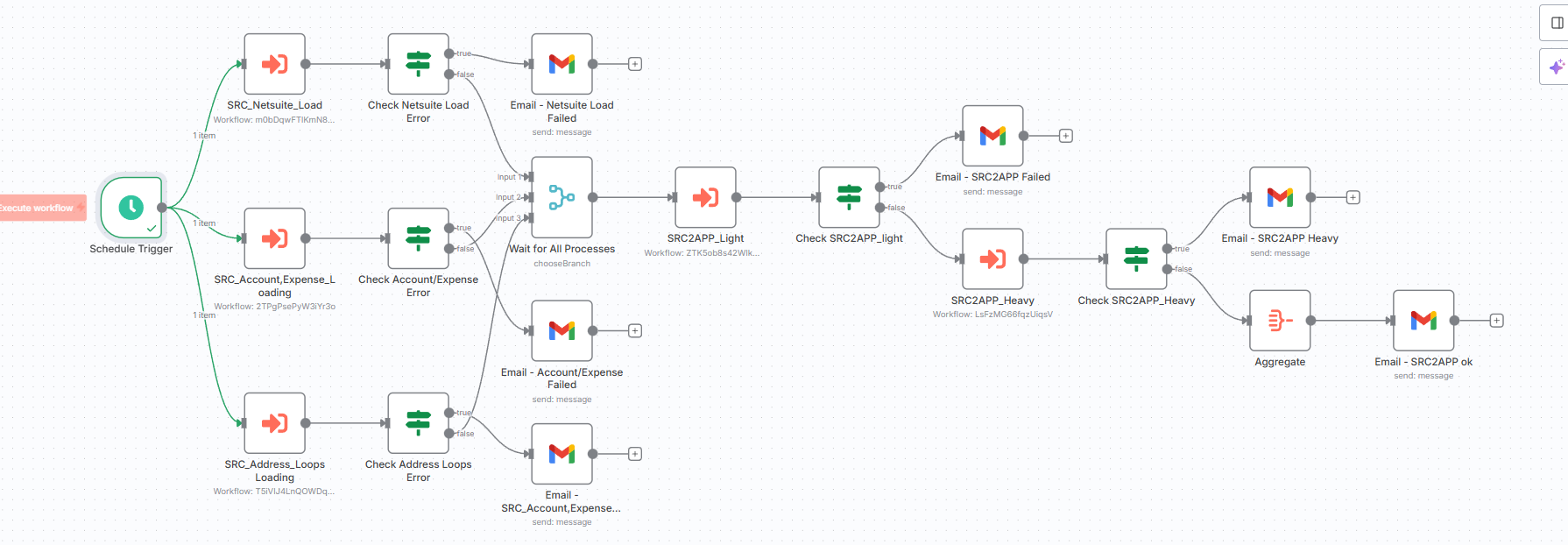
this is the entire process
i have process which suppose to run daily at 06:00 AM UTC (or 8:00 AM Israel time) and it doesn’t work after defining it and activating it.
in this example it is set to run at 10:35 AM Israel time
this is the entire process
this is what we did and i will check it again
still didnt work
Possibly because the format doesn’t match n8n’s standarts. For example 35 10 * * * means everyday at 10:35 in Cron. But for n8n you have to specify seconds too – it should be 0 35 10 * * *.
If it works, you can mark as solution. If it doesn’t work try upgrading n8n to the latest version(if you haven’t already) and reply to this thread – see if I can provide further help.
we have the latest version and it still didnt solve
I have to confirm that we are on the same page. Is the issue you are facing:
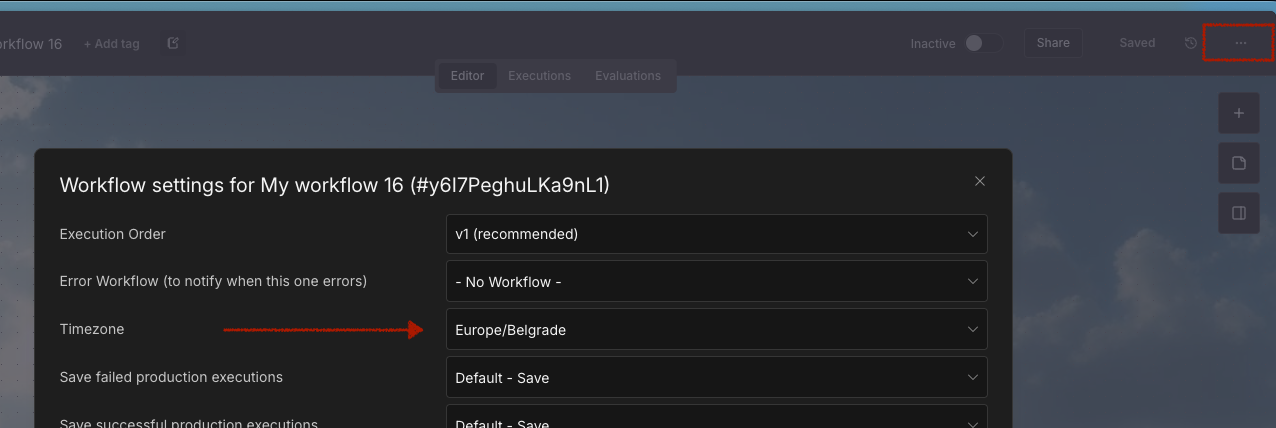
Make sure you set the timezone in the workflow settings to your local israel timezone as @Mookie_Lian advised. Then instead of using cron, just set your sheduler to 6 am. It should then work as intended. your cron value was incorrect.
@Wouter_Nigrini Please follow the forum guidelines.
- Only join a conversation if you have something substantial to contribute - like a genuine attempt to solve the issue, or asking for clarification when essential information is missing.
- No ‘solution sniping’ - related to the point above, don’t repeat solutions or add minimal information to try and get the solution in your name.
Keep in mind that the n8n community forum is meant to help out people, so make sure you have relevant information to contribute when attending a thread.
Please explain to me what about my response was not an attempt to help resolve the issue? In my reply I was trying to advise to avoid the more confusing cron job syntax and rather just use the built in timer options on the scheduler. I even referenced your solution.
the workflow now is active (it is toggled) and it is set to run at 16:35 UTC, we will see if it works now. what does this toggle mean by the way?
You must have the toggle enabled if your workflow is started using a trigger, so for example webhooks, schedulers, etc. So in your case the scheduler was effectively disabled because the workflow was not enabled. It is also how you can disable the scheduler again if you want to pause the executions in future for whatever reason. Im sure this should solve your issue now
You can read more in the documentation, specifically this step:
You mean you had the workflow toggled off this whole time… I think @Wouter_Nigrini did solve your issue after all 
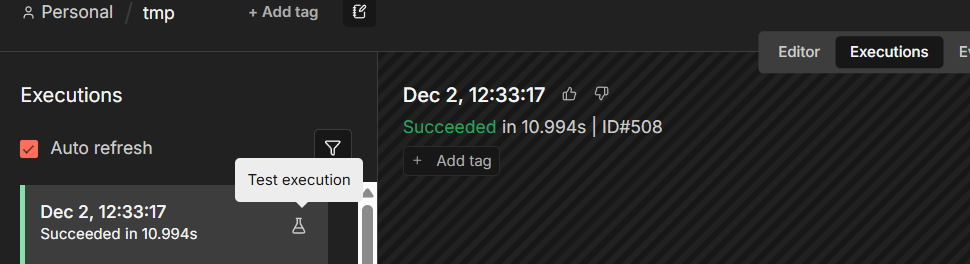
Activating a workflow means that it will run automatically every time a trigger node receives input or meets a condition. By default, all newly created workflows start deactivated. Basically, nodes like Schedule Trigger, Webhook Trigger or service specific triggers require the workflow to be activated in order to work. When you view past executions from Executions tab you see this little icon next to them. This icon means the execution was manually triggered(e.g. when you click Execute Workflow button on the canvas).
Executions that don’t have this icon are production runs. These are automatic executions that ran when the workflow is active.
You can mark @Wouter_Nigrini’s reply as answer for this thread. If you are still encountering this issue, reply to this thread to see if we can help further.
This topic was automatically closed 90 days after the last reply. New replies are no longer allowed.