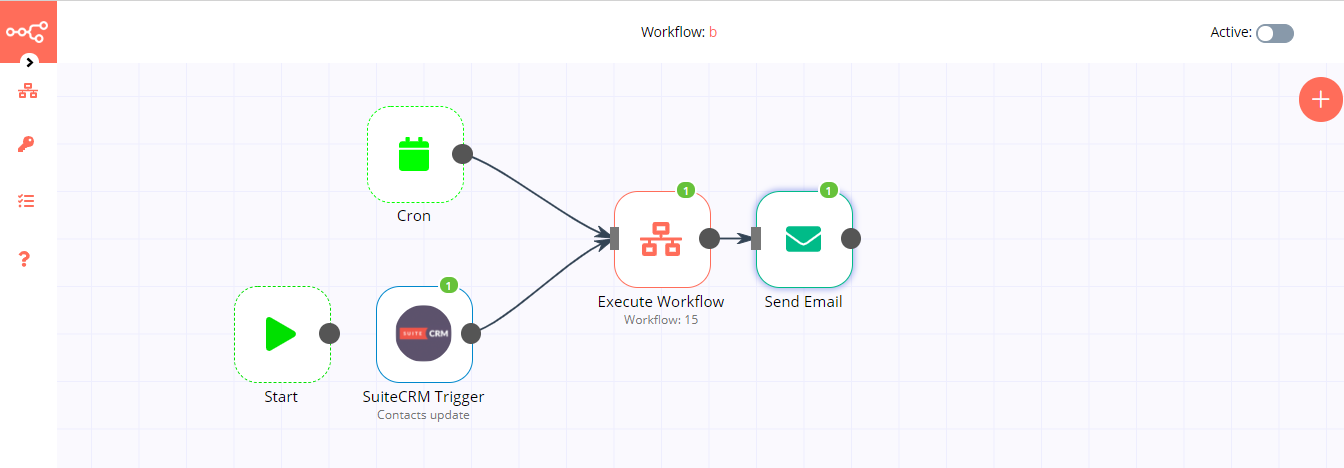
@jan we did used the oauth support on master, so we think we can push it to master.
Not sure if I understand as the master does not have any oauth support build in. But sure, if it works with the master, you can add it there.
hi I wanted to know how to manage a trigger with tailecrm I have an error "There was a problem while running the workflow:
Webhooks can only be added for saved workflows as an ID is required! "What do you recommend?
Welcome to the community @marconte21870!
That means you have to simply save to workflow. After you did that problem should be gone.
1 Like
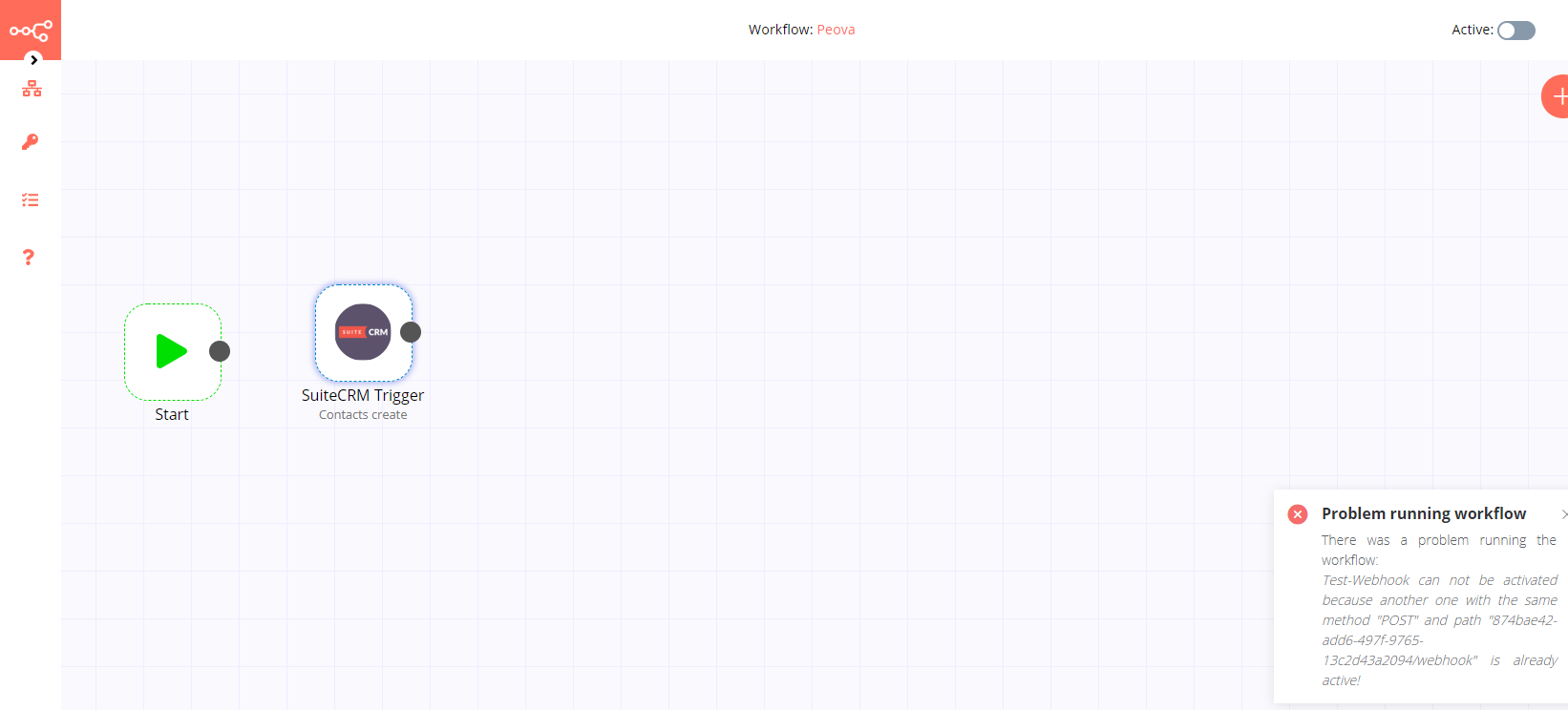
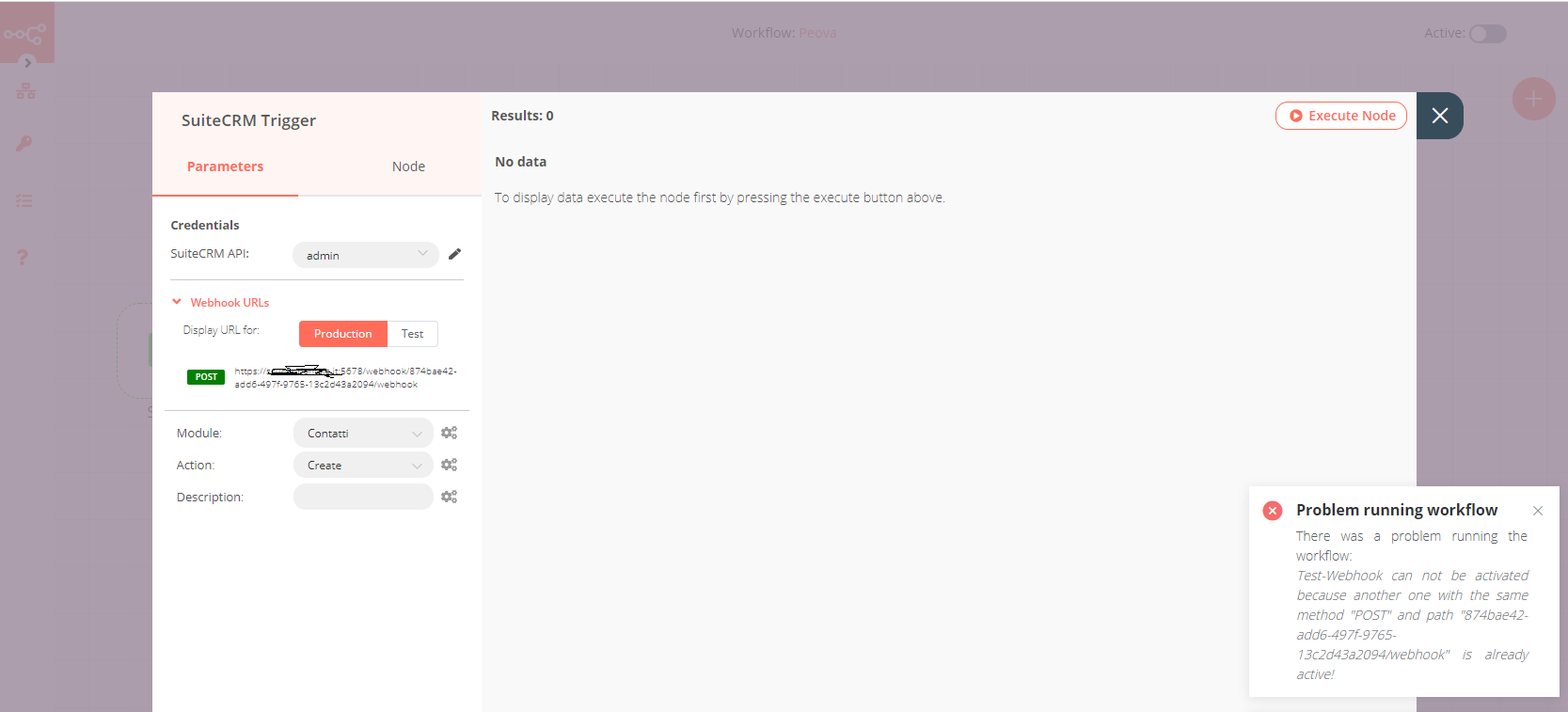
Hey @marconte21870, will check this out later today. There a known bug with the trigger right now. If something fails while executing one of the lifecycles method checkExist, create, delete the webhook it’s not unregistered automatically. That is the reason you get the message Test webhook cannot be activated because ...... You gotta wait 2 min so it unregisters automatically or just create a new workflow. Either way this should happen just in test mode and not when you active the workflow (production). Will keep you posted.
1 Like
very kind thank you keep in touch
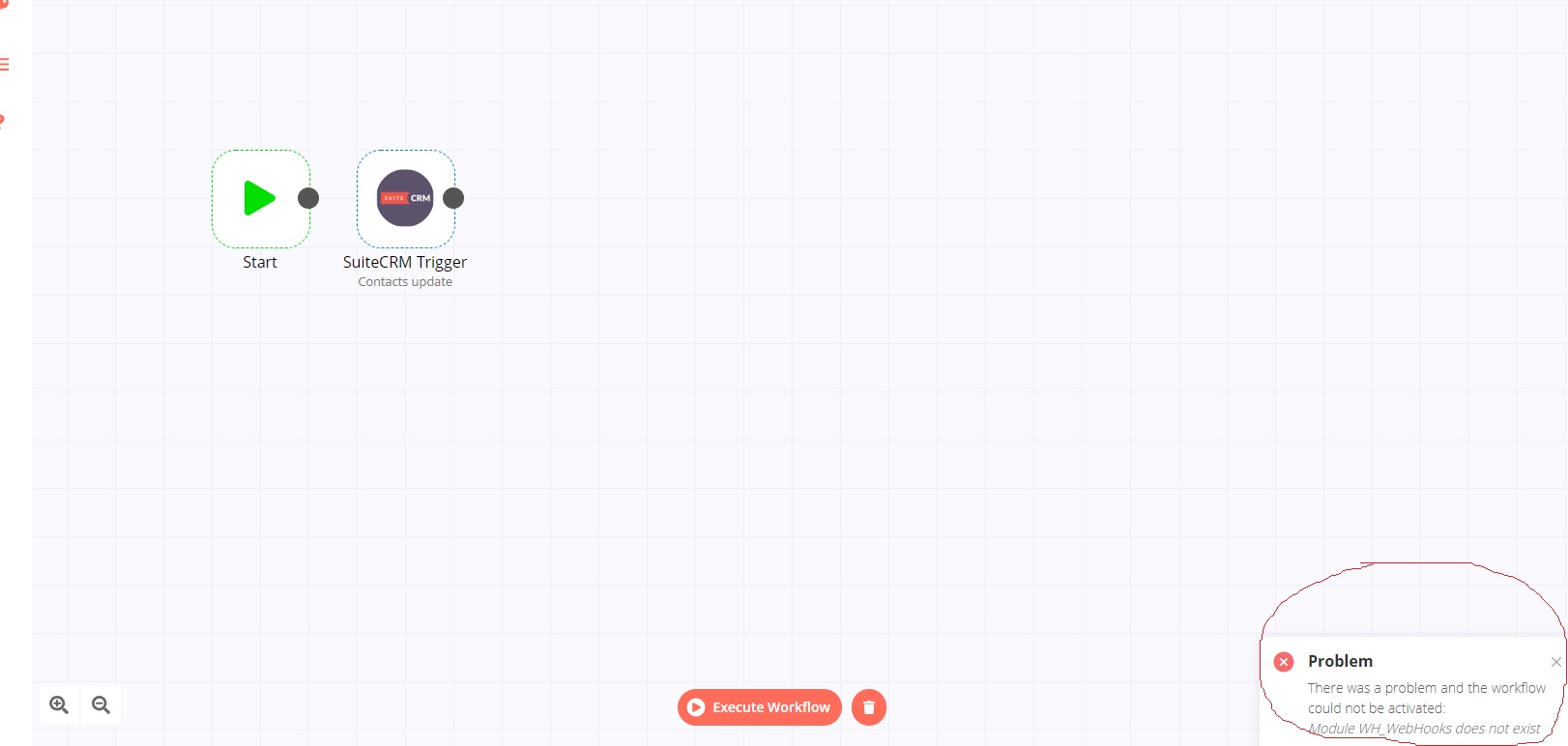
That looks like an error from SuiteCRM. Probably you have to install their “WH_WebHooks” module for it to work.
1 Like
Hi @marconte21870,
Since SuiteCRM does not have a build in webhooks support - we have added a custom module to support it.
In order to use SuiteCRM trigger from n8n you need to first install our Webhooks module (packages · master · sdoc / n8n-plugins / n8n plugin for suitecrm · GitLab).
Also, make sure the user you are using for OAuth2 has permissions for the Webhooks module.
Thanks,
Yonatan
1 Like
Is the solution you offer me for a fee? do you know if it can be solved with suitecrm logic hooks?
Hi, this is free. You can download it from our git repo (we had permission issue that is now fixed) in the link I have sent.
2 Likes
hello I noticed that the content of the folder on your site is different from what you install with the command npm i n8n-nodes-suitecrm, do you recommend copying all the content that I find besides the WH file? thank you for your kindness
I installed the module on suitecrm excellent solution, I do not receive errors, it connects with oauth2 perfectly but on n8n I do not receive anything if I update a contact on suite.
tanks
Hi @marconte21870,
Great to hear. Are you sure the user you are authenticating with has access to WH_Webhooks module in SuiteCRM?
I recommend to first test it outside the context of n8n: manually create a Webhook in the SuiteCRM and make sure it is triggered as expected (point it to some test endpoint)
2 Likes
so, I checked access to the wh module folder permissions ok, folder 0755, I tried suitecrm has to insert a test workflow in the wh module but nothing. I noticed something that for a couple of days that the trigger module’s “module” drop-down menu appears “null module” and I have to write “Contacts” by hand.
I reinstalled n8n, I checked permissions n8n folder and index.js file (host etc …); I reinstalled n8n-nodes-suitecrm, I removed the workflows on suite I triggered on n8n an update of a contact and everything ok resolved.
Only problem now that sometimes if I update a contact on suitecrm n8n trigger it returns me another contact
solved: I have an active workflow on suitecrm that updates a contact field every minute so it gives me back that … thank you all for allowing me to interface with my crm soon
1 Like